

Protect WP Login – Password Protect wp-login.php with Basic Auth
v1.1.2Click.ar · 2024年9月25日 上架
Password protect wp-login.php with HTTP Basic Authentication. Stops bots and brute force attacks at the server, before WordPress even loads.
- 正在使用
- 10 以下
- 评分
- 暂无
- 累计下载
- 1,330
- 最近更新
- 2026年10月14日
 Click.ar
 Alexis Buonasena
截图
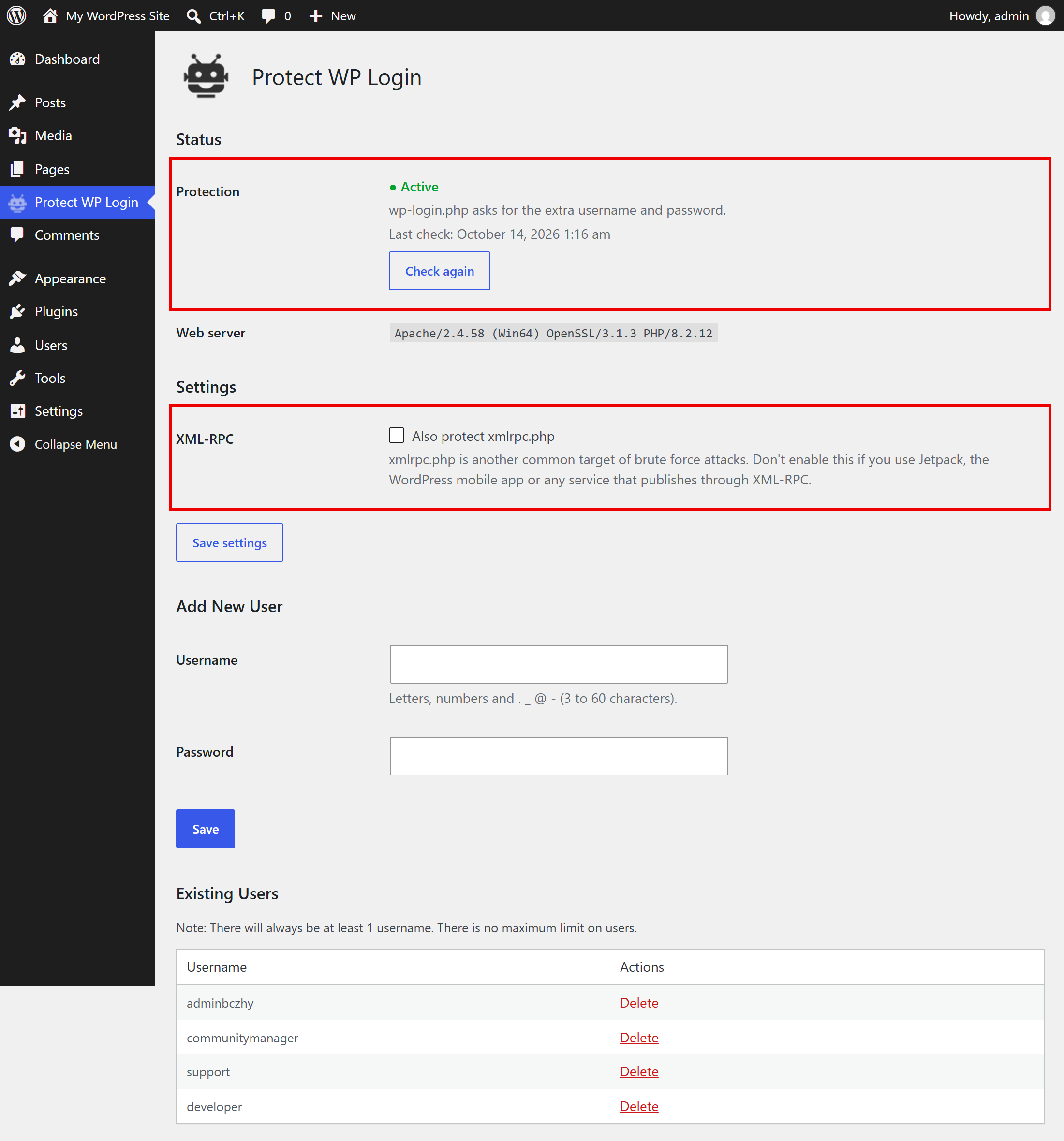
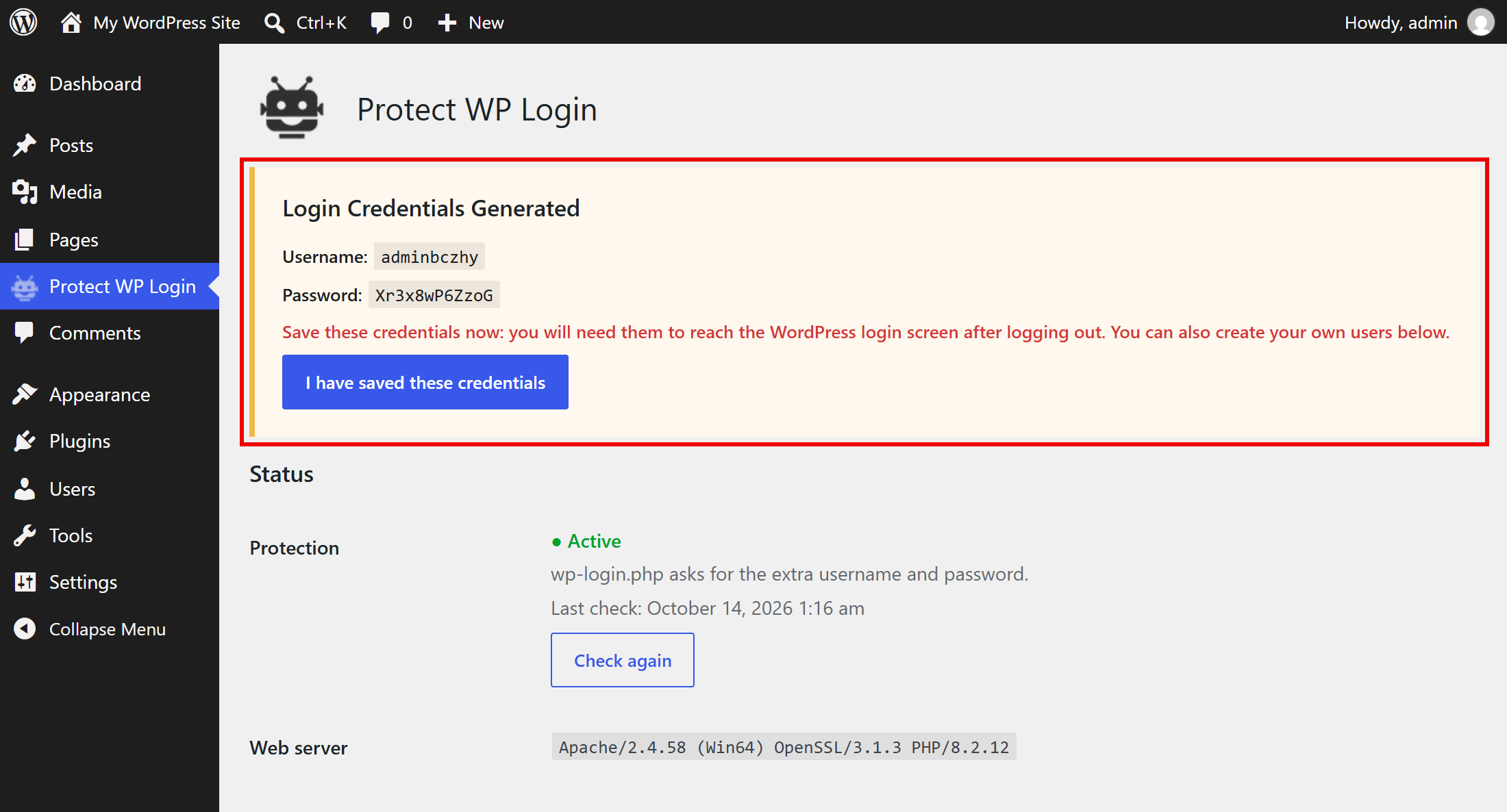

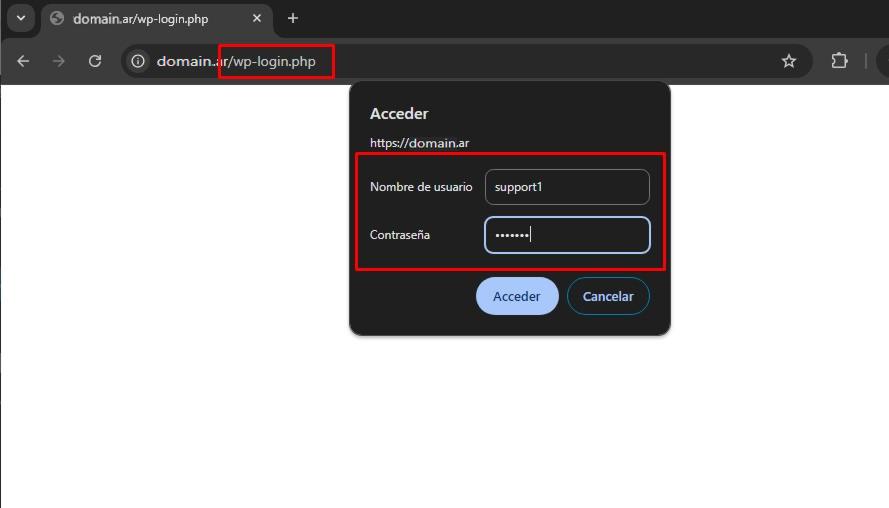
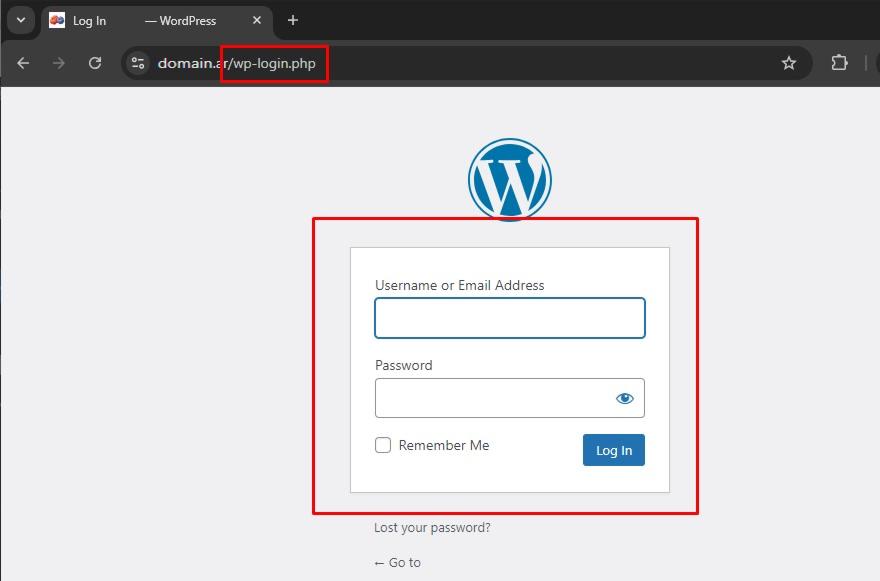
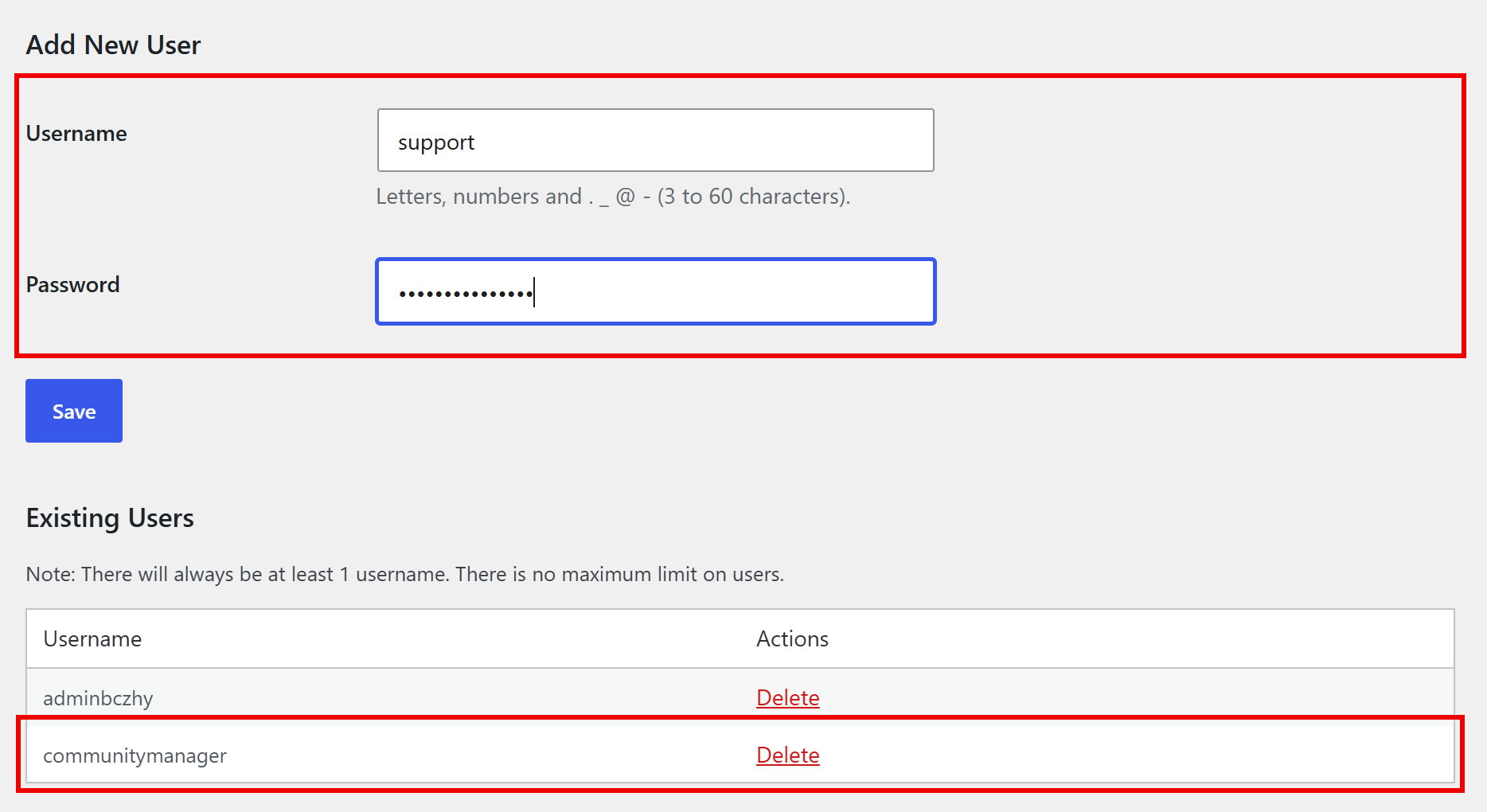
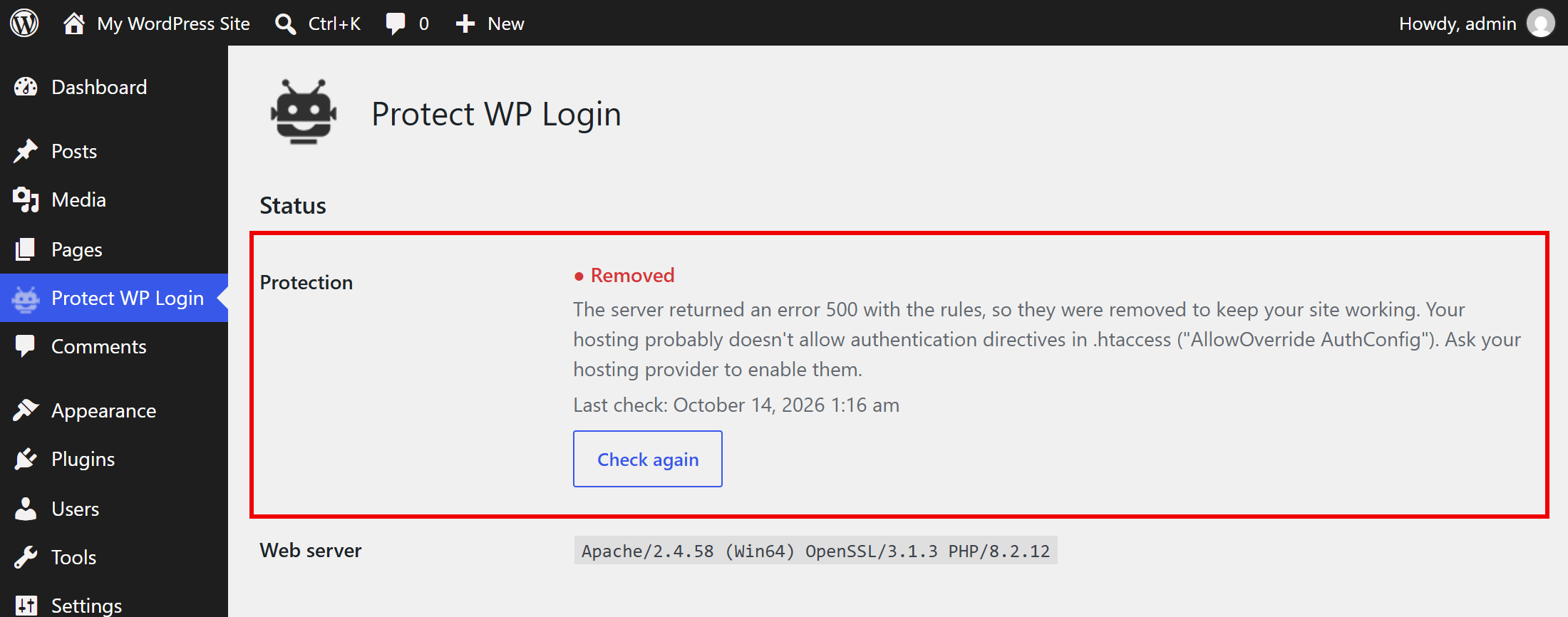
Protect WP Login adds a second password in front of your WordPress login page. Before the login form is shown, the web server asks for an extra username and password (HTTP Basic Authentication through .htaccess). Bots and brute force attacks are rejected by the server, so they never reach WordPress, PHP or your database.
Why protect wp-login.php at the server level?
Every request to wp-login.php loads WordPress and queries the database, even when it comes from a bot trying thousands of passwords. Plugins that limit login attempts or add a CAPTCHA still have to do that work for every attempt. With Protect WP Login the server rejects those requests before WordPress starts:
- Brute force bots don’t consume PHP or database resources.
- Attackers never see your login form, so they can’t try WordPress passwords.
- No CAPTCHA to solve and no extra scripts on the login page.
- It works together with Wordfence, Limit Login Attempts, two-factor authentication and other security plugins: it’s one more layer in front of them.
Features
- Password protects
wp-login.phpwith server-level HTTP Basic Authentication. - Optionally protects
xmlrpc.php, another common target of brute force attacks. - Creates a random username and password on activation, and keeps them visible until you confirm you saved them.
- Checks the protection right after writing the rules. If your hosting doesn’t support them, they are removed automatically so your site keeps working.
- Status panel that shows whether the protection is really active.
- Password protected posts keep working for your visitors.
- Unlimited users, managed from the WordPress admin.
- Translated into English, Spanish, German, French, Italian and Portuguese.
How it works
- A visitor or a bot opens
wp-login.php. - The web server asks for the extra username and password managed by the plugin.
- Only with the right credentials the usual WordPress login form is shown. Wrong credentials are rejected by the server.
Requirements
- Apache or LiteSpeed web server with
.htaccesssupport (most shared hosting). On Nginx, the plugin shows the configuration to add to the server. - Single site installations. WordPress Multisite is not supported yet.