

Product Image Editor with Canva for WooCommerce
v1.0.8IT Path Solutions · 2025年9月15日 上架
Edit WooCommerce product images directly in Canva. Bulk edit, replace, and enhance visuals with instant sync back to your product gallery.
- 正在使用
- 40+
- 评分
- 暂无
- 累计下载
- 1,047
- 最近更新
- 2026年7月13日
 IT Path Solutions
 Rajendra Patel
 Patel Jaymin
 WPeople
截图

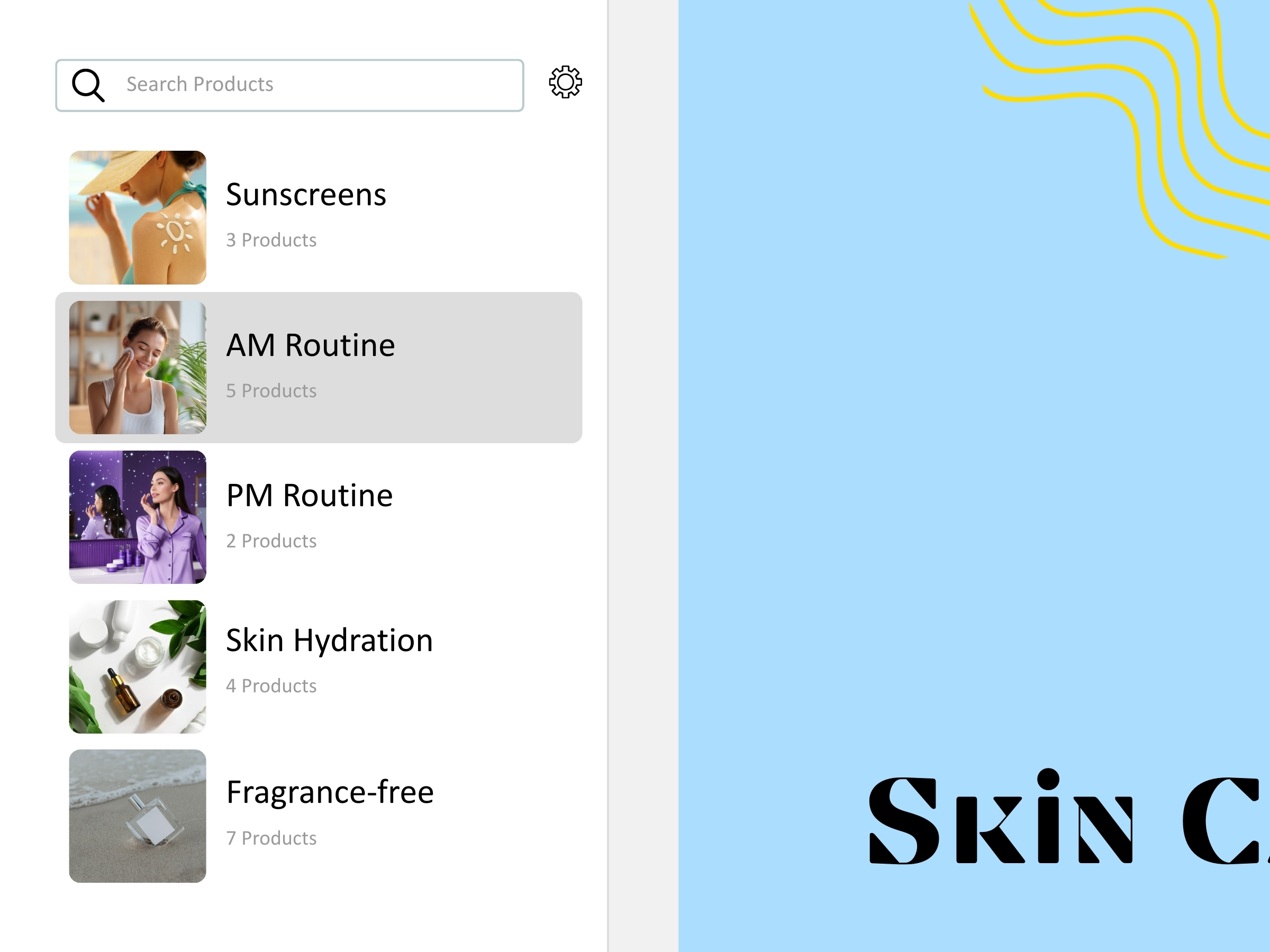


The Product Image Editor with Canva for WooCommerce provides a seamless, automated workflow for editing product images through Canva, all within your WooCommerce dashboard.
Open any product image or entire gallery inside Canva, design, update, or add variants using Canva’s full creative suite. Once you click Save, the updated images sync instantly back to WooCommerce.
No exporting.
No re-uploading.
No duplicate files or outdated galleries.
Whether you’re refreshing a large catalog, updating seasonal products, or maintaining consistent brand visuals, this plugin makes WooCommerce product image editing fast, simple, and clutter-free.
Features
Direct Canva Integration
Open product images inside Canva directly from the WooCommerce product page or product list.
Bulk Edit Product Images
Update images for multiple products in one action – ideal for catalog-wide refreshes or branding updates.
Edit, Replace, or Add New Image Variants
Use Canva to create new product images or update existing ones. Synced files automatically replace or append to your product gallery.
Automatic Sync Back to WooCommerce
Save your design in Canva, and the updated image appears in your product feed instantly, without manual uploads.
Full Canva Creative Suite
Use templates, branding kits, text, shapes, filters, backgrounds, and more, all from within WordPress.
Works with Variable Products
Edit and sync variation images with the same workflow.
Lightweight & Non-Intrusive
No bloat, no performance impact, and no modification to WooCommerce core files.
Secure Authorization
Your Canva API key is stored safely within your WordPress settings.
Support
Product Image Editor with Canva for WooCommerce is developed and supported by IT Path Solutions.
If you have questions or encounter issues, visit our Support Forum or contact support@contactformtoapi.com.
For help, feature requests, or feedback, please use the WordPress.org support