

Prodiseum – Create Banners Directly from Your Dashboard
v1.1.6prodiseum · 2026年10月7日 上架
Create banners directly in your WordPress dashboard using Pexels, Pixabay or Media Library images, with live preview and JPG export.
- 正在使用
- 10 以下
- 评分
- 暂无
- 累计下载
- 350
- 最近更新
- 2026年10月28日
贡献者
 prodiseum
截图
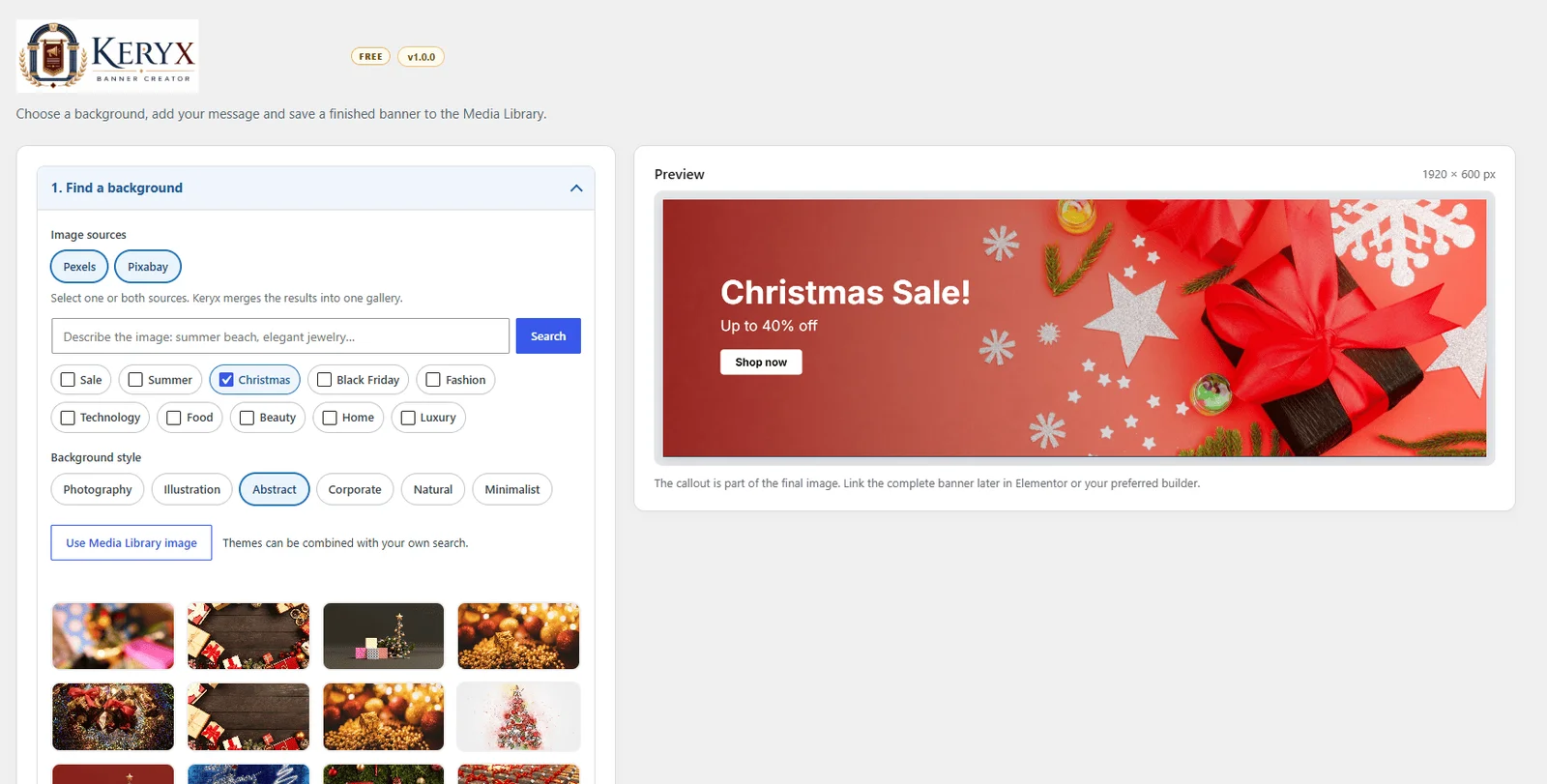
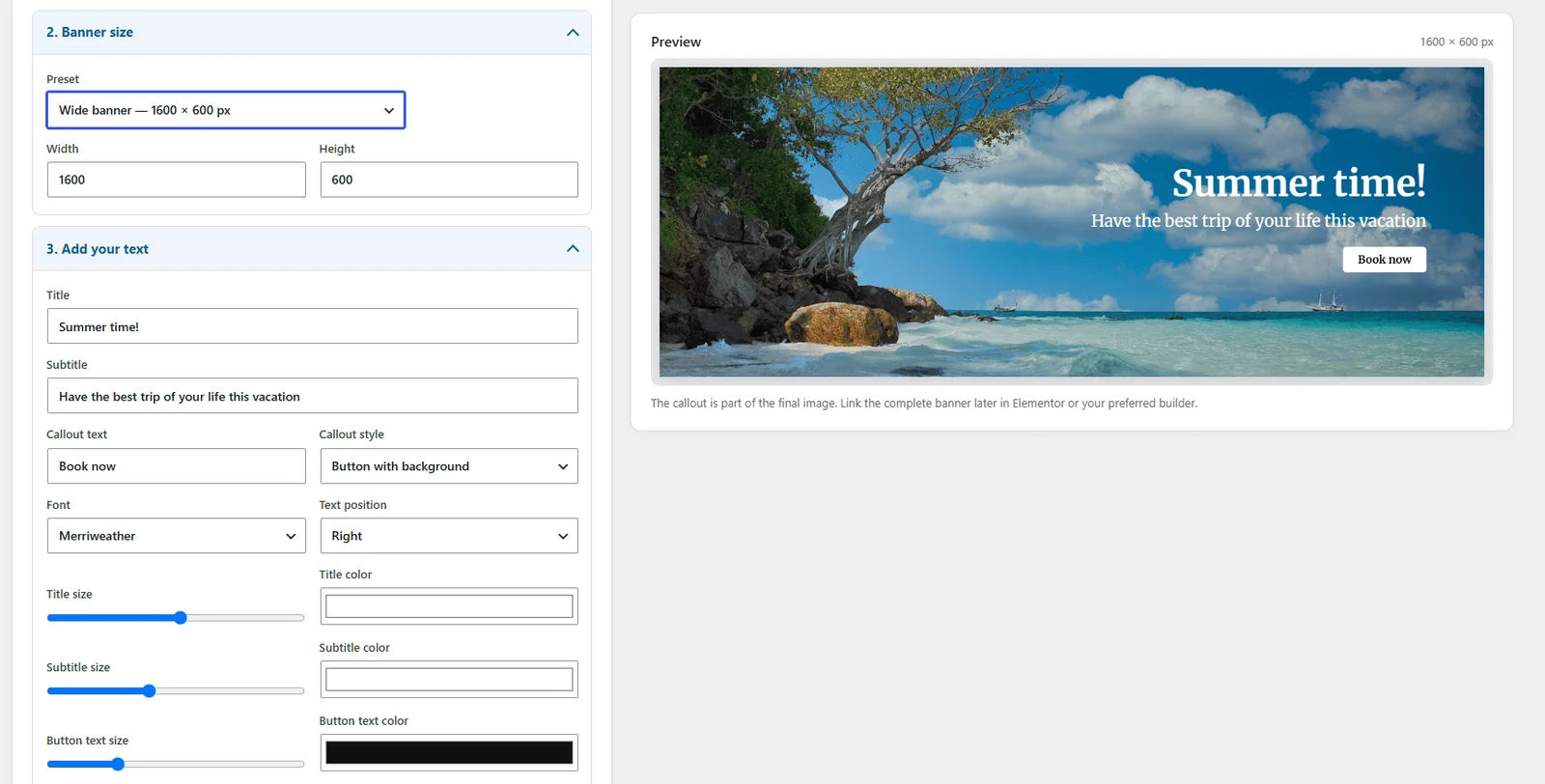
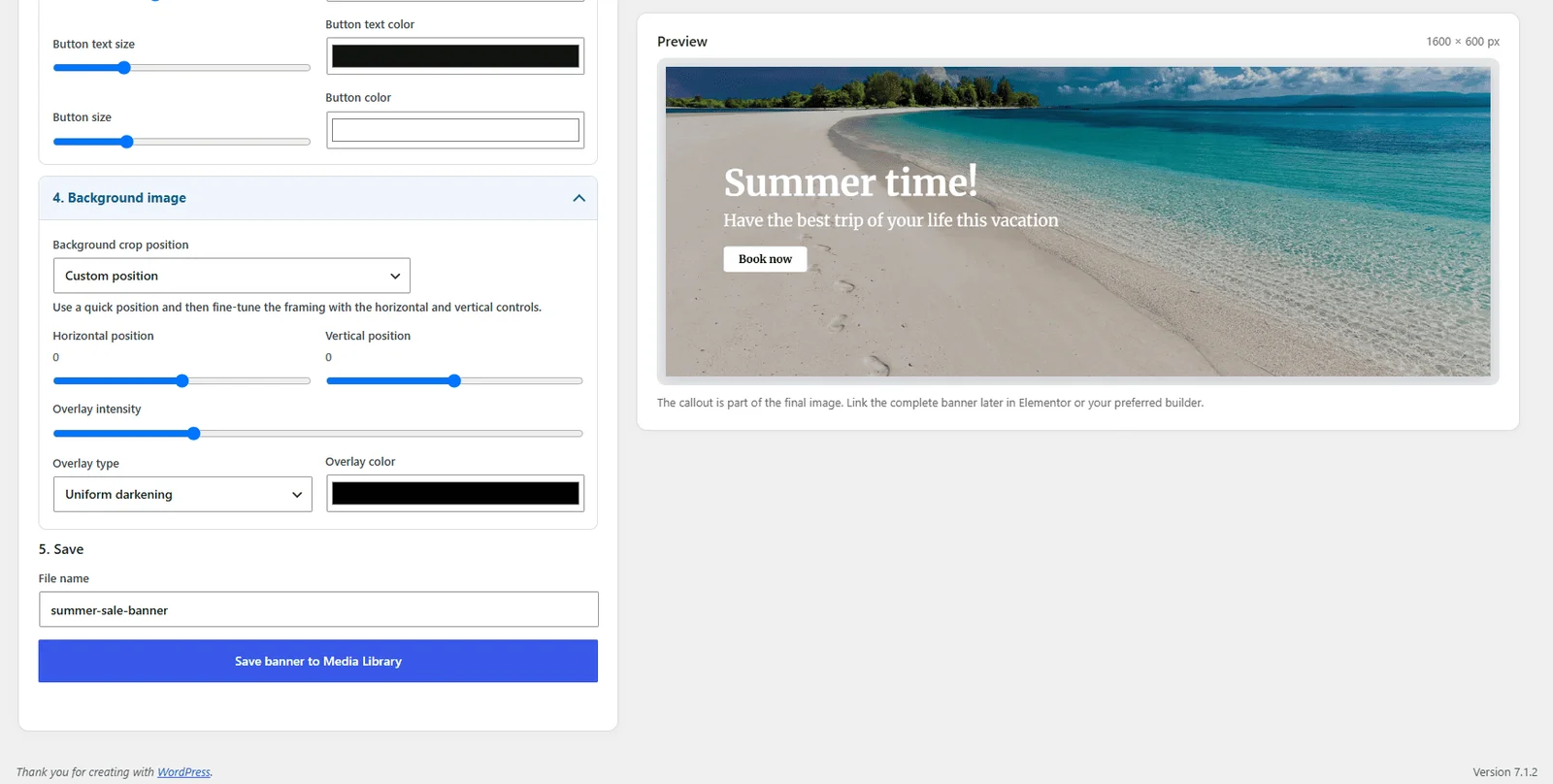
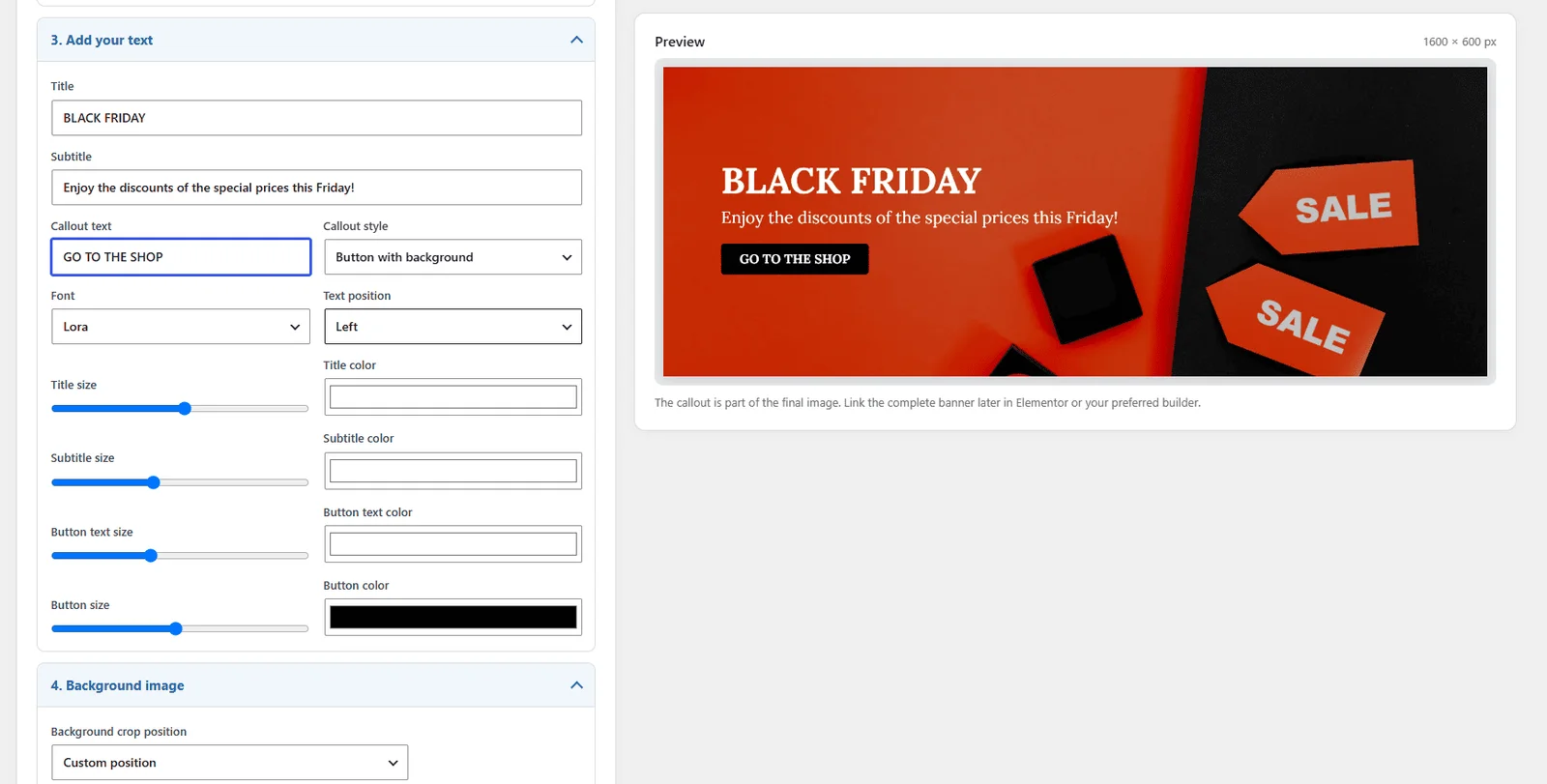
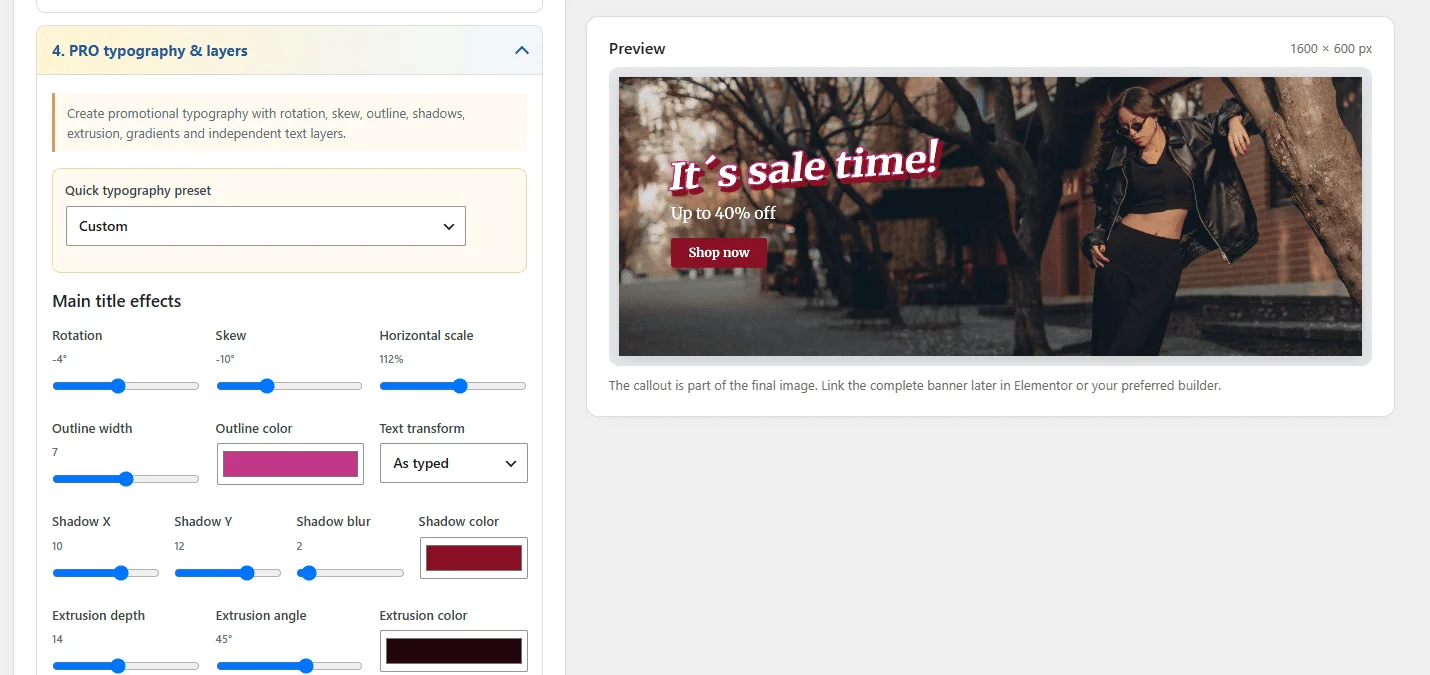
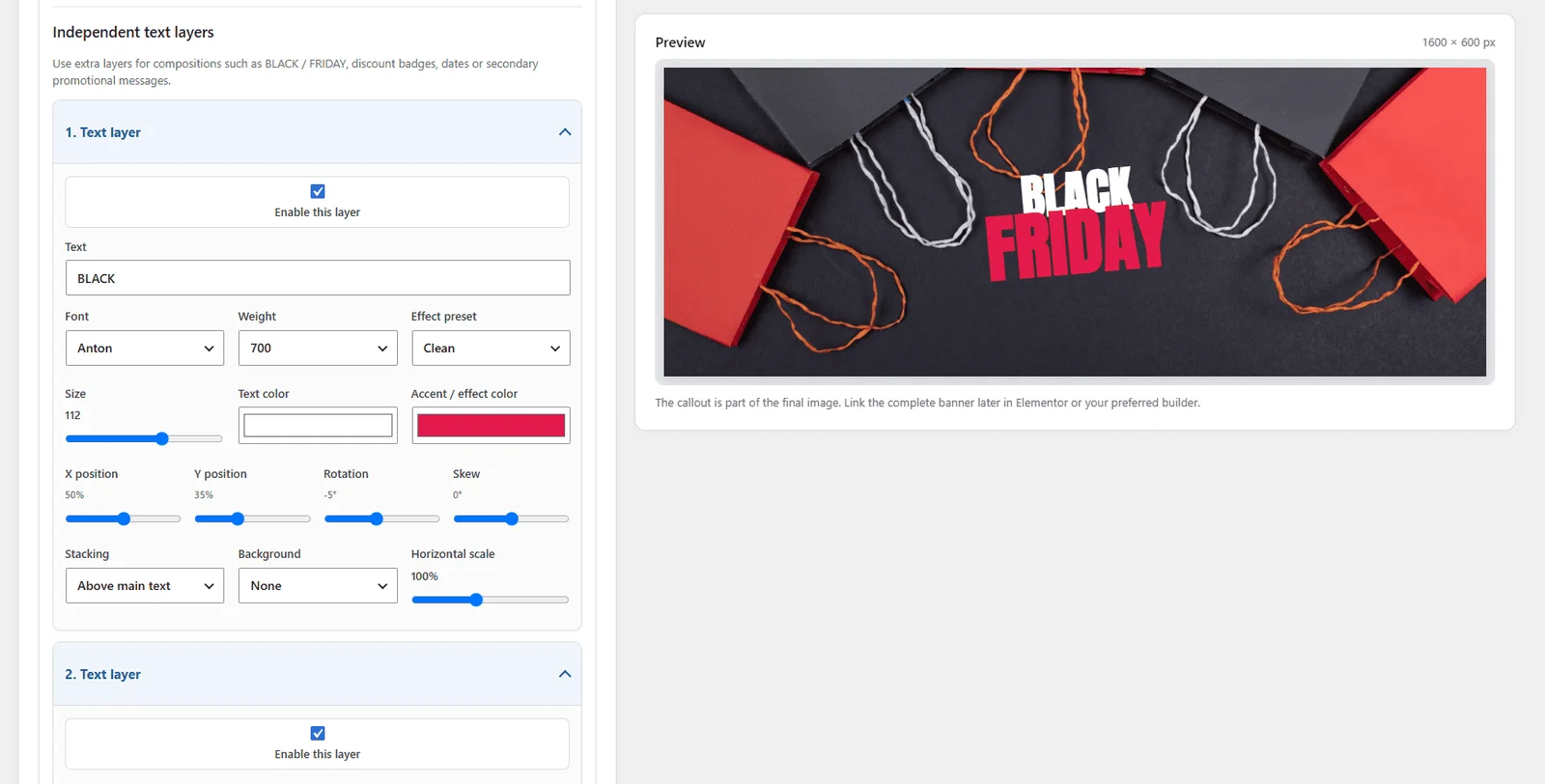
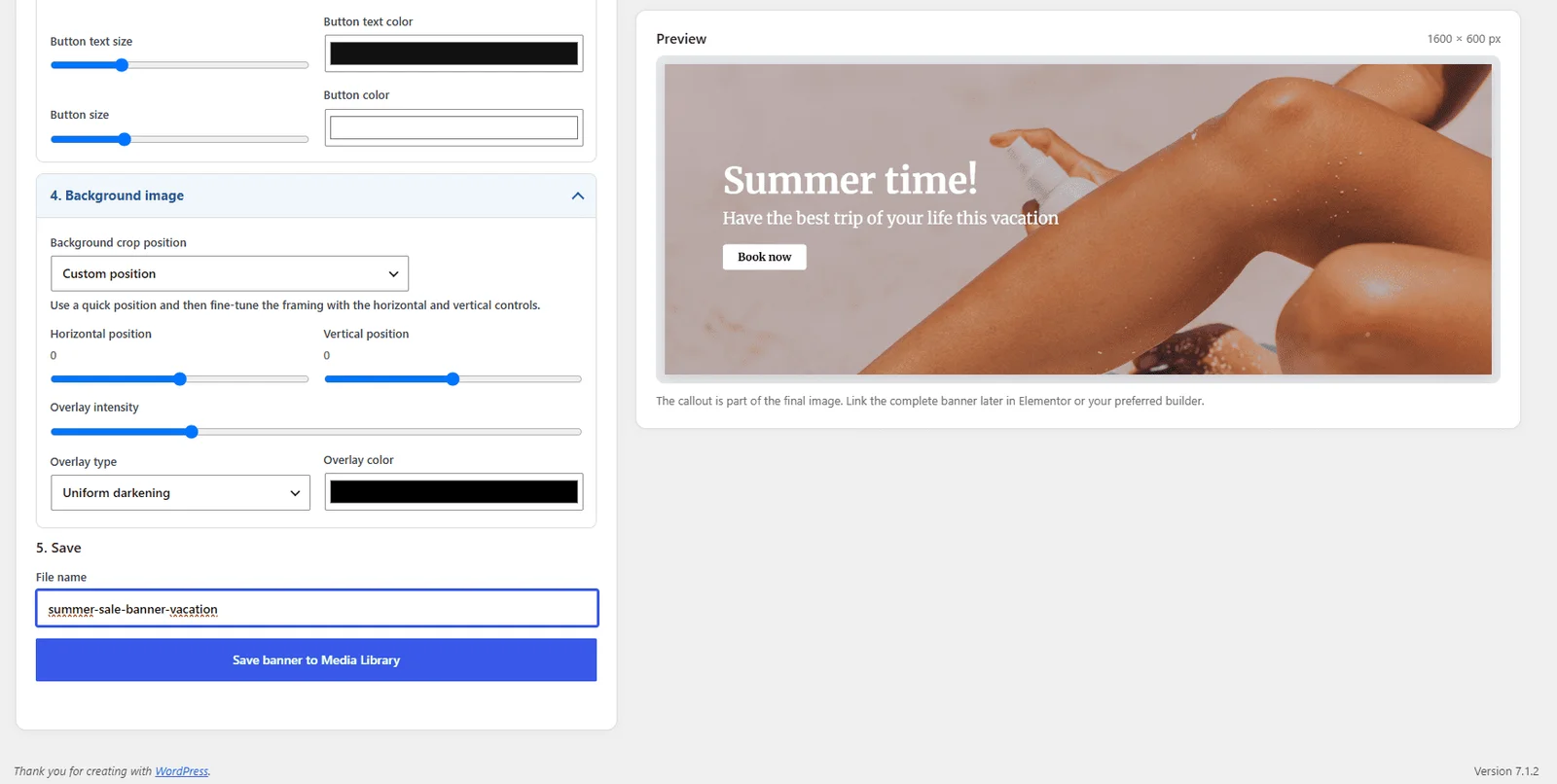

Prodiseum – Create Banners Directly from Your Dashboard is the free edition of Keryx, a focused banner-building tool that works inside the WordPress dashboard.
Search Pexels and Pixabay from one interface, use your own Media Library images, add promotional text and a callout, fine-tune the background position, apply overlays, preview the composition live, and save the finished JPG directly to the Media Library.
The Free edition is intentionally complete for everyday banner creation. Keryx PRO is offered separately for users who need more advanced promotional typography and layered text effects.
Free features
- Pexels and Pixabay image search.
- Combined results from one or both providers.
- Search expansion for more relevant commercial imagery.
- Quick themes and visual style filters.
- High-resolution image filtering.
- Media Library backgrounds.
- Preset and custom banner dimensions.
- Title, subtitle and callout controls.
- Google Fonts and system fonts, including a dedicated Script & Handwritten selection.
- Independent text colors and sizes.
- Fine horizontal and vertical background positioning.
- Directional and radial overlay controls.
- Live canvas preview.
- Direct JPG export to the Media Library.
- Prodiseum unified admin navigation.
Keryx PRO
Keryx PRO keeps the same workflow and adds advanced creative typography, including:
- Expanded promotional, signature and calligraphy font library.
- Independent text layers.
- Text rotation, skew and horizontal scaling.
- Outline and advanced shadow effects.
- 3D extrusion and neon-style effects.
- Gradient text and advanced typography presets.
- Layer stacking and promotional labels.
No Free feature is disabled by a usage quota.
External services
This plugin uses third-party services only when the related feature is enabled or used.
Pexels
When Pexels search is used, the plugin sends the user’s search terms to the Pexels API. The configured Pexels API key is sent in the request authorization header. Selected remote images may be downloaded from Pexels to build the banner.
- Service: https://www.pexels.com/
- Terms: https://www.pexels.com/terms-of-service/
- Privacy: https://www.pexels.com/privacy-policy/
Pixabay
When Pixabay search is used, the plugin sends the user’s search terms and configured Pixabay API key to the Pixabay API. Search responses are cached locally for 24 hours in accordance with Pixabay API requirements. Selected remote images may be downloaded from Pixabay to build the banner.
- Service: https://pixabay.com/
- Terms: https://pixabay.com/service/terms/
- Privacy: https://pixabay.com/service/privacy/
Google Fonts
When the Banner Creator screen is opened, the browser may request font resources from Google Fonts.
- Service: https://fonts.google.com/
- Terms: https://developers.google.com/terms
- Privacy: https://policies.google.com/privacy