
PrintIntegrator Product Design Connector
v1.8.6printintegrator · 2026年10月16日 上架
Connect WooCommerce to an Odoo Design Studio backend for product sync, store management, and interactive customization.
- 正在使用
- 10 以下
- 评分
- 暂无
- 累计下载
- 228
- 最近更新
- 2026年10月21日
需要 WordPress 6.0+已测试到 7.1.5PHP 7.4+
贡献者
 printintegrator
截图
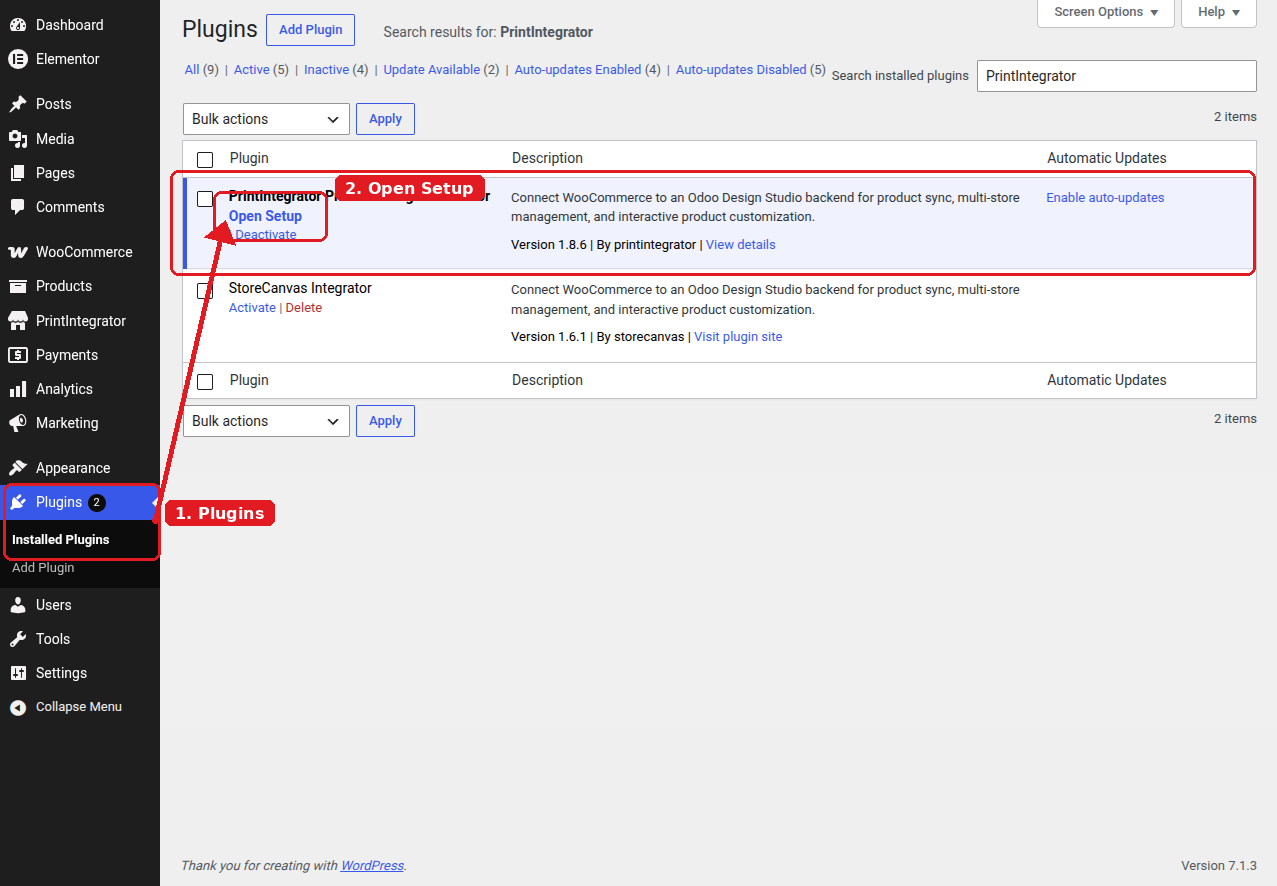
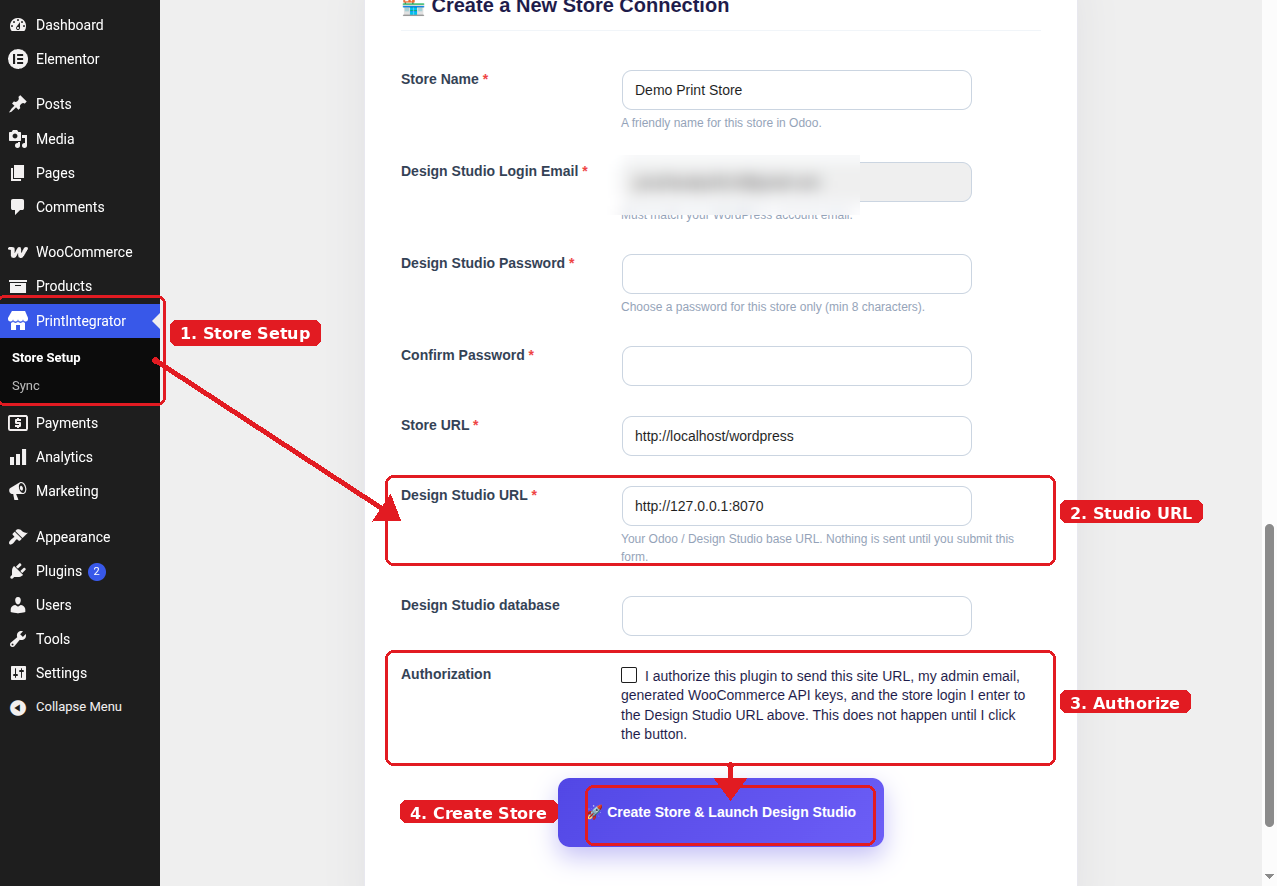
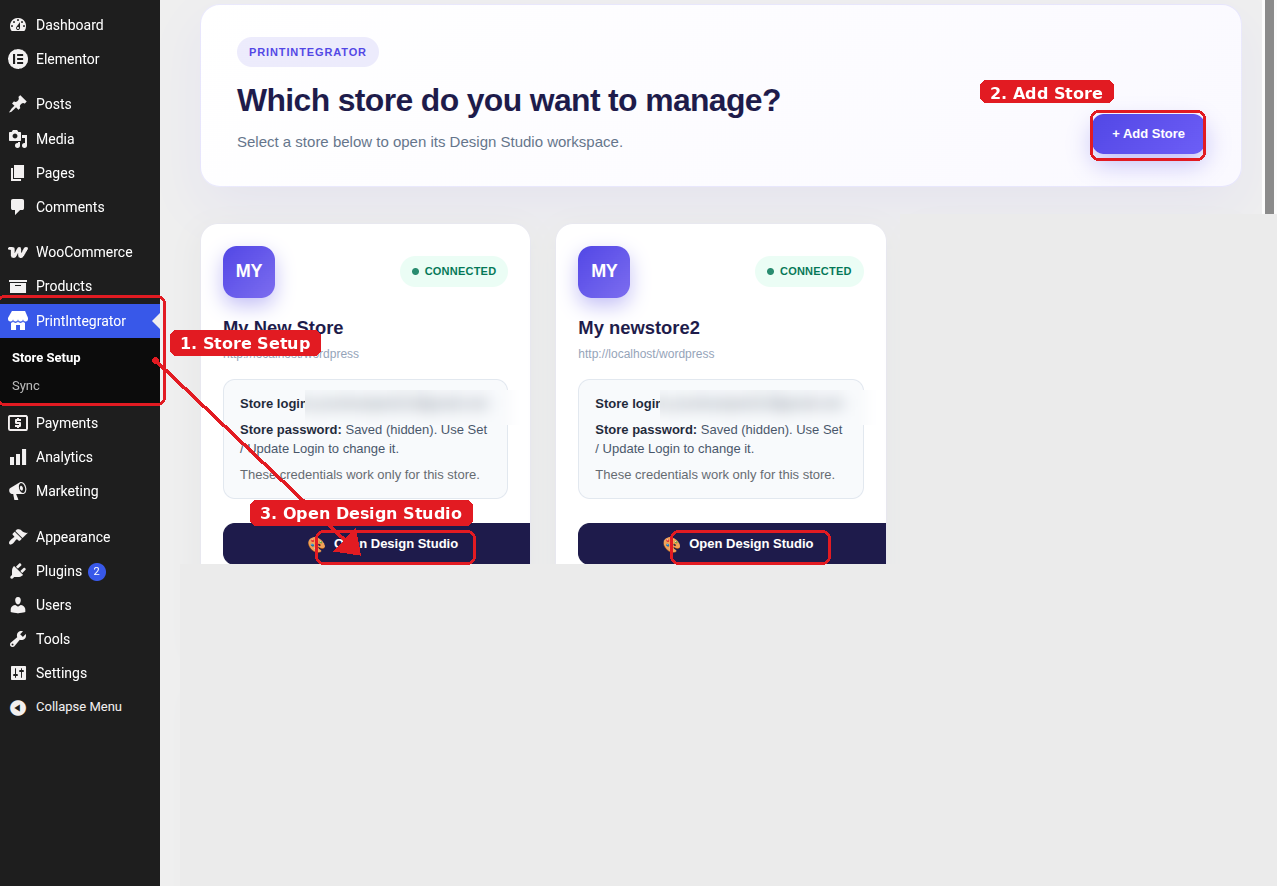
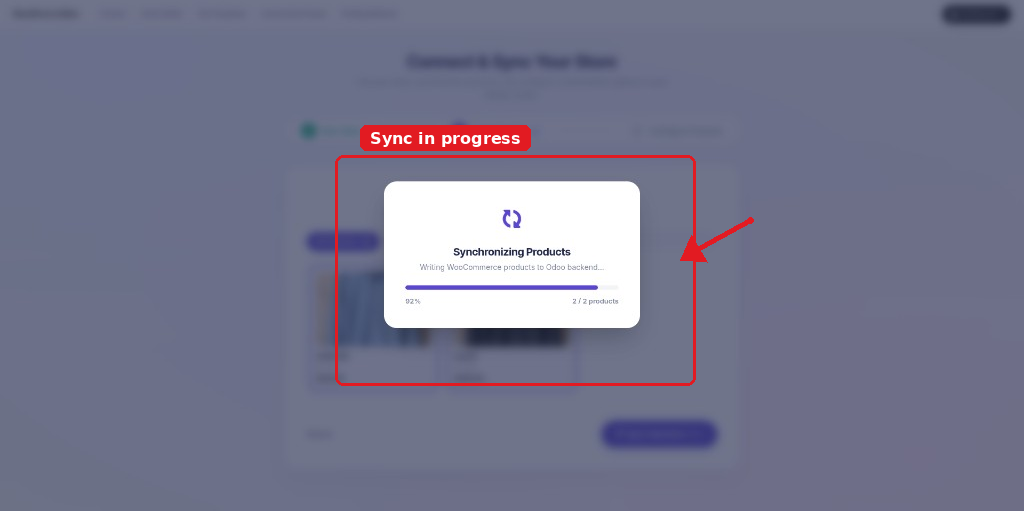
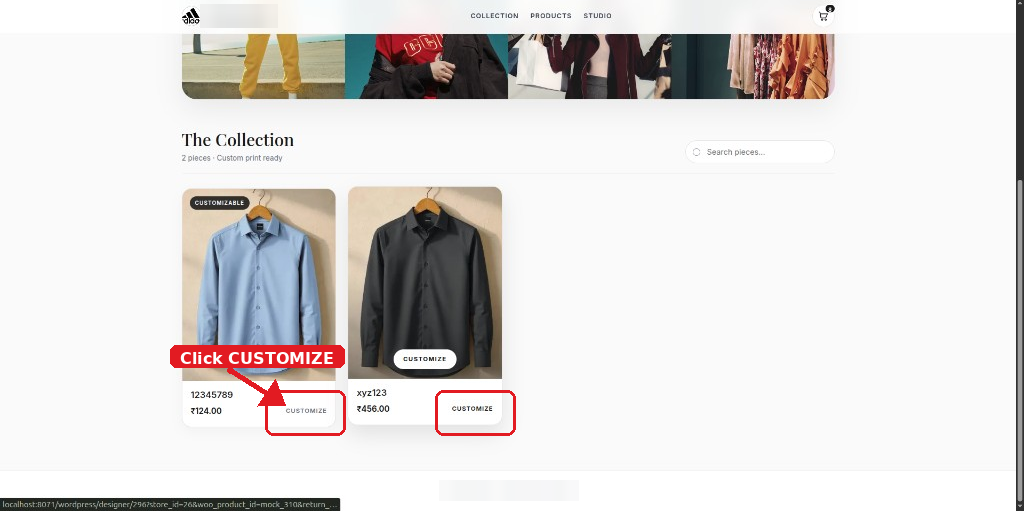
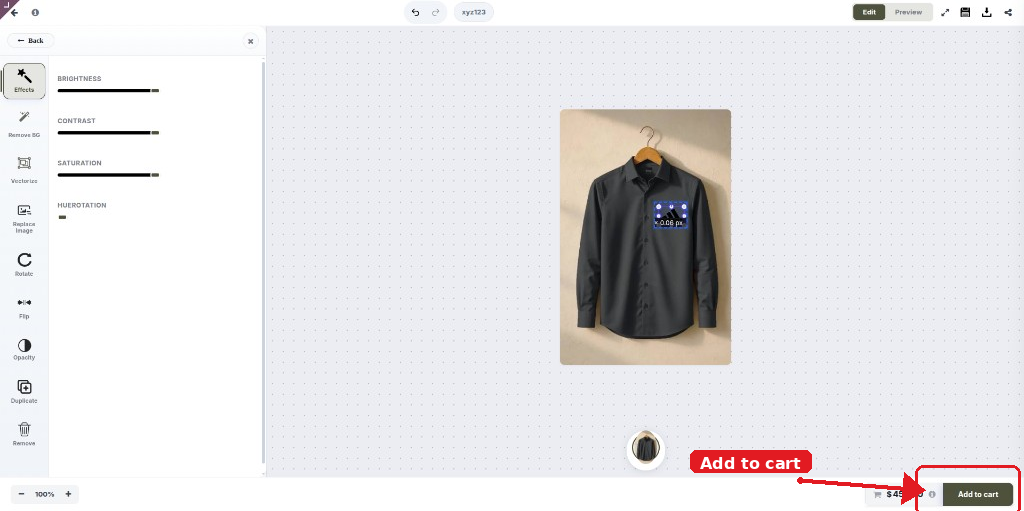
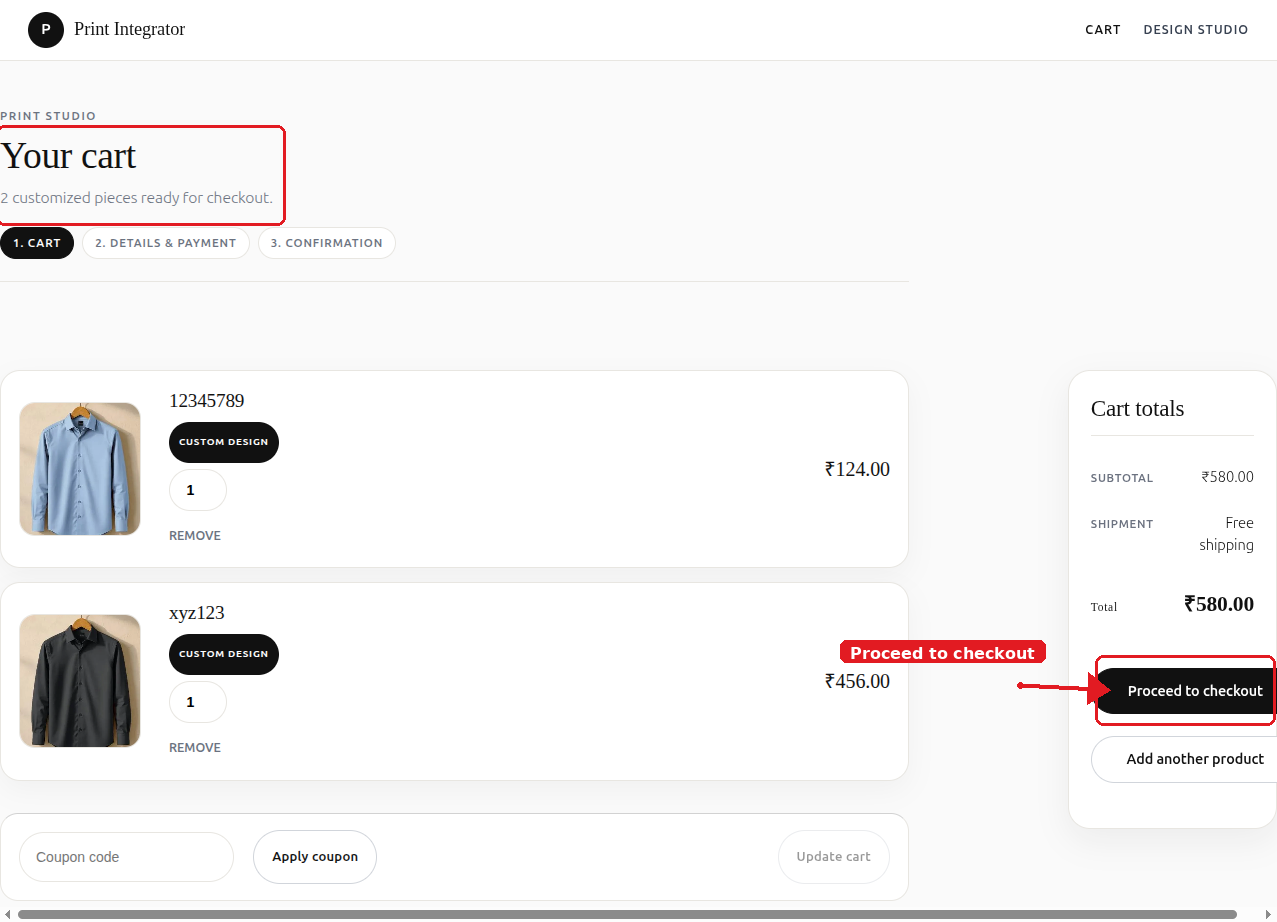
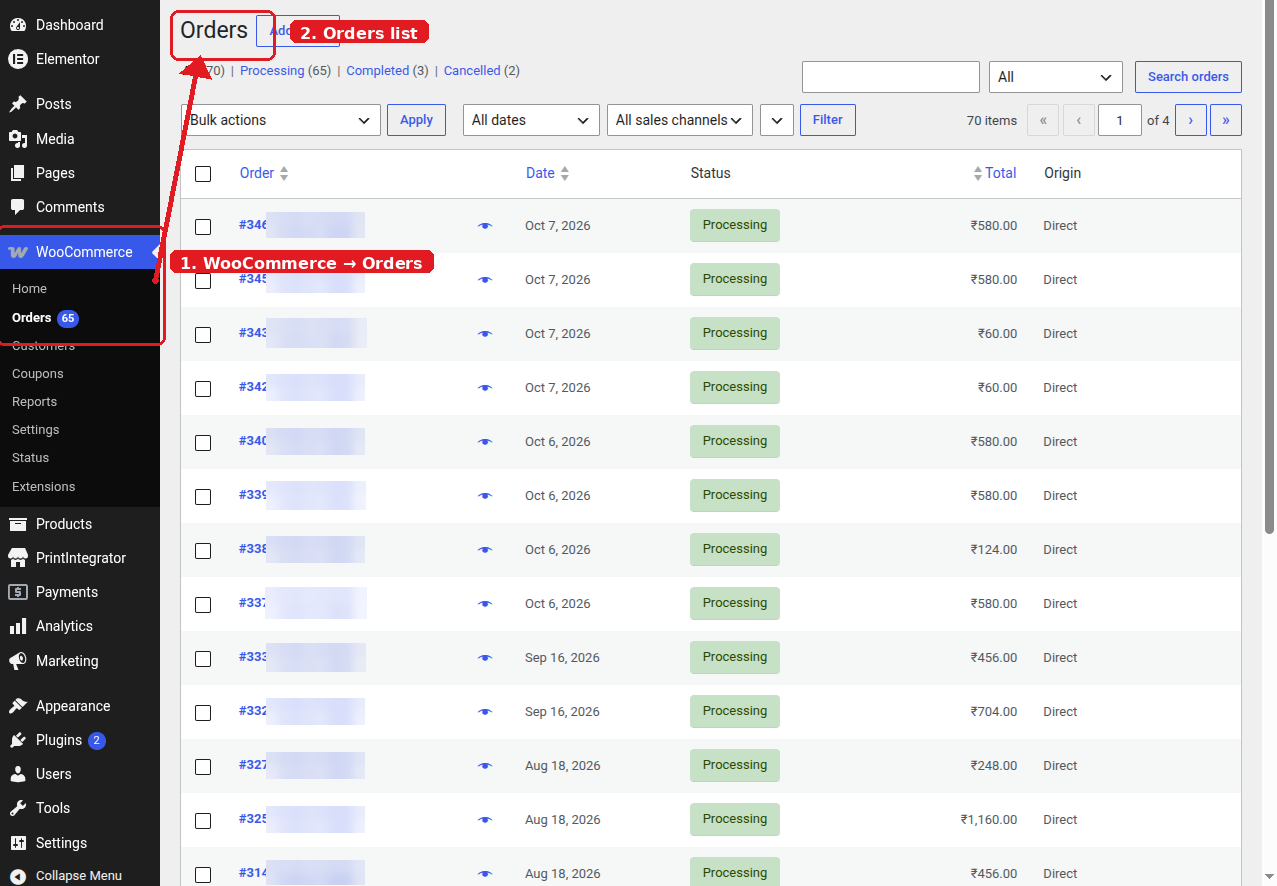
PrintIntegrator Product Design Connector connects your store to a self-hosted or remote Odoo Design Studio backend.
Features:
- Store setup wizard in the WordPress admin sidebar
- WooCommerce REST API key provisioning for secure sync
- Real-time product sync to Design Studio
- Per-store cart isolation for multi-store setups
- Custom design sessions added to the WooCommerce cart and orders
- Stripe Checkout payment gateway
- Professional cart, checkout, and order-received styling
This plugin is not affiliated with WooCommerce or Odoo.
Third-Party Services
This plugin connects to an external Odoo / Design Studio server that you configure in the plugin settings.
- Service: Your configured Odoo Design Studio backend (self-hosted or SaaS)
- Data sent: store URL, product data, design session metadata, order line items
- When: only after you save settings, test the connection, connect a store, customize a product, or check out. Activation and first admin load do not contact any remote server.
- Terms and privacy depend on your configured backend instance
Stripe Checkout is used when the Stripe payment method is enabled:
- Service: Stripe (https://stripe.com)
- Data sent: order total, currency, line item labels, customer email, success/cancel URLs
- Terms: https://stripe.com/legal
- Privacy: https://stripe.com/privacy