

BizPrint – Automatic Order Printing for WooCommerce
v4.10.0bizswoop · 2018年5月16日 上架
Auto-print WooCommerce orders to thermal, kitchen, Sunmi or office printers: receipts, invoices, packing slips, labels & PDFs. Set up in minutes.
- 正在使用
- 1,000+
- 评分
- 4.7 / 5
- 累计下载
- 8.6 万
- 最近更新
- 2026年11月16日
贡献者
 bizswoop
截图
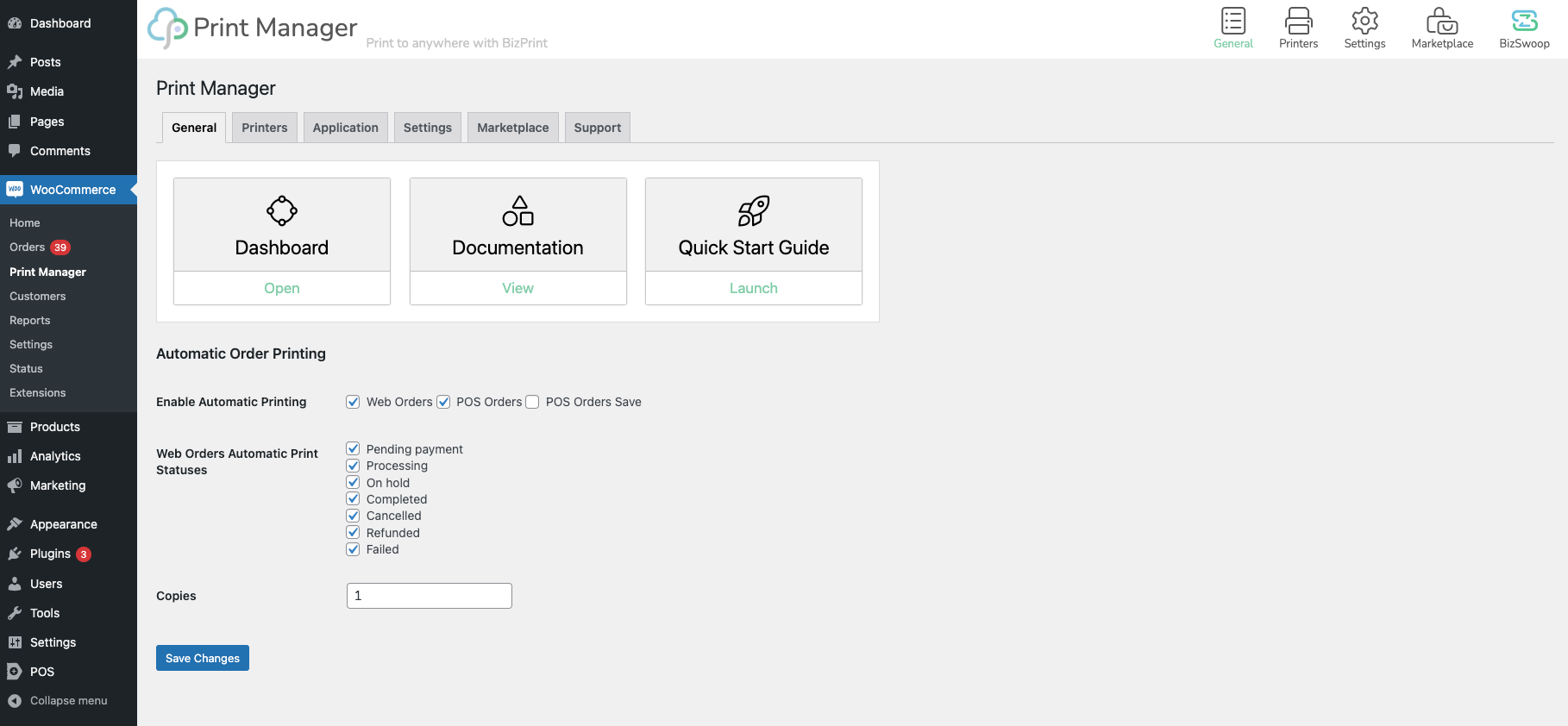
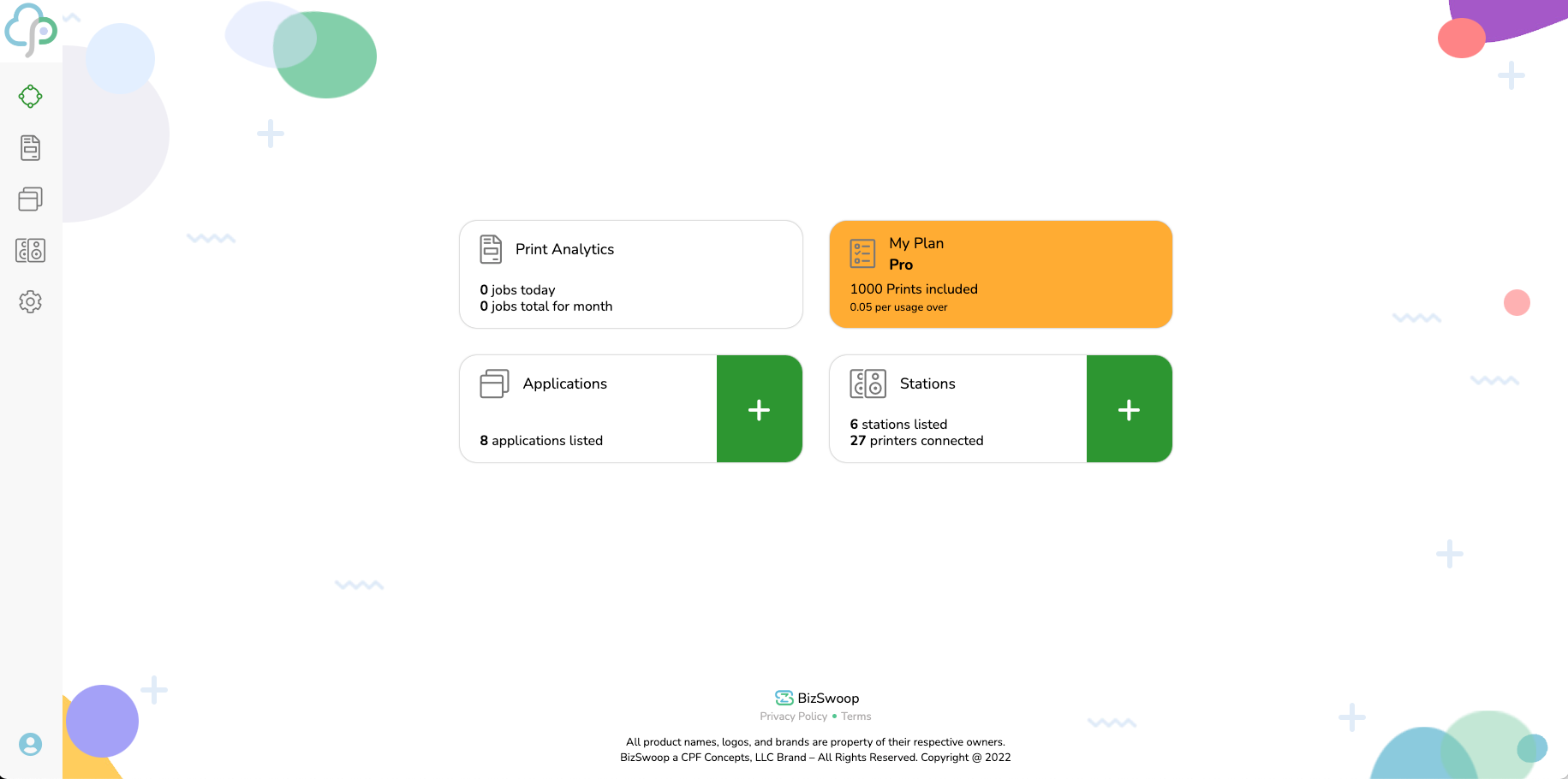
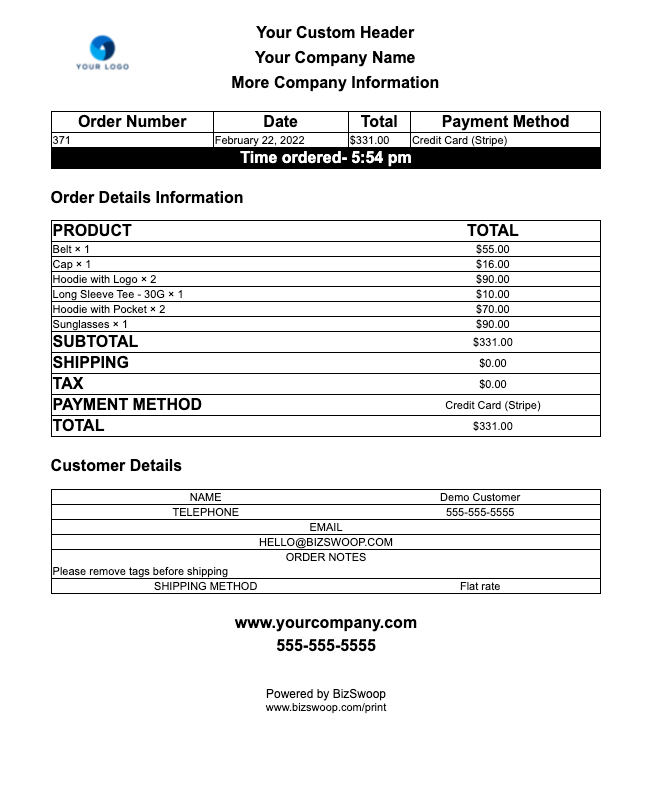
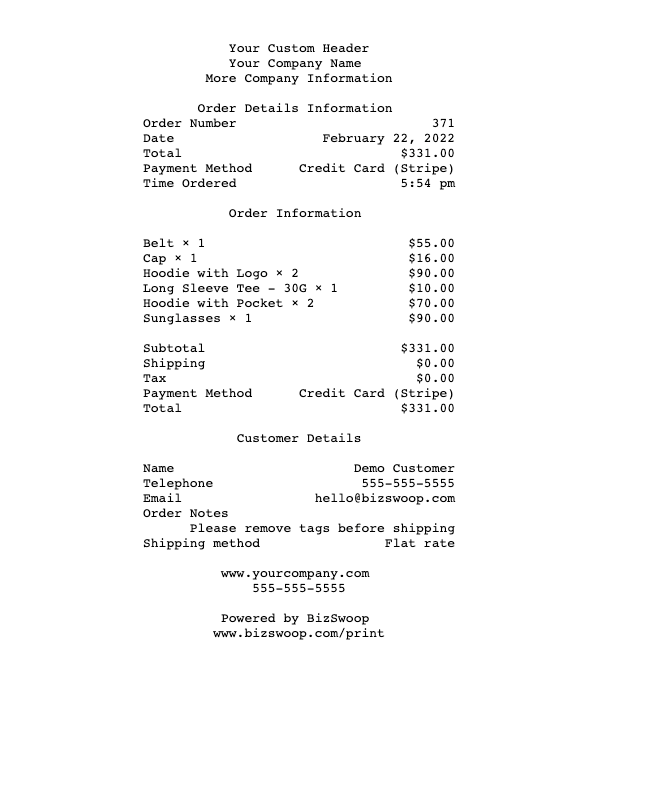
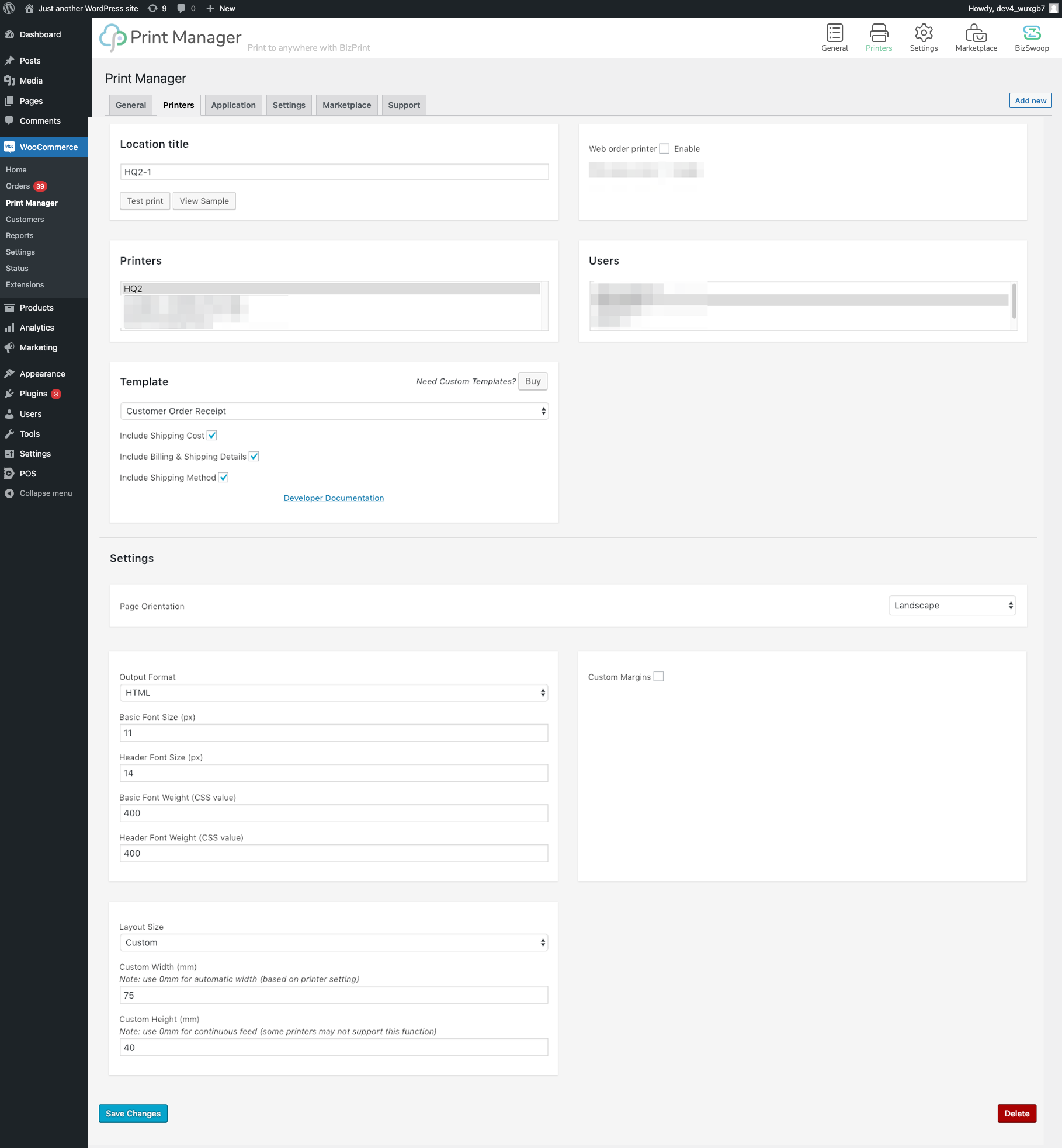
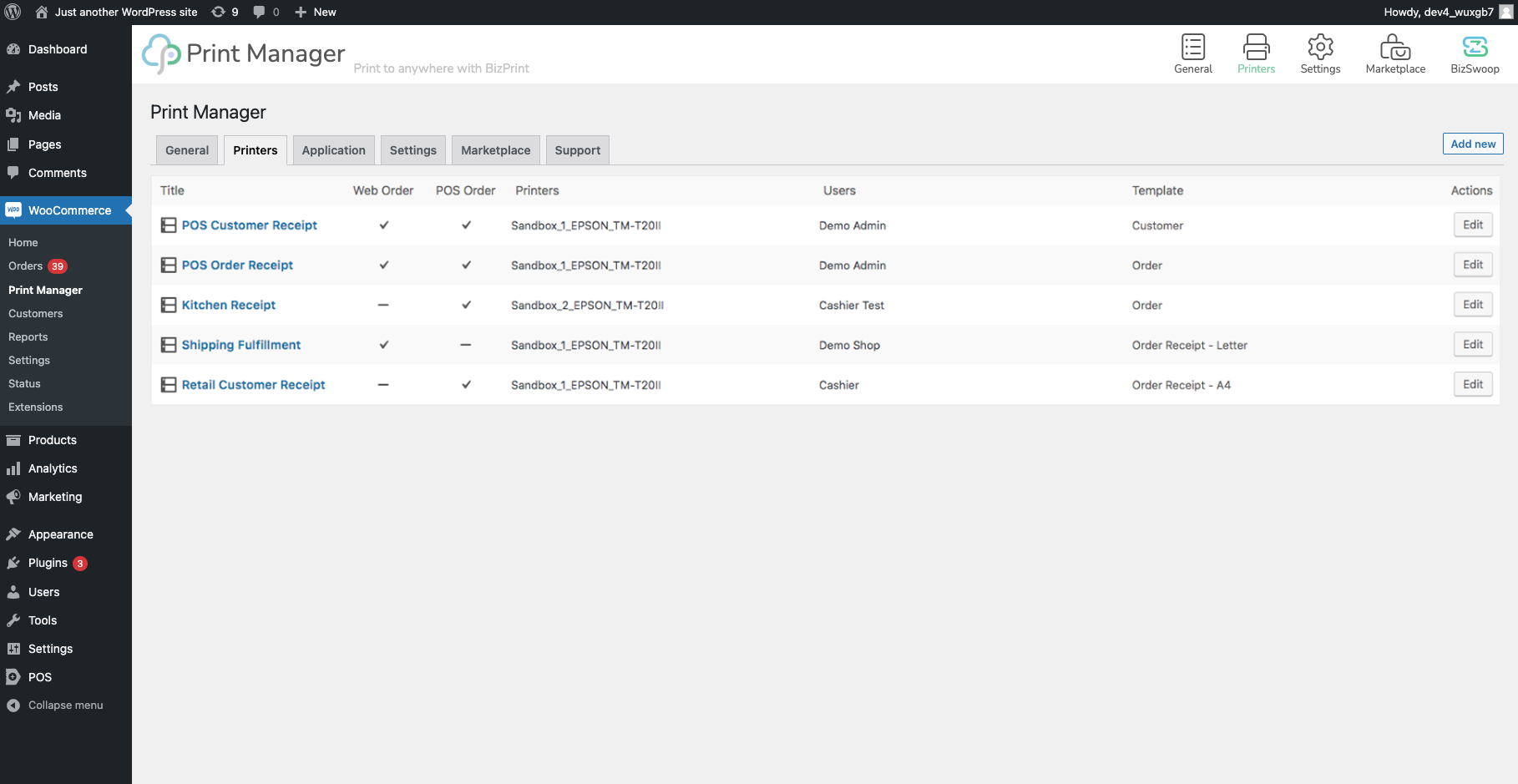
BizPrint is a WooCommerce plugin and cloud print service by BizSwoop that automatically prints orders to the printers you already own: kitchen tickets for restaurants, packing slips and shipping labels for warehouses, and receipts and invoices for the front counter. Orders print on a station, a Windows, Mac or Linux computer or an Android device at your business, connected to your receipt, label or office printers.
New accounts start with free prints, no credit card required. See plans and pricing and the full BizPrint documentation.
Create your free BizPrint account
How It Works
- Create a free BizPrint account and a station: install the BizPrint desktop app on a computer, or the BizPrint Android app on a phone or tablet, and add your printers.
- Install this plugin and connect it to your BizPrint account. Its settings appear under WooCommerce > Print Manager.
- Create a printer location for each printer, choose a template, and turn on automatic printing. New orders now print on their own.
Follow the step-by-step guide in Choose your BizPrint setup path.
Auto-Print WooCommerce Orders to Your Kitchen Printer
Restaurants, cafés, food trucks and ghost kitchens get every online order on paper the moment it is placed, so the kitchen starts cooking without anyone watching a screen. Print a ticket without prices for the line and a customer receipt at the counter from the same order, each from its own printer location. See Print kitchen tickets.
“We started taking orders online and printing them with BizPrint, and it has been game changing. BizPrint improves the customer experience, reduces kitchen downtime, and frees up my time. My staff are 30% more productive. I can outperform our competitors (including on UberEats, Deliveroo, etc.) whilst having lower costs, better quality, and lower prices. If you own a restaurant, getting BizPrint is a no-brainer.”
— Chris L., Owner, Kyoto Sushi Restaurant
Print Packing Slips and Shipping Labels for Fulfillment
Warehouses and fulfillment teams automatically print packing slips, pick lists with product images and SKUs, and shipping and address labels, so pickers and packers work from paper instead of wp-admin. Map printers by shipping zone or method to send each order to the right location or station.
“One of the strengths to us was the ability to support multiple printers in different locations. We’re using BizPrint to automatically print customer receipts at our ordering station and simultaneously print in the kitchen to fulfill the order. The impact is improved kitchen times, increased sales, and happier customers. I’d highly recommend BizPrint to other small businesses for in-store Point of Sale orders or orders placed online by your customers.”
— Chris R., Co-Owner, Mighty Moose Marts
Receipts, Invoices and PDFs for Customers
Customers often need proof of purchase for returns, employer reimbursement or taxes. BizPrint turns WooCommerce order data into branded receipts, invoices, delivery notes and dispatch labels, printed at the counter or saved as PDF files with the desktop app’s Save to PDF printer.
“I can create a customizable receipt for the customer that’s easy to read. If you need to use WooCommerce in-person, want to save money by emailing your receipts, or just need great looking receipts (I receive compliments about our receipts), I’d highly recommend BizPrint. The team and software are excellent, and easy to work with.”
— Tiffany W., Owner, Swatty Creek Mill
Print WooCommerce Orders on Sunmi POS Devices
Sunmi handheld and countertop POS devices run Android and have a built-in receipt printer. Install the BizPrint Android app on a Sunmi device and it becomes your station: new WooCommerce orders print automatically on the Sunmi built-in printer, with no separate receipt printer, computer or cables. Use it at the counter, in the kitchen, or for curbside and delivery handoffs. The Sunmi device needs Android 8.0 or later. See Install the BizPrint Android app.
Features
- Automatic printing by order status
- Print button on WooCommerce orders, plus bulk printing of several orders at once
- Multiple printers, stations and printer locations, each with its own template
- Print one copy or several at once
- 10 built-in templates: Customer Receipt, Customer Order Receipt, Order Receipt (kitchen and packing tickets without prices), Invoice, Packing Slip, Pick List, Delivery Note, Dispatch Label, Shipping Label and Address Labels
- HTML and plain-text layouts for receipt, label and office printers
- Send print jobs from any device, including iPhone and iPad, to a desktop or Android station
- Print to the built-in receipt printer on Sunmi POS devices
- Your logo and store details on printouts, with page size, margins and fonts you control
- Print each printer location in its own language
- Save printouts as PDF files with the desktop app
- Reprint any job from the BizPrint dashboard, with a print log and job queue in WordPress
- Prints orders taken in Jovvie Point of Sale
Add-ons included with some plans:
- Product & category mapping: send selected items to specific stations, like drinks to the bar and food to the kitchen
- Shipping zone & method mapping: route orders by location or fulfillment type
- Status triggers: print when an order changes status, for example a packing slip when it moves to Completed
- Barcode scan: scan a printed receipt to update the order’s status
- QR codes and metadata mapping
Supported Printers and Stations
A station is the device that receives print jobs and sends them to your printers. It must stay on, with the BizPrint app running, whenever you want orders to print.
- BizPrint desktop app (Windows, Mac, and Linux including ARM devices such as Raspberry Pi): prints to any printer the computer can use, such as receipt, label and office printers from Star, Epson, Brother, HP, Dymo, Canon and more, connected by USB, over the network or shared. Prints formatted HTML layouts and PDFs.
- BizPrint Android app (Android 8.0 or later): prints HTML receipts, PDFs, full pages on office printers, shipping labels on Zebra (ZPL) and TSPL label printers, and plain-text tickets on ESC/POS or StarPRNT receipt printers, over your network or Bluetooth. Also prints to the built-in printers on Sunmi devices.
You can send print jobs from any device, including an iPhone or iPad; the printing itself runs on a desktop or Android station.
Not sure which to use? See Desktop app or Android app?
Works With
BizSwoop plugins:
Product add-ons:
- WooCommerce Product Add-Ons
- YITH WooCommerce Product Add-Ons
- Extra Product Options (Product Addons) for WooCommerce
Delivery, pickup and restaurant ordering:
- Delivery & Pickup Date Time for WooCommerce
- Order Delivery Date for WooCommerce
- WooCommerce Local Pickup Plus
- WooCommerce Delivery Slots
- Order Delivery, Order Pickup, Order Date, Order Time
- Food Store – Online Food Delivery & Pickup
- WooCommerce Food – Restaurant Menu & Food Ordering
New template integrations are added regularly. Browse the template store or ask our team to add yours.
Print API and AI Agents
BizPrint is also a print platform for developers and AI agents. Send PDF documents to your printers from any app with the BizPrint Print API, or let an AI assistant such as Claude Desktop list your printers, print a document and check a job’s status with the BizPrint MCP server.
For Developers
Build your own WooCommerce receipt, invoice, packing slip and other layouts with custom templates, and pass third-party plugin data into printouts with WooCommerce hooks. The developer docs cover API keys, print jobs, webhooks and the Node SDK, and the full documentation is available to AI tools at docs.getbizprint.com/llms.txt.
Guides
- How to Print Order Receipts in WooCommerce
- How to Automatically Print Packing Slips from WooCommerce
- Print Receipts on a Thermal Printer with WooCommerce
- How to Print an Order List in WooCommerce (Automatically)
- Generate a Simple Invoice in WooCommerce (for Email and Print)
Documentation and Support
- Set up: Choose your setup path
- Not printing? Orders are not printing automatically
- All docs: docs.getbizprint.com
- Help: contact our support team
More from BizSwoop
BizPrint is built by BizSwoop, a US-based team making WooCommerce tools since 2016.
- Jovvie Point of Sale – A fast, complete point of sale for WooCommerce. Run it on any device and sell anywhere.
- Flow Notify – Custom order statuses with automated SMS, WhatsApp and email notifications for WooCommerce.
- Product Manager Add-ons – Product add-ons, upsells, product tables, samples and bundles.
- Store Order Hours – Turn WooCommerce checkout on and off on a schedule, with a store hours widget.
- Pickup Delivery Agent – Pickup, takeout, curbside and local delivery scheduling with time slots and cut-off times.
- Store Plus B2B Wholesale – Wholesale and B2B accounts with customer-level pricing.