

Prime Mover – Backup and Migration
v2.2.3Codexonics · 2019年6月29日 上架
The simplest all-around plugin to migrate WordPress and do backups. These support multisite backup/migration or cloning a WP site/multisite subsite.
- 正在使用
- 1 万+
- 评分
- 5.0 / 5
- 累计下载
- 49 万
- 最近更新
- 2026年11月16日
142 条评价需要 WordPress 5.2+已测试到 7.2PHP 5.6+
贡献者
 Codexonics
 Freemius
截图
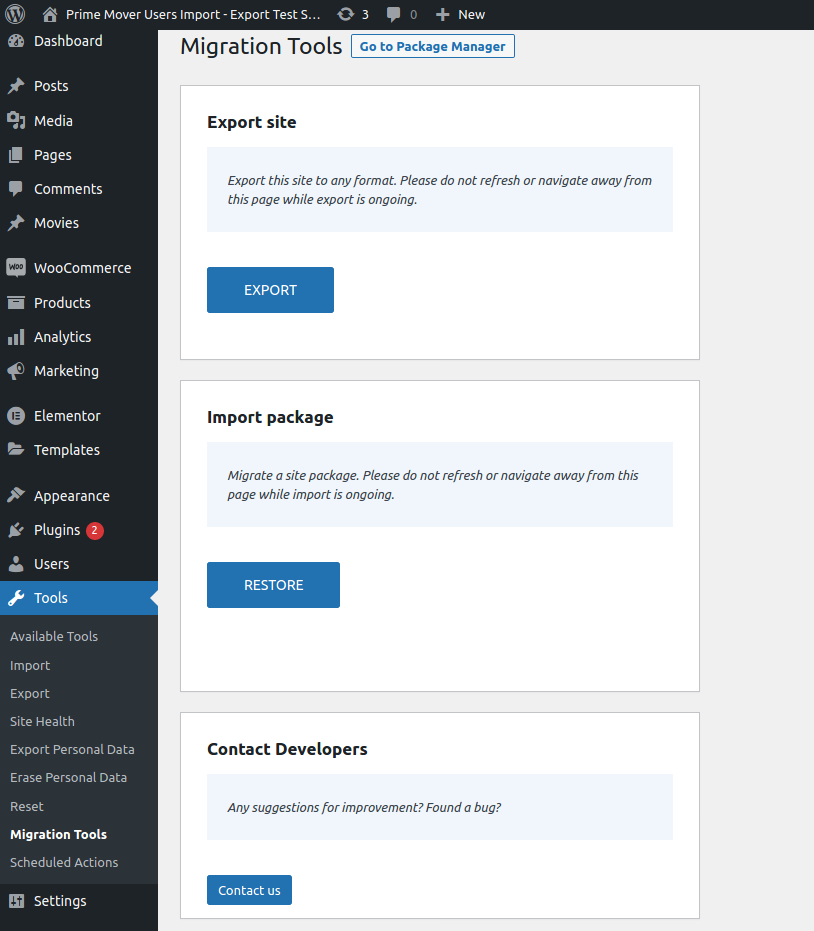
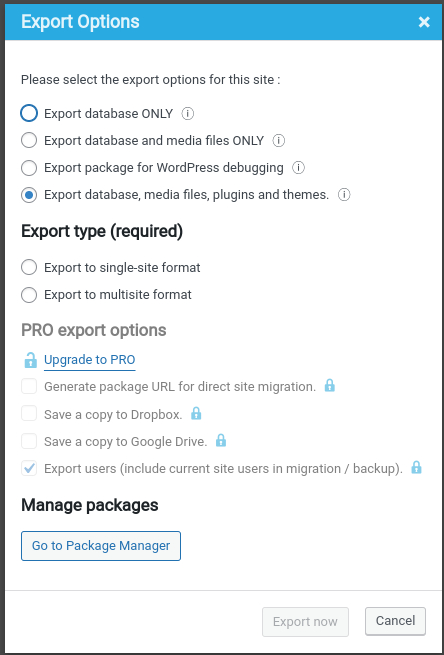
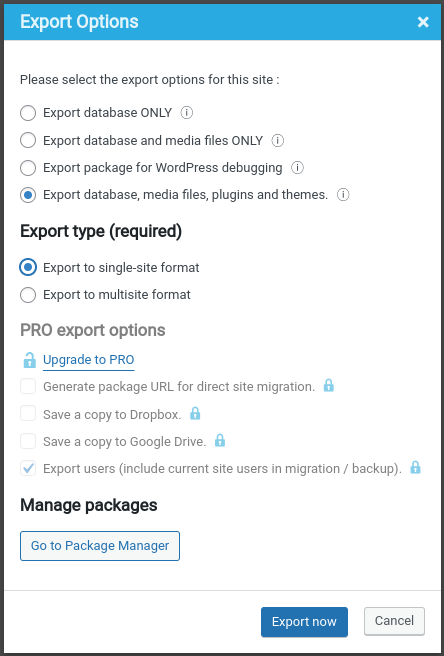
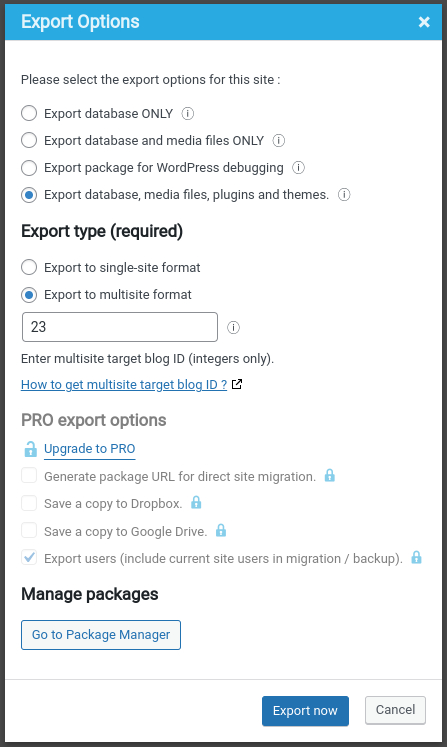
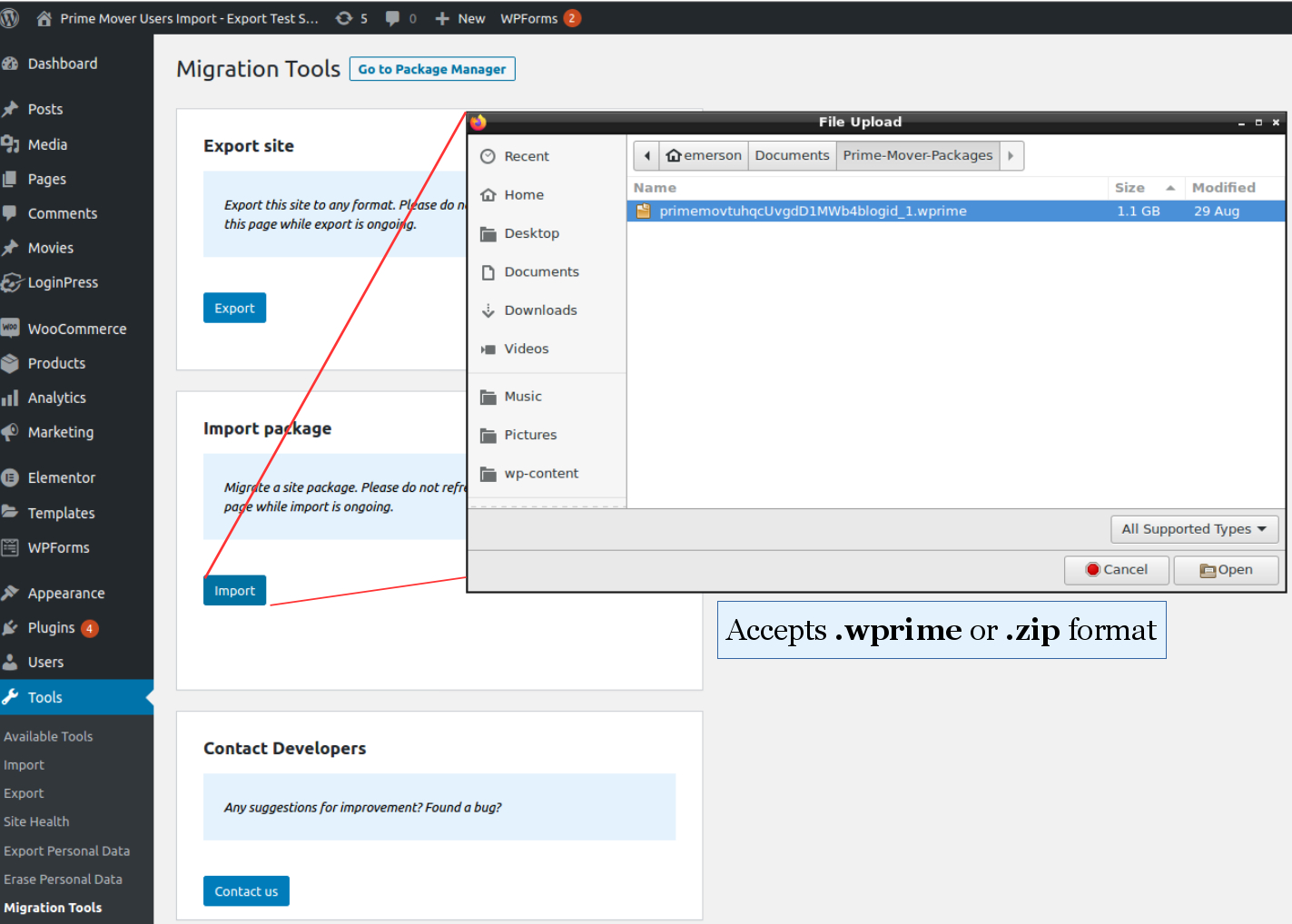
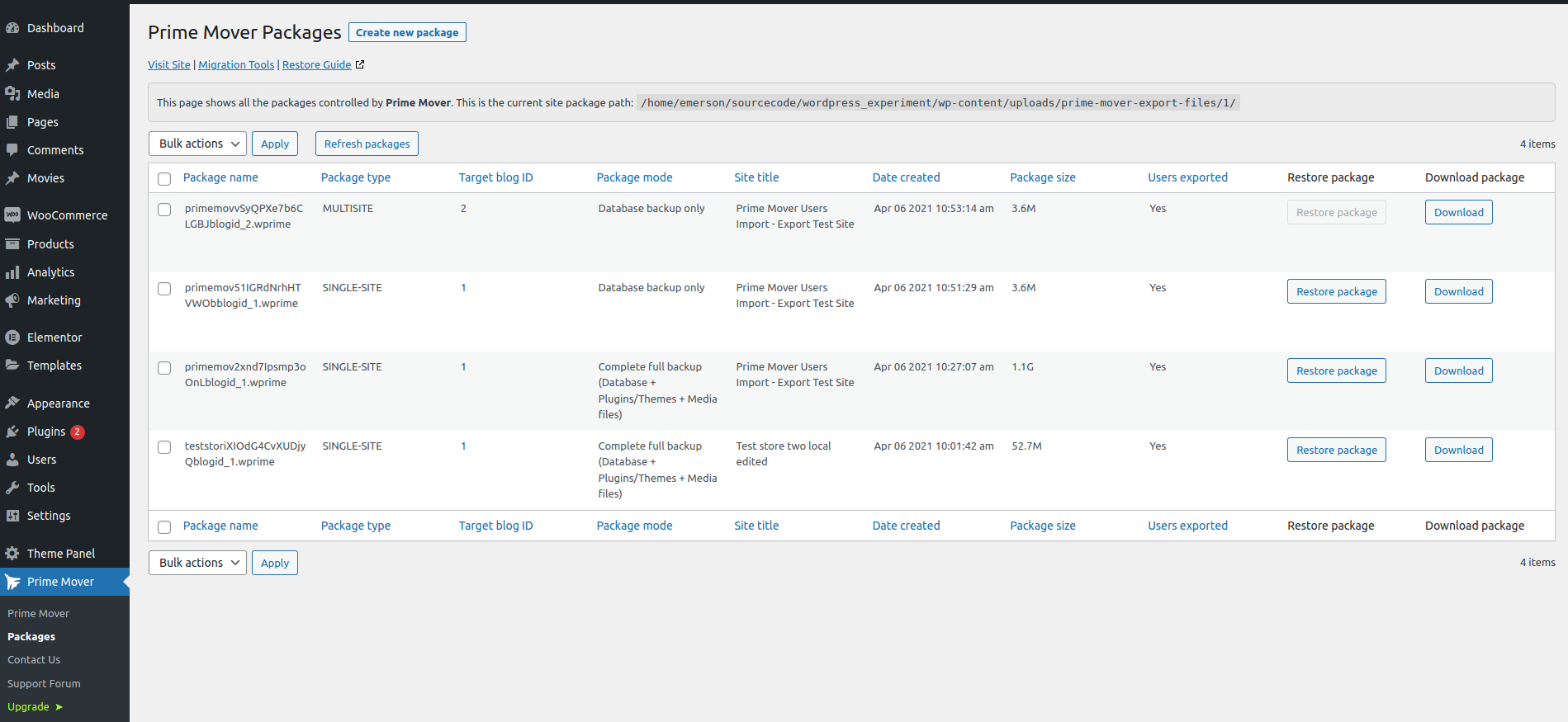
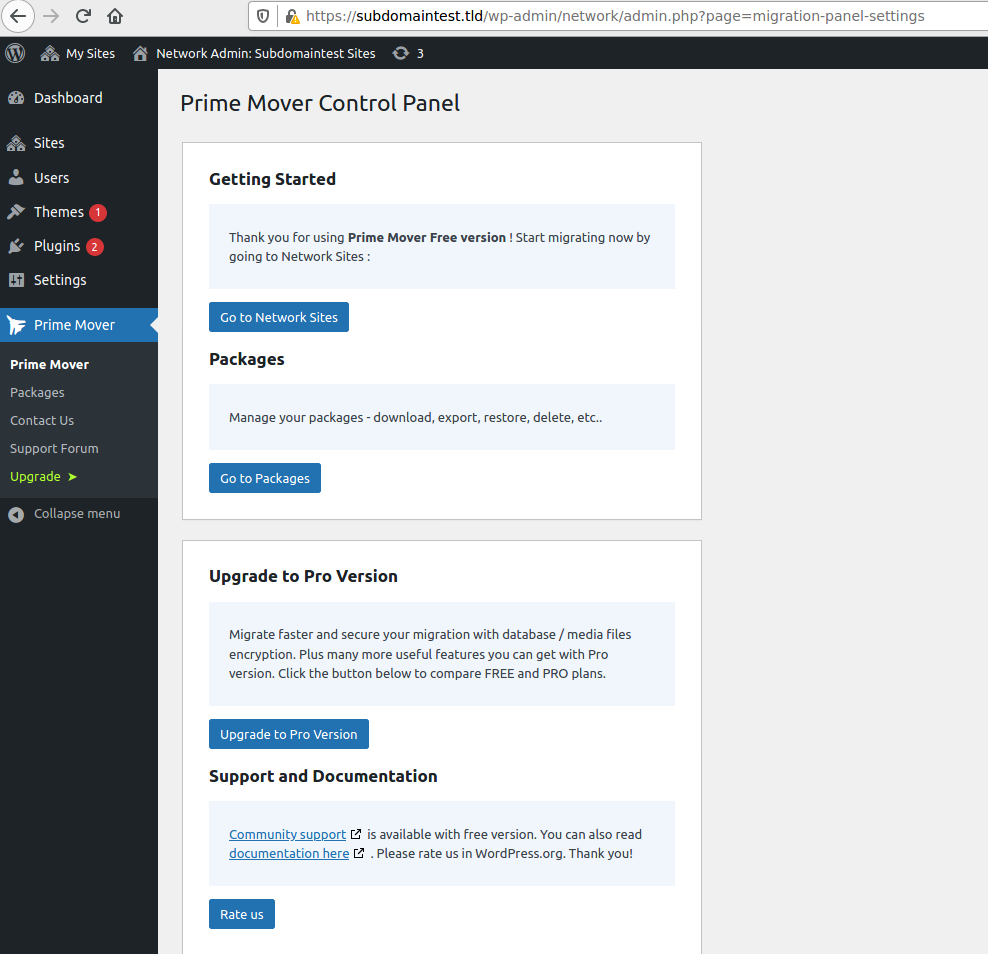
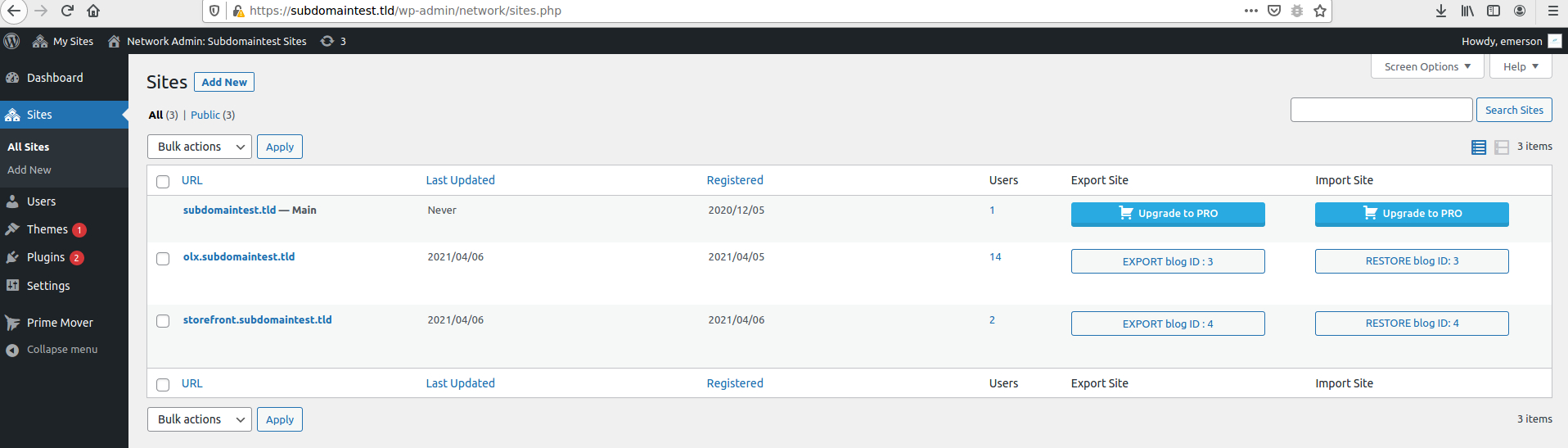
Easily Transfer WordPress Site to New Host/Server/Domain
- Move single-site installation to another single-site server.
- Move WP single-site to existing multisite sub-site.
- Migrate the subsite to another multisite subsite.
- Migrate multisite sub-site to single-site.
- Migrate within WordPress admin.
- WordPress backup and restore packages within single-site or multisite.
- Backup WordPress subsite (in multisite).
- You can back up the WordPress database within admin before testing something and restoring it with one click.
- Cross-platform compatible (Nginx / Apache / Litespeed / Microsoft IIS / Localhost).
- Clone a single site and restore it to any server.
- Clone subsite in multisite and restore it as single-site or multisite.
- Supports legacy multisites.
- Debug package.
- Supports backup of the non-UTF8 single-site or multisite database.
PRO Features
- Scheduled backups: Automatic backup support for multisite and single-site.
- Save time during migration with the direct site-to-site package transfer.
- Move the backup location outside the WordPress public directory for better security.
- Migrate or backup WordPress multisite main site.
- Encrypt WordPress database in backups for maximum data privacy.
- Encrypt the WordPress media directory inside the backup for better security.
- Encrypt plugin and theme files inside the backup/package for protection.
- Export and restore the backup package from Dropbox.
- Save and restore packages from and to Google Drive.
- Exclude plugins from the backup (or network-activated plugins if multisite).
- Exclude upload directory files from the backup to reduce the package size.
- Improved migrated site performance by excluding unused database tables created by inactive plugins.
- Create a new multisite subsite with a specific blog ID.
- Disable network maintenance in multisite so only the affected subsite is in maintenance mode.
- Configure migration parameters to optimize and tweak backup/migration packages.
- It includes all complete restoration options at your own choice and convenience.
- Full access to the settings screen to manage all basic and plugin advanced configurations.
- Migrate non-UTF8 database charset to standard UTF8 database charset (utf8mb4).
- Migrate UTF8 database charset (utf8mb4) to non-UTF8 database charset (edge case scenario).