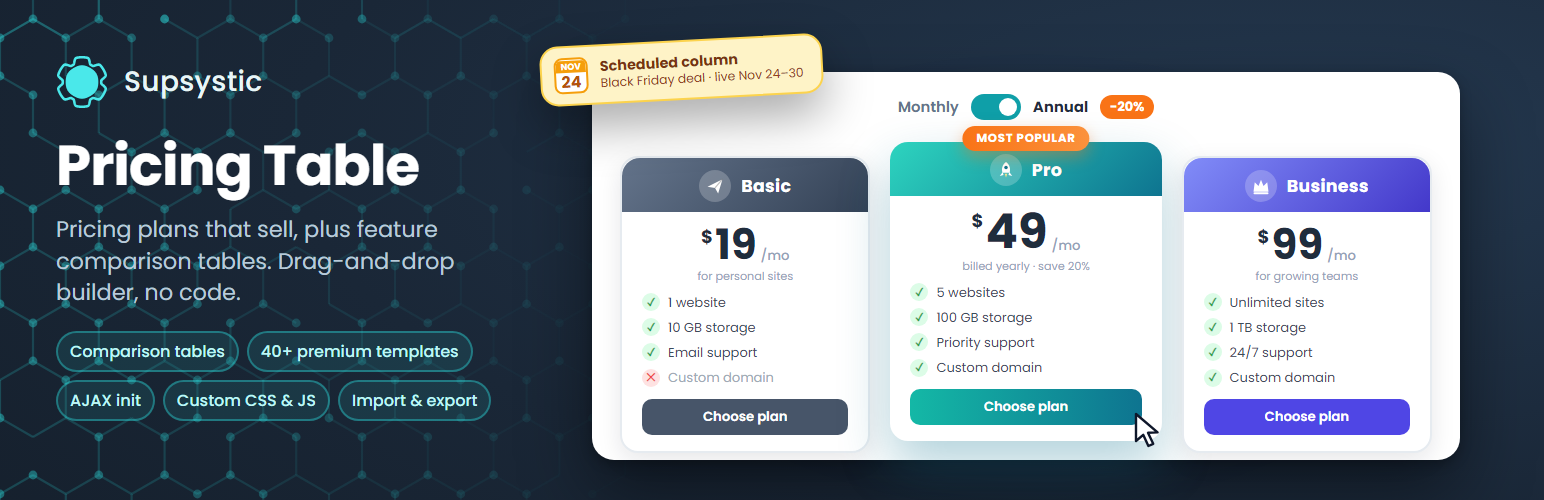

Pricing Table by Supsystic – Responsive Pricing Plans & Comparison Tables
v1.14.0supsystic · 2015年8月27日 上架
Responsive pricing tables and comparison tables with a drag-and-drop builder. Templates, badges, icons and buttons included.
- 正在使用
- 1 万+
- 评分
- 4.1 / 5
- 累计下载
- 126 万
- 最近更新
- 2026年11月23日
贡献者
 supsystic
截图


Pricing Table by Supsystic is a WordPress pricing table plugin for pricing plans and feature comparison tables. Pick a template, type your prices and features right inside the table, highlight the plan you want to sell and publish it with a shortcode. No code required.
Unlimited tables, columns and rows are free.
Try it in your browser: open a live demo in WordPress Playground – no install, no account.
What you can build
- Pricing plans for SaaS, hosting, apps, memberships and subscriptions
- Feature comparison tables with check and cross icons
- Service packages for agencies, freelancers and consultants
- Product comparison tables with images and specifications
Visual table builder
- Edit text right inside the table and see the result as you type
- Add, clone, move and remove columns and rows
- Highlight a column and add a hover animation so the best plan stands out
- Column badges such as “Most popular”, “Best value” or “Sale” from a ready badge library
- Icons from a built-in icon library, images, videos and buttons in any cell
- Colours, fonts, header style and borders for every table, plus custom CSS
Turn visitors into buyers
- Buttons link to any checkout: a PayPal or Stripe payment link, a WooCommerce product, your cart or a contact form
- Payment icons for PayPal, Stripe and cards to build trust next to the price
- Links can open in a new window and carry a nofollow attribute
Scheduled columns for sales
Show a column only between two dates: a Black Friday deal, a launch offer or seasonal prices appear and disappear on their own.
Responsive on every screen
Tables adapt to desktops, tablets and phones. Responsive mode is on by default, and you can set a minimum column width or switch it off for fixed layouts.
Templates to start from
Start from a ready-made template – flat, gradient, colourful or minimal – and make it yours. Every template is fully editable, and Pro adds 40+ premium templates.
Add tables anywhere
- Shortcode for posts, pages and widget areas
- PHP code for theme templates
- Works with page builders through the shortcode
- Export a table and import it on another site
- Right-to-left language support
Works with Gutenberg, Elementor and widgets
- Gutenberg block “Classic Pricing Table”: pick a table in the sidebar and see it live in the editor, with links to edit it or create a new one. You’ll find it in the “Supsystic” block category.
- Block widget editor: add the same block to a sidebar or footer under Appearance Widgets.
- Classic WordPress widget “Classic Pricing Table by Supsystic” for themes and sites that use classic widgets.
- Elementor widget “Classic Pricing Table”: live preview right in Elementor, with the table picker and Edit / Create links in the panel.
- Classic editor: the “Insert a Classic Pricing Table” toolbar button adds the shortcode for you, or paste
[supsystic-price-table id=1]anywhere.
For developers
- Custom CSS for every table in a built-in code editor
- Custom HTML and JavaScript for advanced layouts and tracking
- AJAX init: load a table on demand, on a click or when its header is opened, instead of on page load (Pro)
- Clean shortcode and PHP output that works with any theme
Pricing Table Pro
Pro adds premium designs and switches for bigger pricing pages:
- 40+ premium pricing table templates
- Monthly/annual switch toggle, plus switches by button, radio button or dropdown
- Tooltips and popups that explain features right in the table
- Tables loaded on demand by AJAX
- Priority support