

PostNotify – Email Notification to Press Office, Client or Author on Publish
v1.0.5Fuska · 2026年7月12日 上架
Email the press office, client or author the moment their post goes live, with the direct link. No newsletter, no list: one recipient per post.
- 正在使用
- 10 以下
- 评分
- 暂无
- 累计下载
- 559
- 最近更新
- 2026年10月11日
贡献者
 Fuska
截图
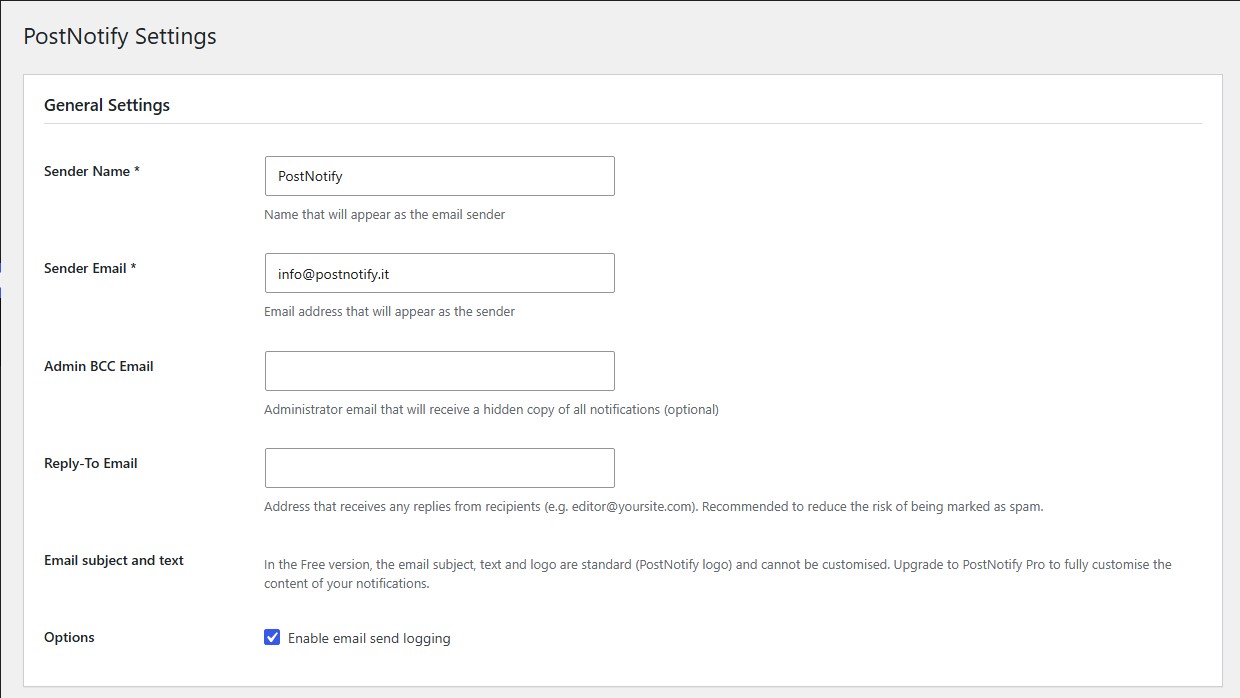
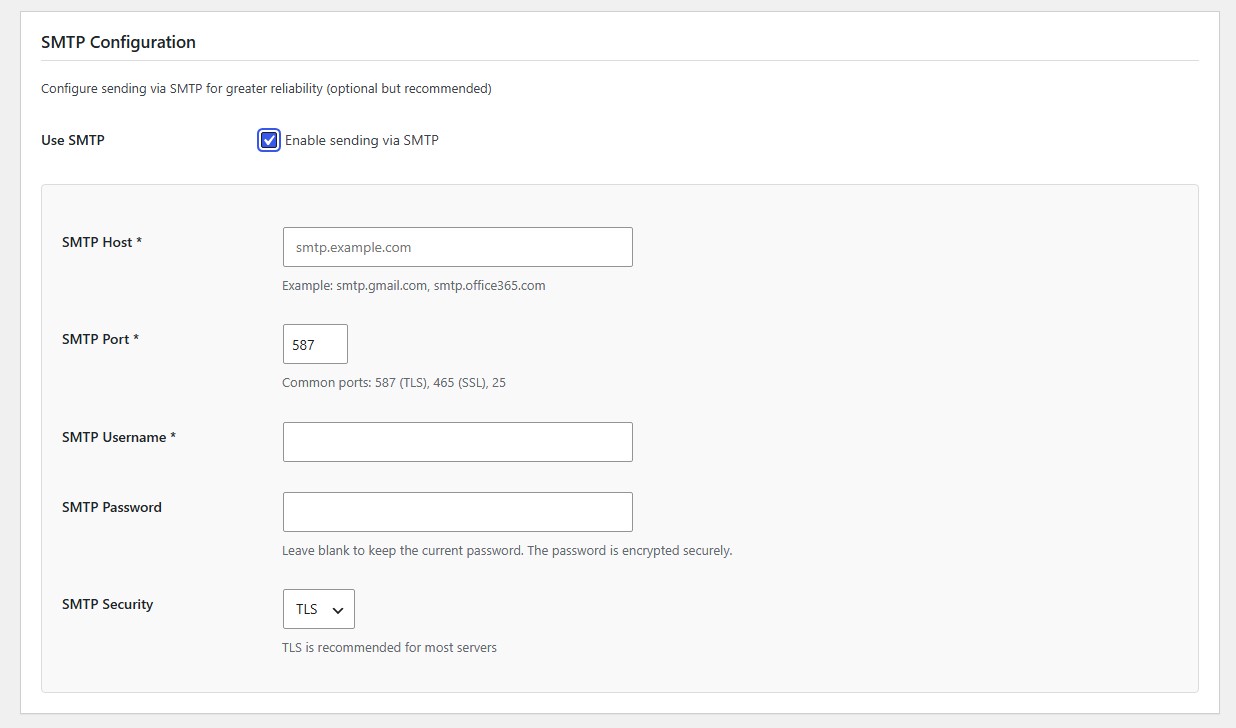
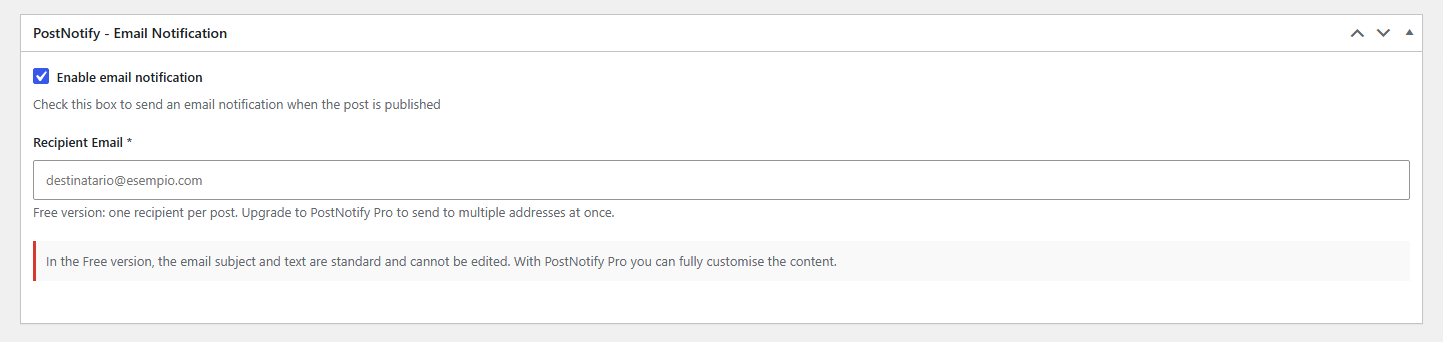
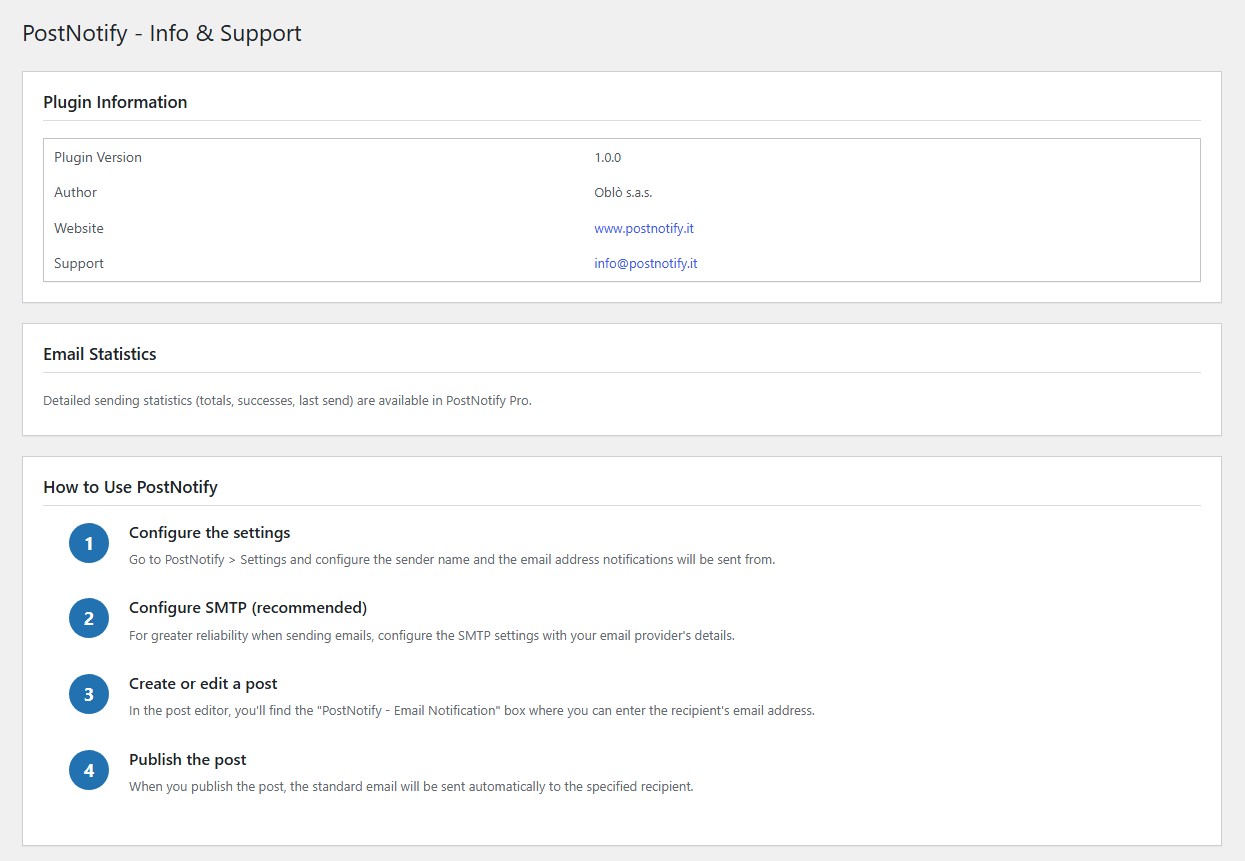

Who is waiting for that article? A press office that sent you a press release, a client who paid for a sponsored post, a guest author, a colleague. PostNotify emails them automatically the moment the post is published, with the title and the direct link — so you no longer have to write “it’s online, here is the link” by hand every time.
PostNotify is not a newsletter plugin and does not manage subscriber lists. You choose the recipient post by post, right in the editor.
It was born in the newsroom of Oblò.it, an Italian online magazine since 1998, where it notifies press offices every day that their press releases have been published.
Who it is for
- Online magazines and news sites: tell press offices and agencies their press release is online, so they share the link while the news is fresh.
- Press offices and PR agencies running their own site: notify the client as soon as an article goes live.
- Companies: inform a partner, a client or another office when you publish a news item.
- Multi-author blogs: let guest authors know their post has been published.
- Associations: notify a board member or a partner organisation about a new announcement.
How it works
- Set the sender name and email (SMTP optional but recommended).
- Write your post and enter the recipient’s address in the PostNotify box.
- Publish: the notification email is sent automatically, once.
Free version features
- Automatic email when a post is published
- One recipient per post, set in the post editor
- On/off switch for each post
- Courtesy copy to the administrator, to check that every notification was sent
- Reply-To address, so replies reach the right inbox
- Send log directly in the post editor
- SMTP support with encrypted password and a built-in test email
- Your site name in the email header, so the message looks like it comes from your site
- Standard subject and text with automatic title and link
- Works with the block editor and the Classic editor
- No external services: emails are sent by your own site
- Available in English and Italian, translatable on translate.wordpress.org
PostNotify Pro
Need more? PostNotify Pro adds:
- Multiple recipients for each post, in BCC (nobody sees the other addresses)
- Custom subject and text for each post
- Your own logo in the email
- Sending statistics: emails sent, failed, success rate and last send
- Licences for 1 site, 3 sites or unlimited sites. Licences are permanent; updates and support are included for 12 months.
Do you like PostNotify? Leave a review on WordPress.org: it helps other users find it.
Template variables (used in the standard text)
- [titolo_articolo] – Post title
- [link_articolo] – Direct link to the post
- [link_homepage] – Link to the homepage
- [firma] – Signature with sender name
Support
For technical support or bug reports:
* Support forum on WordPress.org
* Email: info@postnotify.it
* Website: https://www.postnotify.it
Credits
Developed by Oblò s.a.s. — website: https://www.postnotify.it — email: info@postnotify.it