

Postlane
v1.0.0haroondev · 2026年2月23日 上架
A Gutenberg block to display WordPress posts in grid or list layouts with drag-and-drop reordering and full customization controls.
- 正在使用
- 10 以下
- 评分
- 5.0 / 5
- 累计下载
- 536
- 最近更新
- 2026年2月24日
贡献者
 haroondev
截图
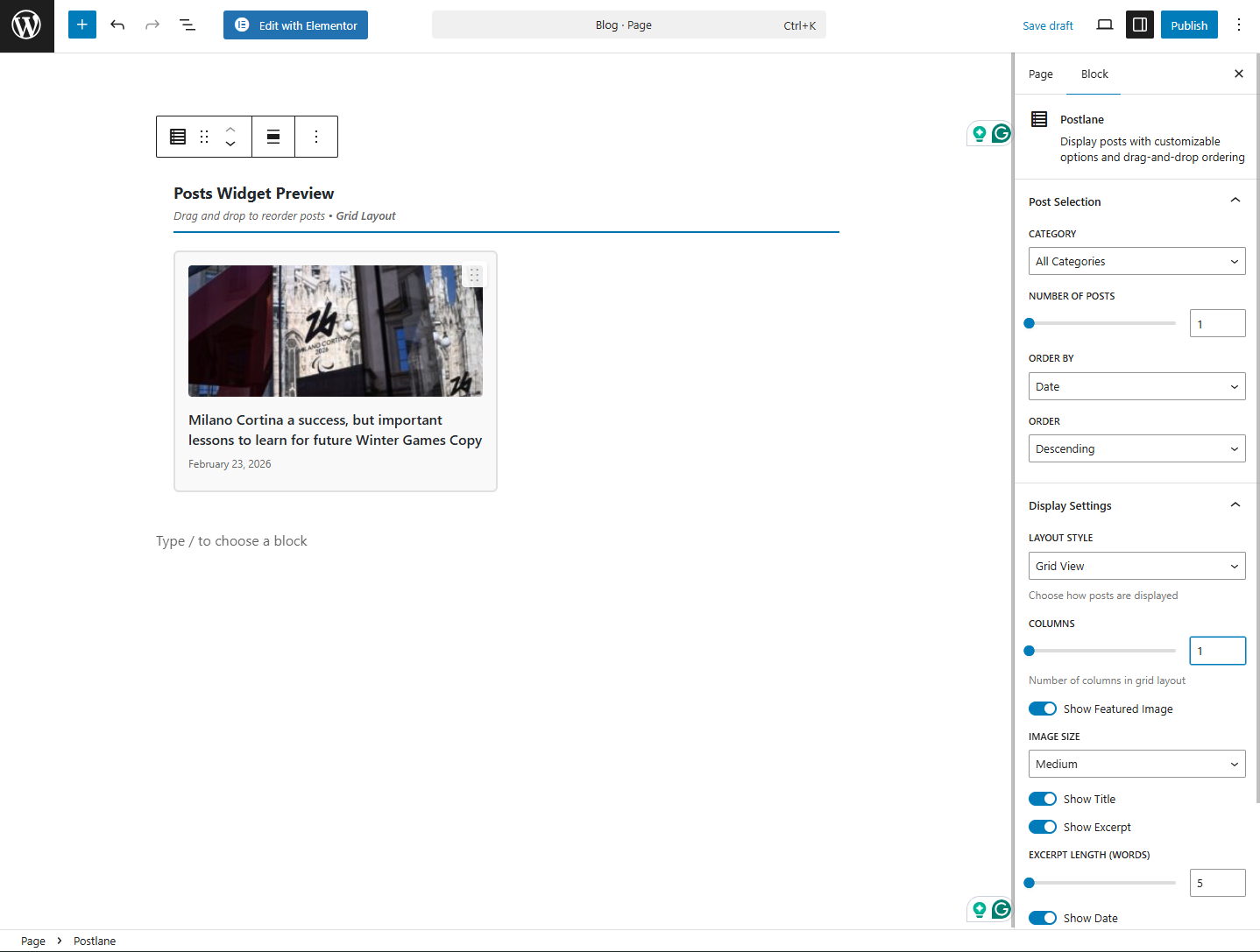
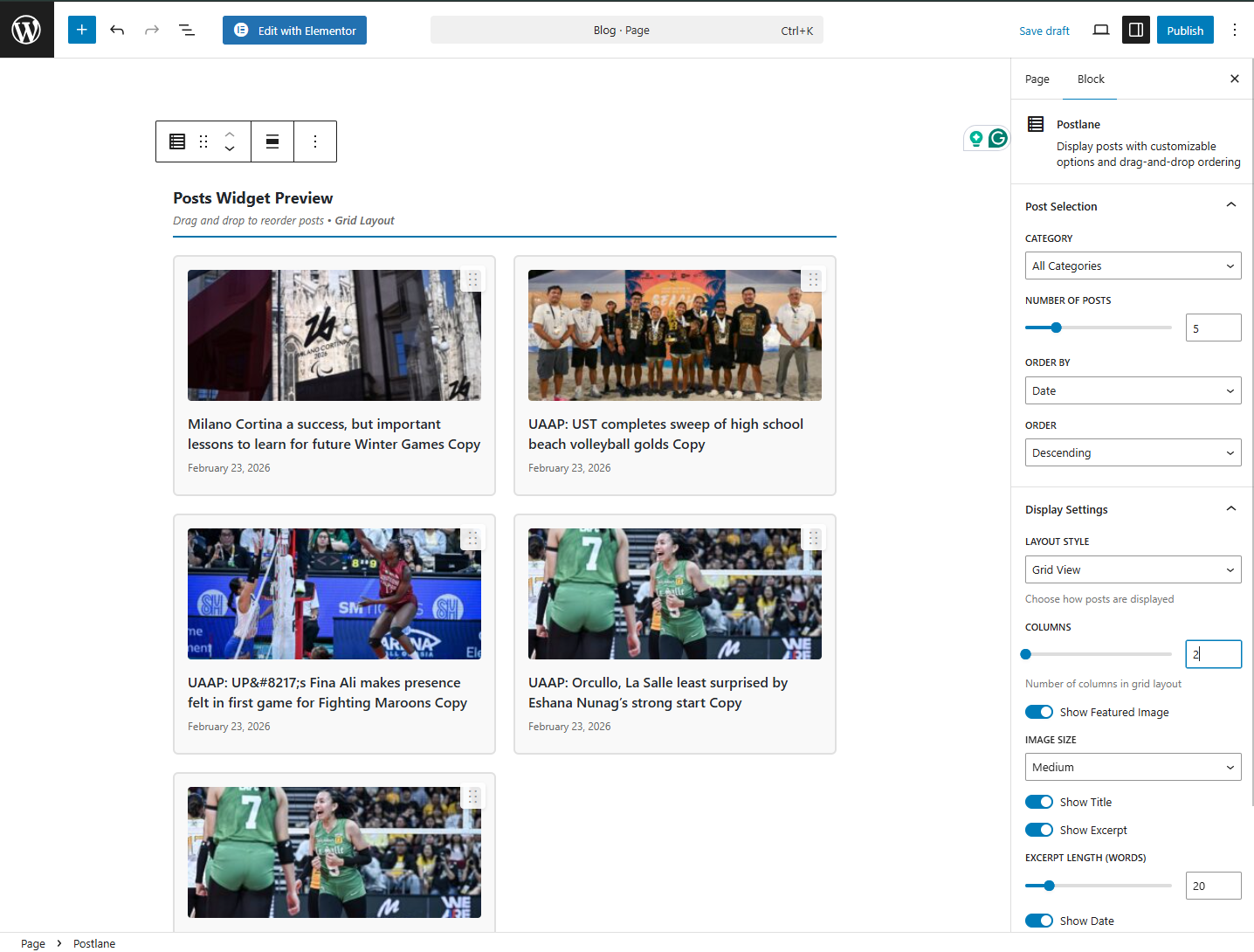
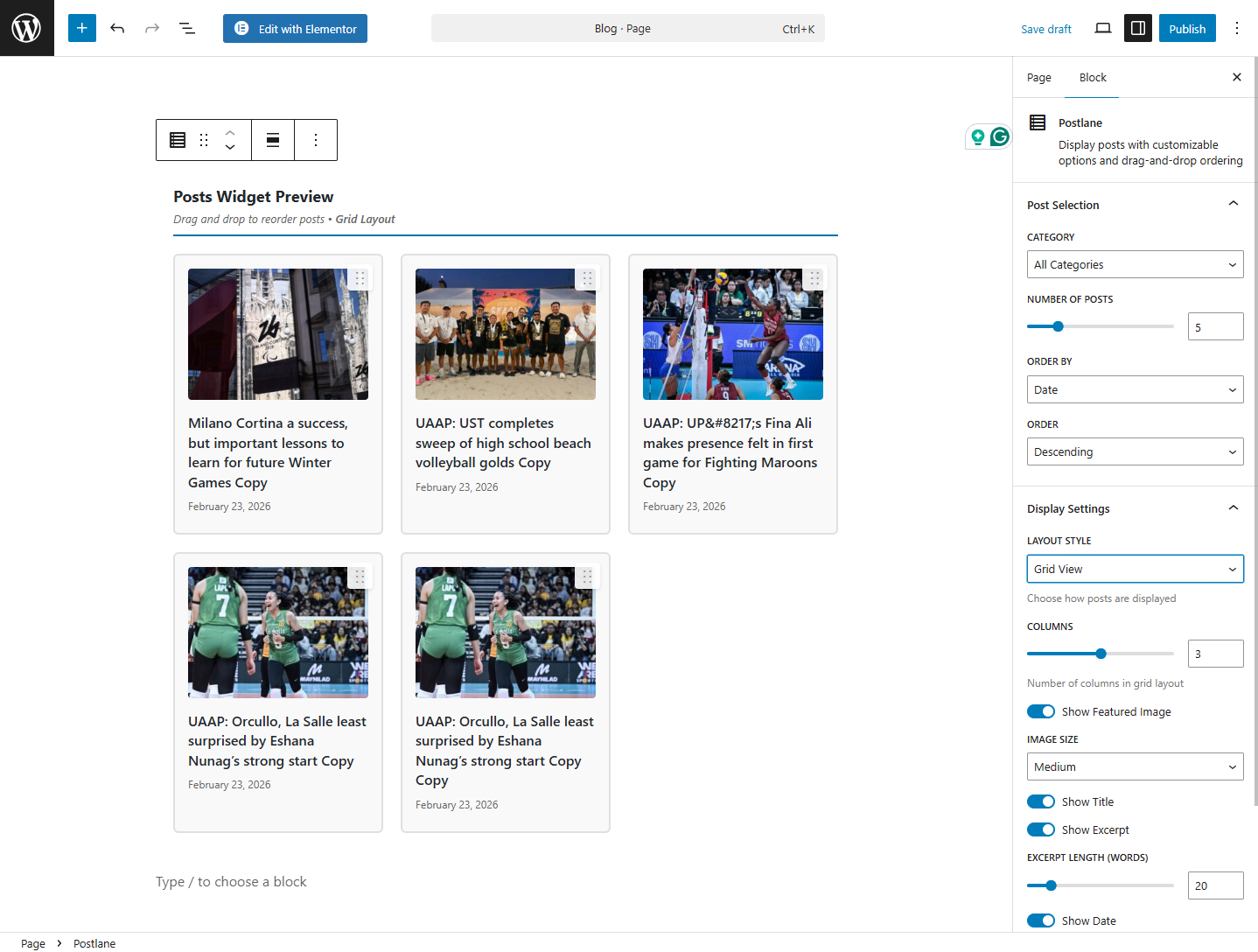
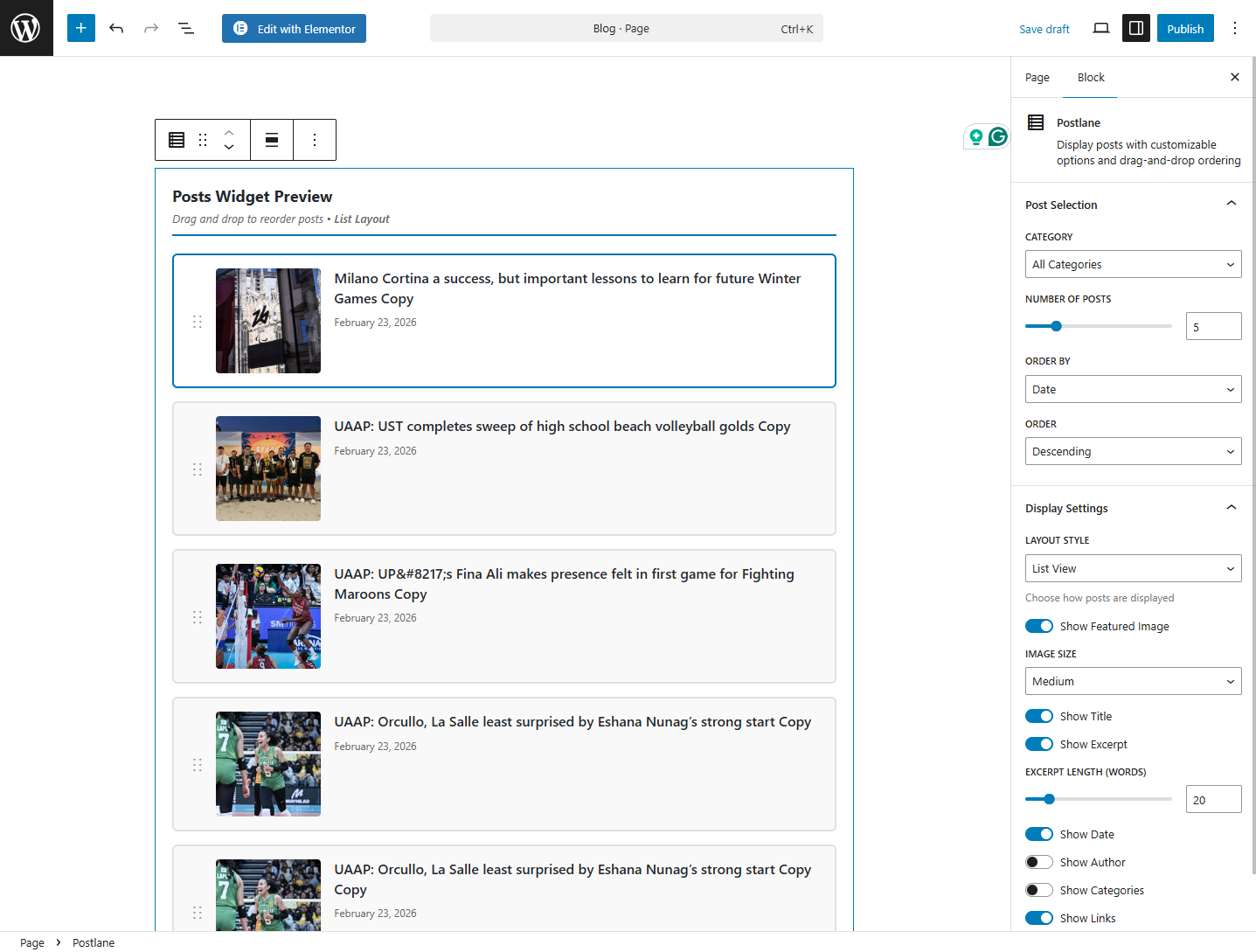
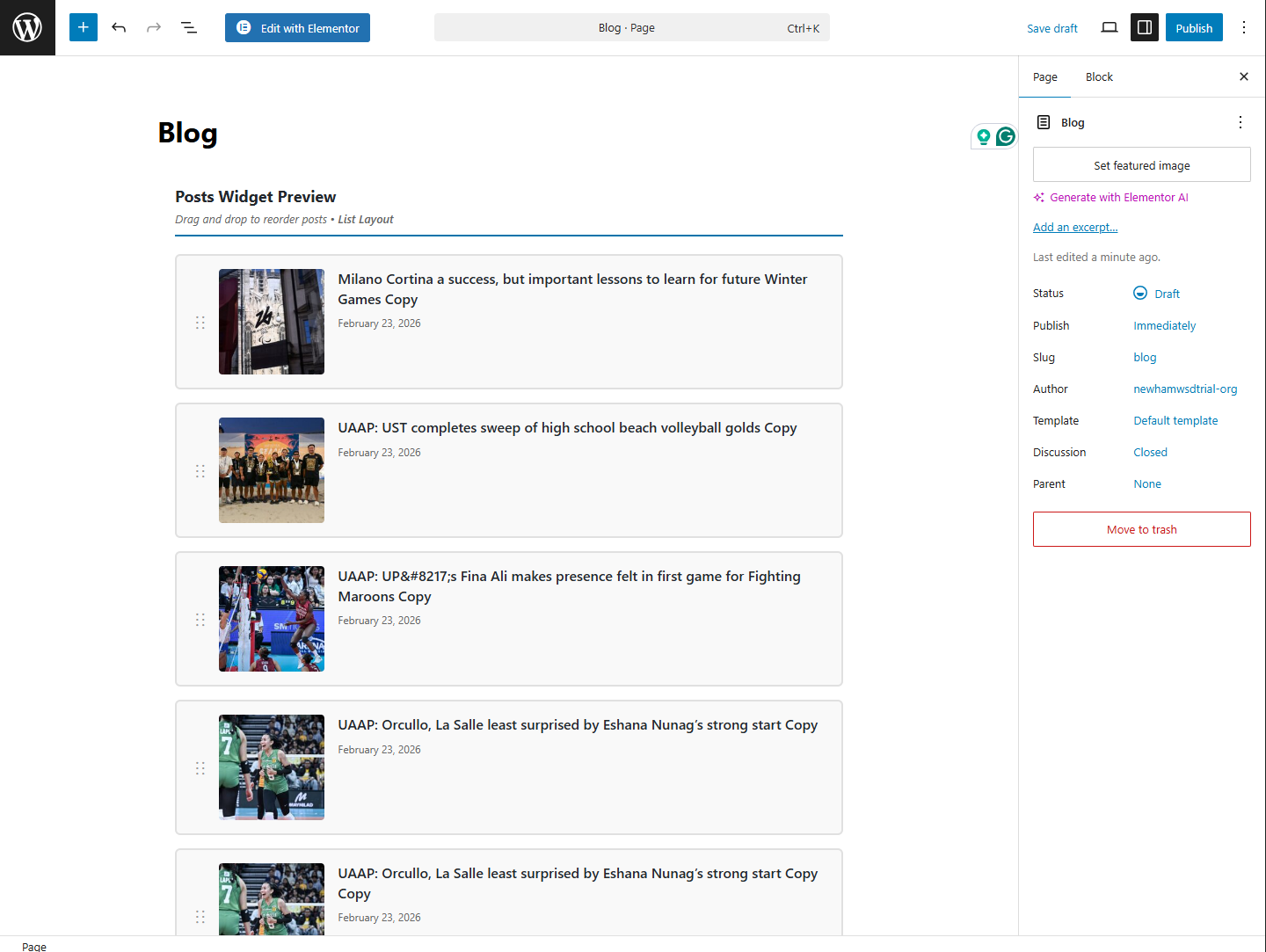
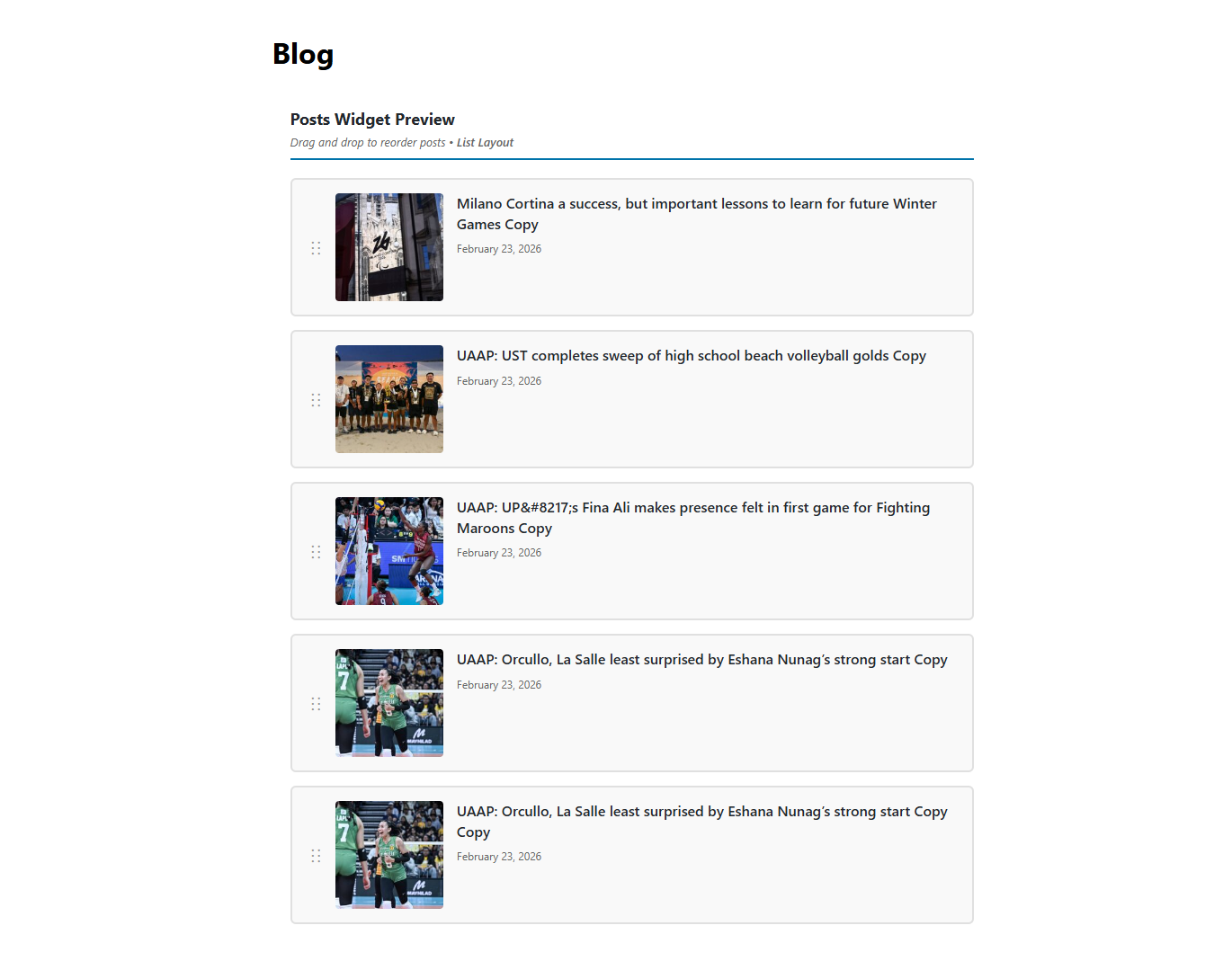
Postlane adds a powerful Gutenberg block that lets you display your WordPress posts anywhere on your site — in a clean list or a responsive grid. You control the layout, the content, and even the order of posts using a simple drag-and-drop interface right inside the editor.
Whether you’re building a blog homepage, a news section, or a portfolio, Postlane gives you everything you need without writing a single line of code.
Key Features
- Grid and List Layouts — Choose between list view or grid view with 2, 3, or 4 columns
- Drag & Drop Reordering — Reorder posts visually in the editor; custom order is saved and shown on the frontend
- Category Filtering — Show posts from a specific category or display all posts
- Post Count Control — Display anywhere from 1 to 20 posts
- Sort Options — Order posts by date, title, or randomly
- Toggle Display Elements — Show or hide featured images, titles, excerpts, dates, authors, and category labels
- Excerpt Length Control — Adjust excerpt word count between 5 and 100 words
- Multiple Image Sizes — Choose from thumbnail, medium, large, or full image sizes
- Fully Responsive — Layouts adapt automatically for desktop, tablet, and mobile
- Lightweight — No jQuery, no external dependencies, minimal resource usage
How It Works
After activating the plugin, open any post or page in the block editor. Search for “Postlane” in the block inserter and add it to your content. Use the sidebar settings panel to configure the layout, filters, and display options. Optionally drag and drop posts in the editor preview to set a custom display order. Save and publish — your post feed is live.
Privacy
Postlane does not collect any personal data, does not set cookies, and makes no external HTTP requests. It is fully compliant with GDPR and similar privacy regulations.