

Post Updated Date
v1.5Ataul Ghani · 2016年6月10日 上架
Use Post Updated Date Plugin to display the Last Updated Date in WordPress Posts.
- 正在使用
- 500+
- 评分
- 3.7 / 5
- 累计下载
- 2.2 万
- 最近更新
- 2025年5月2日
贡献者
 Ataul Ghani
截图

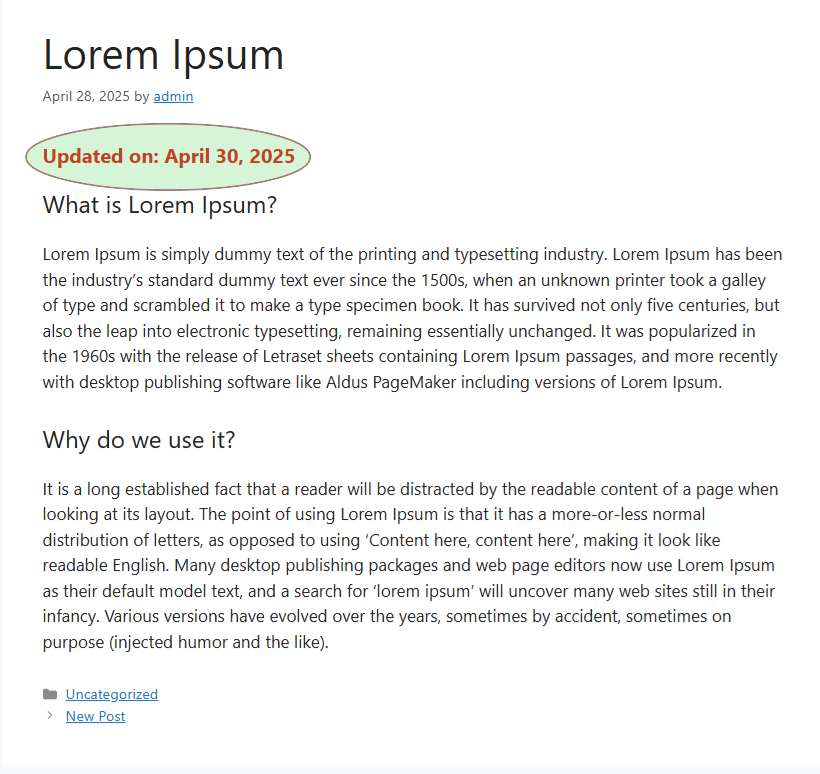
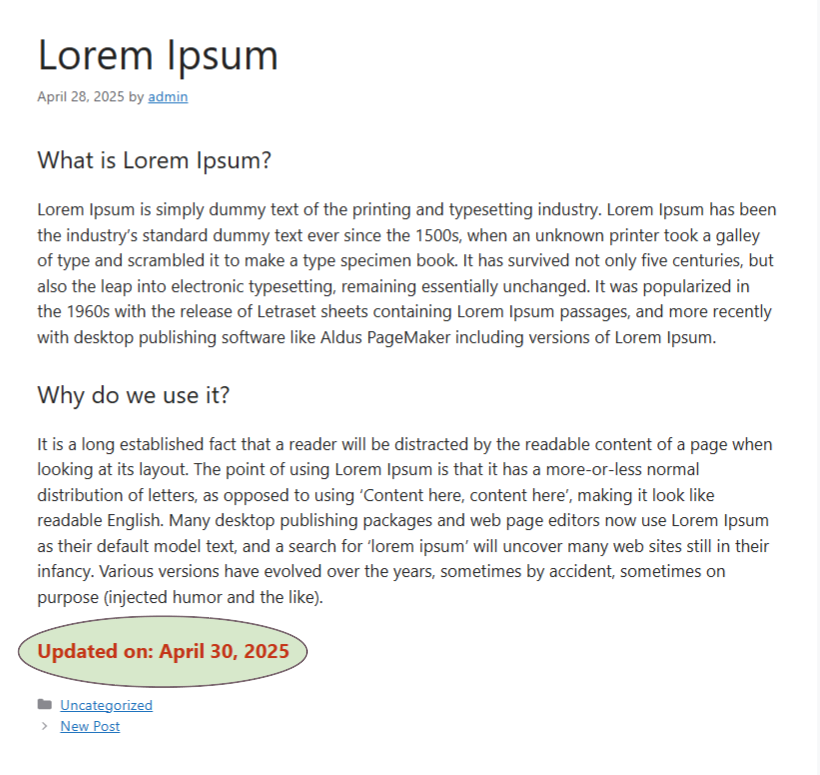
Easily highlight your post update date with the “Post Updated Date” plugin!!!
This plugin is a great tool for bloggers and content creators who updates their posts/contents frequently. It lets you automatically display the last updated date on each post, either above or below the content. With flexible styling options, you can easily customize the text, appearance, prefix, and position to fit your site’s look and feel.
Don’t forget to leave a ⭐⭐⭐⭐⭐ rating if this plugin helps you!
For example, if your post Published on April 28, 2025, and you found out two days later that there was an update to the post. You can just edit the post, and it will show “Last Updated on: April 30, 2025” either before or after the post content, based on your settings. Still there showing original published date in post info. So you’re going to show both dates published and updated to the readers. And this will help you to notice your readers that blog is always updated.
Just simply install Post Updated Date plugin, set your preferences, and the plugin handles the rest.
🗝️ Key Features
- Automatically show the last updated date on every post
- Admin settings panel
- Choose to display the date before or after post content
- Fully customizable font size, color, style, and weight
- Custom prefix text support
- View changes instantly with a live preview panel
Blog
- If you want to know more Visit blog.
Support
- Need any help? Get community support via the support forums.