
Post Date Block: Published & Modified
v1.0.0Weston Ruter · 2026年1月24日 上架
Appends the modified date to the Post Date block when different from the published date.
- 正在使用
- 20+
- 评分
- 暂无
- 累计下载
- 755
- 最近更新
- 2026年5月19日
贡献者
 Weston Ruter
截图
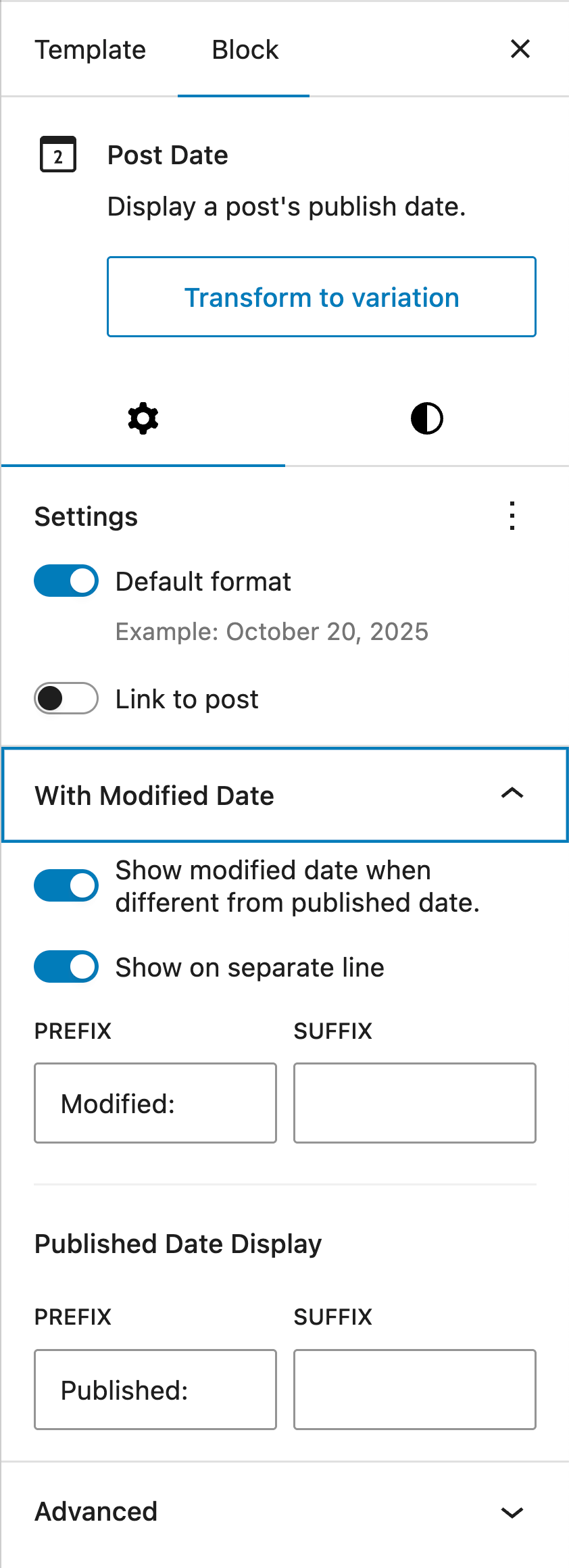
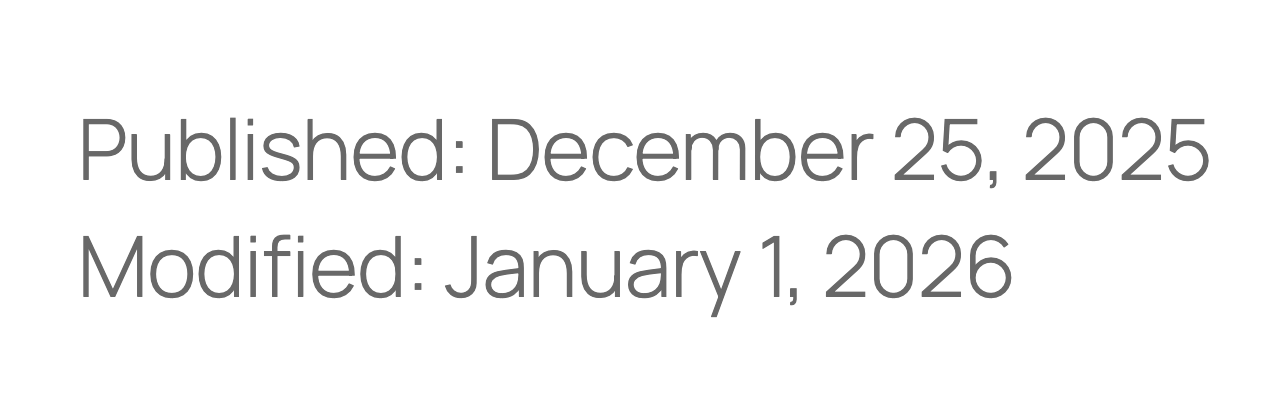
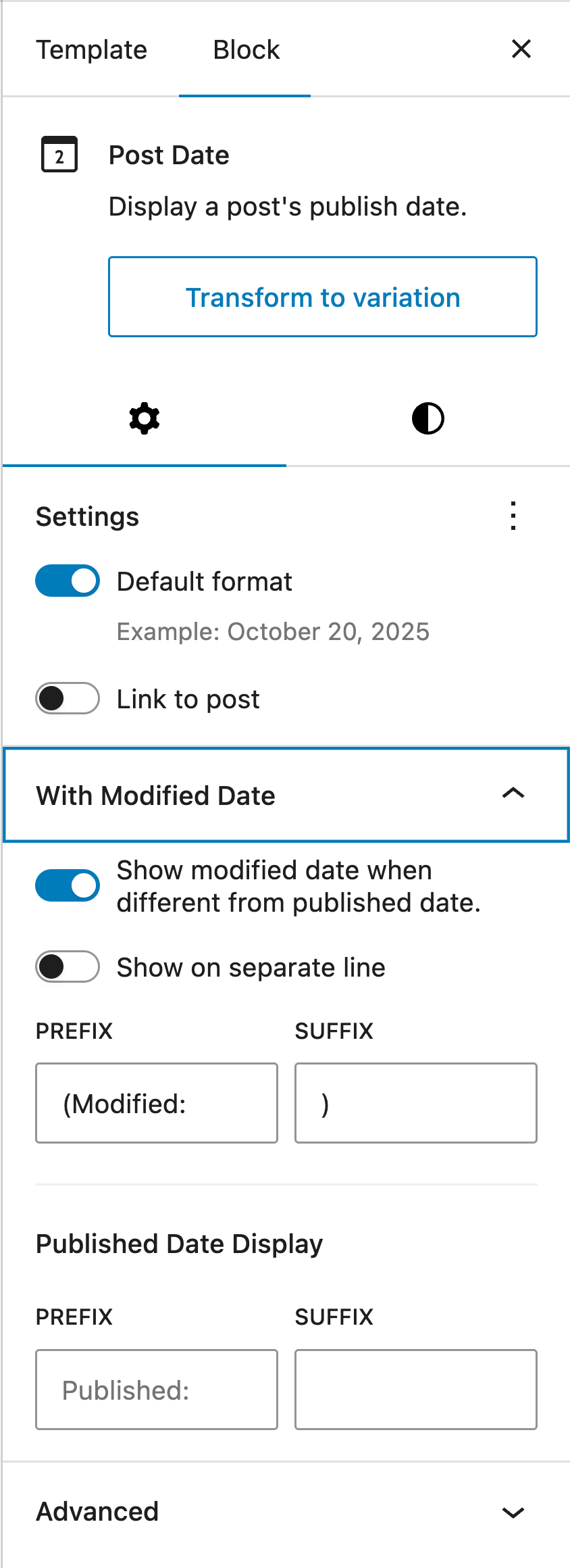

This plugin extends the core Post Date block variation, specifically the “Post Date” variation of the Date block. It appends the modified date to the block whenever it differs from the published date (when rendered in the provided date format). You can configure prefixes and suffixes for both dates, and you can display the modified date on a separate line.
For a full writeup of this plugin, see my blog post.
This is a prototype or stopgap for gutenberg#53099 (Post date: It is not clear that “display modified date” replaces the publishing date). See also gutenberg#61920 (Add prefix / suffix to Post Date block). What eventually lands in core will hopefully leverage “shortblocks” so that the conditional prefixes and suffixes needn’t be provided in a block settings panel.
Usage
- Open the Site Editor to edit a block template.
- Insert a Date block.
- In the block settings, click the “Transform to variation” button and select “Post Date”.
- A new “With Modified Date” panel appears in the settings. Enable the “Show modified date when different from published date” toggle.
- Configure the prefixes and suffixes for the published date and modified date when the two differ for the selected date format; optionally enable the toggle to show the modified date on a separate line.
Note: There is currently no preview in the editor. To see the changes, save the block template and navigate on the frontend to a post that has been modified at least a day after publishing.