
Post Calendar by Gelform
v1790871930gelform · 2025年9月10日 上架
View your posts on a calendar and schedule posts with ease.
- 正在使用
- 60+
- 评分
- 5.0 / 5
- 累计下载
- 1,539
- 最近更新
- 2026年10月2日
贡献者
 gelform
截图


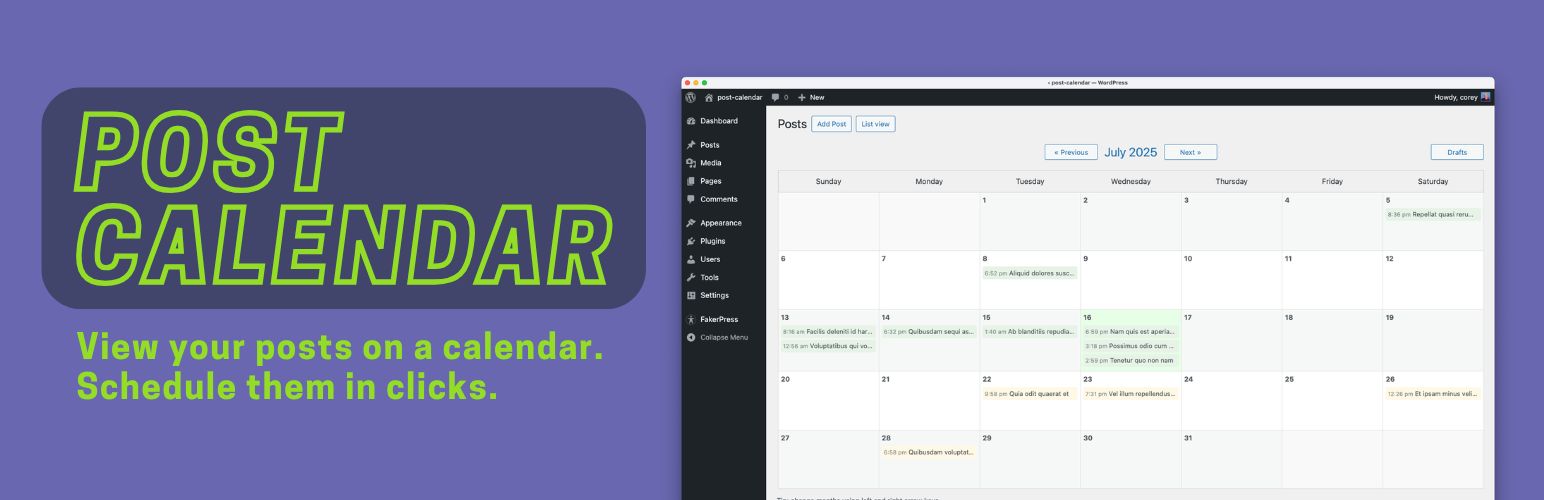
The Post Calendar plugin replaces the standard WordPress post list with a calendar view, so you can see your published and scheduled posts laid out by date.
Why You’ll Like the Post Calendar plugin
See your publishing schedule at a glance instead of scrolling a long list. Rescheduling is one click: click any post on the calendar, pick a new date and time from the popup, and you’re done.
A “Post Schedule” widget on the WordPress dashboard lists everything published last month and everything scheduled ahead, across all your enabled post types, color-coded by type. Click any post in it to reschedule it right from the dashboard.
Have unscheduled drafts? The “Drafts” button shows them all in one place so you can quickly assign each a publish date. The plugin is a good fit for bloggers, content marketers, news sites, or anyone managing an active content calendar. Settings let you choose which post types get the calendar view and whether to add a calendar link to the admin menu.