

Popular Products Block for WooCommerce – Show Most Viewed or Sold Products
v2.0.2bPlugins · 2022年8月1日 上架
Display WooCommerce Popular Products in your website post or pages .
- 正在使用
- 200+
- 评分
- 暂无
- 累计下载
- 7,125
- 最近更新
- 2026年11月25日
 bPlugins
 Abu Hayat
 MD.SHIHAB SHAMIM
截图

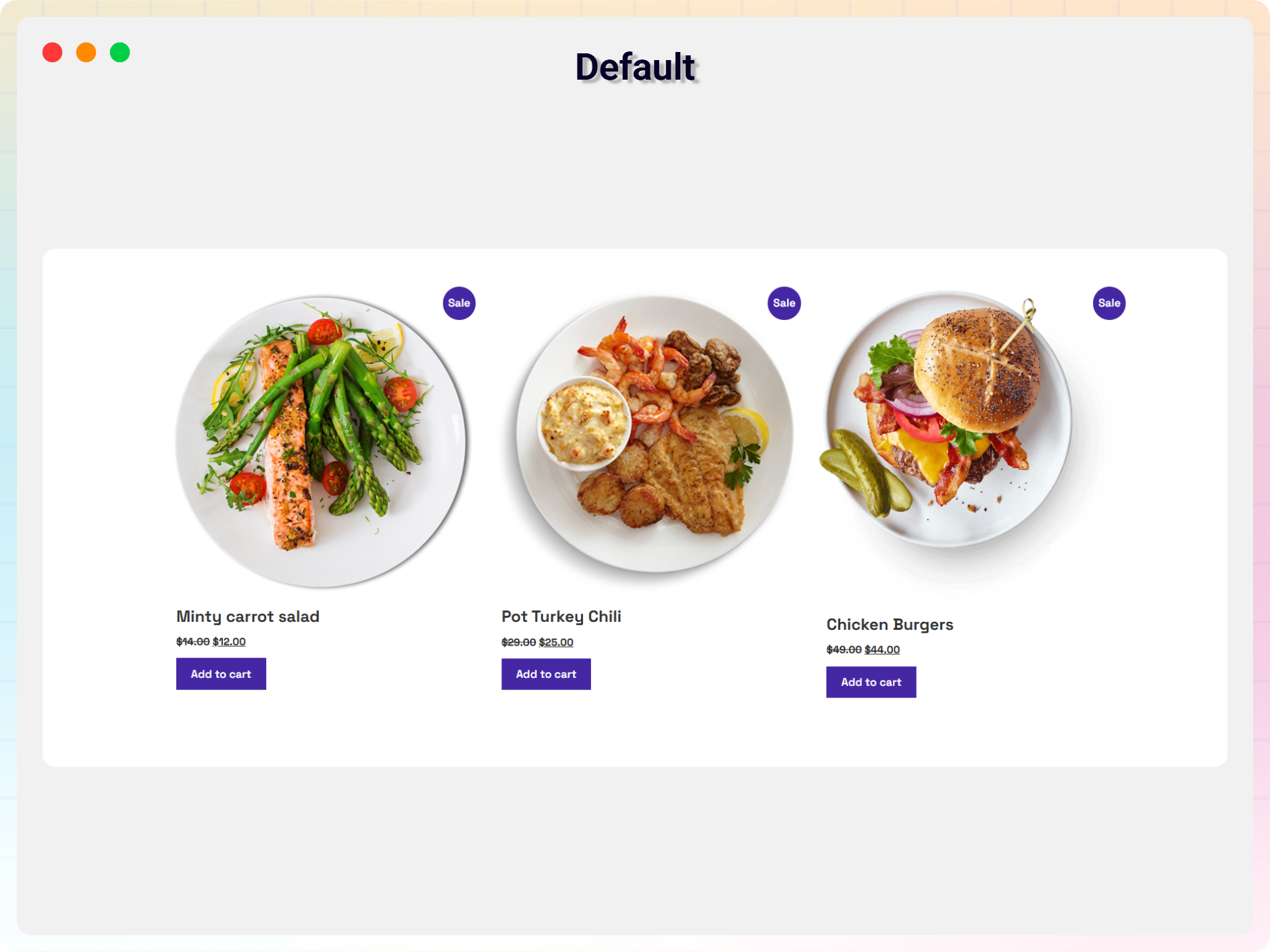
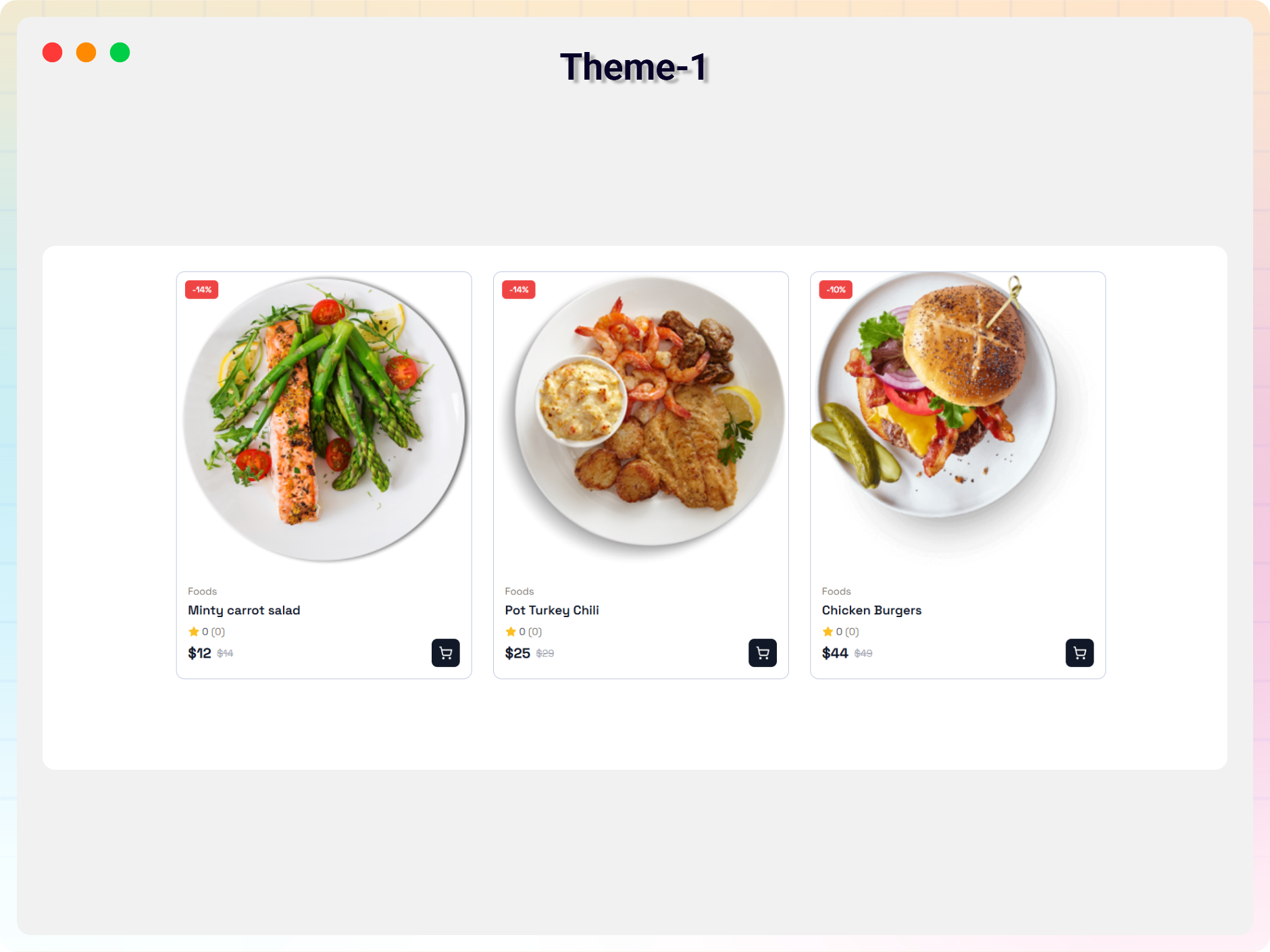
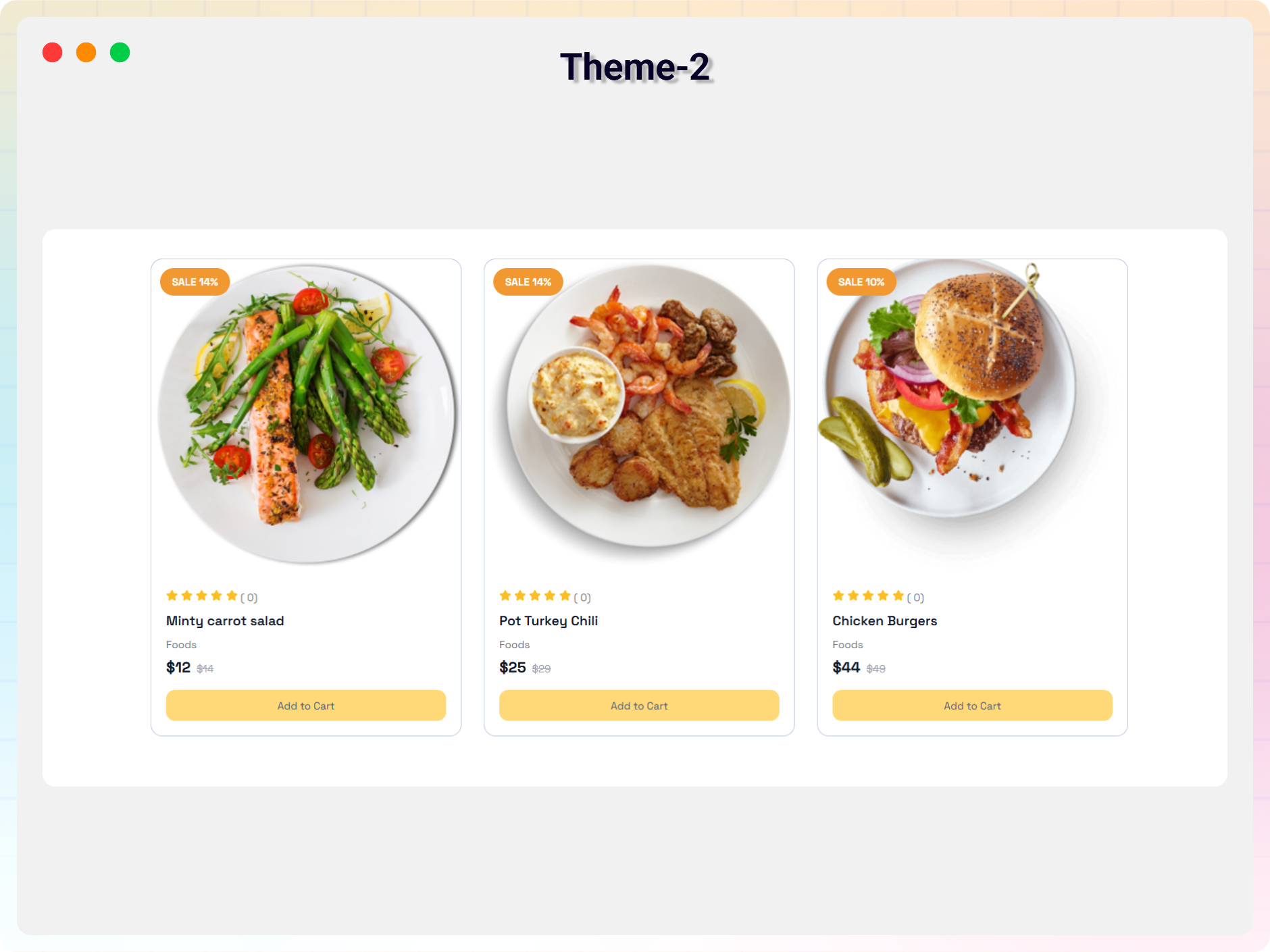
Popular Products Block for WooCommerce is a block plugin by which you can showcase the most popular WooCommerce product in block Widgets, or anywhere in the block editor area.
Key Features – Free Version
- Universal Shortcodes: Compatible with all page builders.
- Query: Display the product as your query. You can show products by the stock filter, category filter etc.
- Layout: Set different columns in different devices for responsiveness. Also, custom column and row gap.
- Element Show/Hide: Show or hide product elements, such as product image, title, rating, price, and add to cart button.
Key Features – Pro Version
- Free + Pro Features: The Pro version includes everything that’s available in the free version.
- Universal Shortcodes: Compatible with all page builders.
- Templates: Includes 2+ ready-to-use templates.
- Element Visibility Control: Show or hide any product element as needed.
- Price & Discount Control: Manage product prices and discount tags easily.
- Color & Typography Settings: Customize colors and typography for all elements.
- Product Card Styling: Control background, padding, and shadow options.
- Image Customization: Adjust image width, height, and object-fit settings.
- Section Styling: Customize section padding, margin, and background.
- Review Count Display: Show review counts with styling options.
- Average Rating Display: Control rating colors and typography.
- Responsive Design: Fully responsive and mobile-friendly layout.
- Beginner-Friendly: Easy to use and simple to customize.
How to use
- First, install the WooCommerce Popular Products plugin
- Add the WooCommerce Popular Products block from the block category called “Widgets” in the Gutenberg editor.
- You can change block settings from the right-side settings sidebar.
-
Enjoy!
-
For installation help click on Installation Tab
Feedback
- Did you like this plugin? Dislike it? Do you have a feature request? Please share your feedback with us
Check out the Parent Plugin of this plugin-
bBlocks – A blocks collection and page building tool for Gutenberg.
Check out our other WordPress Plugins-
Html5 Video Player – Display videos as single and playlist in multiple skins.
PDF Poster – Display/Embed PDF files with different styles.
Html5 Audio Player – Listen audios with awesome visuals.
StreamCast – Customizable radio player with different skins.
3D Viewer – Embed 3D models and 3D products with interaction.
Advanced Post Block – Show posts and custom posts in different layouts.