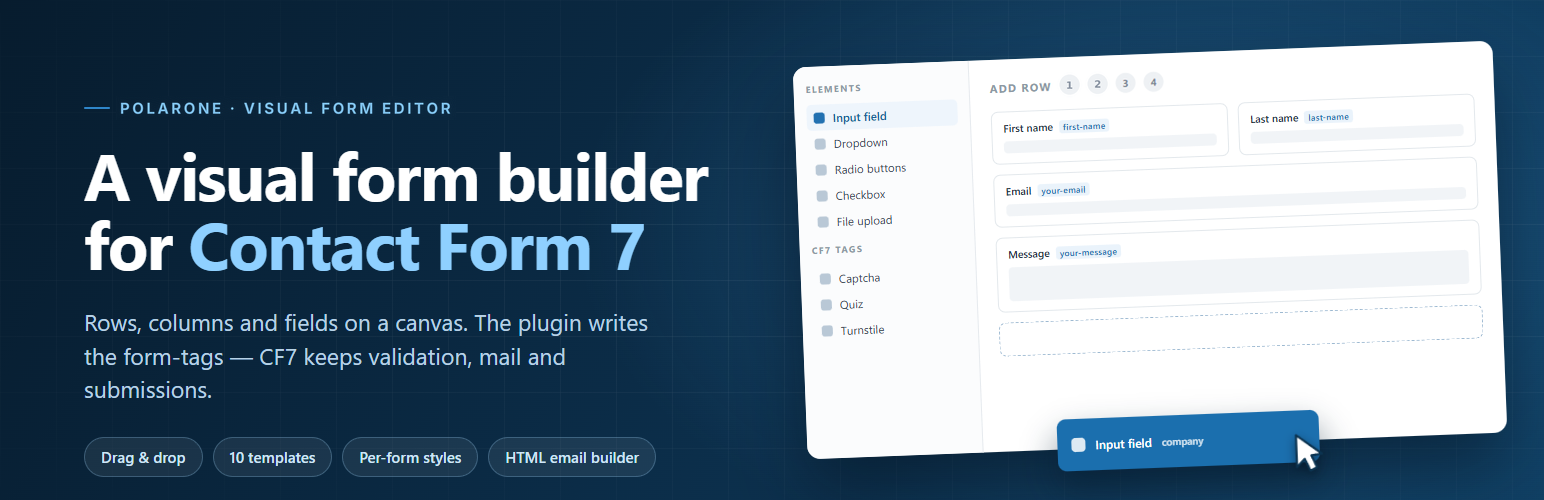

PolarOne Visual Form Editor for Contact Form 7
v1.0.3PolarOne · 2026年11月5日 上架
Build Contact Form 7 forms visually: drag fields into rows and columns, style them, and design the email. Your forms stay plain CF7.
- 正在使用
- 10 以下
- 评分
- 暂无
- 累计下载
- 451
- 最近更新
- 2026年11月6日
贡献者
 PolarOne
截图



Contact Form 7 is very good at the hard parts: validation, email, spam protection. Layout is where it gets awkward. Anything more than a single column means writing HTML and form-tags by hand, and one misplaced bracket or asterisk quietly breaks a field.
PolarOne Visual Form Editor for Contact Form 7 adds a visual editor to the form screen you already use. Add a row, choose how many columns it has, drop fields in and drag them around. The plugin writes the Contact Form 7 form-tags for you, and Contact Form 7 keeps doing everything else exactly as before: validation, mail, submissions and every add-on you rely on.
Build the form
- Rows with one to four columns, with your own gaps and column widths.
- All the usual fields: text, email, phone, number, date, URL, textarea, dropdown, radio buttons, checkboxes, consent, file upload, submit button, headings and text blocks.
- Any other form-tag on your site, including tags added by other plugins, shows up in the same list with its own settings.
- Containers, to wrap a group of fields in a section or in a paired tag such as
[group] ... [/group]. - Drag and drop, duplicate, reorder, delete. Every element has its own settings panel.
Works with other plugins
- Drag and Drop Multiple File Upload for Contact Form 7: the “Multiple file upload” element writes its
[mfile]tag with file types, size and number of files. The element appears only while that plugin is active. - Conditional Fields for Contact Form 7: a Container with the tag
groupwrites[group name] ... [/group], so conditional groups stay in the visual editor. - Any other plugin that registers a Contact Form 7 form-tag adds its own element to the list. When the plugin is deactivated its element disappears from the list, and a field already on the form is hidden on the site instead of printing the raw shortcode.
- The plugin needs no other plugin: the “File upload” element has its own multiple-file and drag-and-drop mode.
Start from a template
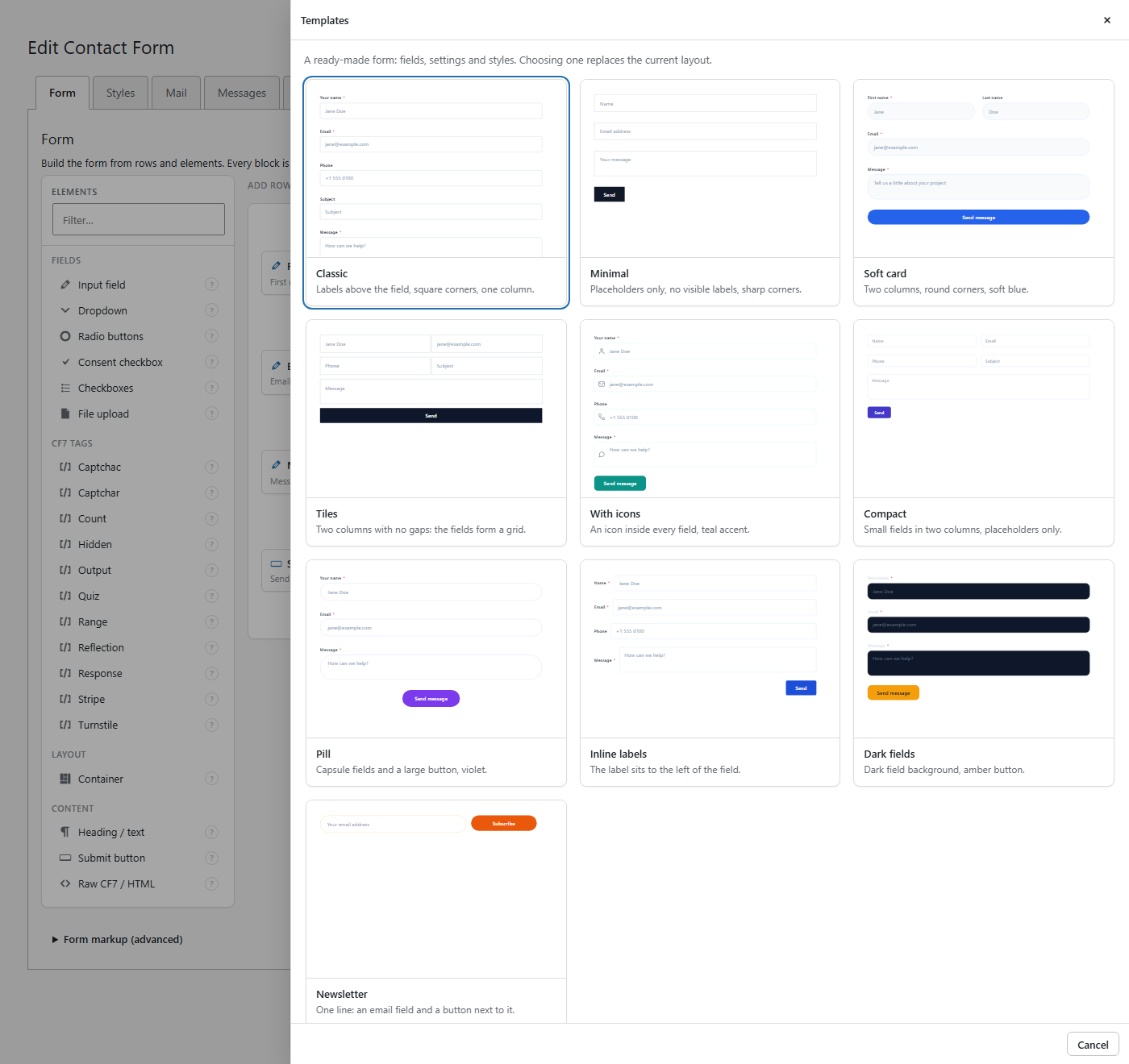
Ten ready-made designs: labels above or inside the fields, square or round corners, one or two columns, icons inside fields, a dark variant and a one-line newsletter form. A template brings its styles with it, so the form looks finished as soon as you pick it.
Style it without writing CSS
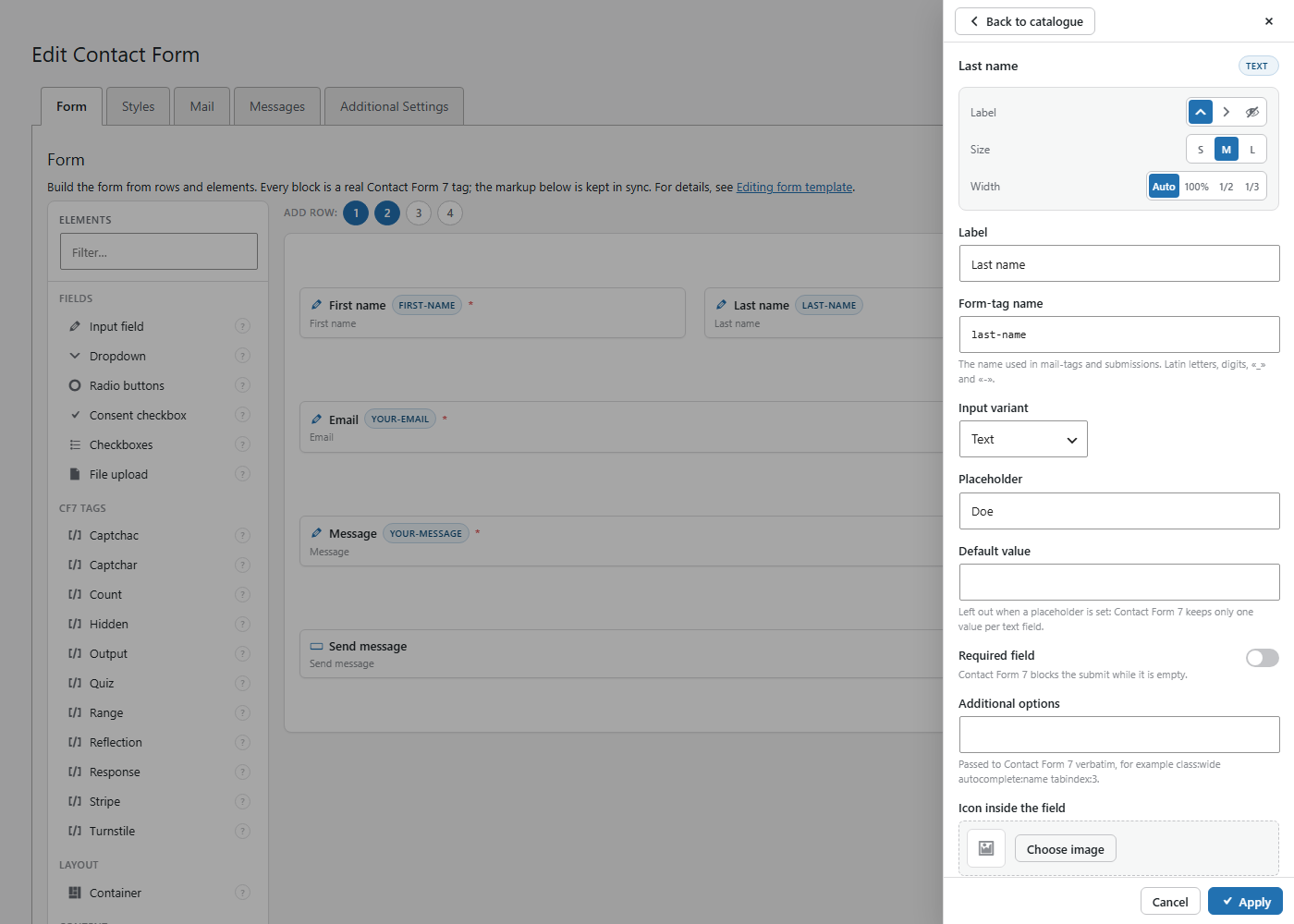
- Alignment, label position, size and width for each element.
- A Styles tab for colours, corner radius, spacing, font sizes and the focus ring. The settings belong to one form only, so two forms on the same page can look completely different.
- An optional icon inside a field, taken from your media library.
- A live preview next to the settings.
After the form is sent
Add a thank-you screen block anywhere in the form. When Contact Form 7 reports a successful send, the form is covered with your own title, text and picture, with an optional close button. It can also close by itself after a few seconds. Leave the text empty and the plugin shows the success message from the Messages tab of the form.
When something goes wrong, validation errors stay right under their fields and the form status appears as one short line below the submit button.
Design the email too
Build an HTML email from text, field values, images, buttons, dividers and spacers, arranged in rows and columns. It is rendered as tables, so Outlook and other desktop clients show it the way you designed it. Above every mail field there is a palette of mail-tags, and tags that would not work in that field are greyed out with an explanation.
Your existing forms are safe
Activating the plugin changes nothing. No form is touched and nothing is switched on in the front end.
The first time you open an old form in the editor, its markup is read and shown as blocks. Forms written with <label> wrappers come back as labelled fields, and layouts built with tables or half / one-third wrappers come back as rows and columns. Nothing is saved until you press Save. Form-tags the editor does not know are kept exactly as they are, options and values included. If you edit the markup by hand, the editor rebuilds the layout from your markup, never the other way round.
Light on your site
- Minimal front-end code: one small stylesheet for forms built with this plugin, and a tiny script only for forms that use the thank-you screen. Nothing else is added to your pages.
- The editor scripts load on the Contact Form 7 form screen only.
- No external fonts, no CDN, no tracking. Icons come from Dashicons, which ship with WordPress.