
Podlove Web Player
v5.10.0gerritvanaaken · 2012年7月3日 上架
A fast, flexible and responsive podcast player with chapters, transcripts and customizable themes.
- 正在使用
- 4,000+
- 评分
- 3.7 / 5
- 累计下载
- 20 万
- 最近更新
- 2026年10月3日
贡献者
 gerritvanaaken
截图
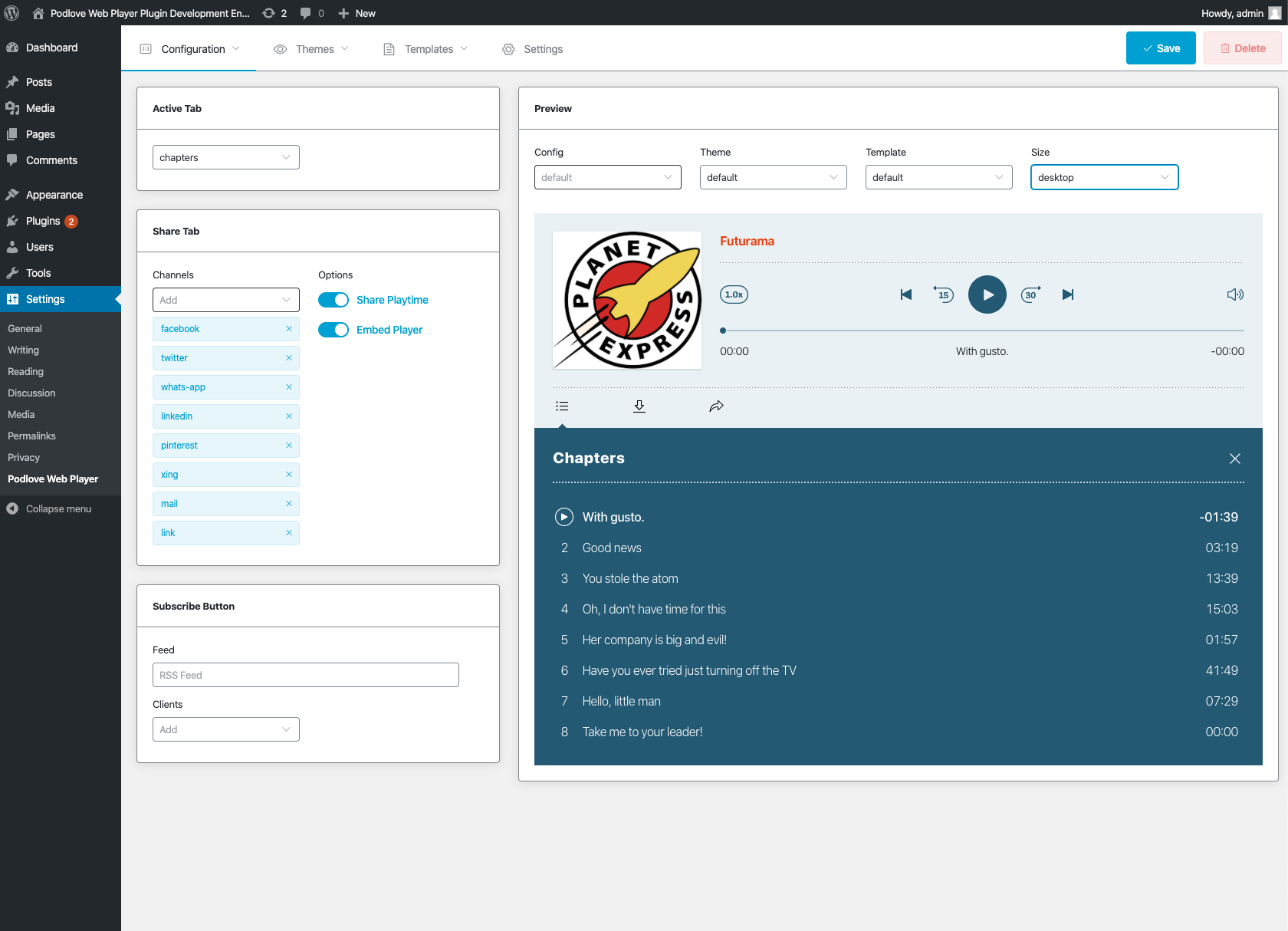
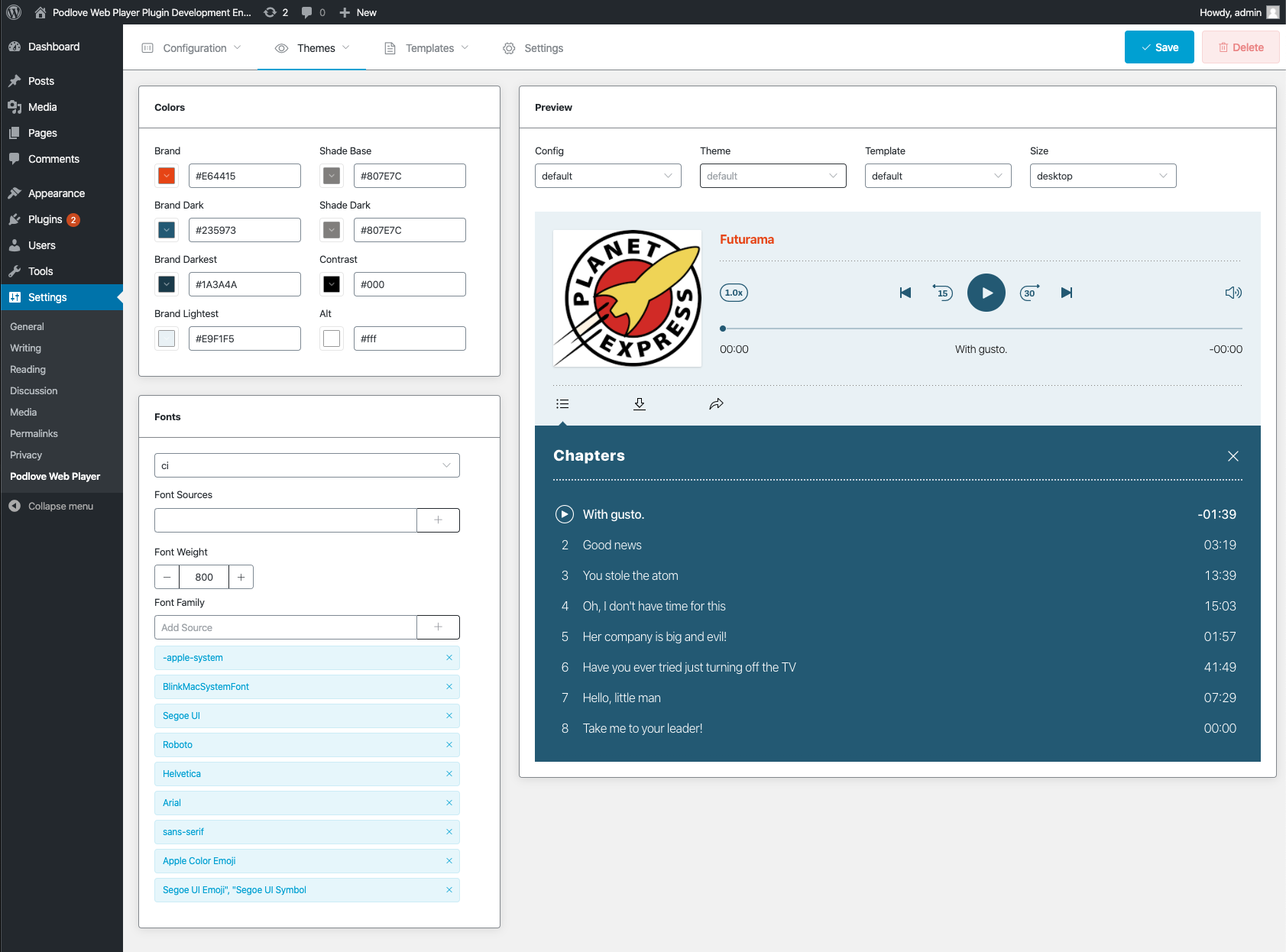
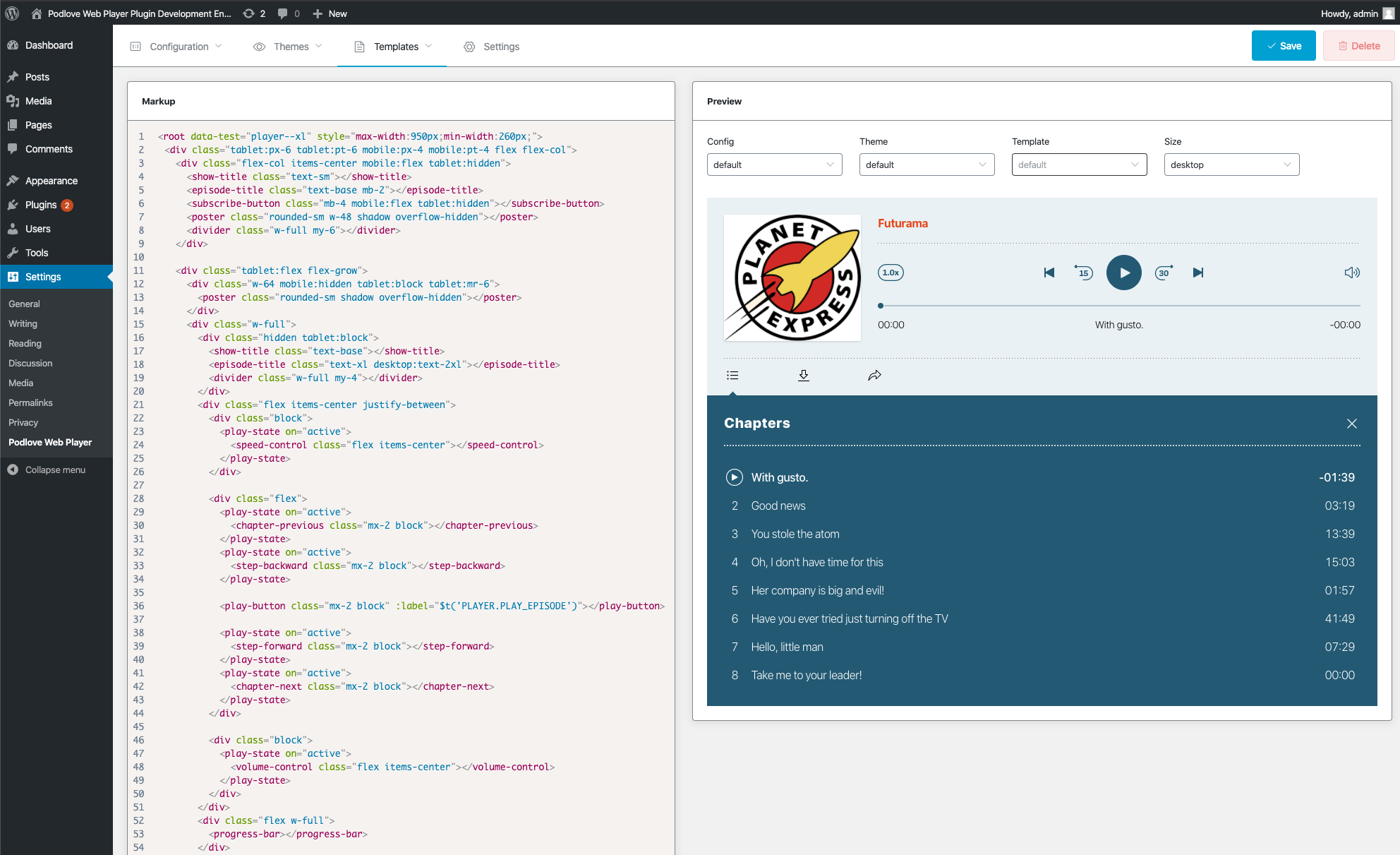
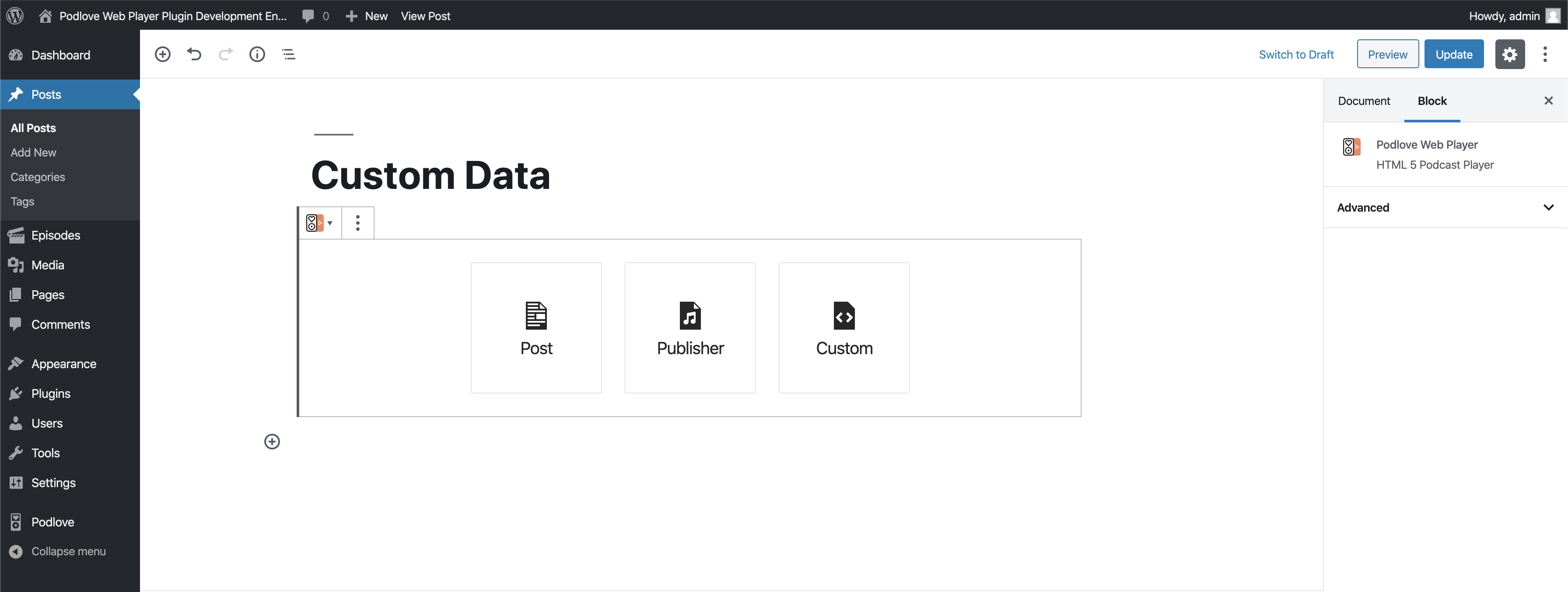
Podlove Web Player is an HTML5 web player for audio and video media files that is optimized and extended for the specific needs of podcasters.
It has a native integration with Podlove Publisher, can be used as a shortcode and also plays well with Gutenberg Blocks.
Made for Podcasters
- Podcast Chapters
- Transcripts
- Sharing & Embedding
- Download integrated
- Audio Controls, including playback speed
- Supports multiple audio file formats
- Supports live streams
Theming & Templating
The Player is fully customizable in terms of
- Theme colors
- Font family and weight
- Templates and appearance
Subscribe Button Integration
- Customizable Podcast Clients
- Integration in the Player
Usage
There are three ways to use the Podlove Web Player:
1 Using a WordPress Shortcode
Use a simple shortcode in your posts and pages, and the Podlove Web Player will appear, playing any media file you want to assign. Basic usage:
[podlove-web-player
  theme="default"
  config="default"
  title="My episode title"
  subtitle="Episode Subtitle"
  poster="/files/path/to/poster.png"
  chapters="/files/path/to/chapters.json"
  transcripts="/files/path/to/transcripts.json"
  playlist="/files/path/to/playlist.json"
  src="https://mysite.com/mymedia.mp3"
  size="1337"
  show="My show title"
  duration="03:33"
]
Use an existing post with a media enclosure that is provided from plugins like Blubrry:
[podlove-web-player
  theme="default"
  config="default"
  post="1234"
]
Or in case you have our Podlove Publisher installed:
[podlove-web-player
  theme="default"
  config="default"
  publisher="1234"
]
2 Using the WordPress Block Editor
Add the Podlove Web Player block to a post or page. Choose an existing post with a media enclosure, a Podlove Publisher episode, or enter custom audio and episode details.
For Post and Publisher sources, select an episode in the block sidebar to load the preview.
Use the block settings to choose a configuration, theme and template.
3 Automatic Integration with Podcasting Engines
If you use Podlove Publisher, select Podlove Web Player in the Publisher player settings.
For posts with media enclosures, such as those created by Blubrry PowerPress, enable automatic player insertion in the Web Player settings and choose its position.
Configure the player under Settings > Podlove Web Player. See the getting started guide for more details.
Help & Support
If you encounter any issue with the plugin or want to request a specific feature please reach out to our Podlove Community.