
Podcast Blocks
v0.9.5Angelo Mandato · 2026年5月11日 上架
Create and manage podcast episodes using Gutenberg blocks with full Apple Podcasts-compatible RSS feed support.
- 正在使用
- 10 以下
- 评分
- 暂无
- 累计下载
- 617
- 最近更新
- 2026年9月13日
需要 WordPress 6.5+已测试到 7.1.5PHP 8.1+
贡献者
 Angelo Mandato
截图
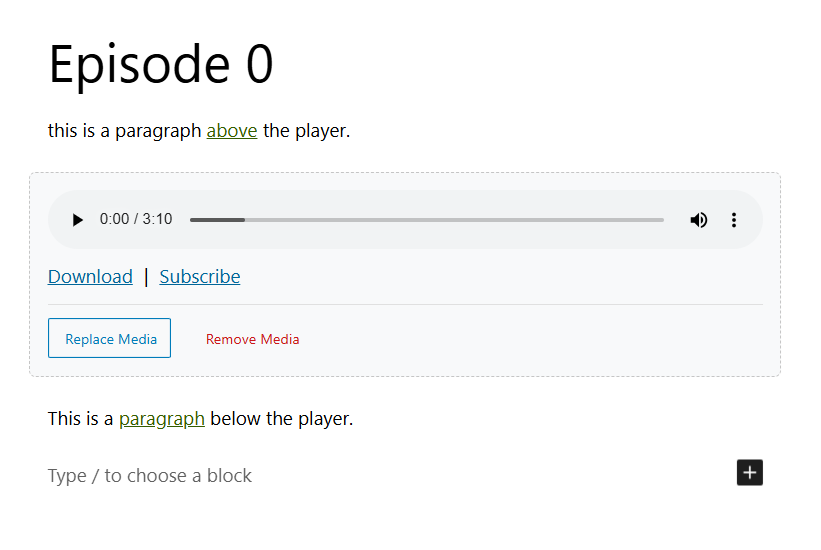
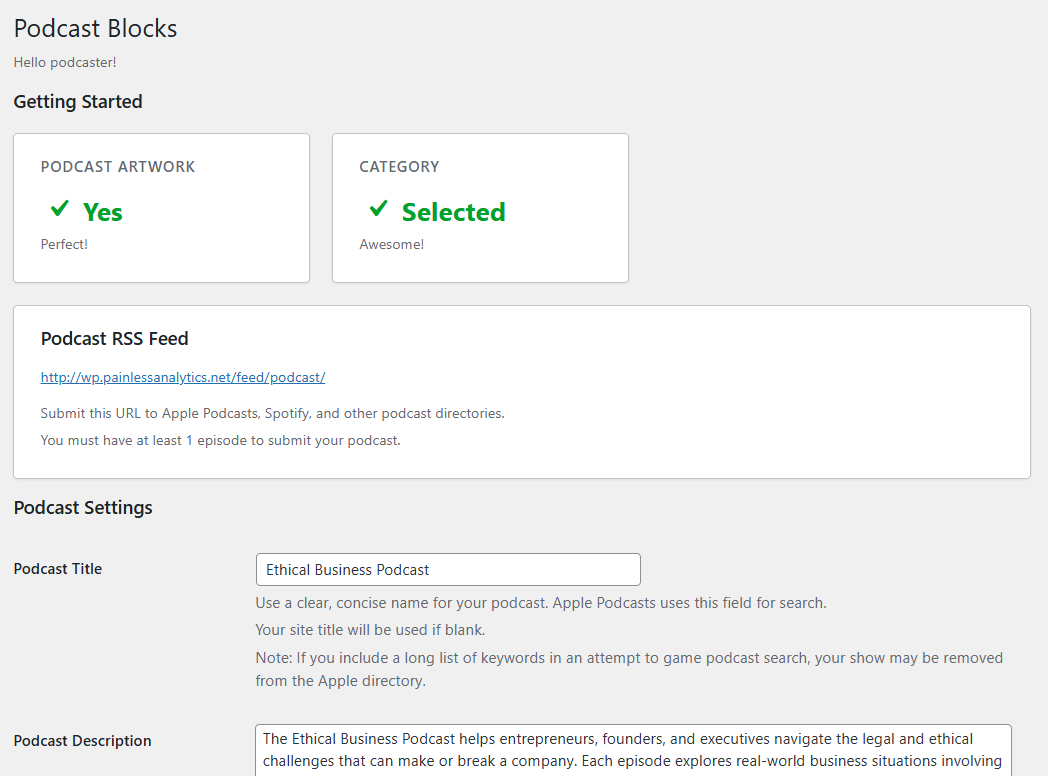
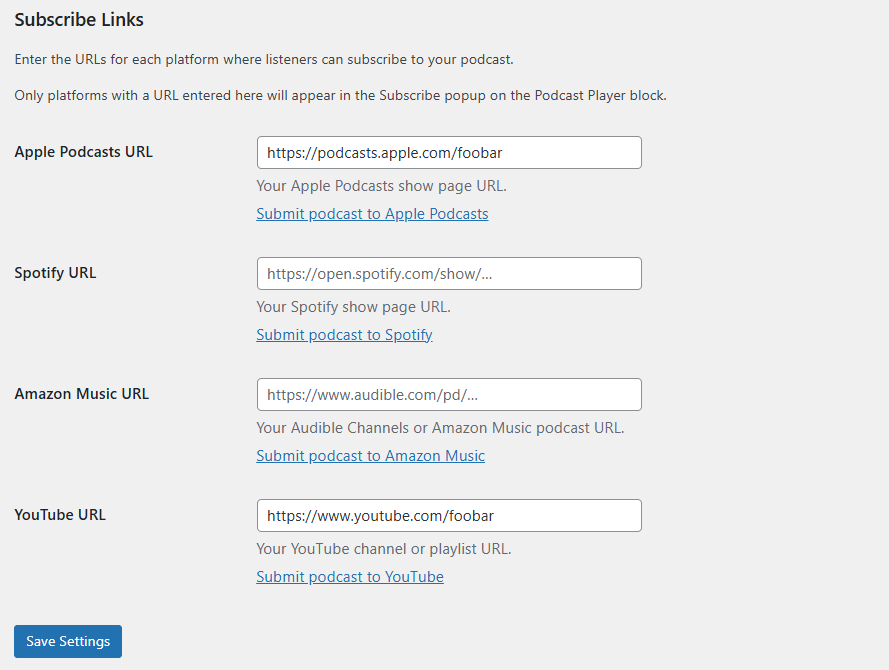
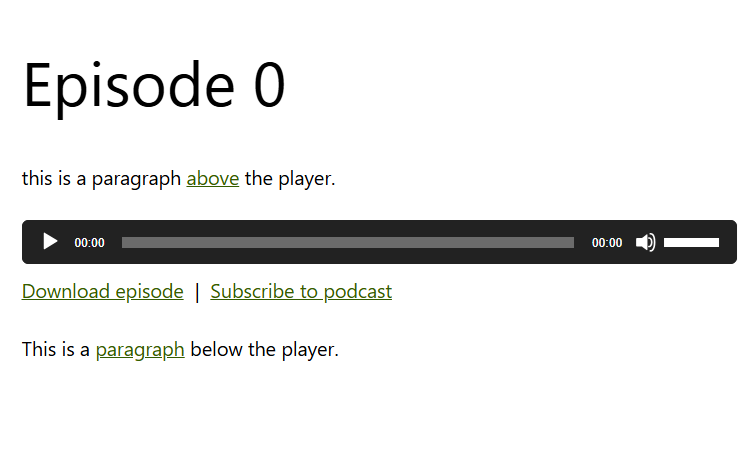
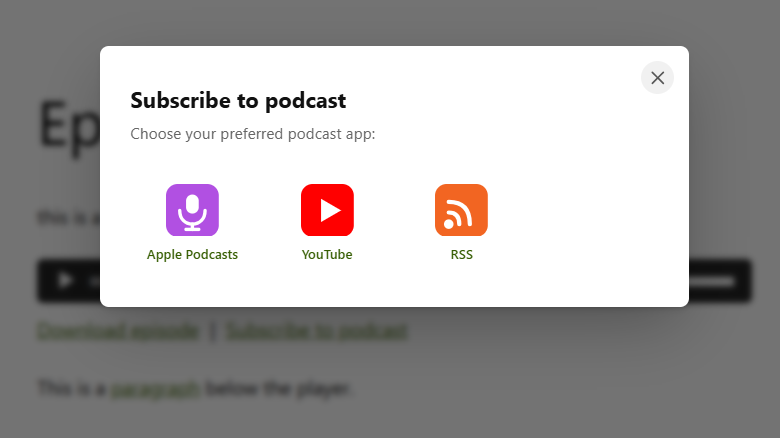
Podcast Blocks makes it easy to turn any WordPress site into a full-featured podcast website. Add the Podcast Episode Gutenberg block to any post, upload or link your audio or video file, and the site will take over from there.
This truly is a simple podcasting plugin with the intent to stay simple and lightweight and does not require a paid subscription to use it.
ATTENTION: This version is intended for new podcasts. Migrating from an existing podcasting WordPress plugin such as PowerPress is not available in this release.
Features
- Podcast Episode block — Upload or link audio and video files directly from the block editor. Uploaded files are saved in
wp-content/uploadsorganized by year and month, exactly the same way the standard WordPress media library works. - Apple Podcasts RSS extensions — The plugin automatically adds the iTunes XML namespace and channel-level tags (author, owner, artwork, categories, explicit flag) to your RSS2 feed so your podcast appears correctly in Apple Podcasts, Spotify, and other podcast directories.
- Settings page — Configure podcast title, description, author, contact email, website URL, language, explicit-content flag, primary and secondary iTunes categories, and your show artwork — all from a dedicated Podcast Blocks menu in wp-admin.
- Easy Show artwork upload — Upload a square show image (600×600 to 1400×1400 px, PNG or JPG) via the native WordPress media uploader. A size warning is shown if the selected image is outside the Apple Podcasts recommended dimensions.
- Smart Podcast Show Notes — Show notes are now formatted with only the appropriate HTML tags for Apple podcasts, links are exposed so they can be clicked in most applications, and paragraphs are separated with new lines consistently.