
Pload – Smart Image Optimizer & WebP
v1.1.1WPParsi · 2026年10月13日 上架
Converts your images to WebP a little at a time, so even a cheap shared host can optimize a large media library without timeouts.
- 正在使用
- 50+
- 评分
- 暂无
- 累计下载
- 620
- 最近更新
- 2026年11月3日
 WPParsi
 Saeed Fard
 Morteza Geransayeh
截图
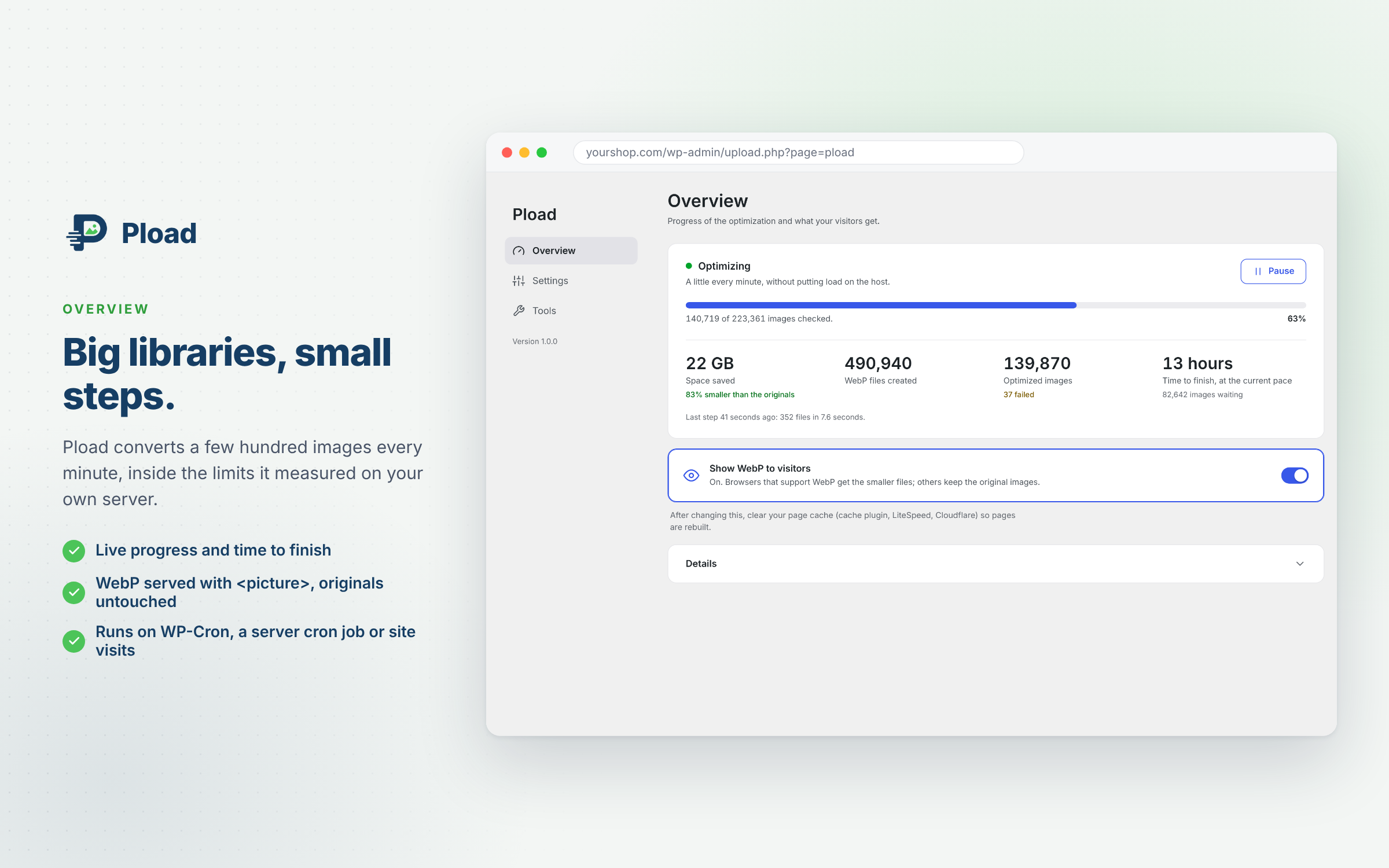
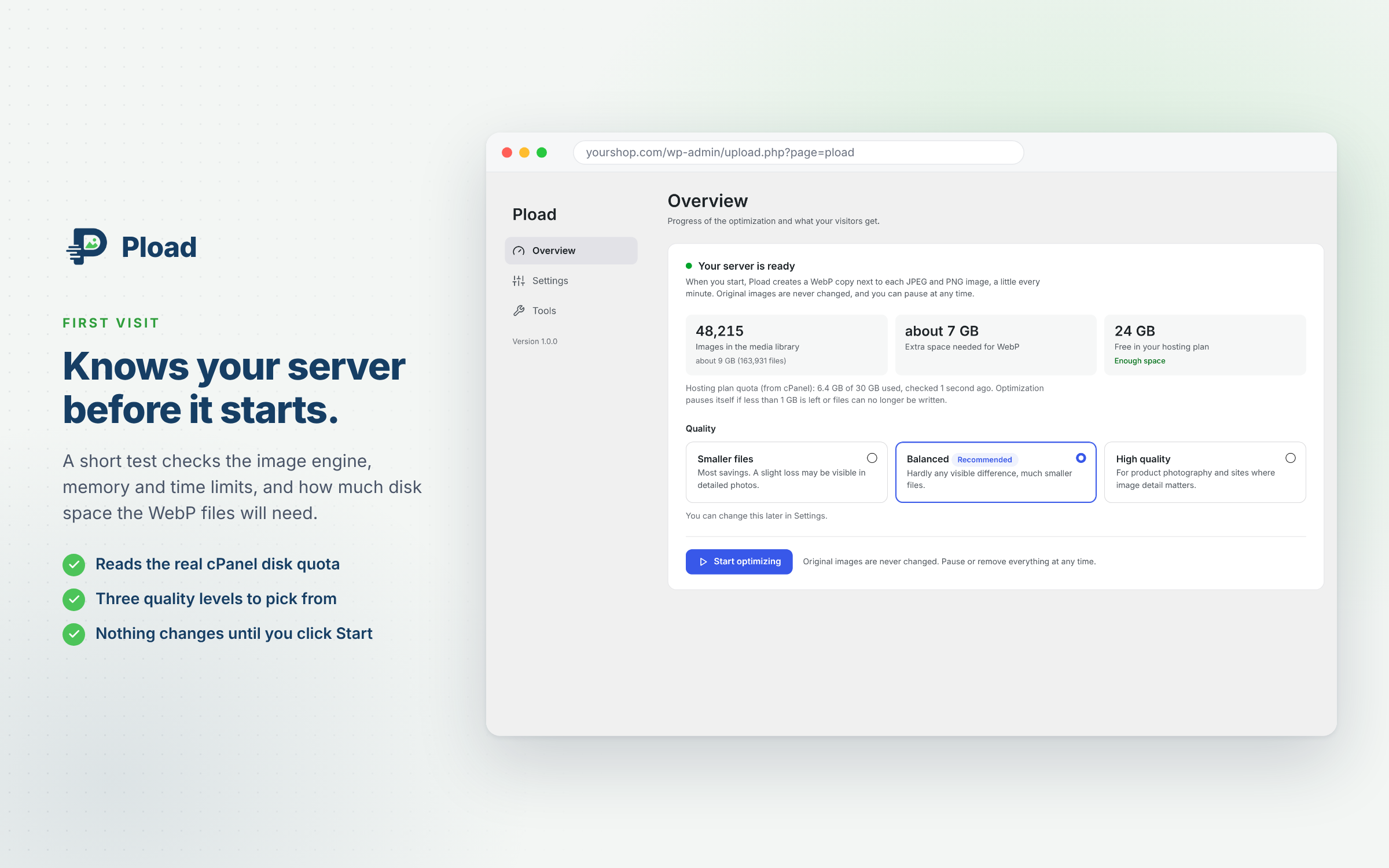
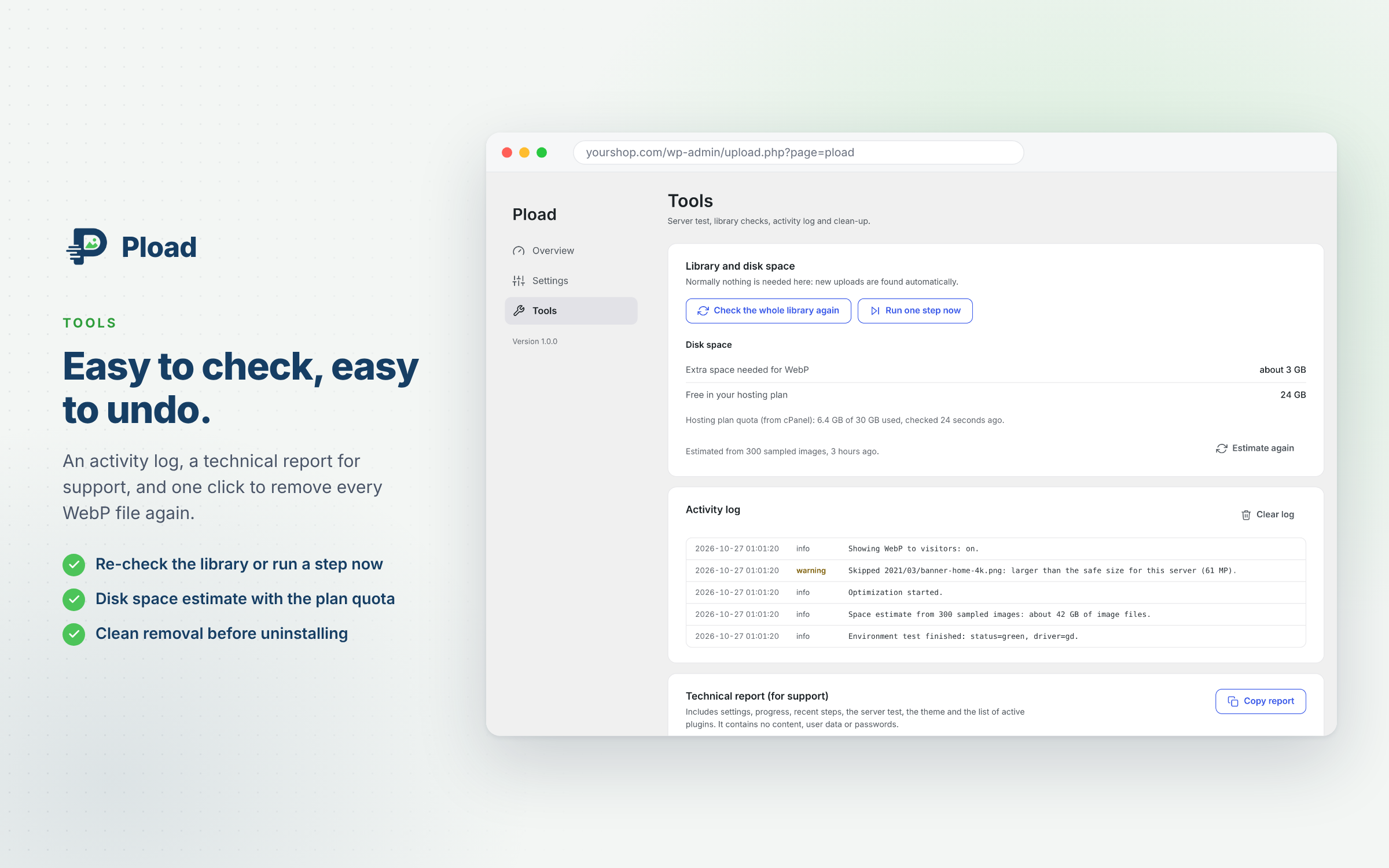
Most image optimizers try to convert the whole library as fast as possible. On shared hosting that ends in timeouts, memory errors or a host warning about CPU usage. Pload takes the slow road: it first tests what your server can handle, then converts a few hundred images every minute and stays inside those limits. A library of 200,000 images simply takes a couple of days instead of crashing.
Your original files are never changed. Pload writes a WebP copy next to each JPEG and PNG (photo.jpg gets photo.jpg.webp) and keeps it only if it is really smaller.
What it does
- Tests the server before starting: which image engine works (Imagick or GD), how much memory and time a step may use, and how much disk space the WebP files will need.
- Converts in short background steps through WP-Cron. If WP-Cron is off or blocked, site visits, an open admin page, a server cron job or a free online cron service can drive the steps instead.
- Handles new uploads first, then works through the library, newest images first.
- Shows WebP to browsers that support it with a tag. No .htaccess rules, so it works on Apache, Nginx and LiteSpeed, and with page caches.
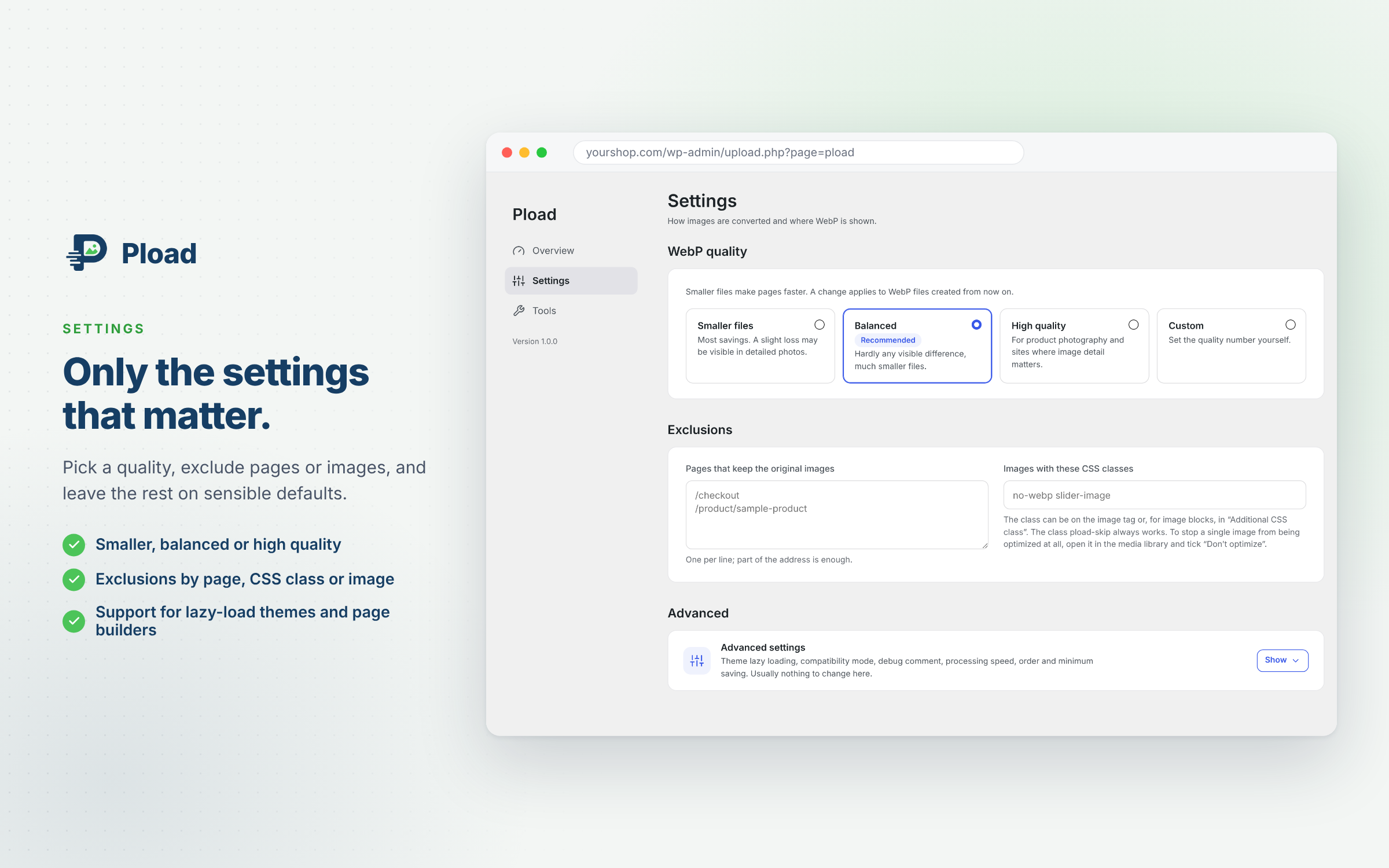
- Works with theme lazy loading (WoodMart and similar themes that keep the real address in data-src) and with Revolution Slider 6 slides.
- Background images set in Elementor (sections, containers, site settings) get WebP too; with compatibility mode, also background images in inline styles.
- Optional compatibility mode for images that page builders print without the WordPress image functions.
- Pauses by itself when disk space runs low. On cPanel it reads the real account quota, not the size of the whole server disk.
- Three quality levels, or your own number, and an option to rebuild existing WebP files after a change.
- Exclusions by image, by page address or by CSS class.
- A Pload column in the media library: optimize, apply new settings or exclude an image with one click, and see the saving for every size.
- Control the maximum size of new uploads (WordPress keeps the original).
- Optional CDN address for the WebP files.
- One click removes every WebP file again, a little at a time, before you delete the plugin.
Privacy
Everything happens on your own server. Pload does not send images or any other data anywhere and needs no account or API key.