
PixVisualize
v1.0.27inaridigit · 2026年11月3日 上架
Showcase transformations with a fast Before/After Image Comparison Slider for Gutenberg, Elementor, plus Pro shortcodes and WooCommerce.
- 正在使用
- 10 以下
- 评分
- 暂无
- 累计下载
- 481
- 最近更新
- 2026年11月10日
贡献者
 inaridigit
截图
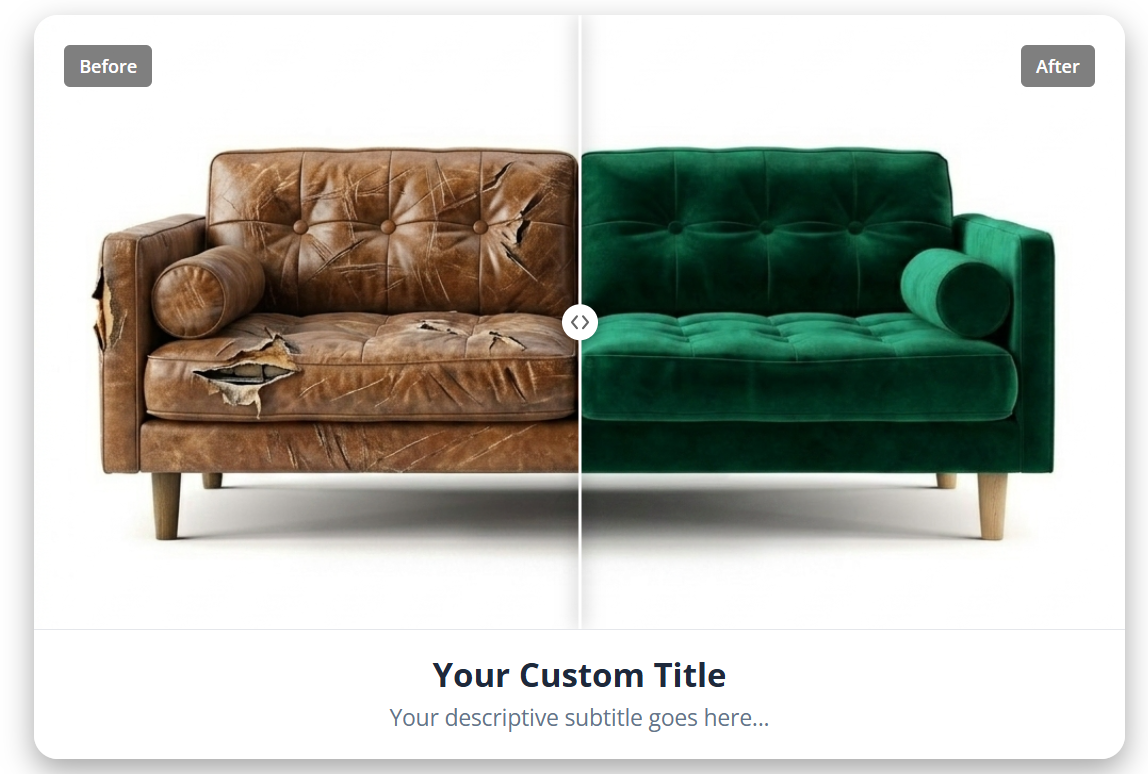
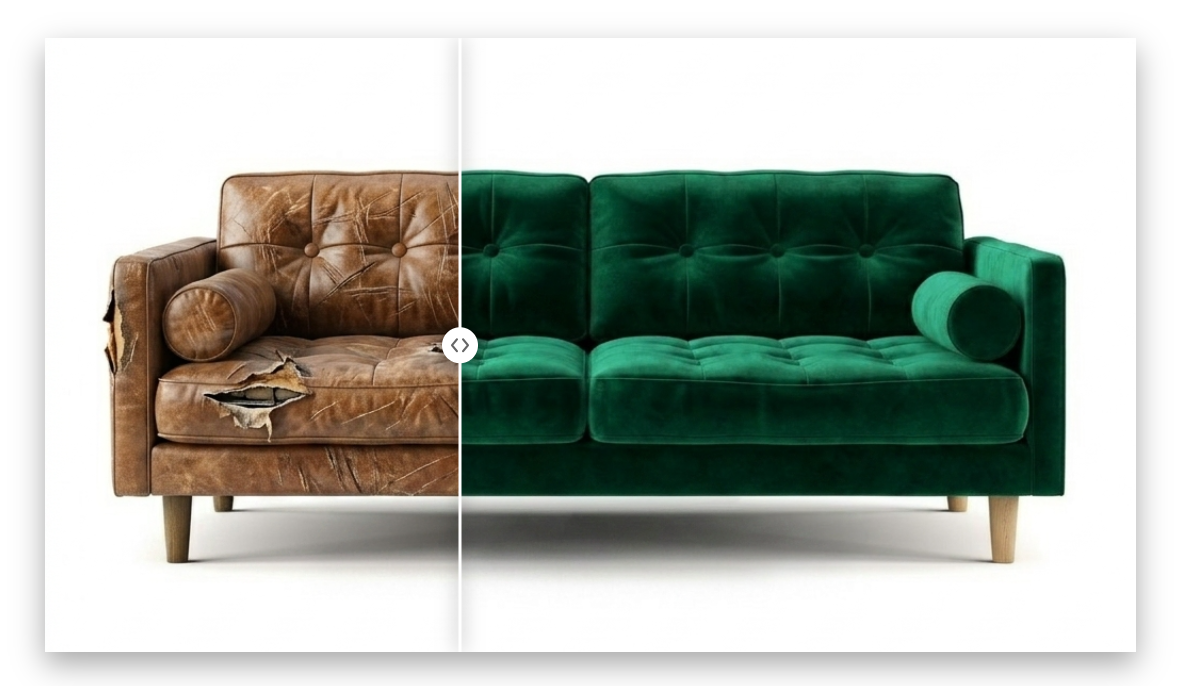
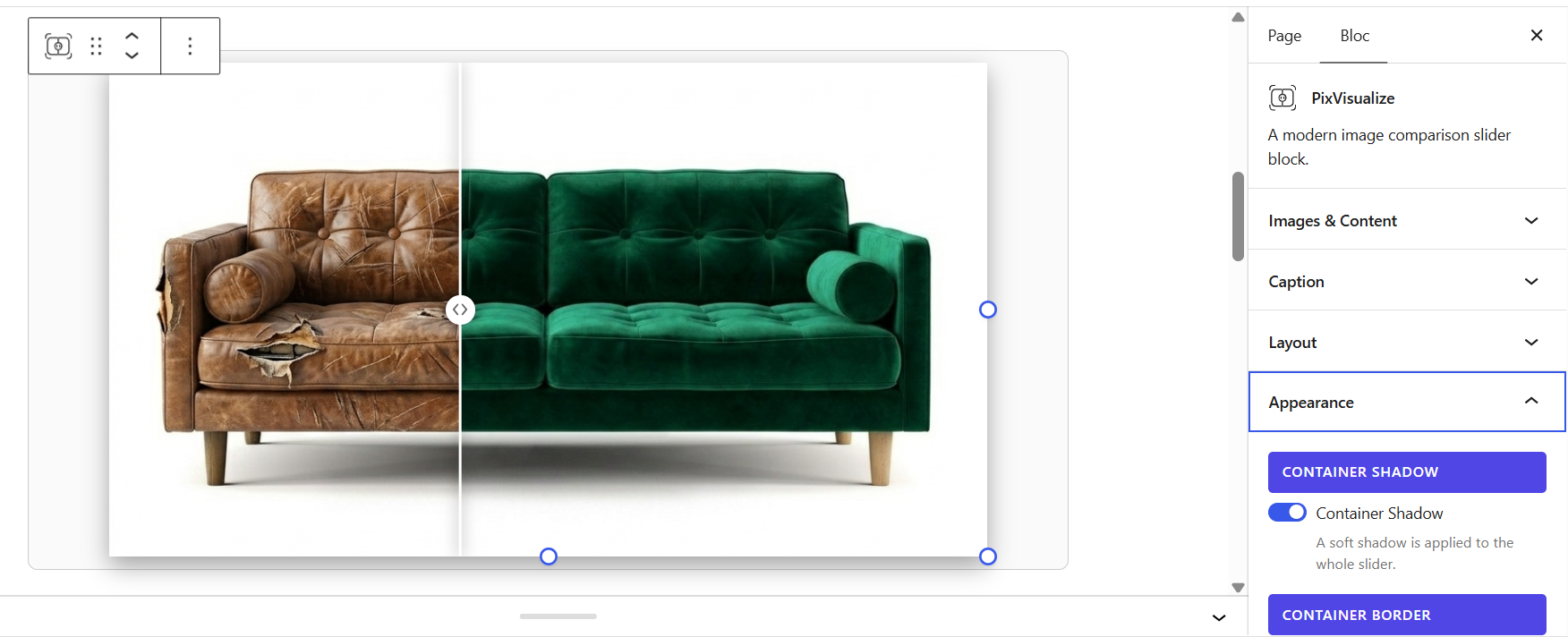
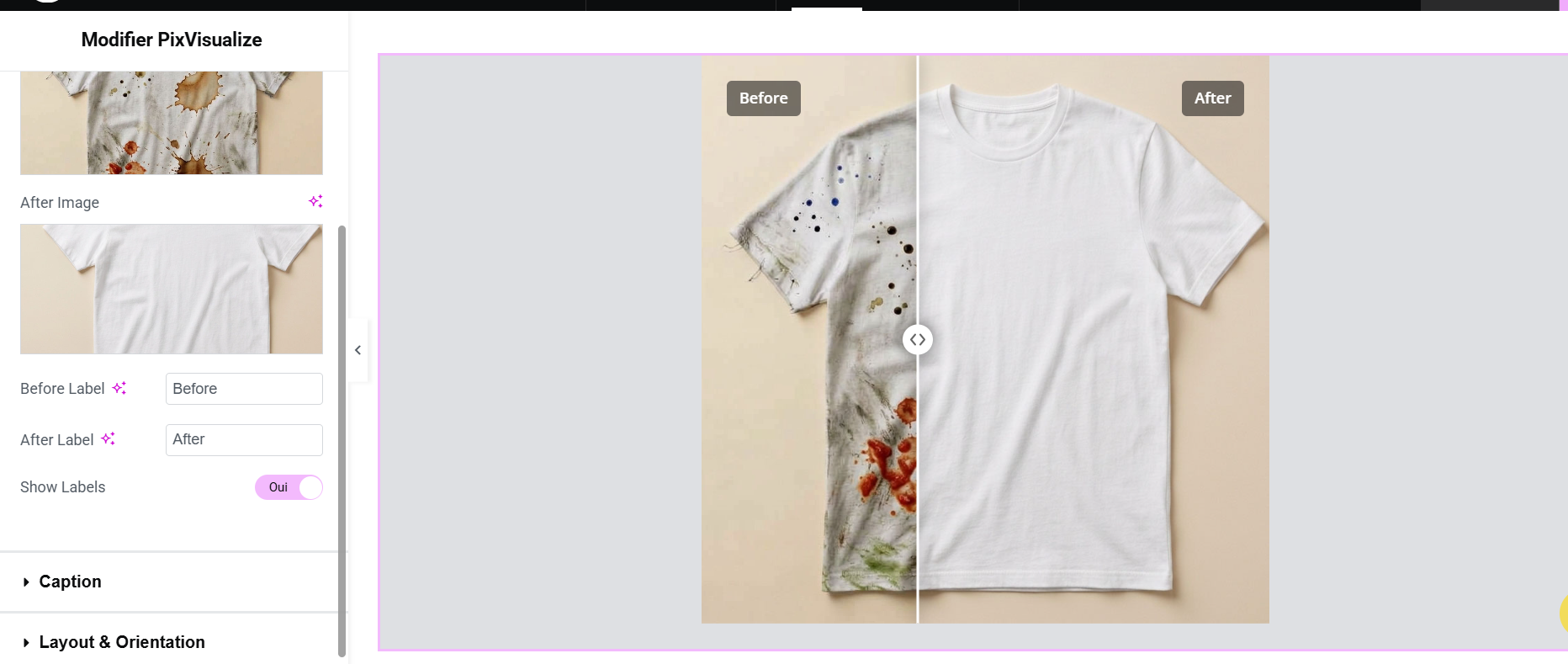
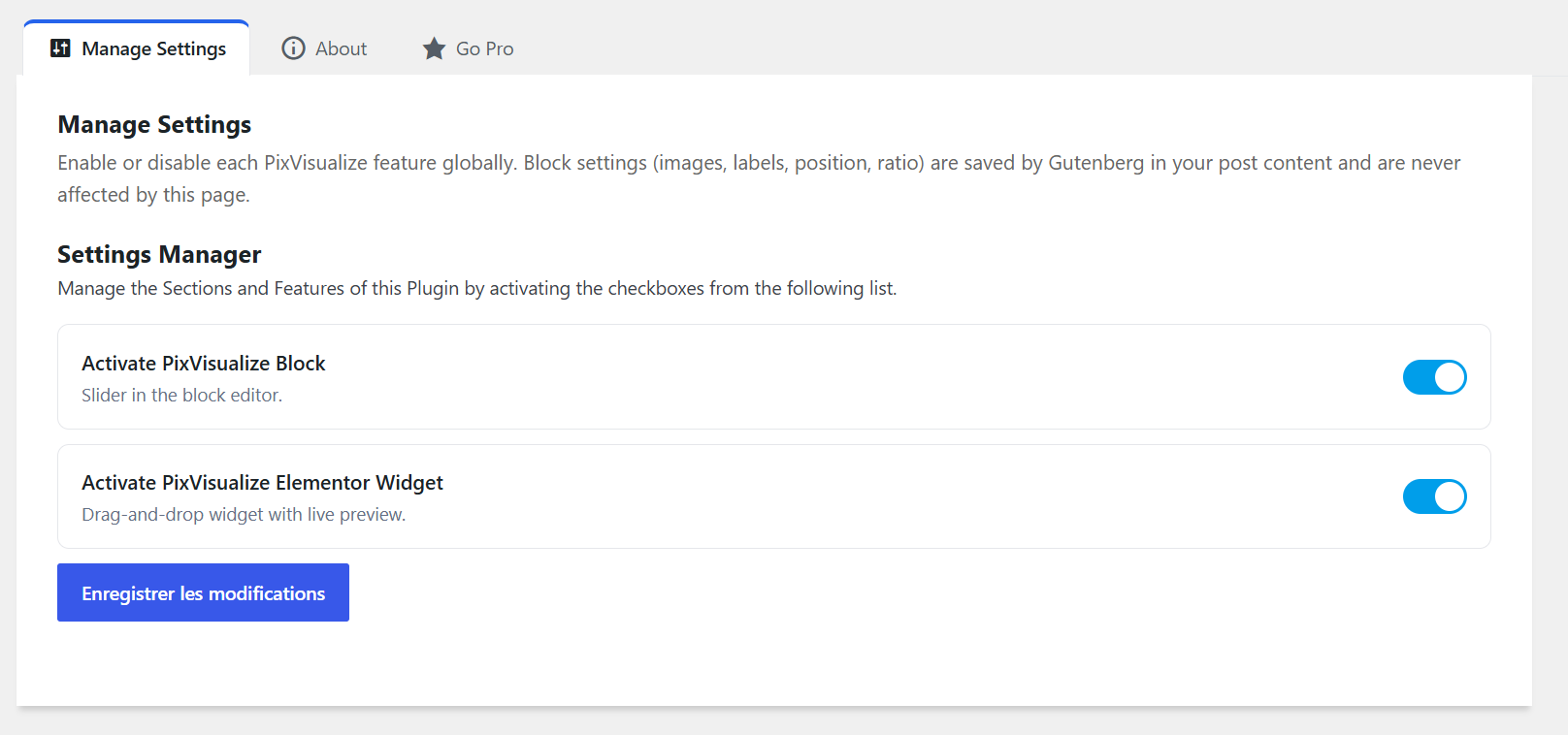

PixVisualize adds a professional Before/After image comparison slider to WordPress.
Use it with:
- Gutenberg – native block with live preview,
- Elementor – drag-and-drop widget with visual controls.
Built for agencies, photographers, renovation, beauty, automotive and e-commerce stores that need to prove the transformation.
Free version includes:
- Gutenberg block + Elementor base widget
- Custom Before/After labels, horizontal slider, aspect ratio, height, position
- Full width, alignment, caption title + text
- Container shadow, border and rounded corners (one-click presets)
- Touch, swipe and keyboard support, fully responsive
Learn more: PixVisualize product page
Pricing: PixVisualize plans and pricing
Live demo: PixVisualize Pro demo
Development: GitHub repository
Contact: contact@i-naridigit.com
Upgrade to Pro
PixVisualize Pro is a separate premium product. A single codebase powers both versions: upgrading keeps all your existing blocks and settings — no migration, no rebuild.
Pro version unlocks:
- Vertical orientation, custom handle (circle, line, arrows, custom SVG)
- Advanced labels, separator styling with grouped drop shadow
- Container fine-tuning: shadow, border, per-corner radius
- Responsive per breakpoint (tablet + mobile position and ratio)
- Hover mode, Auto-Scan intro animation, Magnifier loupe
- Shortcode generator with saved list + visual re-edit
- WooCommerce placements + Product Data panel
- Priority updates and support
Pro usage:
- Shortcode: PixVisualize Shortcode Generator copy, e.g.
[pixvisualize before="URL-BEFORE" after="URL-AFTER" position="50" ratio="16/9"] - WooCommerce: edit a product PixVisualize tab images + placement Update.
See current plans on the PixVisualize pricing page and try the Pro slider on the live demo. Checkout, license and auto-updates are handled securely via Freemius.