

PinoyTrade Product Scanner Lite
v1.0.1Twan van de Kerkhof · 2026年8月1日 上架
Free WooCommerce barcode scanner for product lookup, scanner barcode management, SKU, product name and stock updates.
- 正在使用
- 10 以下
- 评分
- 暂无
- 累计下载
- 276
- 最近更新
- 2026年8月1日
 Twan van de Kerkhof
截图
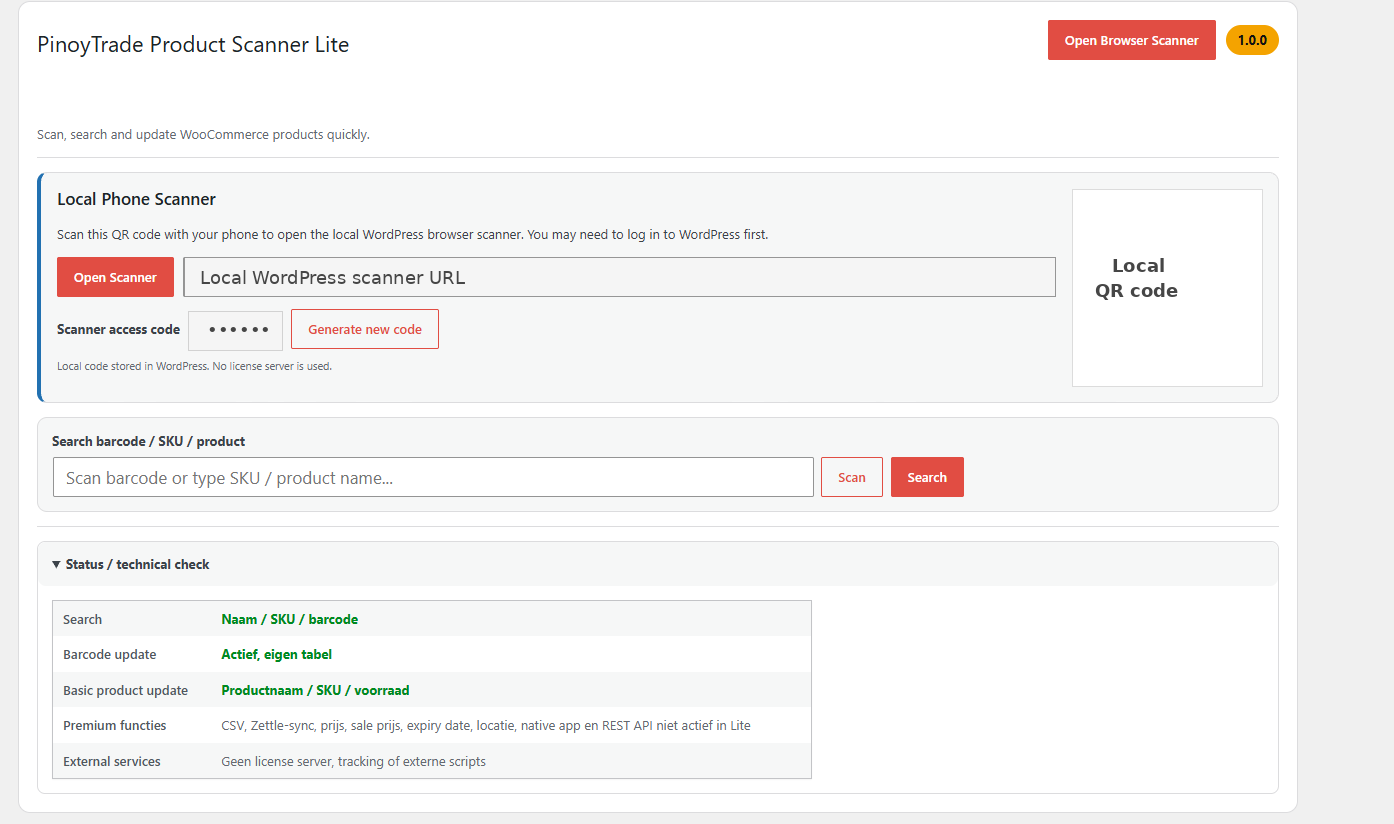
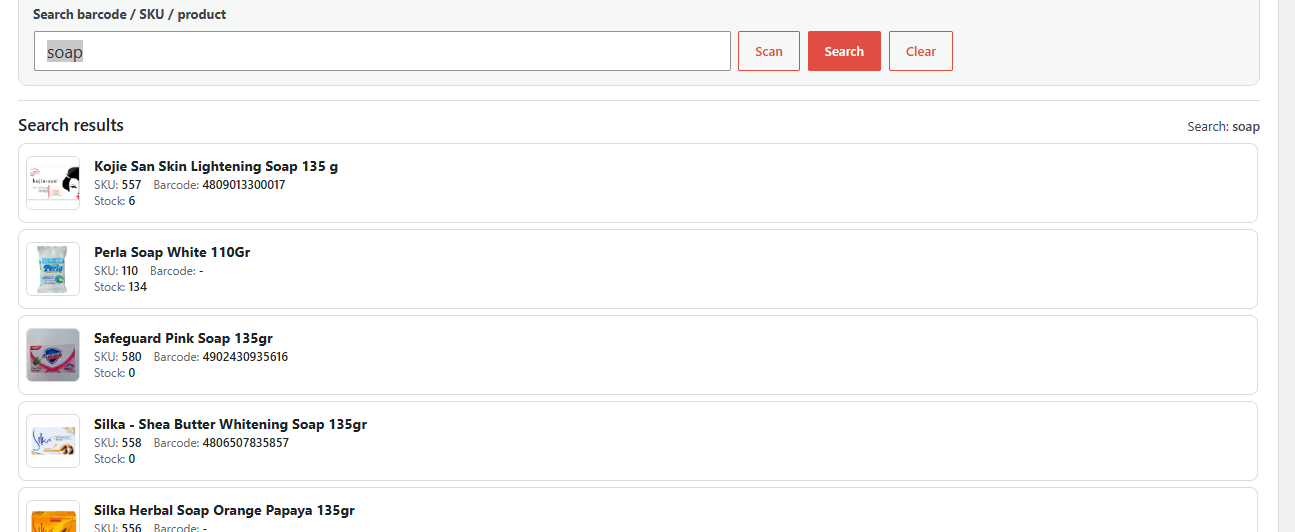
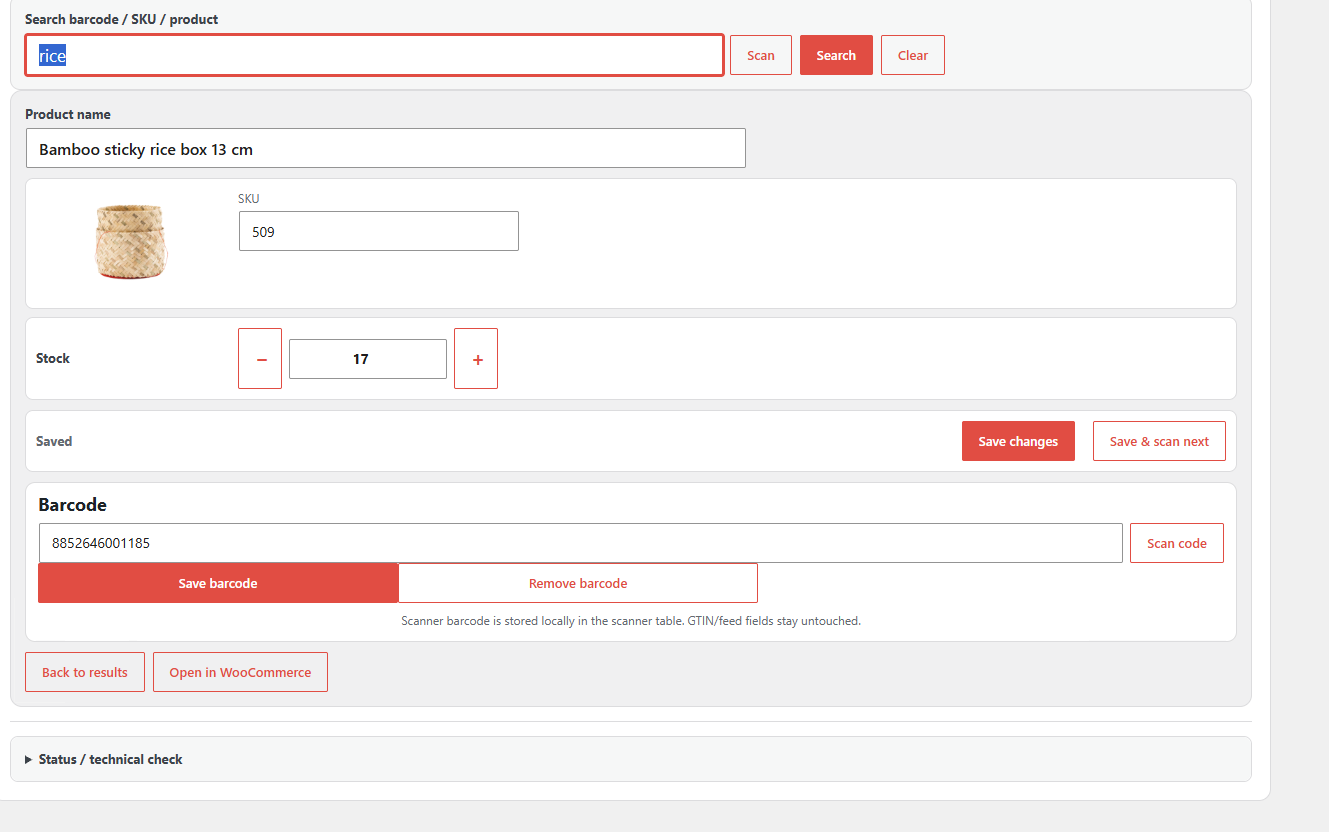
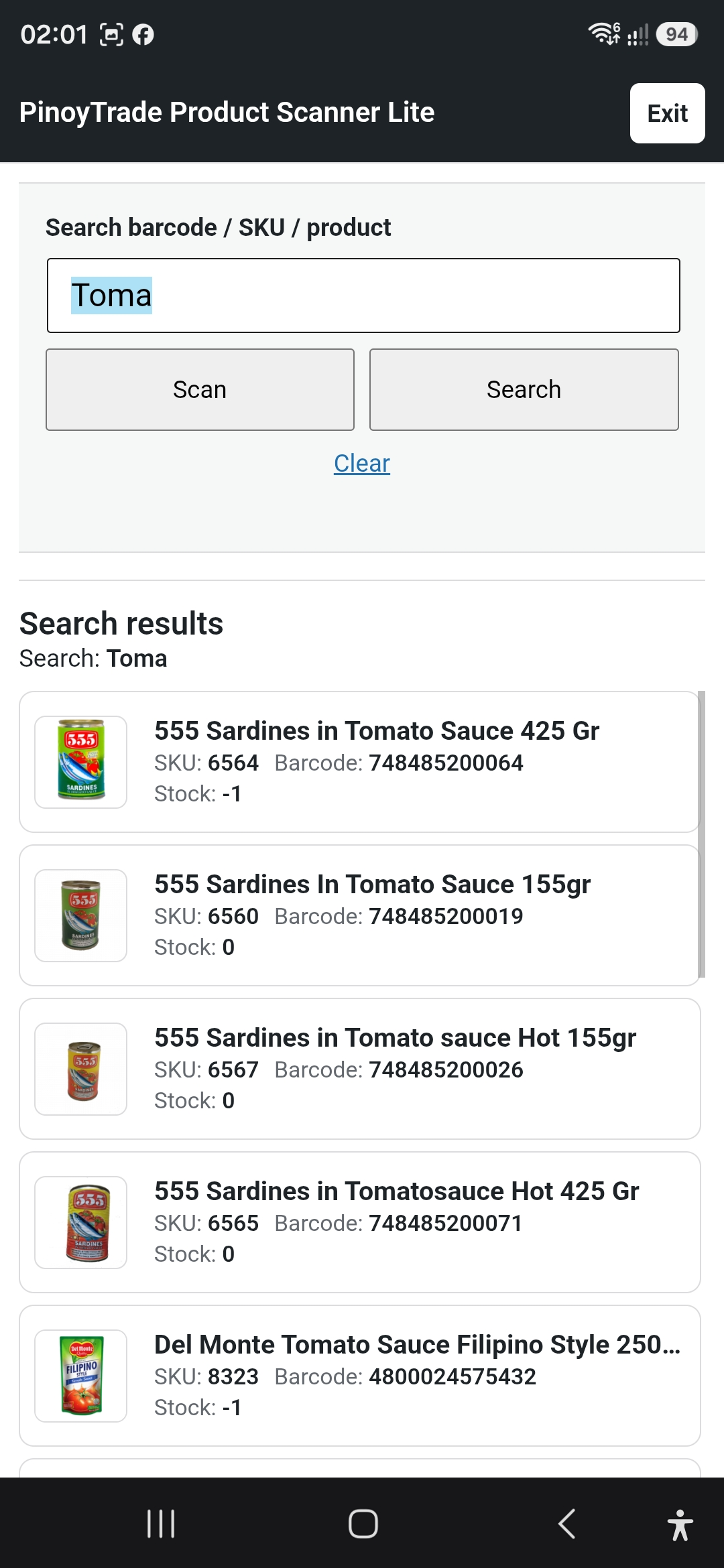
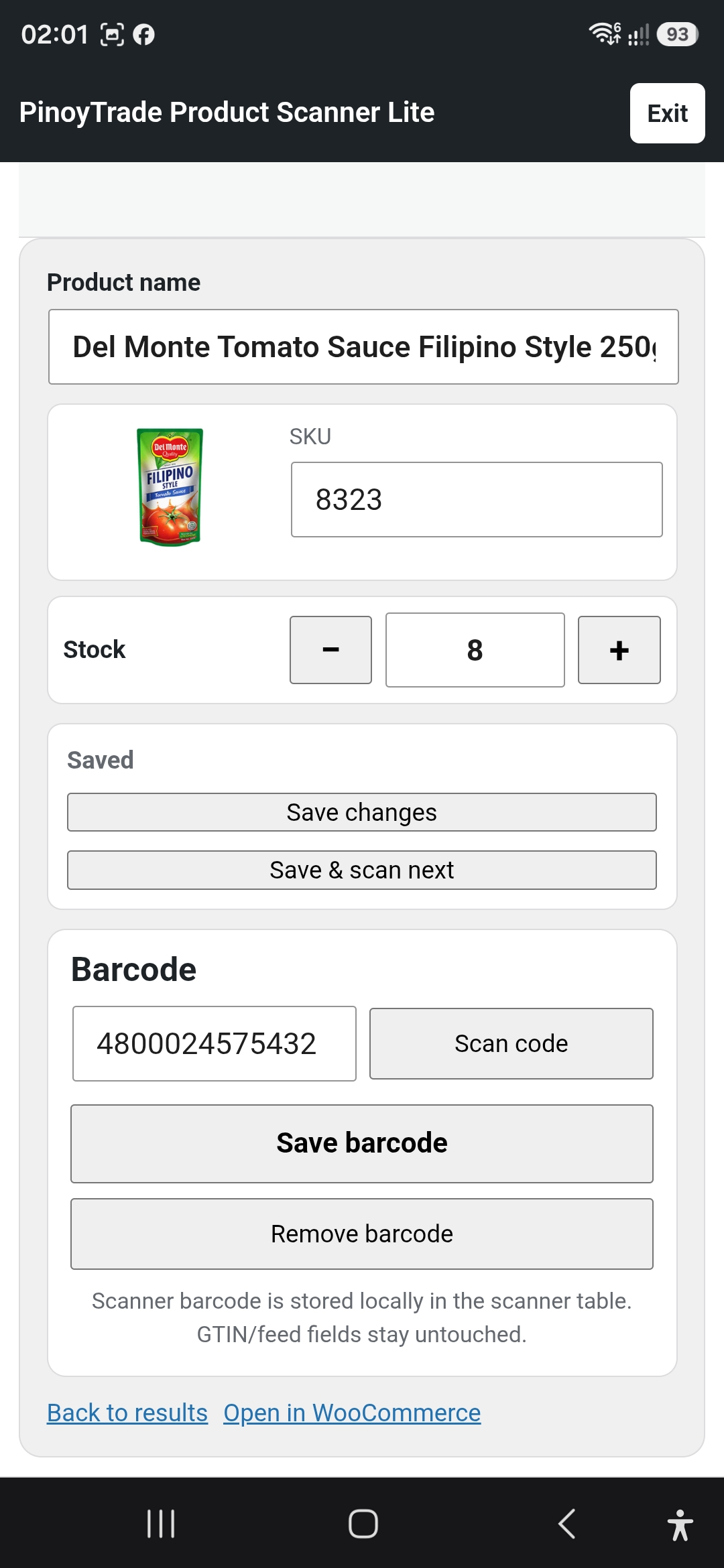
PinoyTrade Product Scanner Lite is a free WooCommerce browser-based scanner for quick product lookup and basic product updates.
Lite includes:
- Barcode scanning through a supported phone or browser camera.
- Open Scanner button and local QR code to the WordPress browser scanner.
- Local scanner access code generated and stored in WordPress.
- Product lookup by scanner barcode, SKU and product name.
- Scanner barcode add/update/remove per WooCommerce product.
- Barcode conflict checks.
- Basic product updates for product name, SKU and stock quantity.
- WooCommerce product edit metabox for the scanner barcode.
The scanner barcode table is the source of truth. Zettle, GTIN and feed fields such as _zettle_barcode, _wc_gla_gtin and _webwinkelkeur_gtin are not used as scanner barcode masters and are not updated by Lite.
Available in Pro: CSV import/export, Zettle sync, price and sale price updates, expiry date, stock location, native mobile app, Connect QR, REST API and future POS connection.
Privacy
PinoyTrade Product Scanner Lite does not send scanner barcode data, product data or usage data to PinoyTrade servers.
Scanner barcode data, scanner access code and product updates remain stored locally in your WordPress/WooCommerce database. The local QR code is generated in the browser from the local WordPress scanner URL. The plugin does not use external tracking and does not load external scripts or CDN assets.
External Services
This Lite plugin does not require an external license server, trial server, activation server or PinoyTrade cloud service.
Uninstall / Data Retention
By default, uninstall does not automatically delete scanner barcode tables, change logs or WooCommerce product meta. This prevents accidental loss of product barcode history and local product data.
If you want to remove retained data, make a database backup first and then remove the plugin tables and related product meta manually.