

Pics.io digital asset management for WordPress
v1.0.1TopTechPhoto Inc. · 2023年4月24日 上架
Insert images from your Pics.io Digital asset management to a post without leaving WP admin.
- 正在使用
- 10+
- 评分
- 暂无
- 累计下载
- 6,136
- 最近更新
- 2023年4月24日
需要 WordPress 5.0+已测试到 6.2.16
 TopTechPhoto Inc.
截图
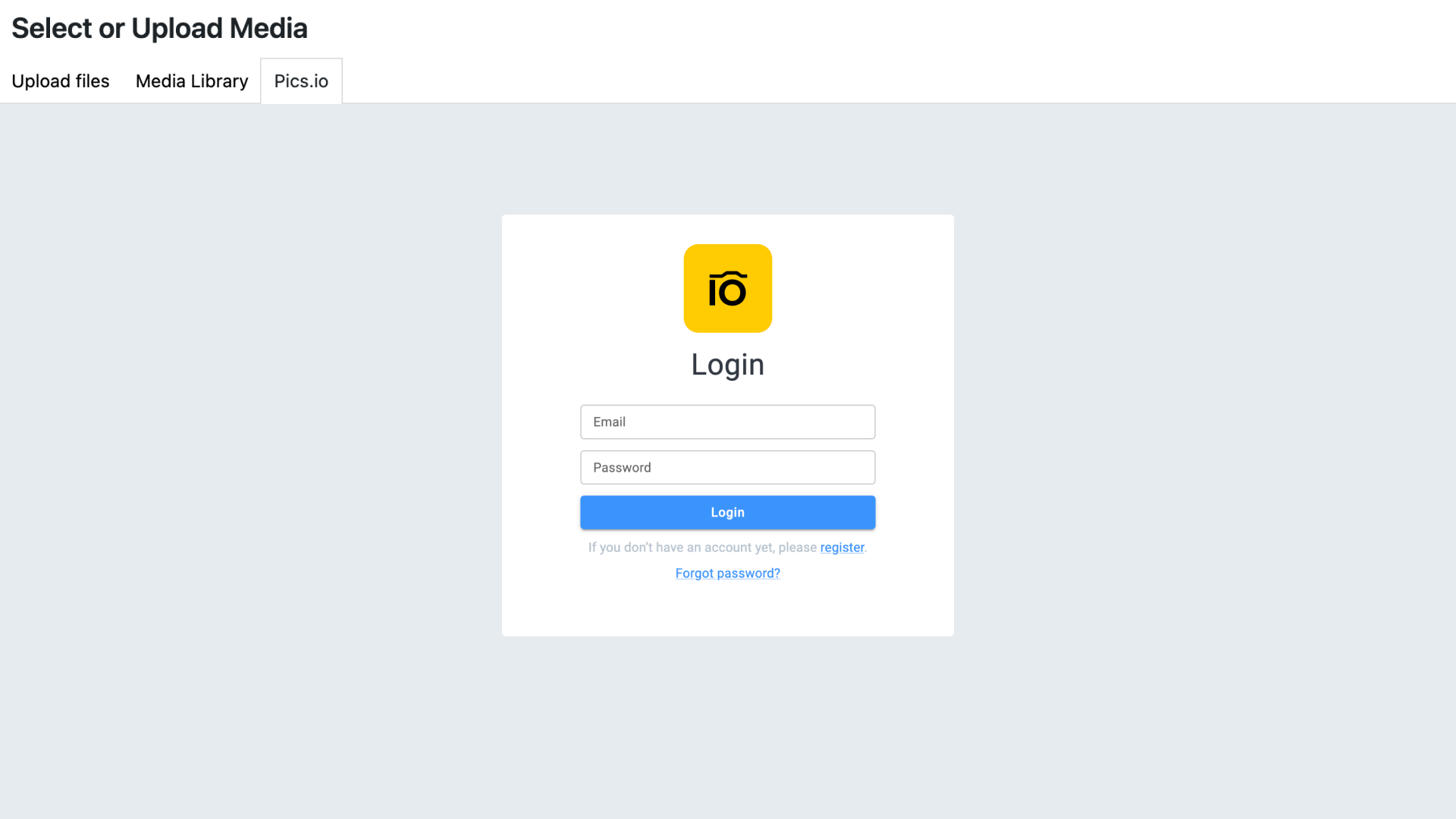


This plugin was created to help Pics.io users save time on switching between tabs when they want to make a post for their blog or website with several images that are stored in digital asset management software.
Features
- Quick access to your Picsio library from a post editor
- Powerful search by text or by filters like color, rating, or upload time
- Ability to browse through the entire collections tree
- Quick preview of an image by clicking on its thumbnail
- Upload from Picsio to the Media Library and add an image to a post
- Create galleries from several images
Support
If you have questions about the plugin, contact us at support@pics.io or via live chat. We reply 24 hours 5 days a week.