

Picnote Image Annotations
v0.1.1wpplugged · 2025年4月22日 上架
Add professional source attributions and licenses to images in your WordPress content with overlays and organized lists.
- 正在使用
- 10 以下
- 评分
- 暂无
- 累计下载
- 687
- 最近更新
- 2025年10月12日
需要 WordPress 5.6+已测试到 6.8.13PHP 7.4+
贡献者
 wpplugged
截图
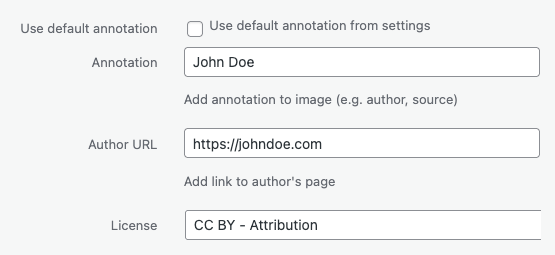
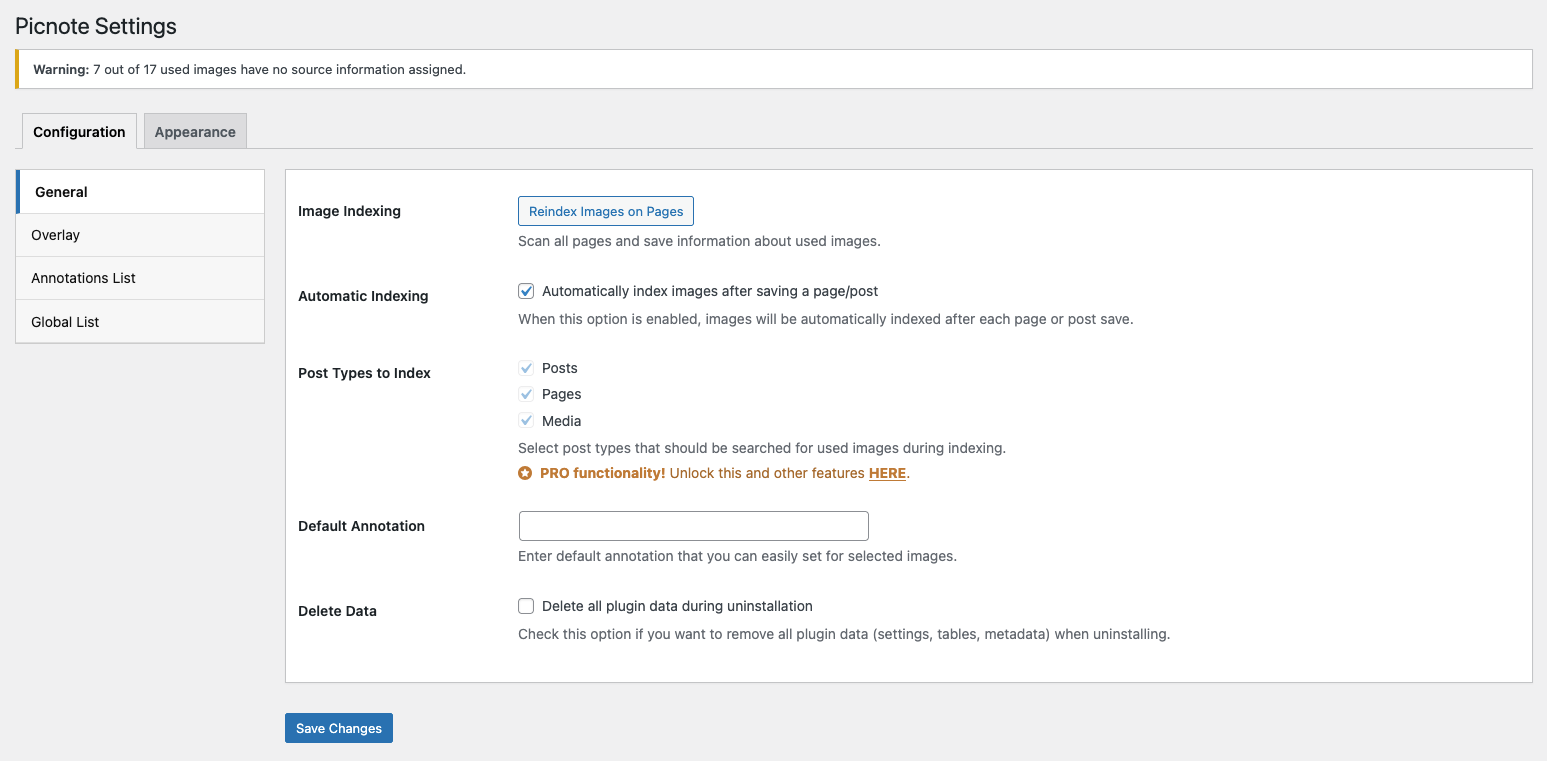
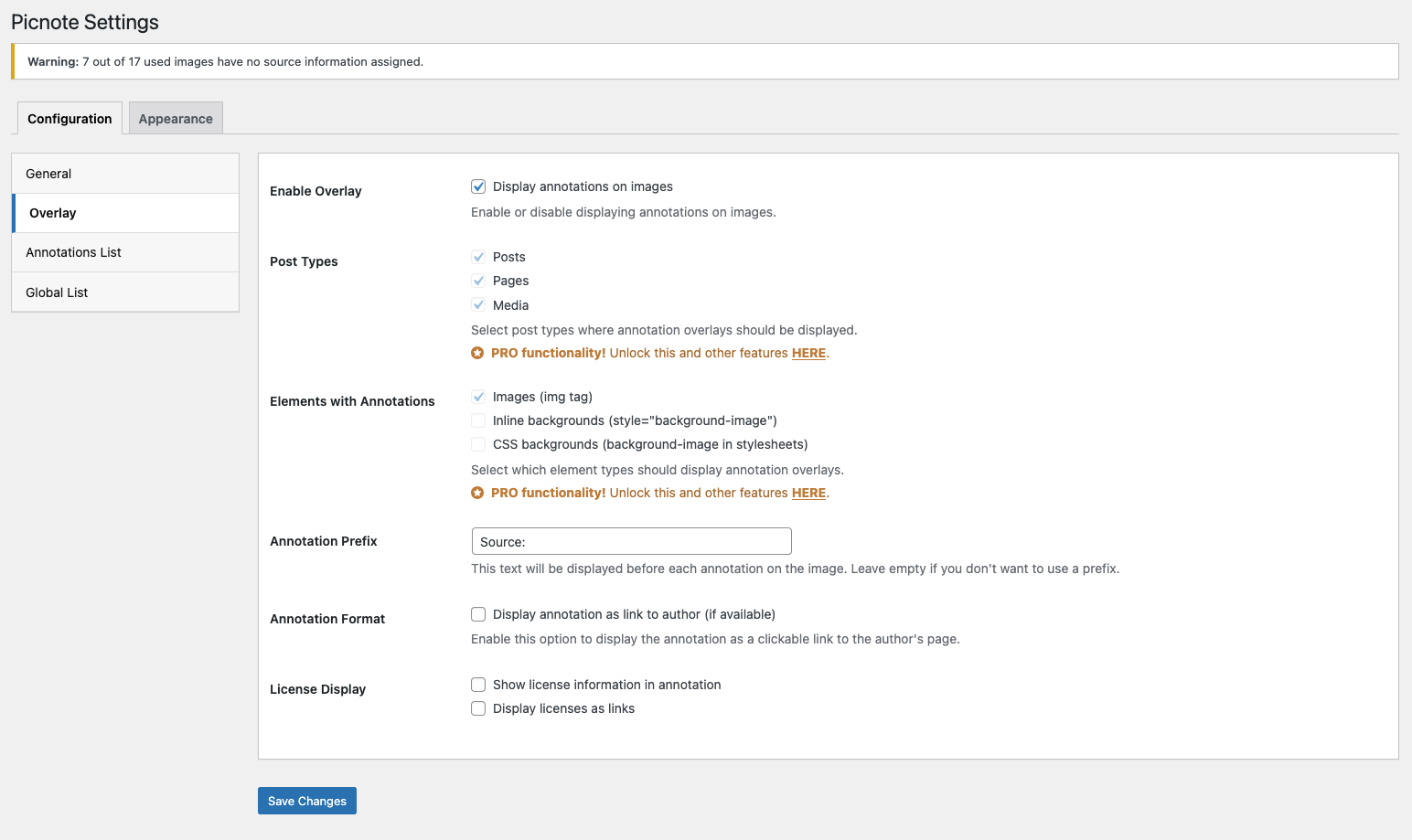
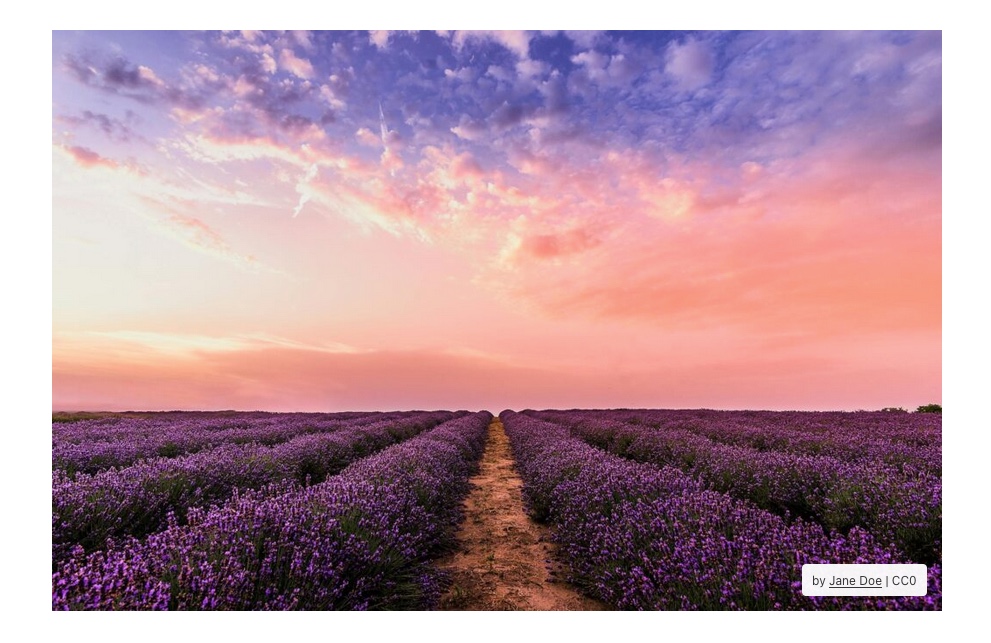
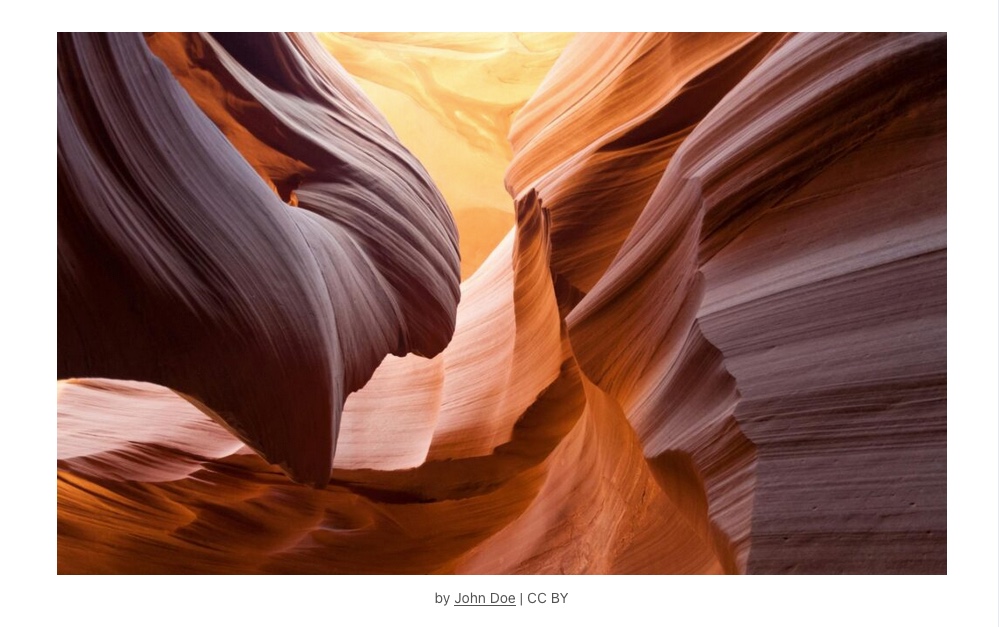
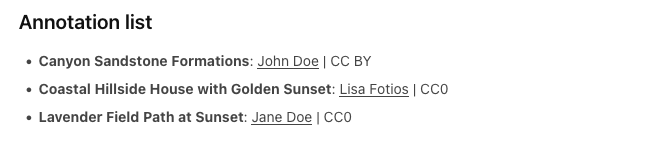
Picnote lets you easily manage and display image credits, attributions, and licenses on your WordPress website. Perfect for photographers, news sites, magazines, and any content creator who needs to properly attribute their images.
Use Cases
- Photography Portfolios: Properly credit photographers and maintain image rights
- News & Magazine Sites: Display source attributions professionally
- Educational Websites: Maintain academic integrity with proper image citations
- Agency Websites: Track and display image licenses across client projects
- Content Publishers: Streamline image attribution workflow
Core Features
- Add custom annotations (credits, sources) to any image in your media library
- Display annotations as overlays on images or below them
- Create a list of image credits at the bottom of posts
- Global annotations list via shortcode
[pn_global_list] - Default annotation text to speed up the process of adding new images of the same author
- Support for Creative Commons licenses
- Predefined styles
Pro Features
Upgrade to PRO for advanced customization and time-saving features:
-
Enhanced Customization
- Custom header tags (h2-h6) for annotation lists
- Full appearance control (colors, fonts, spacing)
- More predefined styles
-
Advanced Control
- Support for inline and CSS background images
- Choose post types for indexing and overlay display
- Additional shortcode
[pn_list]for flexible placement
-
Bulk Management
- Dedicated image annotations management page
- Bulk edit titles, annotations, licenses and links
- Quick preview of image usage across your site
- Filters to help you find images you are looking for
Easy to Set Up
- Install and activate the plugin
- Add annotations in your media library
- Choose your preferred display style
- Optional: Configure global settings and customize appearance