

PeproDev Receipt Uploader for WooCommerce
v2.15.0Pepro Dev. Group · 2020年10月13日 上架
Let customers upload a payment receipt (image or PDF) for any payment method, and approve or reject it from the WooCommerce order screen.
- 正在使用
- 1,000+
- 评分
- 5.0 / 5
- 累计下载
- 3.8 万
- 最近更新
- 2026年9月26日
 Pepro Dev. Group
 Amirhossein Hosseinpour
 BlackSwanDev
截图


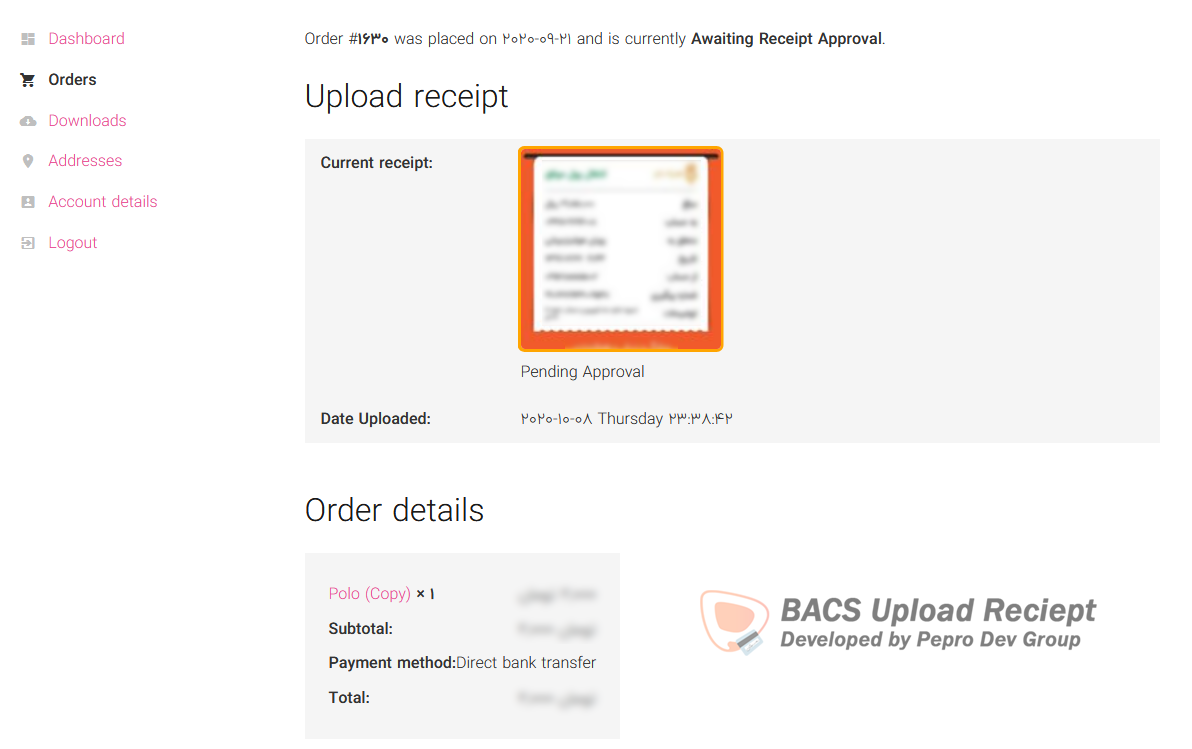
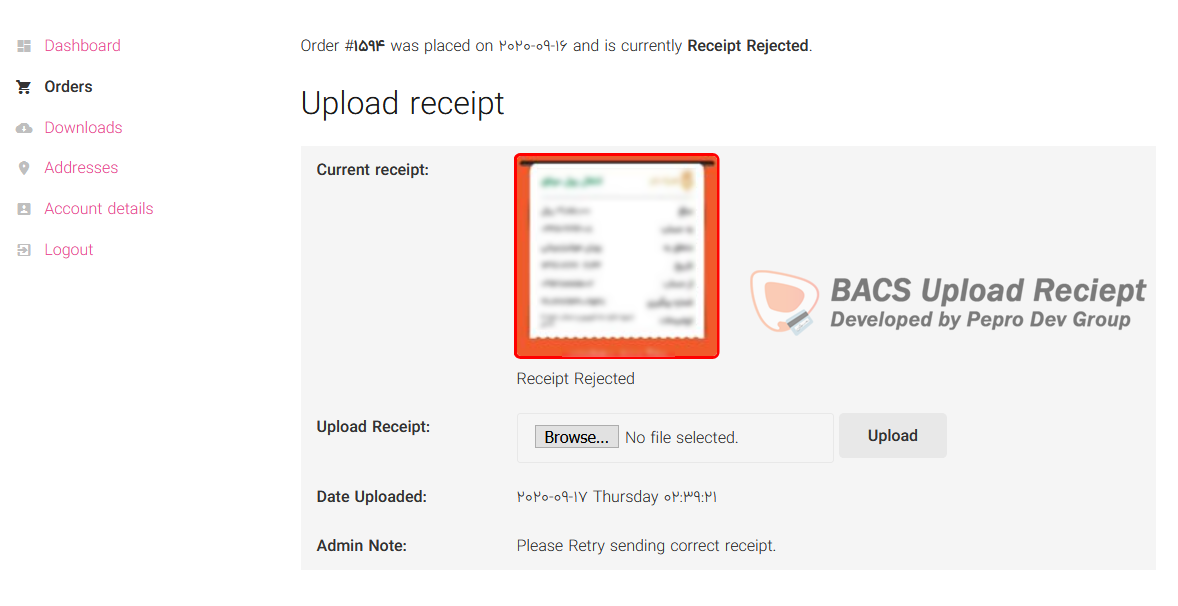


PeproDev Receipt Uploader for WooCommerce is made for stores that accept bank transfers, card-to-card, cash deposits or any offline payment. After checkout the customer uploads the payment receipt on the thank-you page or in My Account, and the shop manager approves or rejects it from the order screen.
Features
- Receipt upload for any payment method (BACS, cheque, cash on delivery or any custom gateway)
- Upload form on the thank-you page and on the My Account order details page
- Approve, reject or reset receipts from the order screen, with an admin note for the customer
- Automatic order status change on order placed, receipt uploaded, approved and rejected
- Three extra order statuses: Awaiting Receipt Upload, Awaiting Receipt Approval and Receipt Rejected
- Six WooCommerce emails (uploaded, approved and rejected, for customer and admin), fully customizable from WooCommerce > Settings > Emails
- Allowed file types (JPG, PNG, WEBP, GIF, BMP, AVIF, HEIC, PDF) and maximum file size
- Custom content before and after the upload form (HTML and shortcodes), custom form title and optional redirect after upload
- Receipt column in the orders list and a receipt filter in the media library
- Shortcodes:
[receipt-form]and[receipt-preview] - Compatible with High-Performance Order Storage (HPOS) and WooCommerce Subscriptions
- RTL ready, translation ready
Security
- Receipts are stored in a protected folder (
wp-content/uploads/receipt_upload) with random file names - Receipts are only shown through signed links that are bound to the order they belong to
- Only the order owner (or a guest with the order key) and shop managers can upload or view a receipt
- Files are validated by their real content, not only by extension
- The Help & Tools tab checks whether your server blocks direct access to the receipt folder and gives you an Nginx rule if it does not
Developer hooks
- Actions:
peprodev_uploadreceipt_customer_uploaded_receipt,peprodev_uploadreceipt_receipt_status_changed,peprodev_uploadreceipt_receipt_approved,peprodev_uploadreceipt_receipt_rejected,peprodev_uploadreceipt_receipt_awaiting_upload,peprodev_uploadreceipt_receipt_awaiting_approval,peprodev_uploadreceipt_order_placed,peprodev_uploadreceipt_save_receipt,peprodev_uploadreceipt_email_receipt_preview - Filters:
peprodev_uploadreceipt_folder_name,peprodev_uploadreceipt_allowed_file_mimes,peprodev_uploadreceipt_max_upload_size,peprodev_uploadreceipt_safe_mimes - jQuery events on
document:peprodev_receipt_uploader_ajax_prevented,peprodev_receipt_uploader_ajax_success,peprodev_receipt_uploader_ajax_failed,peprodev_receipt_uploader_ajax_completed
Credits
Developed at BlackSwanDev and Pepro Dev
Lead Developer: AmirhpCom
Security reports: Lyris Vale, Shivamani Vastrala, Mika (Patchstack), vgo0 (Wordfence)
Disclaimer and Warranty
This plugin is provided “as is” without any warranties, express or implied. Always test in a staging environment before deploying to production.