

PDFkind: Reduce Upload File Size
v1.0.0PDFkind · 2026年11月6日 上架
Stop "file too big" errors: PDFs and photos are reduced in the visitor's browser before your form uploads them.
- 正在使用
- 10 以下
- 评分
- 暂无
- 累计下载
- 334
- 最近更新
- 2026年11月7日
贡献者
 PDFkind
截图
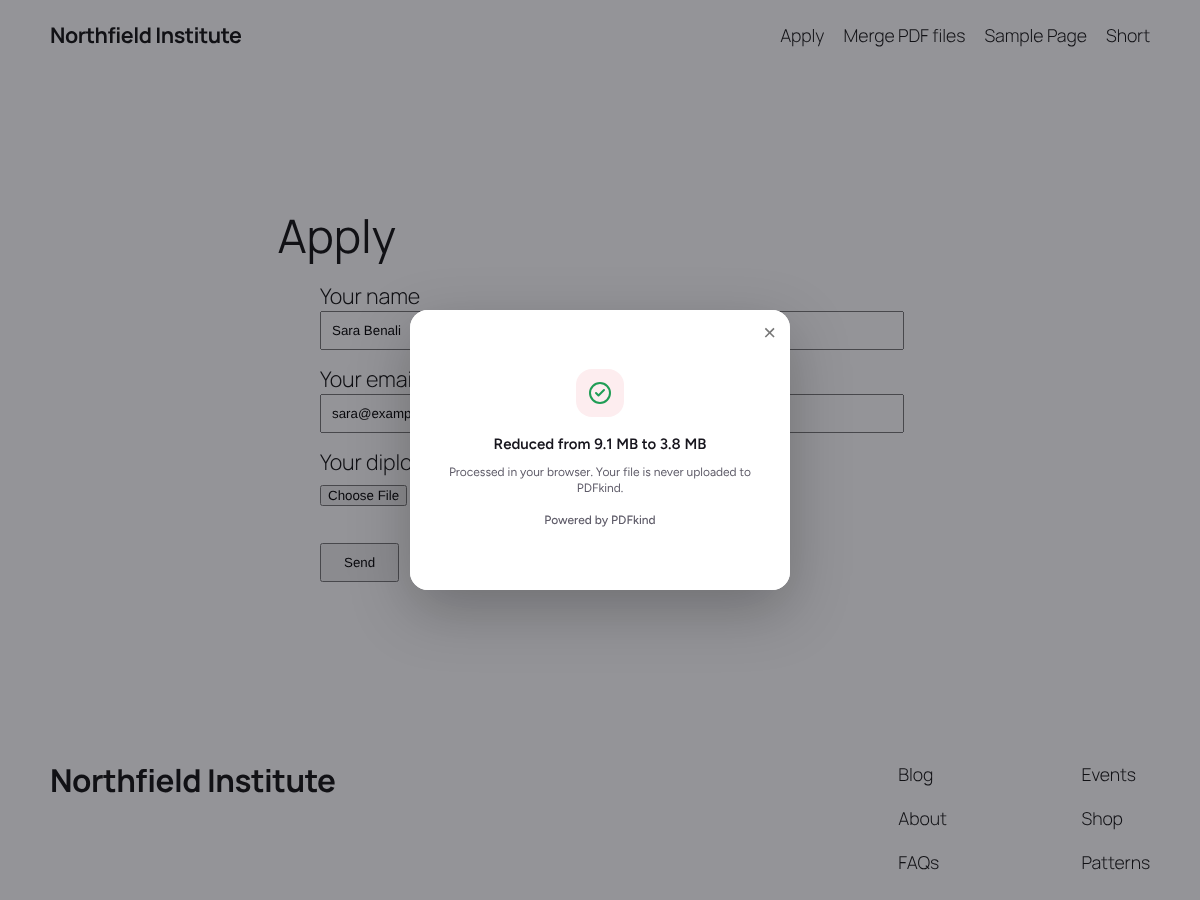


Visitors often try to upload a scanned PDF or a phone photo that is larger than your form allows, and give up when they see “file too big”. PDFkind fixes that without changing your forms.
Open the PDFkind screen, check the size limit (PDFkind reads it from your Contact Form 7 or WPForms forms) and click Turn on. When a visitor picks a file over that limit, a small PDFkind window reduces it in their browser, then your form receives the smaller file as if the visitor had picked it.
What it reduces
- PDF files, including scanned documents
- JPG, PNG and WebP images
- iPhone HEIC photos, which are turned into JPG so forms that only accept JPG take them
Other files (Word, ZIP and so on) and files already under the limit go through untouched, with no window.
Works with your forms
Contact Form 7, WPForms, Gravity Forms, Ninja Forms, Formidable Forms, WooCommerce product upload fields and most other forms that use a normal file field, including drag-and-drop areas.
Private by design
Files are processed in the visitor’s browser with JavaScript. They are never sent to PDFkind or to any other server. Your server only receives the final file, through your form, as before. The plugin stores nothing except its settings.
If anything goes wrong, the form still works
If the PDFkind window can’t open (a strict Content Security Policy, a blocked network, an old browser), the original file goes through within a few seconds and your form shows its usual message.
Free PDF tools on your pages
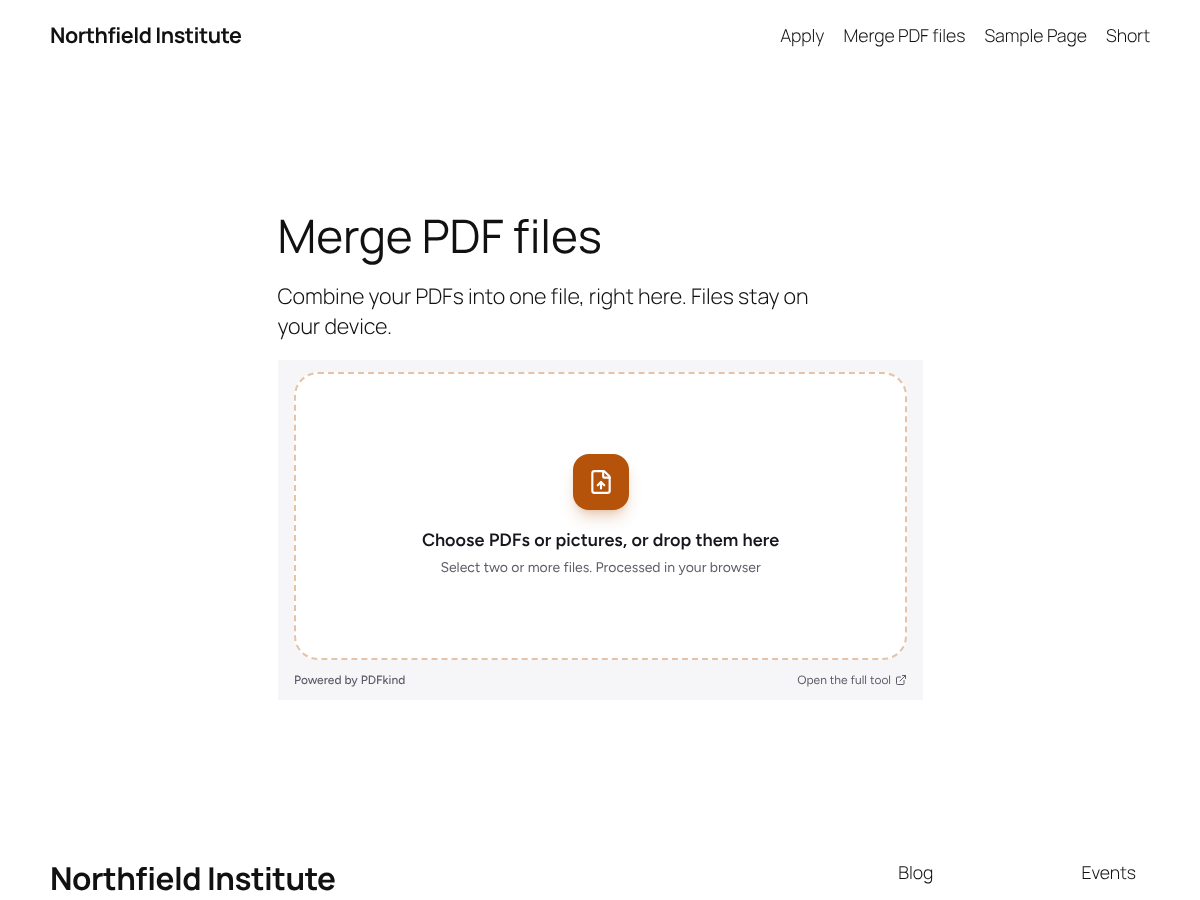
The plugin also lets you place any of the 128 free PDFkind tools on a page: merge, split, compress, convert, sign, edit, OCR and more. Add the “PDFkind tool” block, search for a tool, and see it live in the editor. In a classic editor or page builder, use the shortcode:
[pdfkind tool="merge-pdf"]
Embedded tools show no ads.
External services
This plugin connects to PDFkind (https://pdfkind.com), a free service that reduces files in the browser. The plugin is a connector for that service and does nothing without it.
- What is loaded: the script https://pdfkind.com/embed.js, on the pages where the upload helper is active (after you save the settings with it switched on) and on pages that show a PDFkind tool block or shortcode. When a visitor picks an oversized file, the script opens a small window from pdfkind.com; embedded tools are also shown in a window from pdfkind.com.
- What is sent: no files and no form data. The files are processed inside the visitor’s browser. As with any web request, the visitor’s browser sends its IP address, user agent and the address of the page to pdfkind.com when it loads the script or a window.
- Terms of use: https://pdfkind.com/terms
- Privacy policy: https://pdfkind.com/privacy