

PCIO VIS Tickets
v1.2.0Niels Olsen · 2026年8月13日 上架
Paid (Stripe) and free ticket sales for PCIO VIS Member Event: ticket types, secure checkout, PDF tickets with QR codes, refunds and payouts.
- 正在使用
- 10 以下
- 评分
- 暂无
- 累计下载
- 375
- 最近更新
- 2026年11月17日
贡献者
 Niels Olsen
截图
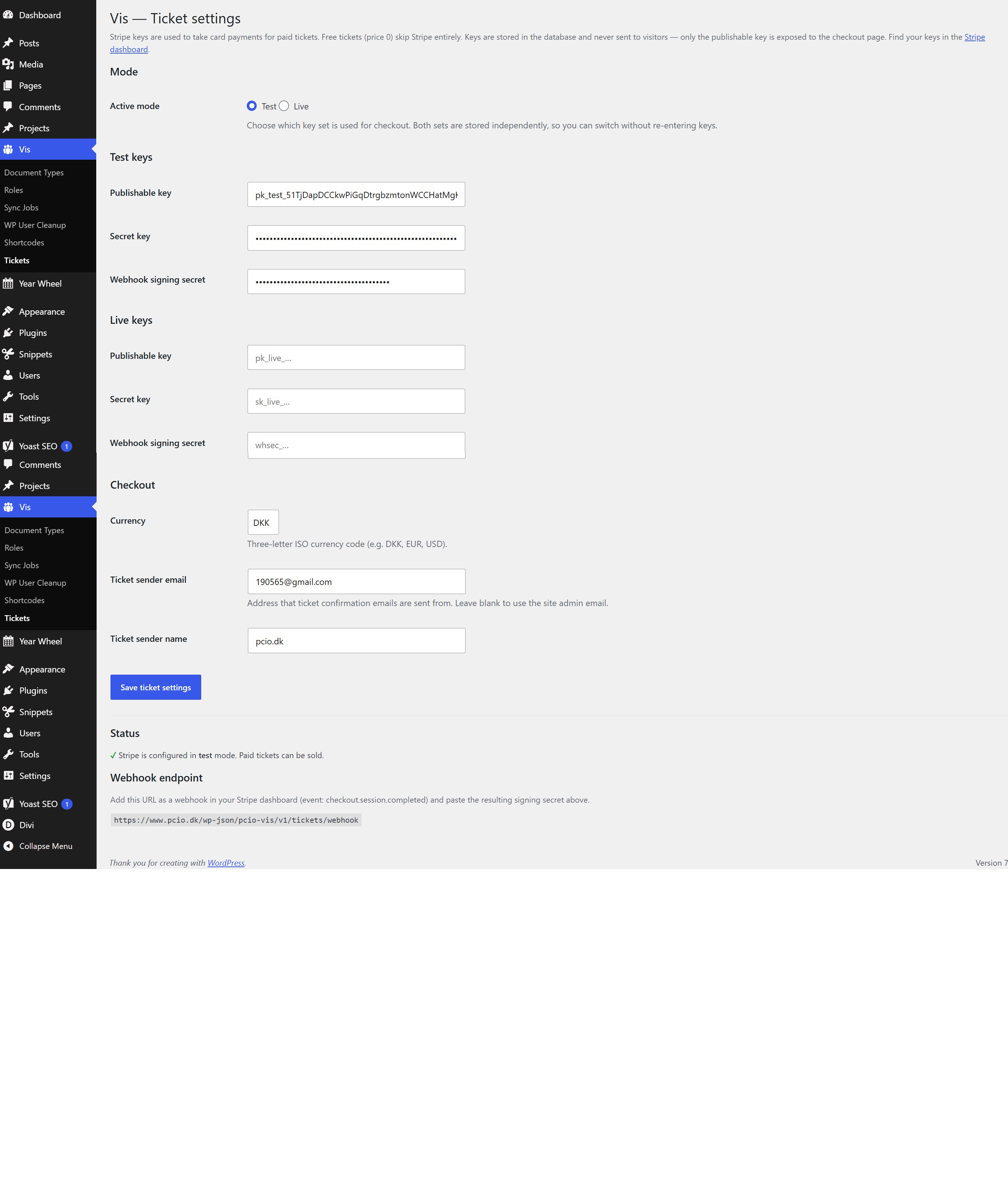
PCIO VIS Tickets is an extension for the PCIO VIS Member Event plugin. Events with a guest limit sell tickets to the public: per-event ticket types, a secure Stripe checkout, PDF tickets with QR codes, and refunds. Events without a limit keep the member join / interested / not-joining signup.
Features:
- Paid tickets via Stripe Checkout, plus free tickets.
- Per-event ticket types with prices and quantities.
- PDF tickets with QR codes for entry validation.
- Refund handling and a Ticket Orders list in Finance.
- Event reports with automatic Stripe payouts, sent as PDF to configurable receivers (new tab “Event reports” on the Finance page).
This plugin requires the PCIO VIS Member Event core plugin to be installed and active. It reuses the core plugin’s bundled Dompdf and php-qrcode libraries for PDF and QR generation.
External services
This plugin connects to the Stripe payment API (operated by Stripe, Inc.) to take card payments for paid tickets. Free tickets (price 0) never contact Stripe. Stripe is only used when you have entered your Stripe API keys under Vis admin menu.
What is sent, and when:
- When a buyer checks out a paid ticket: the plugin creates a Stripe Checkout Session by sending the order number, the ticket line items (names and amounts), the currency, the buyer’s email address, and success/cancel return URLs to
https://api.stripe.com. The buyer is then redirected to Stripe’s hosted checkout page, where they enter their card details directly with Stripe (card data never passes through this site). - When Stripe confirms payment: Stripe calls this site’s webhook endpoint; the plugin verifies the signature and records the payment reference.
- When an administrator refunds a paid order: the payment reference is sent to
https://api.stripe.comto create the refund. - When a finished event is paid out (manually or by the daily automatic check): the payout amount, currency and an internal reference are sent to
https://api.stripe.comto create a Stripe payout, and the current balance is read to make sure the event can be paid out.
Buyer name, email and phone entered at checkout are stored on this site to issue and email the tickets. Because personal data and payment data are transmitted to Stripe, please ensure your own privacy policy covers this. By using this integration you and your buyers are subject to Stripe’s terms and policies:
- Stripe Services Agreement (terms): https://stripe.com/legal/ssa
- Stripe Privacy Policy: https://stripe.com/privacy