
PayWhirl Widget Blocks
v2.0.0paywhirl · 2014年8月8日 上架
Your PayWhirl customer portal and widgets, all inside the WordPress editor.
- 正在使用
- 10+
- 评分
- 2.6 / 5
- 累计下载
- 3,512
- 最近更新
- 2025年10月3日
5 条评价需要 WordPress 6.0+已测试到 6.6.12PHP 7.4+
贡献者
 paywhirl
截图
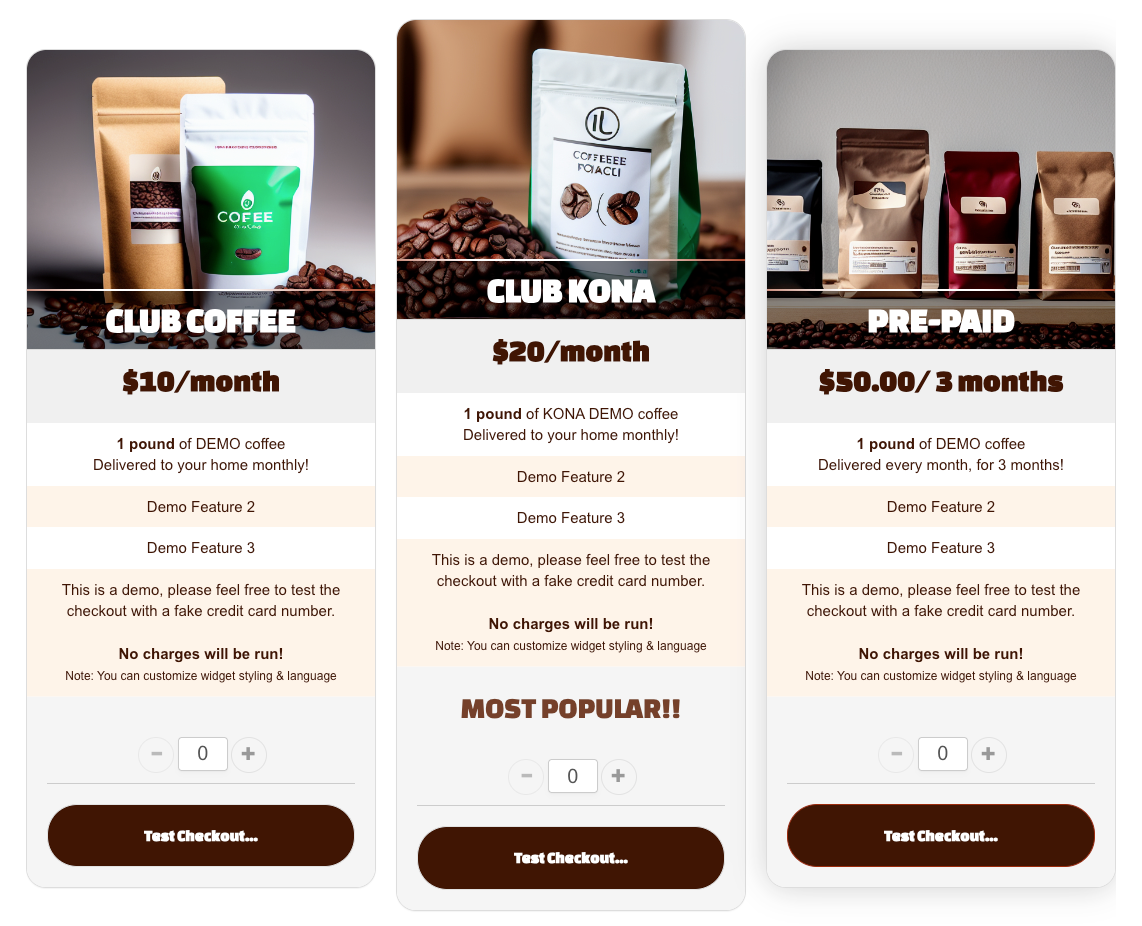

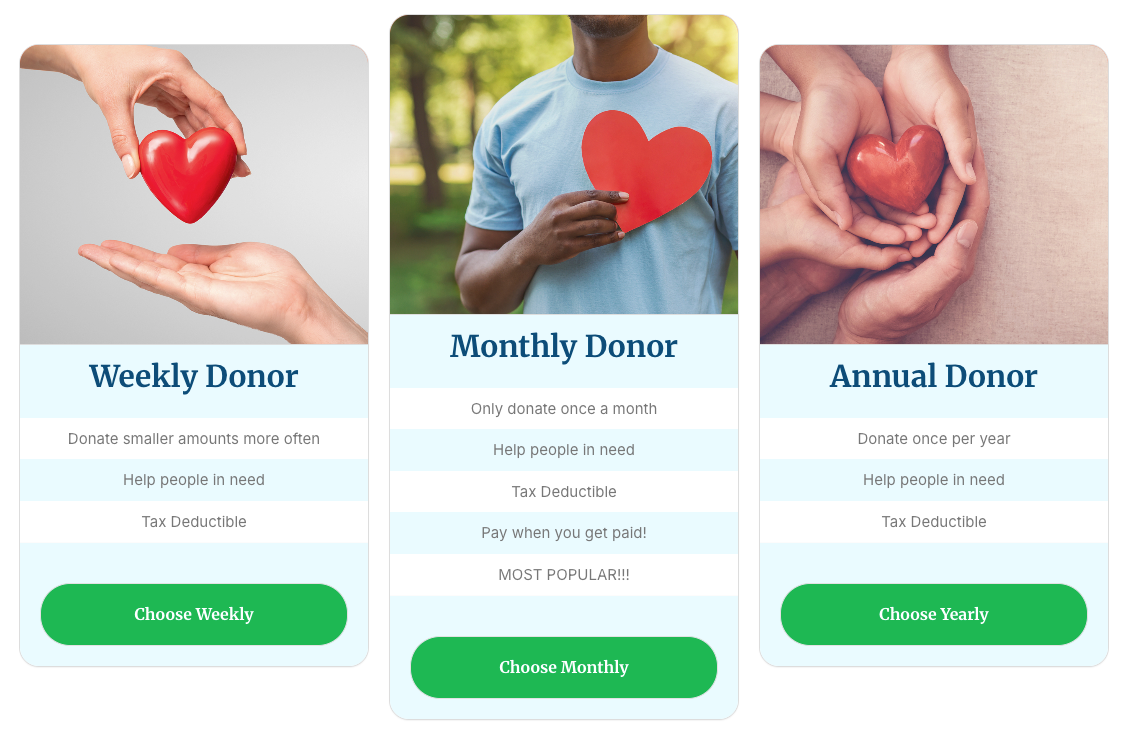
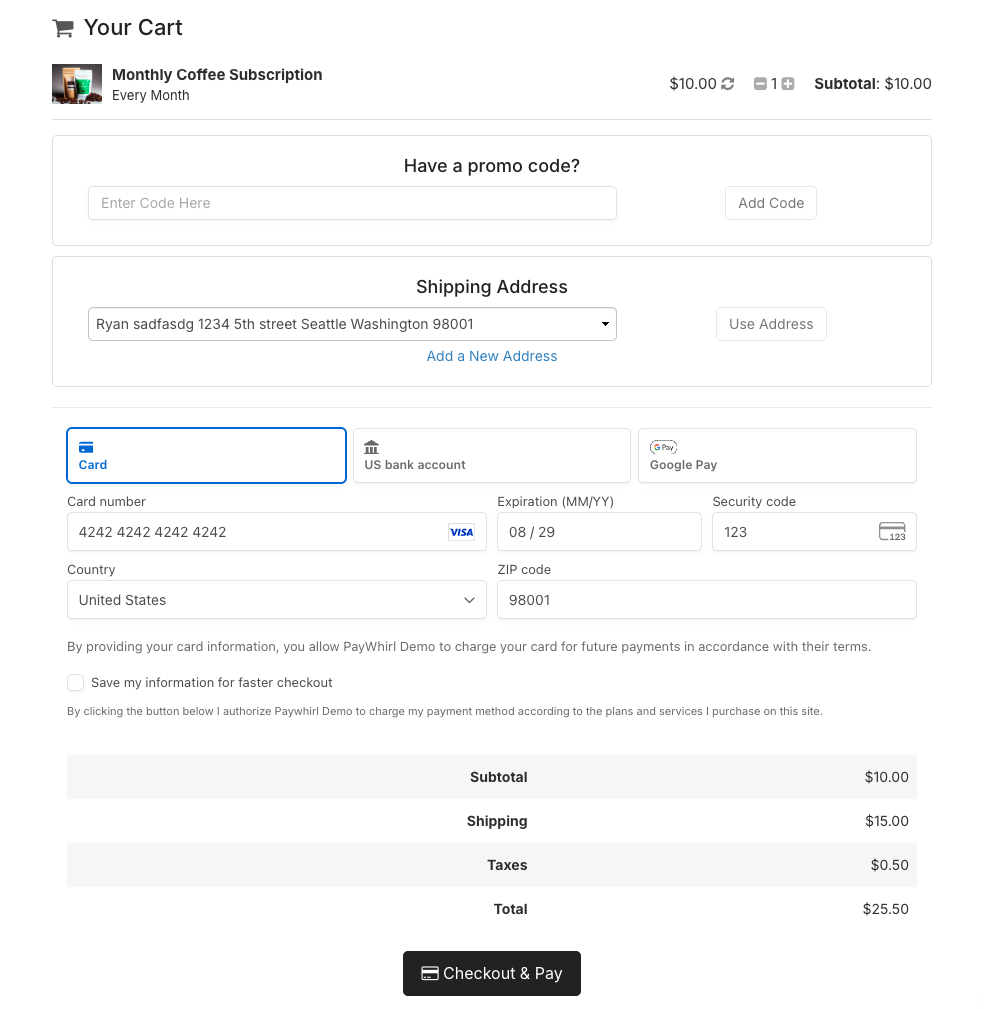

PayWhirl Widget Blocks connects your WordPress site to your PayWhirl account so you can embed subscription widgets and buy buttons anywhere the block editor is available. Store owners can manage their PayWhirl API credentials from an admin settings page, test the connection, and drop the PayWhirl Widget block into posts, pages, templates, or patterns without touching code.
Watch a quick setup walkthrough
Give it a whirl View demo
How to Use PayWhirl Widget Blocks
Configure API access
- Go to PayWhirl API Connection.
- Paste your PayWhirl API key and secret. Leave fields blank to keep existing encrypted credentials.
- Use Test Connection to confirm access and view rate-limit headers.
Add a widget to content
- Open any block editor (post, page, template, reusable block).
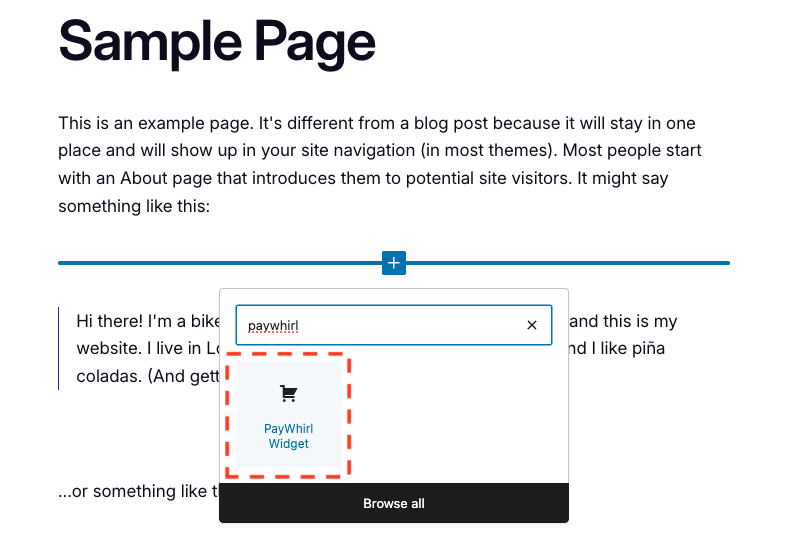
- Search for “PayWhirl Widget”.
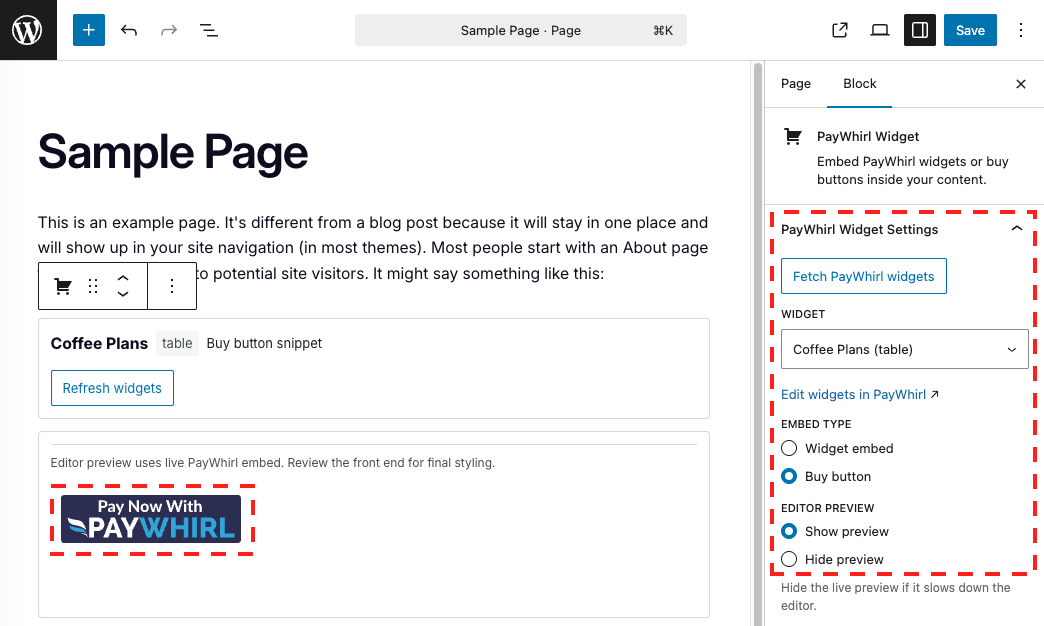
- Click Fetch PayWhirl widgets and select the desired widget or buy button.
- Choose the embed type (widget or buy button) in the inspector panel.
- Publish or update the content. The live site will load the PayWhirl embed script and render the widget.
Customer portal link
- Enable the Customer Portal Link section on the settings page to sync a menu item or create an embedded portal page.
- Disable the toggle to remove the synced menu item and clear stored menu/page references.
Shortcode
Use the shortcode [paywhirl_customer_portal] to embed the PayWhirl customer portal inside classic editors or theme builder widgets.
Blocks
- paywhirl/widget – Embed PayWhirl widgets or buy buttons anywhere in block-based content.