
Paycoinly
v1.0.0paycoinly · 2026年8月17日 上架
Integrate crypto payments into WordPress or WooCommerce easily - no manual code updates needed
- 正在使用
- 10 以下
- 评分
- 暂无
- 累计下载
- 611
- 最近更新
- 2026年8月18日
贡献者
 paycoinly
截图
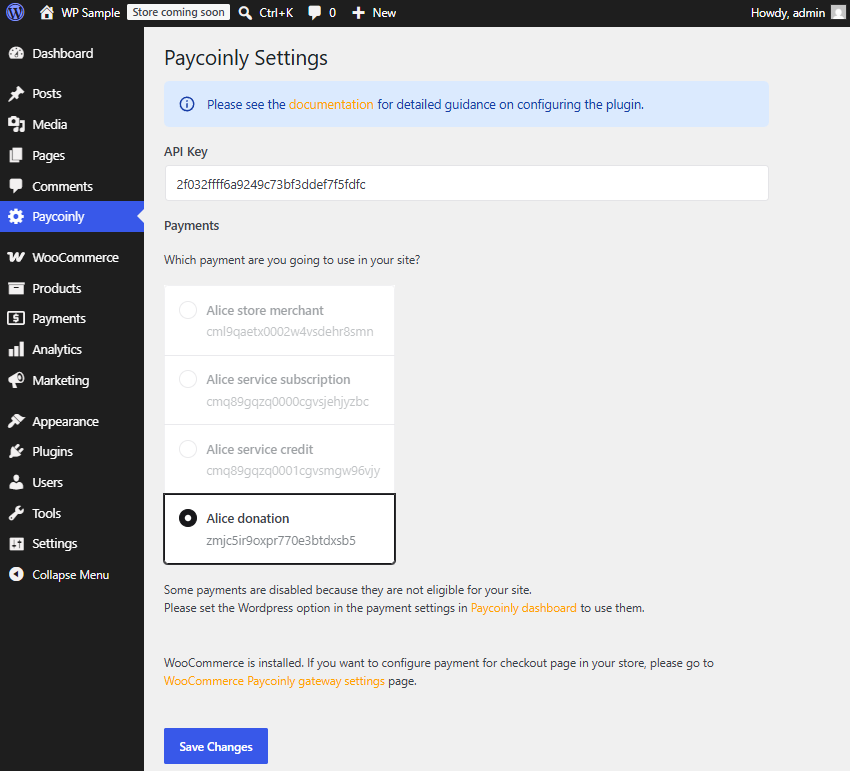
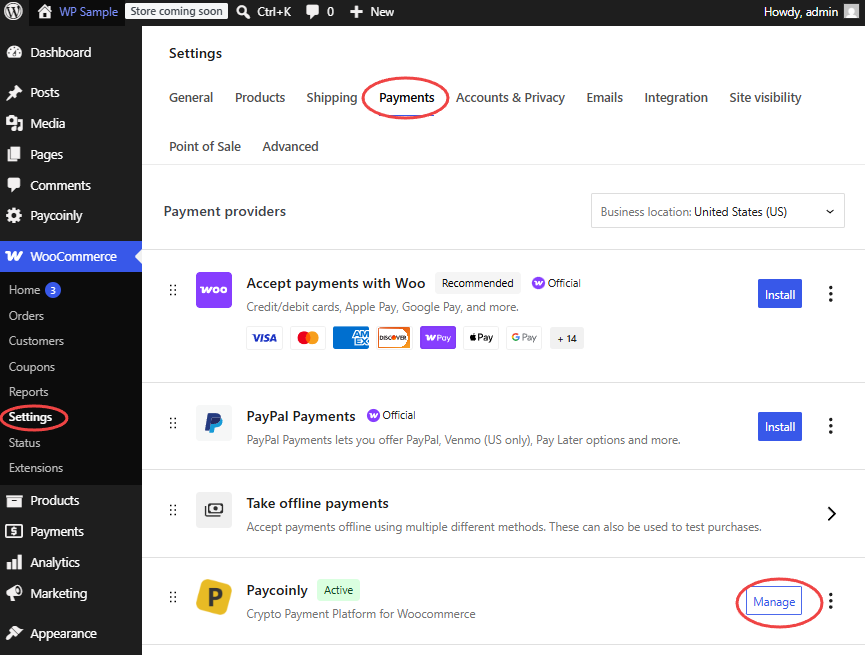
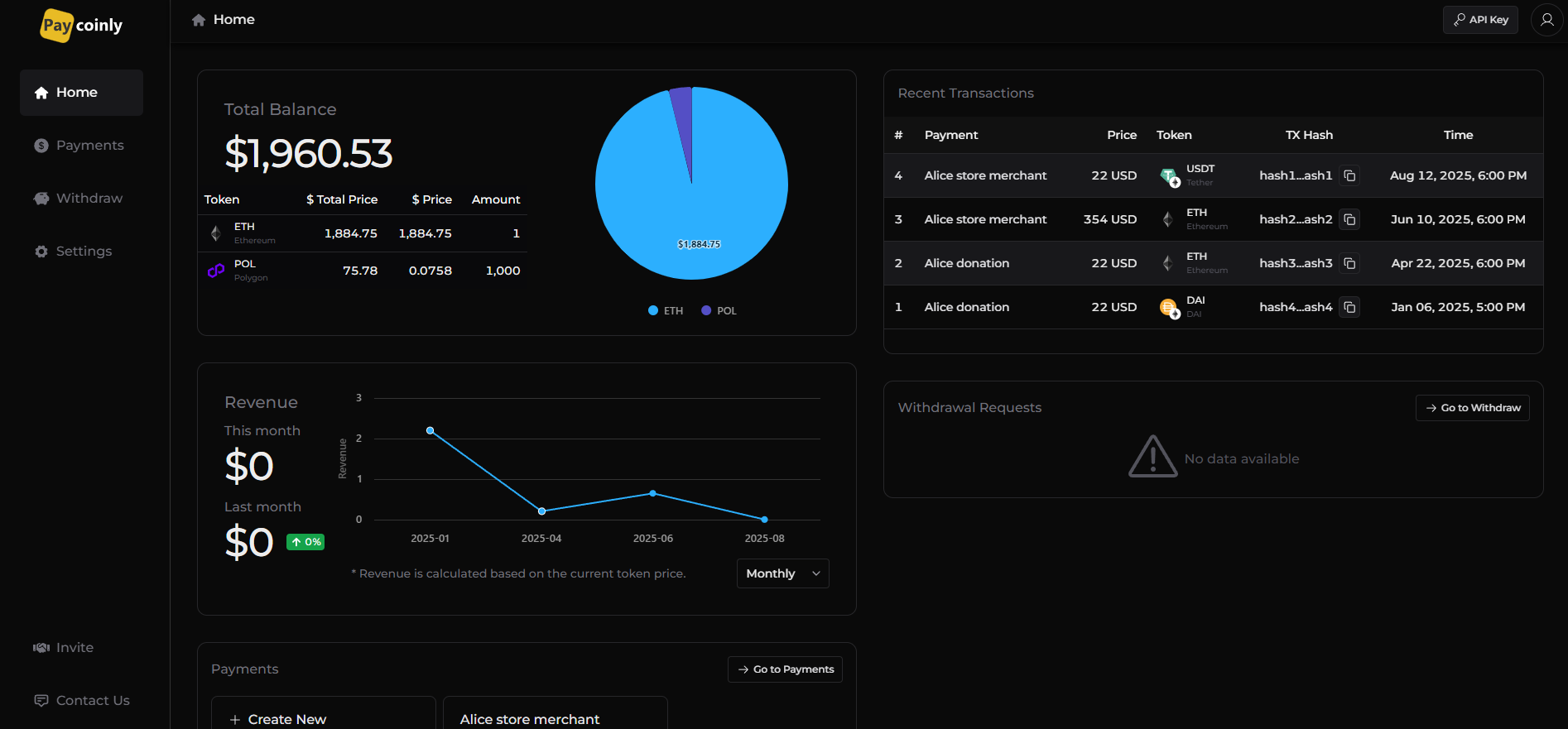
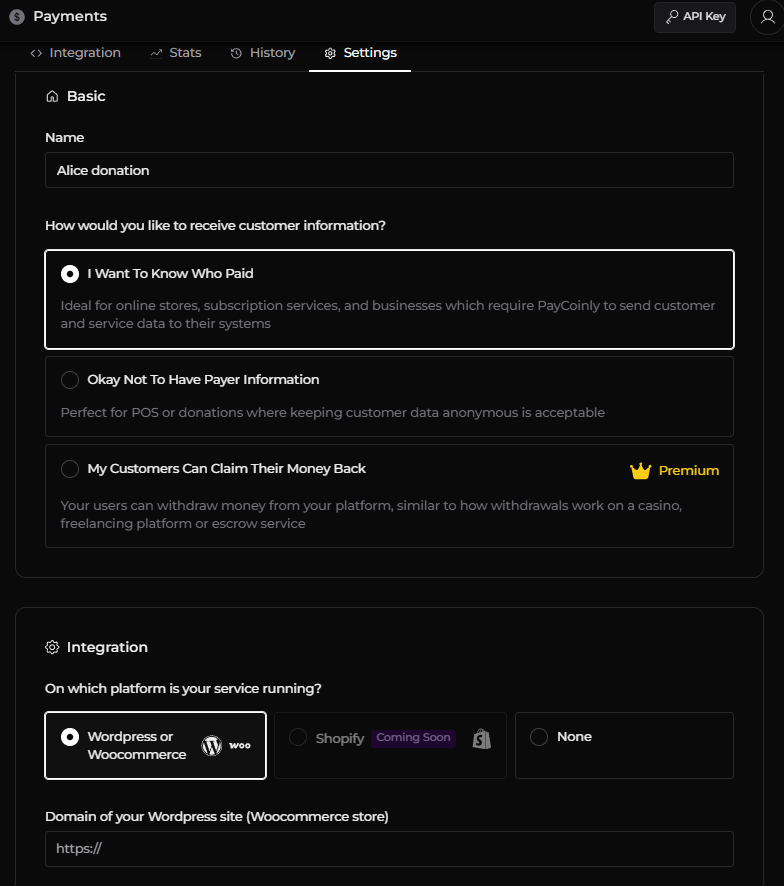
Integrate crypto payments into WordPress or WooCommerce easily – no manual code updates needed
Overview
The official plugin maintained by Paycoinly
The plugin is designed to integrate crypto payment service powered by Paycoinly easily into your WordPress or WooCommerce site without hassle of updating your code manually.
It provides paycoinly shortcode to place a button triggering crypto payment service of Paycoinly, which can be used for subscription, credit system and the other pricing requirements of your site.
https://www.paycoinly.xyz/docs/integrations/wordpress
For WooCommerce sites, it adds Paycoinly crypto payment gateway in checkout page.
https://www.paycoinly.xyz/docs/integrations/woocommerce
It provides some actions and filters which customize its functionalities to meet your business demand and pricing requirements.
https://www.paycoinly.xyz/docs/appendix/wordpress-plugin-hooks
Features
- 1% transaction fee
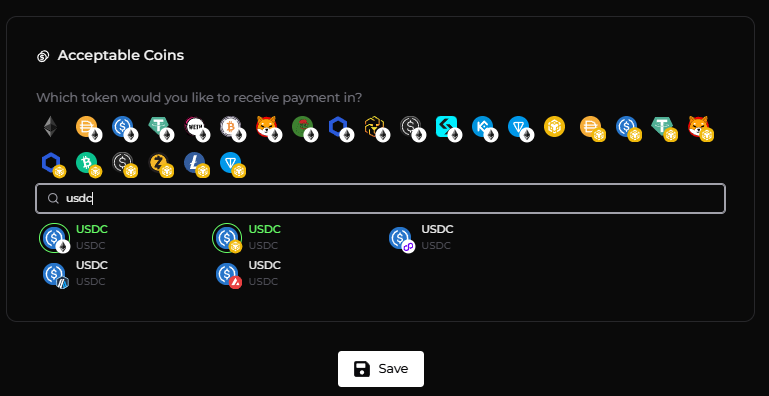
- Support Stablecoins, memecoins, native coins
- Support multichain
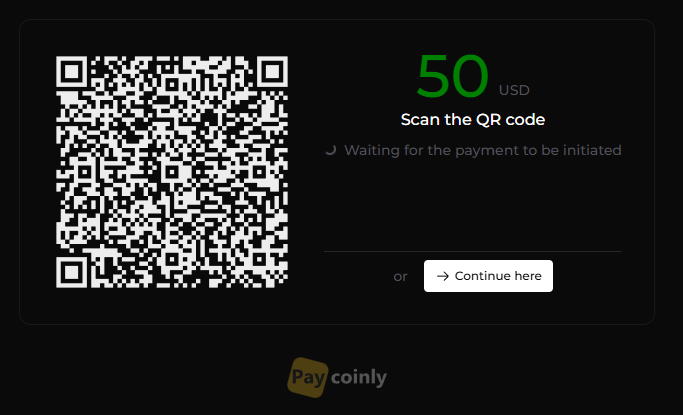
- Trigger payment from QR scan
Use Cases
Subscription, Credit system, WooCommerce checkout
External Services
This plugin connects to the Paycoinly APIs to enable payment processing in collaboration with Paycoinly, which is detailed in the followings:
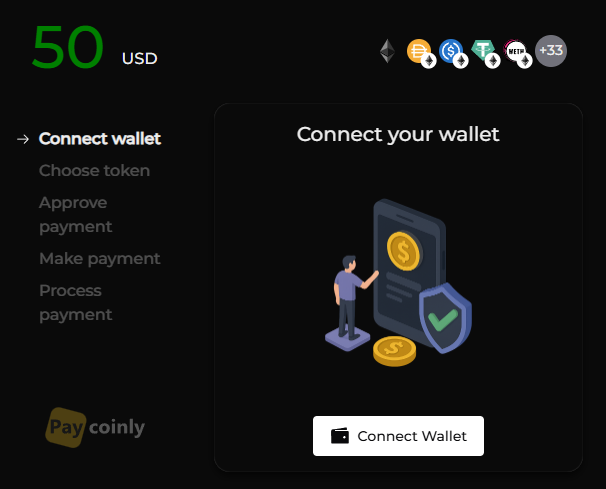
- Sends payment details (https://www.paycoinly.xyz/docs/api-reference/payment-token) such as the price, currency, order id and user id to Paycoinly. Paycoinly returns a payment token, which is then used to display payment interface to users.
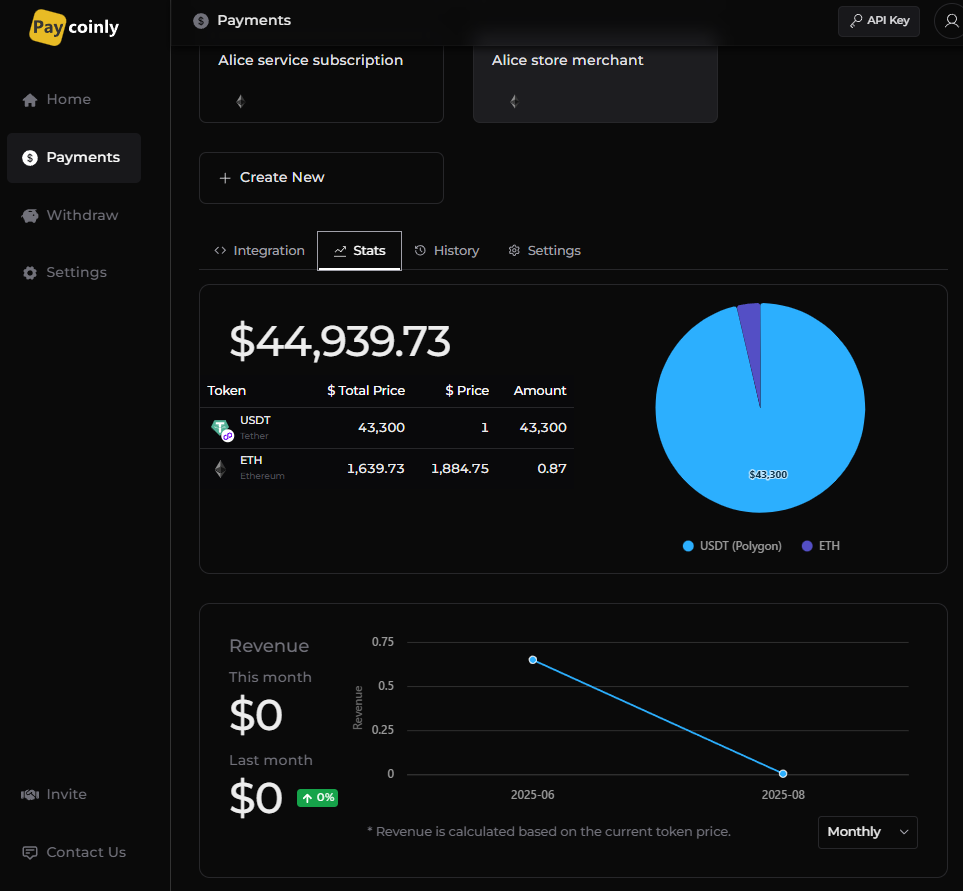
- Retrieves a list of payments you configured in Paycoinly dashboard and allows an eligible one to be configured and used within the plugin.
The plugin communicates with the Paycoiny API in the following scenarios:
- When a customer clicks the Place Order button on the WooCommerce checkout page.
- When a customer clicks the payment button rendered through paycoinly shortcode.