Pattern CSS – The CSS Editor For Blocks
v1.5.7Kevin Batdorf · 2023年11月4日 上架
Add a CSS editor to your blocks and patterns! Loads only where necessary. Supports adding global CSS too.
- 正在使用
- 100+
- 评分
- 5.0 / 5
- 累计下载
- 6,004
- 最近更新
- 2026年8月15日
8 条评价需要 WordPress 6.7+已测试到 7.1.5PHP 7.0+
贡献者
 Kevin Batdorf
截图
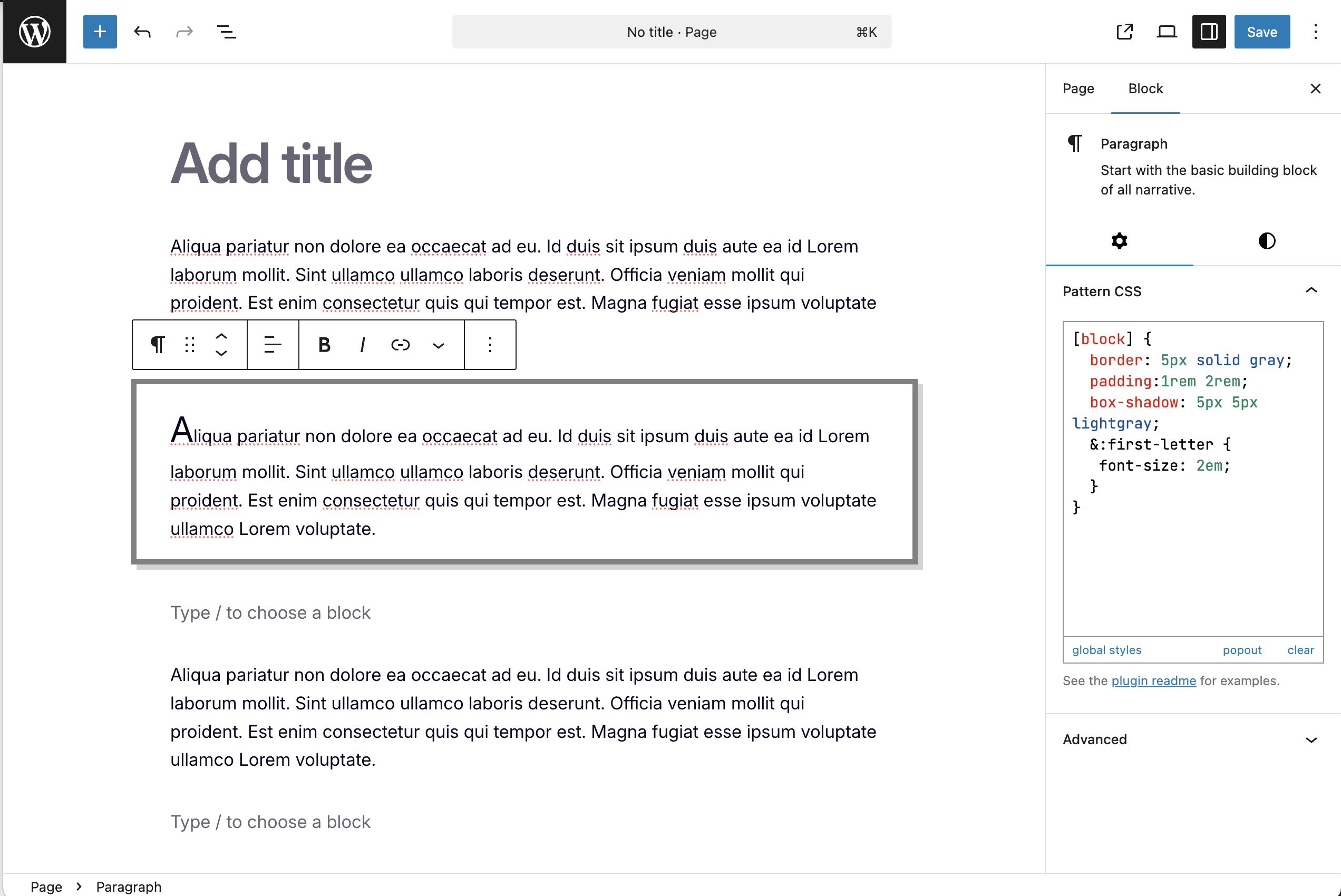
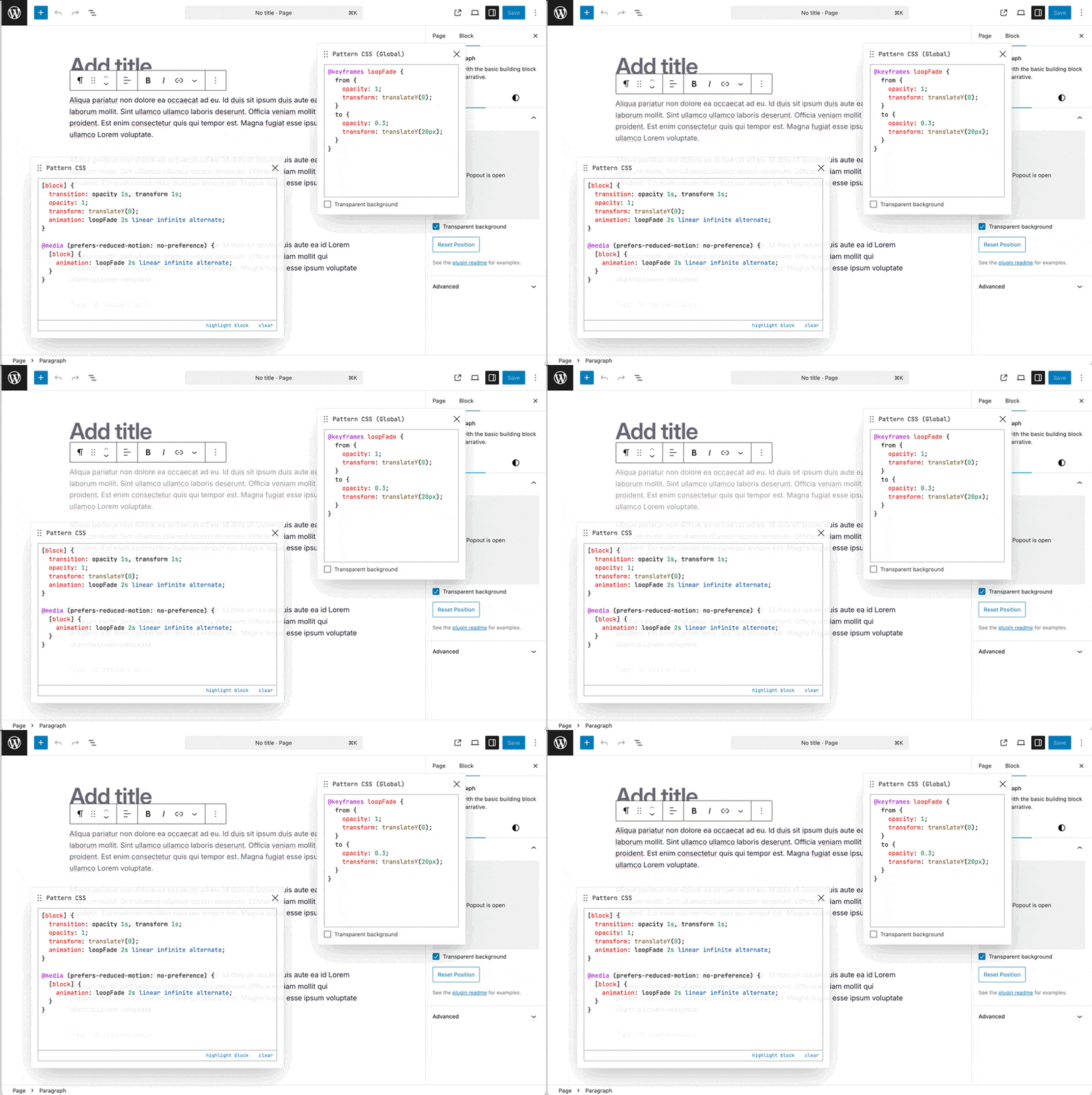

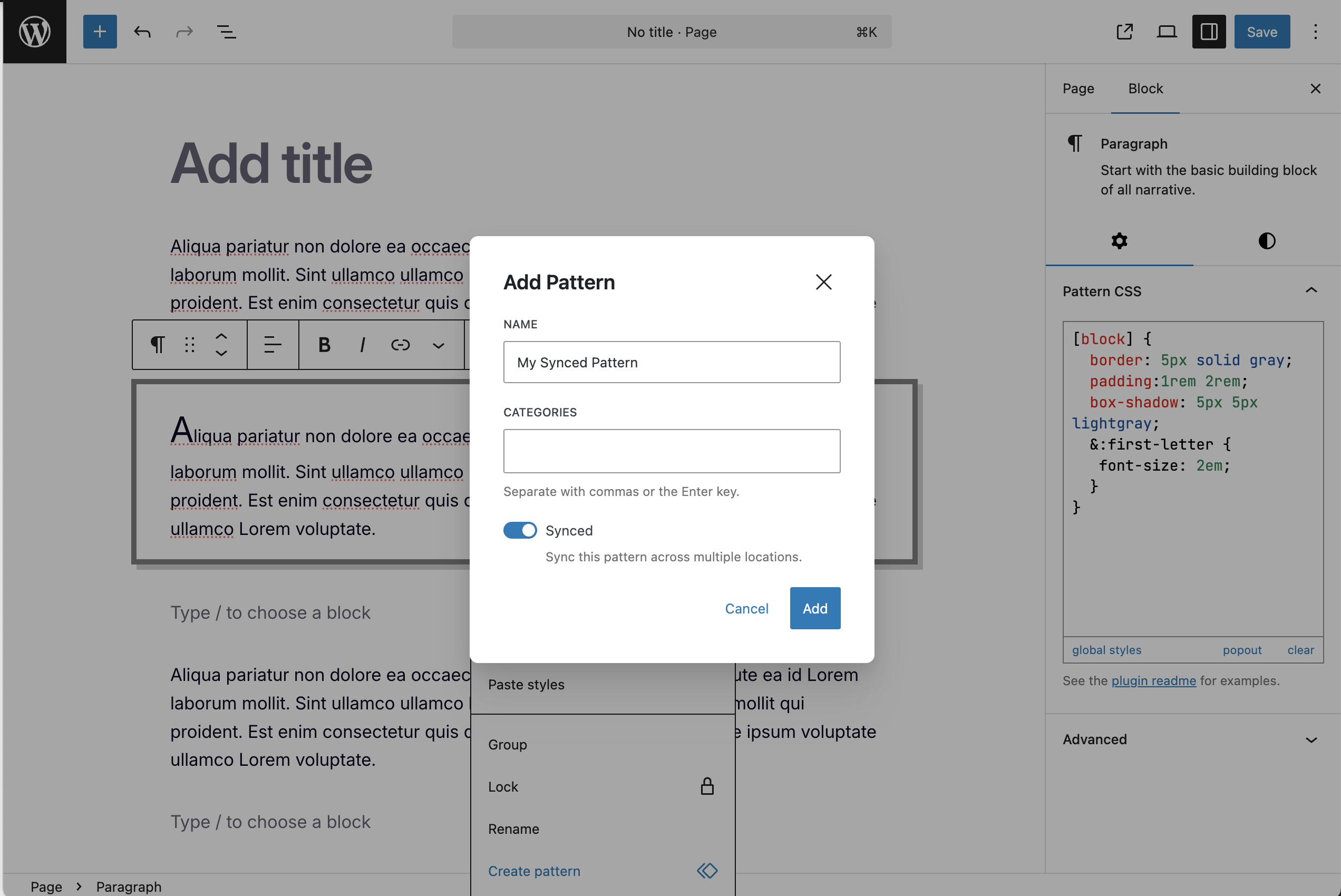
The missing inline block CSS editor for the Gutenberg editor. Very powerful with synced patterns as well. And it pairs well with global styles.
This plugin is perfect for users looking to add CSS for blocks without needing to create a child theme, or use a bloated plugin. Client safe too. CSS won’t leak outside of the block, and only valid block CSS is persisted.
Star it on GitHub
Follow me on Twitter @kevinbatdorf
How to
- Every block will have a new “Pattern CSS” settings panel
- Open it and add any CSS. It will be scoped to the block
- To target the block directly, you must use the
[block]selector - To target any element inside the block, use the normal CSS selector
- Use
!importantto override your theme styles (use sparingly)
Global Editor
- Access global styles under the options menu (three dots) in the top right corner of the editor
- Additionaly, you can open from the Pattern CSS block editor controls
Features
- Powered by WebAssembly for fast and secure CSS parsing
- Smart loading. Only loads the CSS when the block is present
- Styles persist when changing themes
- Scopes styles to the block so that parent/sibling blocks are not affected
- It’s fast
- CSS is minified and optimized
- It’s safe. Invalid, non-spec CSS is never persisted
- Supports reusable (synced or not-synced) patterns
- See changes on the page as you make them
- Combines adjacent rules (to decrease size)
- Minifies colors and math functions to simplify according to spec
- Supports CSS nesting
Basic Example
/* Target the block directly */
[block] {
  background: antiquewhite;
  padding: 2rem;
}
/* Target any inner elements */
a {
  text-decoration-color: burlywood;
  text-decoration-thickness: 2px;
  text-decoration-style: solid !important;
}
a:hover {
  text-decoration-color: darkgoldenrod;
}

/* Output: */
.pcss-a1b7b016{background:#faebd7;padding:2rem}.pcss-a1b7b016 a{text-decoration-color:#deb887;text-decoration-thickness:2px;text-decoration-style:solid!important}.pcss-a1b7b016 a:hover{text-decoration-color:#b8860b}
Supports Media Queries
@media (prefers-color-scheme: dark) {
  [block] {
    border-color: blue;
  }
}

/* Output: */
@media (prefers-color-scheme:dark){.pcss-cddaa023{border-color:#00f}}
Combines Rules
[block] {
  color: red;
}
.bar {
  color: red;
}

/* Output: */
.pcss-3aa0f0fc,.pcss-3aa0f0fc .bar{color:red}
Fixes redundant properties
[block] {
  padding-top: 5px;
  padding-left: 50px;
  padding-bottom: 15px;
  padding-right: 5px;
}

/* Output: */
.pcss-3aa0f0fc{padding:5px 5px 15px 50px}
Supports CSS nesting
[block] {
  padding: 1rem;
  a {
    color: red;
  }
  background: white;
  /* Including media queries */
  @media (prefers-color-scheme: dark) {
    background: black;
    color:white;
  }
}

/* Output: */
.pcss-f526bb2d{background:#fff;padding:1rem;& a{color:red}@media (prefers-color-scheme:dark){&{color:#fff;background:#000}}}
Check browser support for CSS nesting