Parisia Media – WebP & AVIF Images, Smart Resize, AI Alt Text
v0.9.4parisia · 2026年10月27日 上架
WebP & AVIF conversion, smart resize per placement, AI alt text and extra aspect ratios (4:5, 16:9...) with an optional Parisia account.
- 正在使用
- 10 以下
- 评分
- 暂无
- 累计下载
- 163
- 最近更新
- 2026年10月27日
贡献者
 parisia
截图
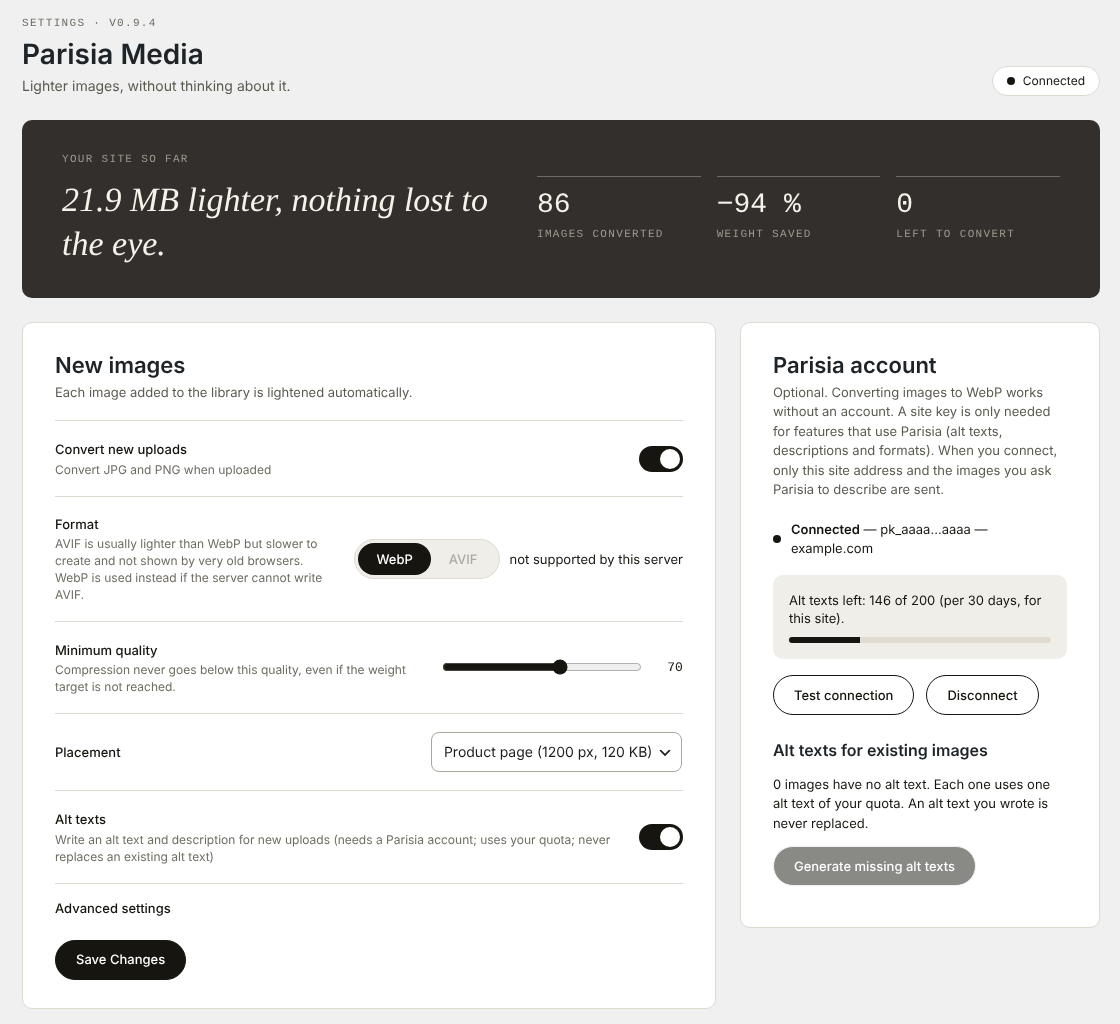
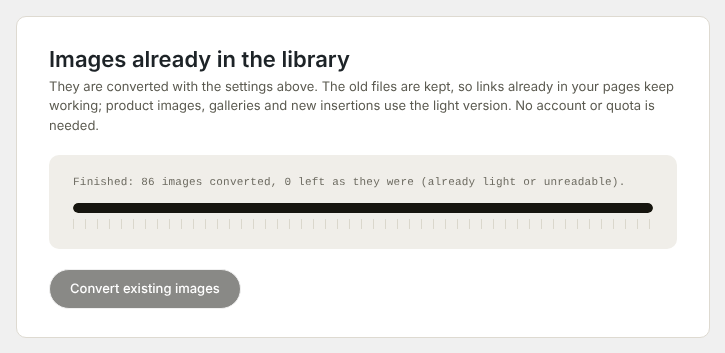
Lighter photos, ready for the web. Upload as usual: Parisia Media resizes each image for its placement (aspect ratio kept, never upscaled) and saves it as WebP or AVIF at the best quality that stays light, never below the minimum quality you set. Conversion runs on your own server, with no account and no external service. The original can be kept in a private folder. Images already in your library can be converted in one click; their old files are kept so links already in your pages keep working.
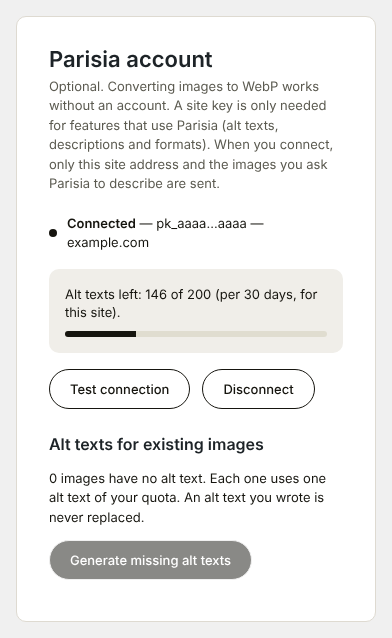
AI alt text and descriptions. Connect a free Parisia account and new images get an alt text and description automatically.
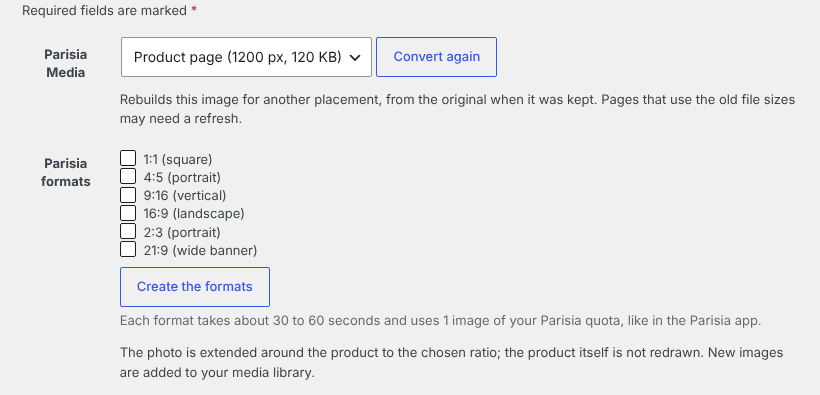
Extra aspect ratios. A “Parisia formats” field on each image creates the same photo in 1:1, 4:5, 9:16, 16:9, 2:3 or 21:9. The scene is extended around the product, which is not redrawn. Each ratio uses one image of your Parisia plan (a paid plan or the free trial; a free account without a plan has no image quota) and is added to your media library as a new image.
External service
Optional. Converting and resizing images happens on your own server and sends nothing to anyone. The plugin only contacts a service if you connect a Parisia account (by pasting a site key or with the Connect button in Media > Parisia Media).
The service is the Parisia API, https://jewellab-api.vercel.app, operated by Parisia (https://parisia.app). To produce alt texts and extra formats, the Parisia API sends the image to Google Gemini (Google), which analyses it or extends it. Parisia does not keep the images you send.
What is sent, and when:
- When you connect, and on each check: the site key and this site’s public address.
- When alt texts are enabled, for each image to describe: the image (resized, 3 MB at most), the site name and tagline, the site language and, if the image belongs to a post, that post’s title, categories and focus keyword.
- When you use “Create the formats” on an image: the image (resized, 3 MB at most) and the chosen ratio. Each format uses 1 image of your Parisia quota, like in the Parisia app.
Nothing is sent until you connect. Disconnecting (or uninstalling) removes the key from your site.
Terms of use: https://parisia.app/cgu/
Privacy policy: https://parisia.app/confidentialite/
Data processing agreement: https://parisia.app/dpa/
Google’s terms for the Gemini API: https://ai.google.dev/gemini-api/terms
Privacy
Nothing is sent to Parisia until you connect an account. See “External service” above for exactly what is sent. A suggested paragraph for your privacy policy is added in Settings > Privacy.