
ParcelCue Tracking for WooCommerce
v1.1.10storeopswp · 2026年7月10日 上架
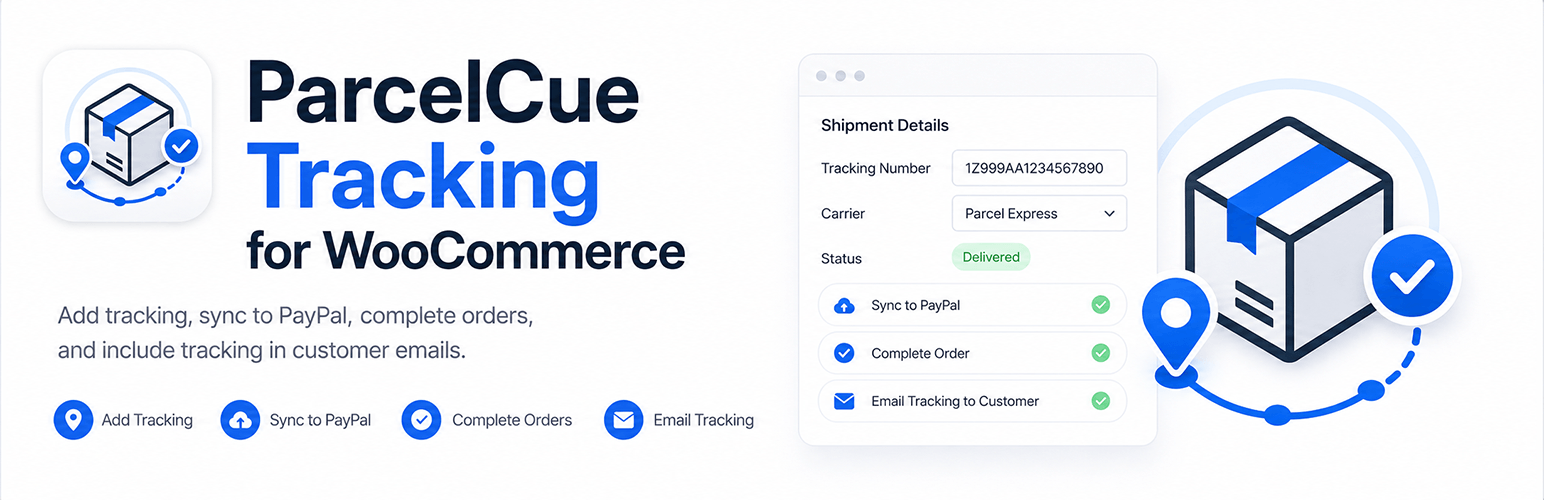
Add shipment tracking to WooCommerce orders, mark orders as Completed, include tracking in emails, and sync tracking to PayPal.
- 正在使用
- 10+
- 评分
- 暂无
- 累计下载
- 704
- 最近更新
- 2026年11月20日
贡献者
 storeopswp
截图


ParcelCue Tracking for WooCommerce is a lightweight shipment tracking workflow for small WooCommerce stores.
It helps store owners add tracking number, carrier, and shipped date to WooCommerce orders, optionally mark orders as Completed, include tracking details in the WooCommerce completed-order email, and sync shipment tracking to PayPal when the order was paid through PayPal.
Core features:
- Simple shipment tracking box on the WooCommerce order page
- Tracking number, carrier, optional custom carrier name, and shipped date
- Option to mark the order as Completed after saving tracking
- Optional tracking details in WooCommerce completed-order emails
- Automatic PayPal tracking sync for PayPal-paid orders
- PayPal tracking correction when tracking number or carrier changes
- One clear save button: PayPal orders sync automatically, non-PayPal orders save locally
- Works for non-PayPal orders too; PayPal sync is skipped when not needed
- Live PayPal REST API setup with optional Sandbox/Test mode
- PayPal connection test
- Human-readable sync status on each order
- Recent logs for failed syncs and optional debug logging
ParcelCue does not replace WooCommerce, PayPal, or your shipping carrier. It provides a simple tracking workflow inside WooCommerce.
Third-Party Services
ParcelCue Tracking for WooCommerce can connect to PayPal’s REST API when you test PayPal credentials or sync shipment tracking for a PayPal-paid order.
This plugin may send requests to PayPal only when:
- A store administrator clicks the PayPal connection test button.
- Shipment tracking is saved for an order that the plugin detects as PayPal-paid.
- A store administrator manually provides PayPal order, capture, or transaction details for sync.
Data sent to PayPal may include:
- PayPal REST API Client ID and Client Secret when requesting an access token
- PayPal order, capture, or transaction identifiers found on the WooCommerce order
- Tracking number
- Carrier
- Custom carrier name, if used
- Shipped date
- Order item names, SKUs, and quantities when included in the PayPal tracking request
PayPal API requests are sent to PayPal’s live or sandbox API endpoints depending on the selected plugin mode.
PayPal REST API documentation: https://developer.paypal.com/api/rest/
PayPal Privacy Statement: https://www.paypal.com/us/legalhub/paypal/privacy-full
PayPal User Agreement: https://www.paypal.com/us/legalhub/paypal/useragreement-full