

Parallaxer for Elementor
v1.0.2Oooh Boi · 2025年1月18日 上架
Add smooth parallax scrolling effects to any Elementor widget using the lightweight Rellax.js and lenis.js libraries.
- 正在使用
- 200+
- 评分
- 5.0 / 5
- 累计下载
- 3,258
- 最近更新
- 2025年1月28日
贡献者
 Oooh Boi
截图
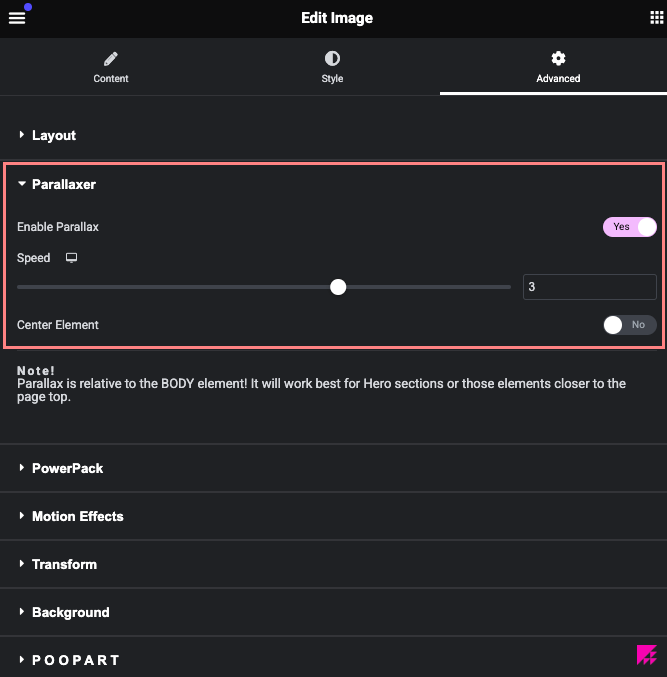
Parallaxer for Elementor brings the power of Rellax.js to your Elementor pages, allowing you to add smooth parallax scrolling effects to any widget with just a few clicks.
But that is not all!
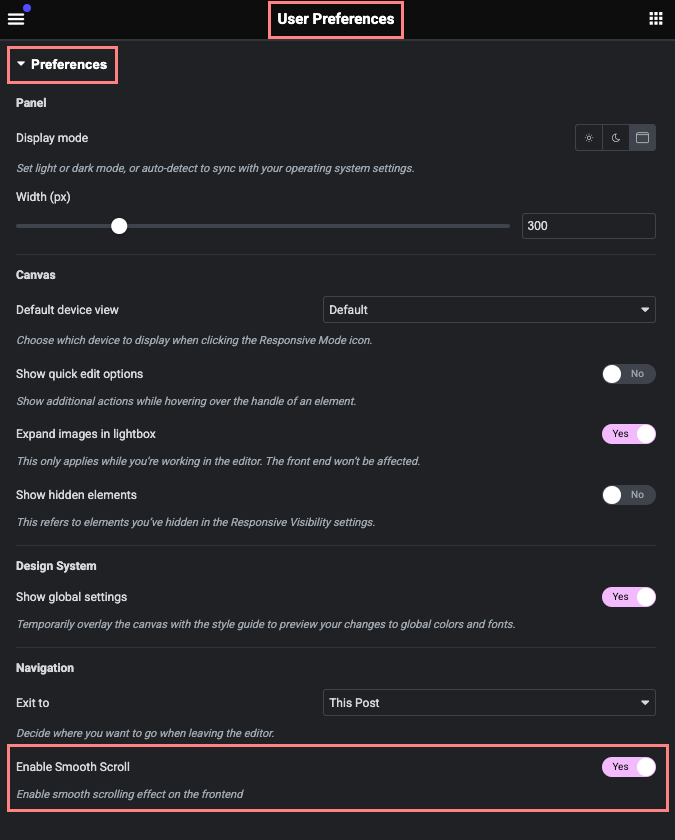
With just one click you can apply smooth scrolling to all of your Elementor built pages. Smooth scroll is powered by the lenis.js library.
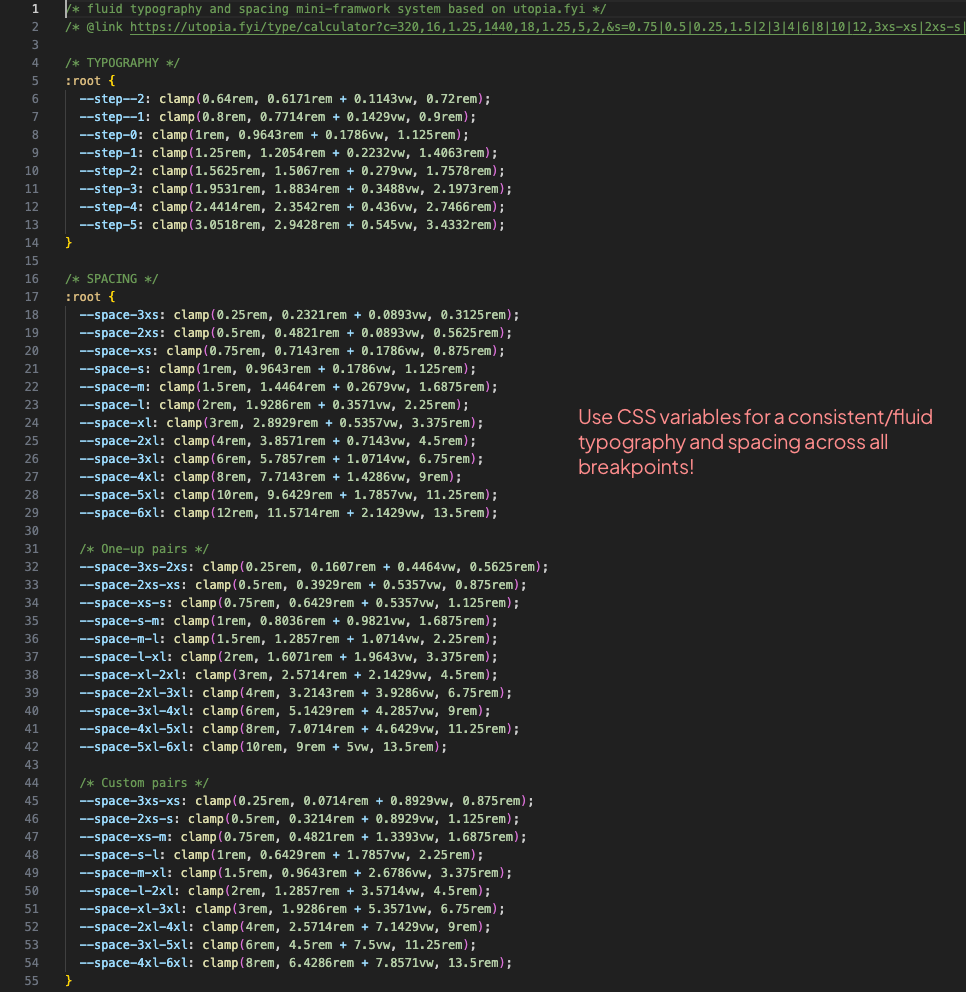
Parallaxer also brings a mini fluid system for both typography and spacing which is brought to you by utopia.fyi fluid space calculator. It means that you no longer need to maintain typography and spacing across multiple breakpoints but rather provide only the desktop values while each value between the desktop and mobile will be interpolated.
Features
- Easy to use interface in Elementor’s Advanced tab
- Responsive speed controls for different devices
- Lightweight and optimized for performance
- Works with any Elementor widget (Containers excluded!)
- Global scroll smoothing (via the User Preferences panel)
- Includes a mini fluid system for both typography and spacing
How to Use
- Edit any element in Elementor
- Go to the Advanced tab
- Find the “Parallaxer” section
- Enable parallax and adjust settings
- Preview and adjust as needed