

Parallax Section Block – Add Parallax Scrolling Effects to Sections
v2.4.2bPlugins · 2022年1月26日 上架
Add Parallax scrolling effects in any section of your website.
- 正在使用
- 3,000+
- 评分
- 4.3 / 5
- 累计下载
- 6.5 万
- 最近更新
- 2026年11月18日
 bPlugins
 Abu Hayat
 Md. Merajul Islam Sojib
截图
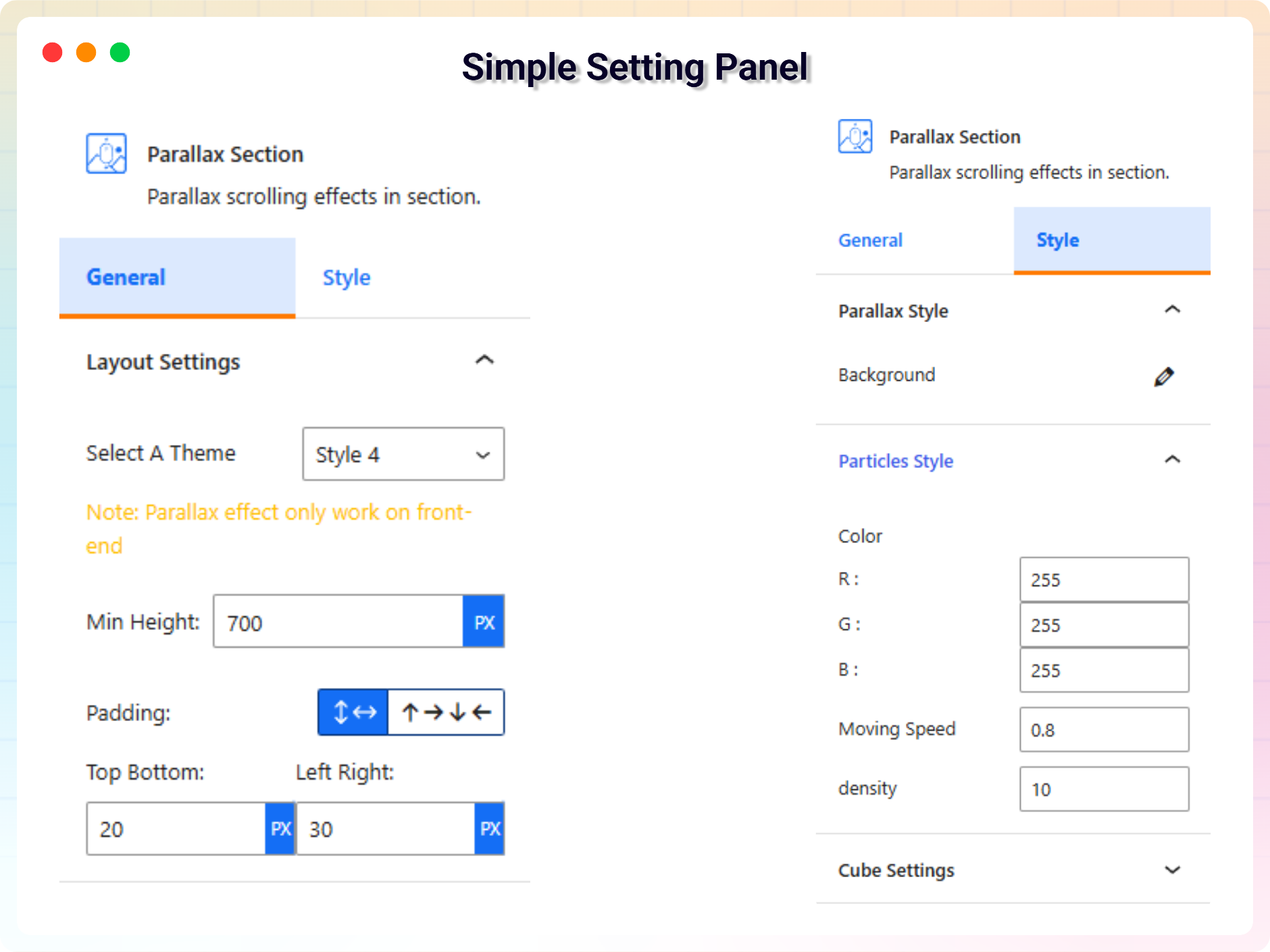
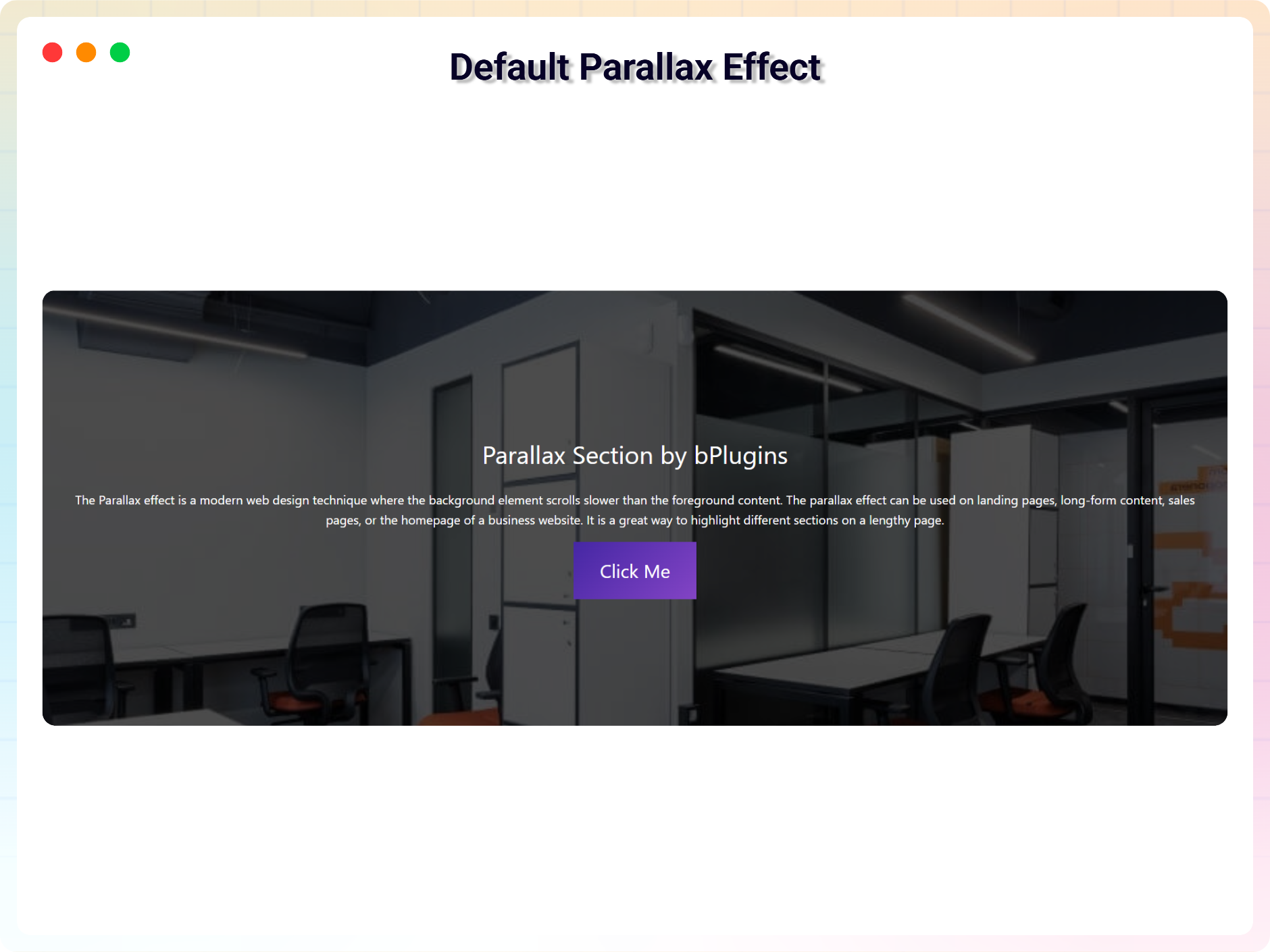
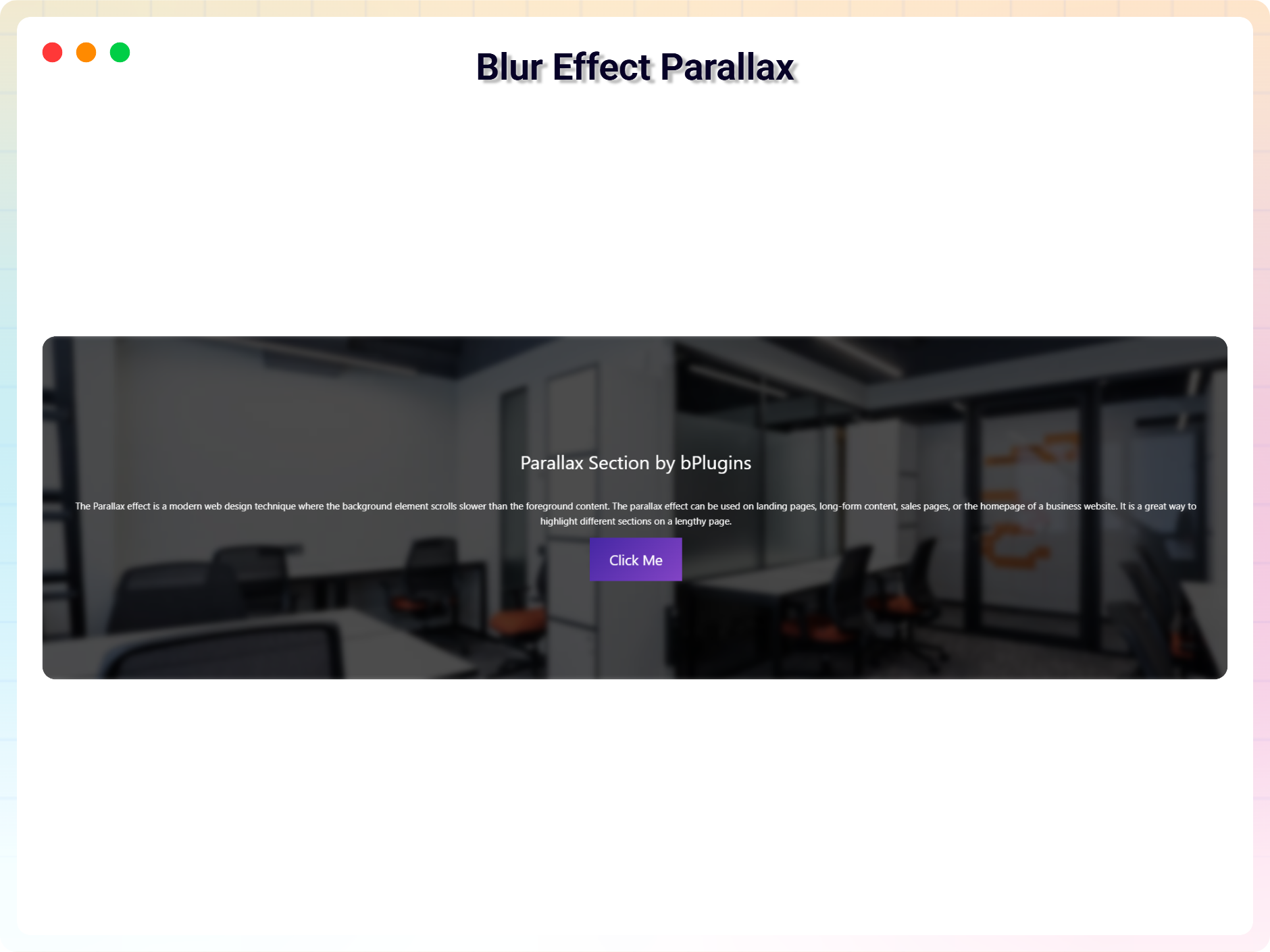
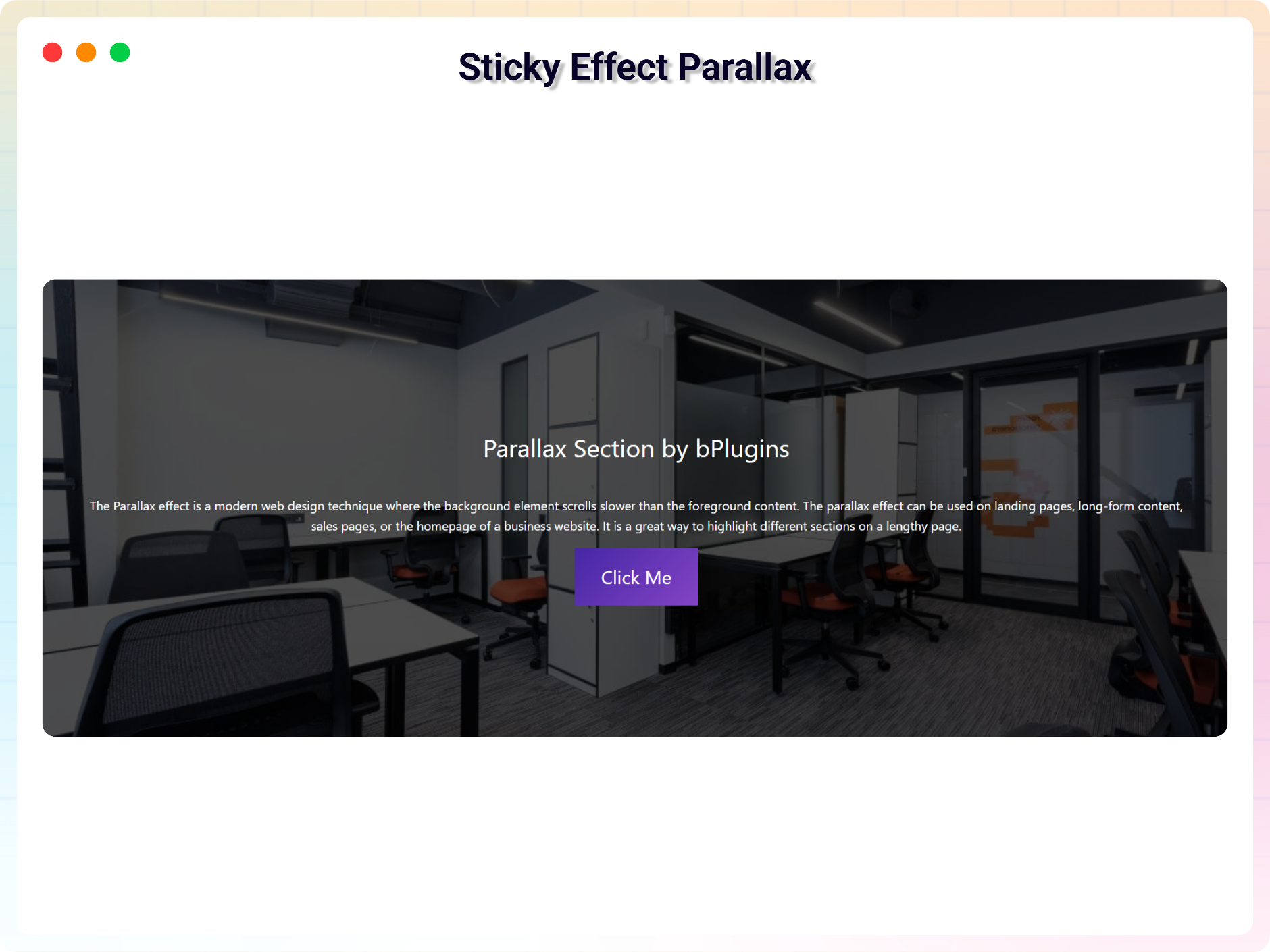
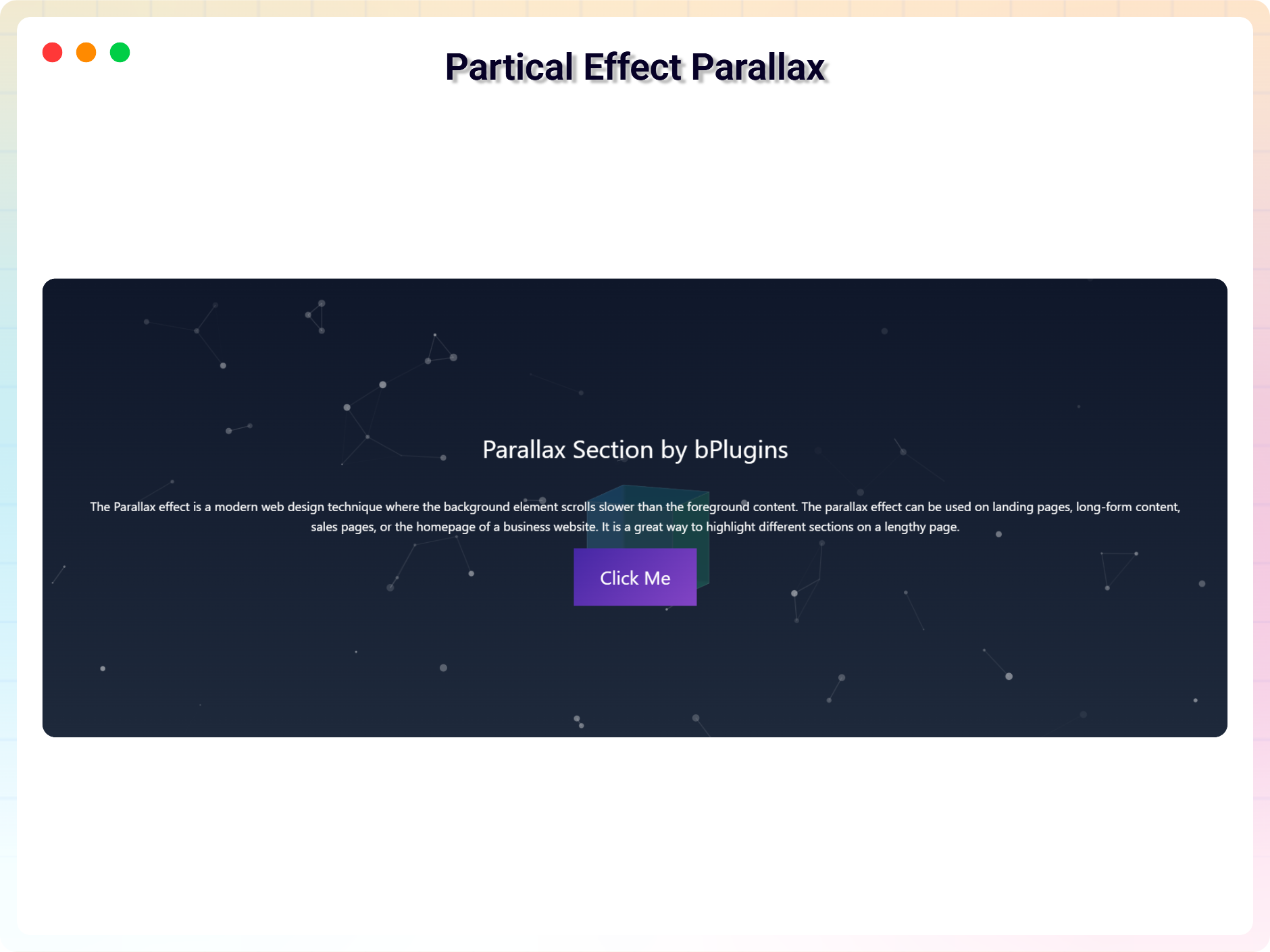
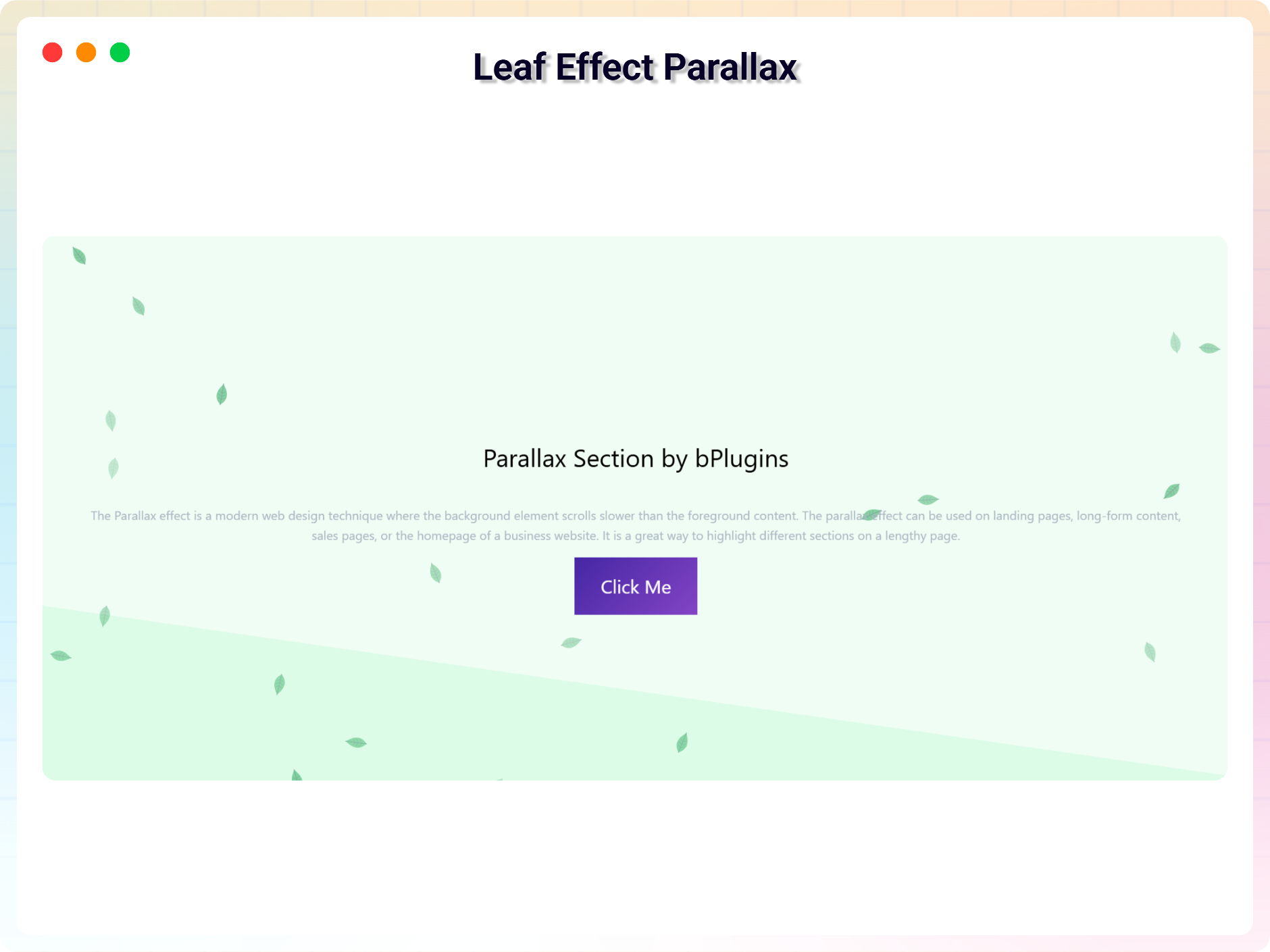
The parallax effect is a modern web design technique where the background element scrolls slower than the foreground content. The parallax effect can be used on landing pages, long-form content, sales pages, or the homepage of a business website. It is a great way to highlight different sections on a lengthy page.
You can easily create a parallax section with this plugin.
Features
- Easy to use
- It does not require much technical knowledge to use
- It is lightweight because it relies on JavaScript
- Smooth motion — every effect glides toward the scroll position instead of jumping (on by default).
- Parallax Layers (Free) — put any blocks inside and each one moves at its own depth as you scroll, with per-layer speed, direction and fade.
- Parallax Tilt Card (Pro) — cards that tilt toward the pointer and drift on scroll, with image parallax and a glare sheen, in four styles.
- Parallax Testimonials (Pro) — a 3D coverflow, stacked, spotlight or minimal testimonial carousel with autoplay and swipe.
- Parallax CTA (Pro) — a conversion band with a magnetic button, animated aurora and converging orbs, in four styles.
- Parallax Cube (Pro) — a 3D cube or prism that turns to reveal each content face, with tabs, drag and autoplay.
- Parallax Skills Cloud (Pro) — skill bubbles that drift on a spring field and scatter from the cursor, in five styles.
- Horizontal Scroll Parallax (Pro) — the section pins while you scroll down and its cards slide sideways, with Showcase, Timeline, Gallery and Story styles, drag, keyboard and navigation.
- Cinematic Reveal (Pro) — your image or video grows from a card, circle, giant word, shutter strips or a photo collage to full screen as visitors scroll.
How to use
- First, install the Parallax Section plugin
- Add the Parallax Section block from the block category called “Widgets” in the Gutenberg editor.
- You can change block settings from the right-side settings sidebar.
-
Enjoy!
-
For installation help click on Installation Tab
Feedback
- Did you like this plugin? Dislike it? Do you have a feature request? Please share your feedback with us
Check out the Parent Plugin of this plugin-
B Blocks – A blocks collection and page building tool for Gutenberg.
Check out our other WordPress Plugins-
Html5 Video Player – Display videos as single and playlist in multiple skins.
PDF Poster – Display/Embed PDF files with different styles.
Html5 Audio Player – Listen audios with awesome visuals.
StreamCast – Customizable radio player with different skins.
3D Viewer – Embed 3D models and 3D products with interaction.
Advanced Post Block – Show posts and custom posts in different layouts.
Enjoying Parallax Section Block?
Your support helps us improve and bring more useful blocks to the WordPress community!
👥 Join Our Facebook Community
Connect with other users, share ideas, and get help.
⭐ Rate Parallax Section on WordPress.org
Enjoying the plugin? Leave us a review. Your feedback means a lot!