

PaleSwitch – Light/Dark Palettes for Elementor
v1.0.0AguilArt Design · 2026年7月11日 上架
Manage frontend light and dark color palettes for Elementor using Global Colors.
- 正在使用
- 20+
- 评分
- 暂无
- 累计下载
- 354
- 最近更新
- 2026年7月11日
贡献者
 AguilArt Design
截图
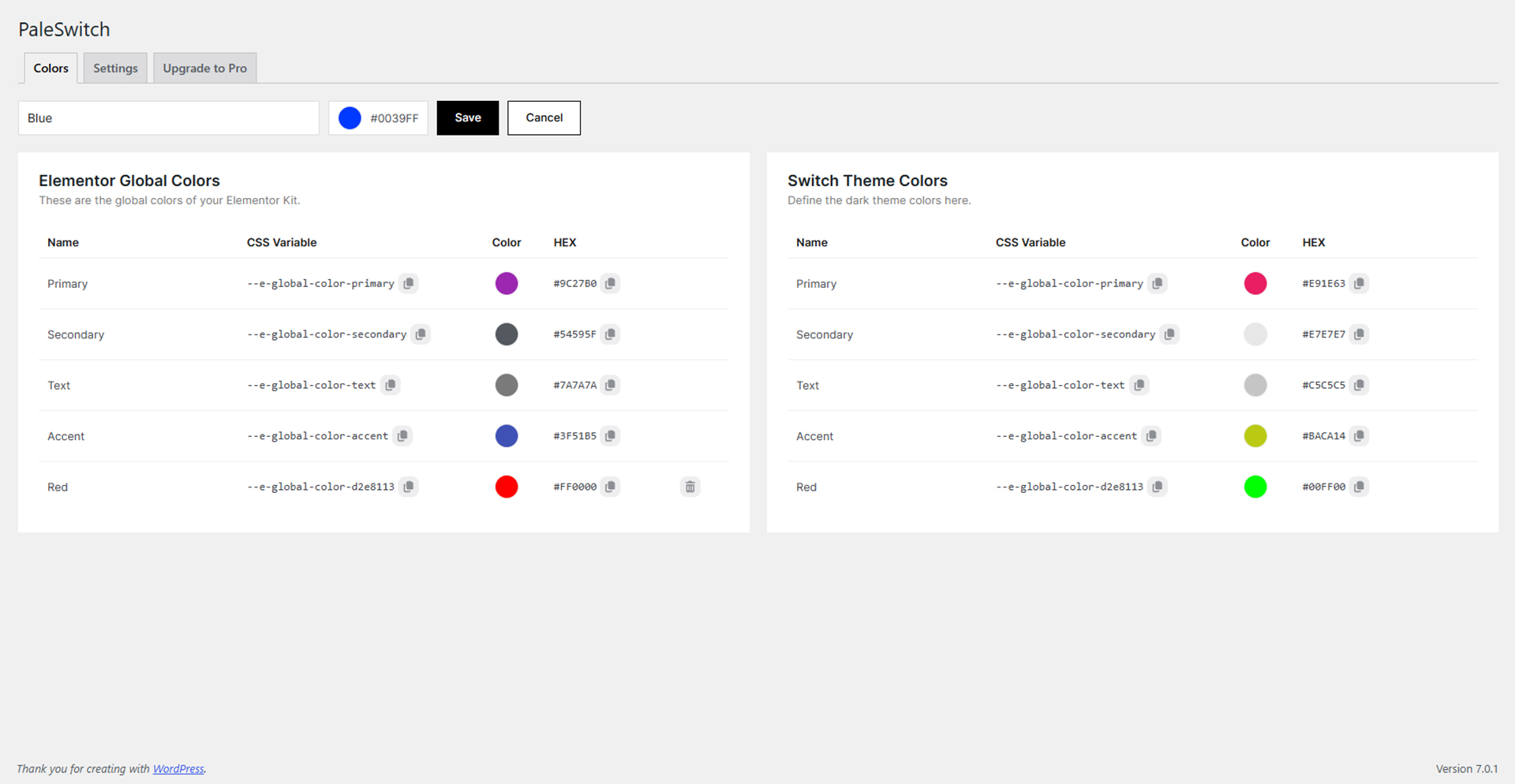
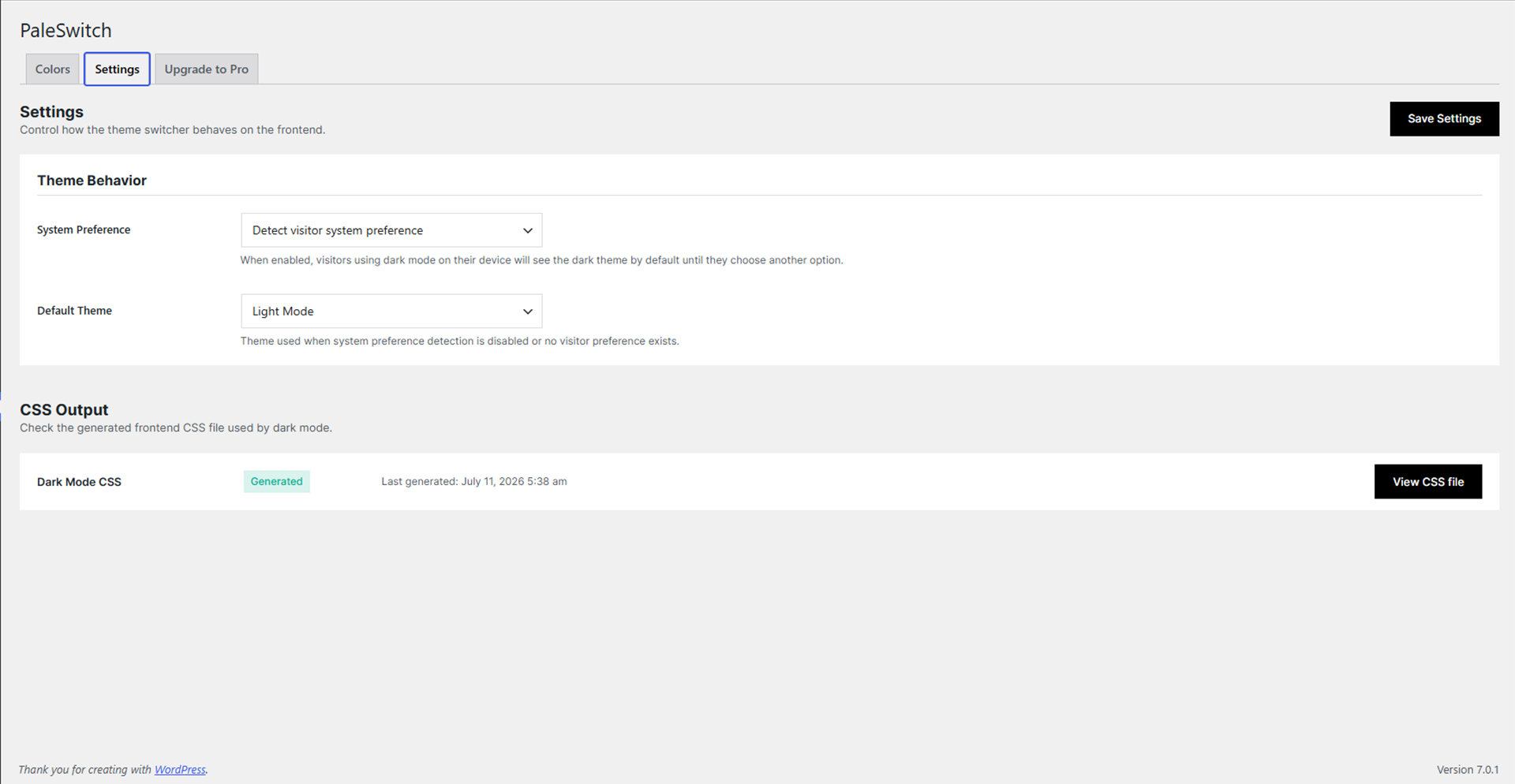
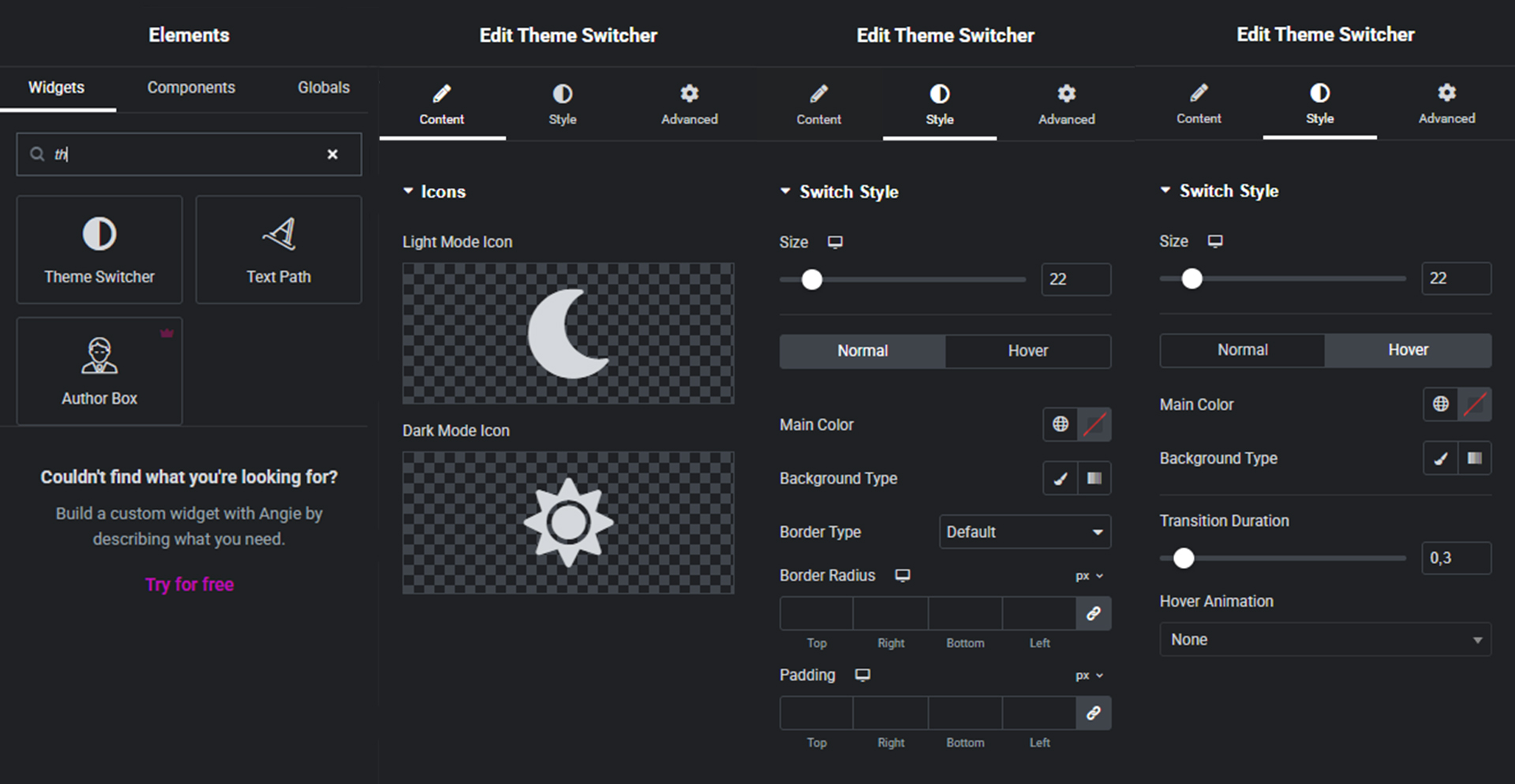
PaleSwitch helps Elementor users manage frontend dark mode using the Global Colors from the Elementor Site Settings.
This plugin is focused on the light and dark mode visitors see on the website, not the dark mode of the Elementor editor.
Instead of editing every widget manually or duplicating sections, PaleSwitch lets you define dark counterparts for Elementor Global Colors and generate the CSS variables needed for frontend dark mode.
Free features:
- Manual light/dark color editing.
- Elementor Global Colors integration.
- Automatic dark mode CSS generation.
- Elementor theme switcher widget.
- System preference detection.
- Default theme option.
PaleSwitch is useful for designers, freelancers and developers who want a cleaner workflow for frontend light/dark color systems in Elementor.
Third-party Libraries
This plugin includes Pickr 1.9.1 by Simon Reinisch, licensed under the MIT License.
Source: https://github.com/Simonwep/pickr
The included Nano theme CSS has minor style adjustments for the PaleSwitch admin interface. The original license notice is preserved in the files.
Readable source files are included:
- assets/js/pickr.js
- assets/css/nano.css
Minified files used by the plugin:
- assets/js/pickr.min.js
- assets/css/nano.min.css