
Paldra – AI Customer Service, Chatbot & Live Chat
v2.0.0Paldra · 2026年11月4日 上架
AI chatbot and live chat for your WordPress site. Answers from your own content, with no code and no theme edits.
- 正在使用
- 10 以下
- 评分
- 暂无
- 累计下载
- 484
- 最近更新
- 2026年11月22日
贡献者
 Paldra
截图
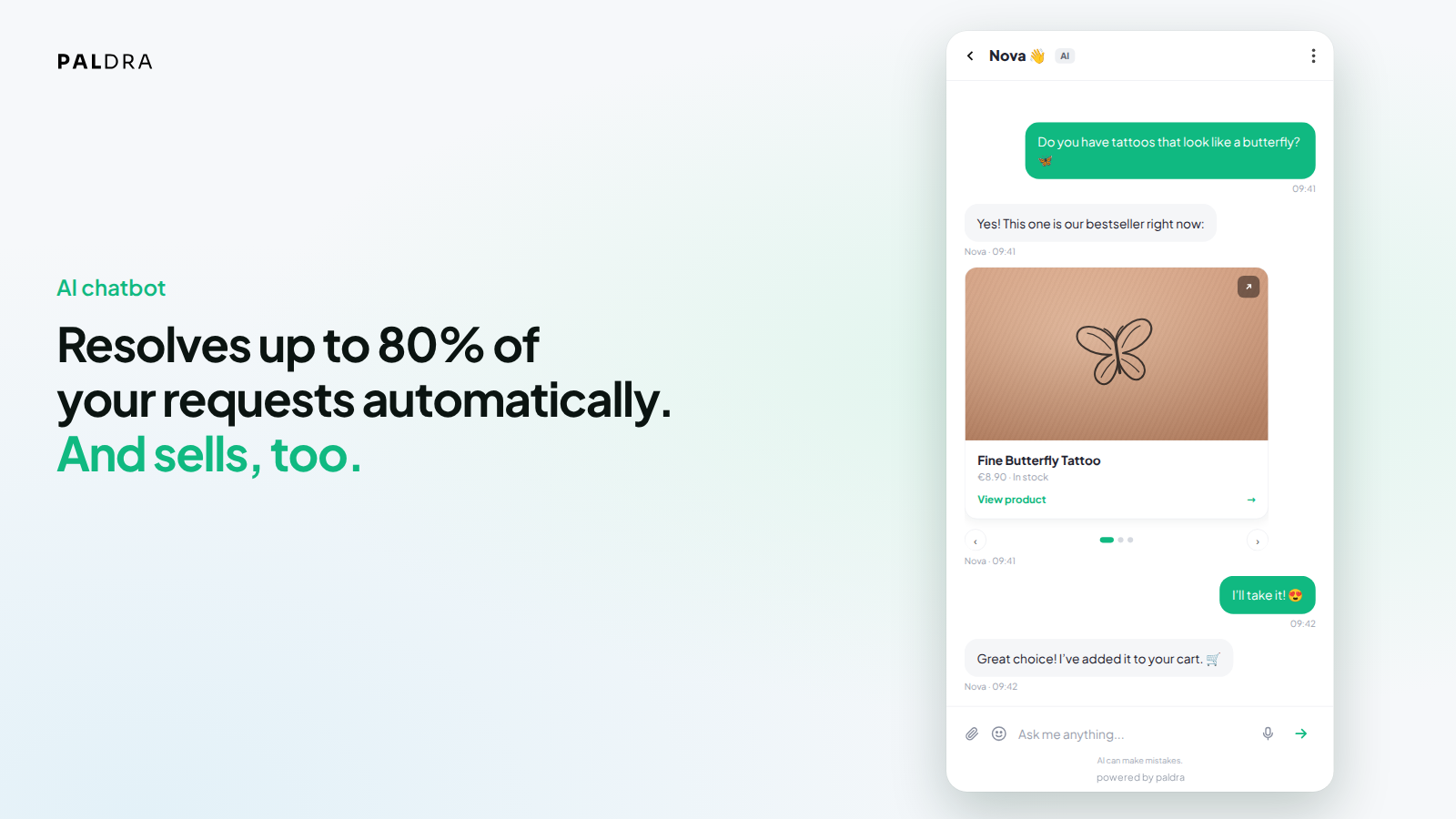
Paldra answers your visitors’ questions directly on your site, based on your own content. The chatbot reads your pages and answers from them. If something is not backed up by your content, it does not claim it: it says that it does not know yet and offers to pass the question on to your team.
This plugin connects your site to the Paldra service (https://paldra.com). A Paldra account is required; you can create one during the connection step and test it for 14 days without a payment method.
What makes Paldra different
- Answers only from your own data: your public pages and, with WooCommerce, your products, prices, stock and shipping rules. No general internet knowledge mixed in.
- Every statement is checked against its source before it is sent. What your content does not cover is removed, not guessed.
- Hands over instead of guessing: if the answer is not in your content, the chatbot says so and passes the conversation to your team.
- WooCommerce order status in the chat (only if you turn it on): status, tracking number and, for unpaid orders, WooCommerce’s own “Pay now” link. The plugin answers the lookup inside your store and only after the customer’s email address (or phone number) matches the order. No extra key to copy.
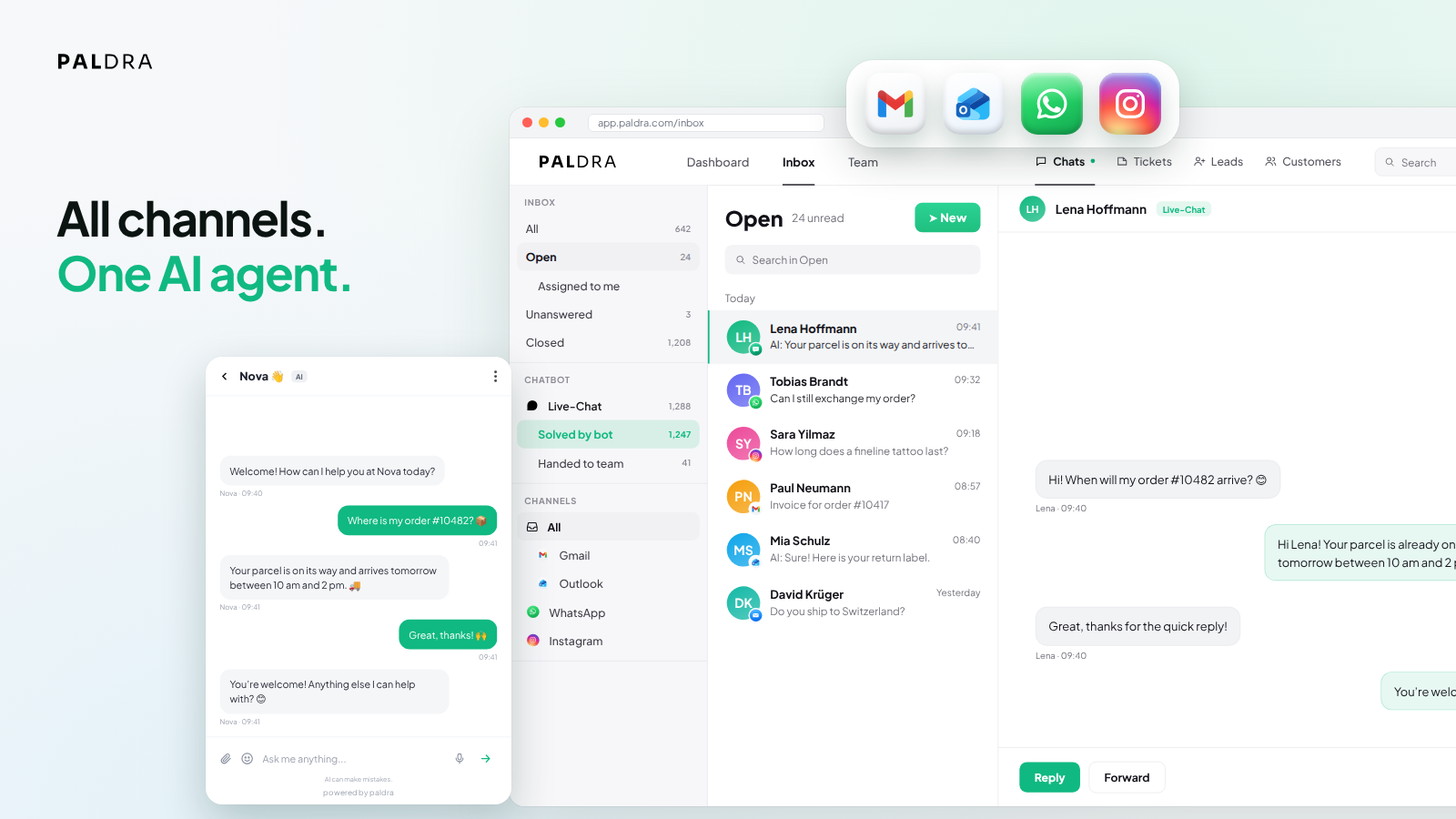
- One inbox for website chat, email, WhatsApp and Instagram, so your team answers everything in one place.
- Hosted in Germany (Hetzner), with a public data processing agreement.
What you get
- AI chatbot that answers from your real page content
- Live chat: take over any conversation yourself at any time
- Shared team inbox for chat, email, WhatsApp and Instagram
- No code: activate, approve, done. No theme edits, no snippet
- Answers in the language of the question
All features run on the Paldra service. The plugin itself contains no locked features; it only connects your site and loads the chat widget.
Privacy
Operated and hosted in the EU (Germany). A data processing agreement (DPA) is available at https://paldra.com/avv
For order status questions (WooCommerce only, and only after you turned order status on), the order data your store returns after a successful match (status, date, item names and quantities, carrier, tracking number, payment link for unpaid orders) is processed by Paldra on your behalf to write the answer, and is stored as part of the conversation. Your store checks the customer’s email address or phone number itself; Paldra never receives addresses, names or prices from this endpoint. Details are listed under “External services” below.
External services
This plugin connects your site to the Paldra service (https://paldra.com), operated by Paldra, Germany. Without this connection the plugin has no function.
What is sent, and when:
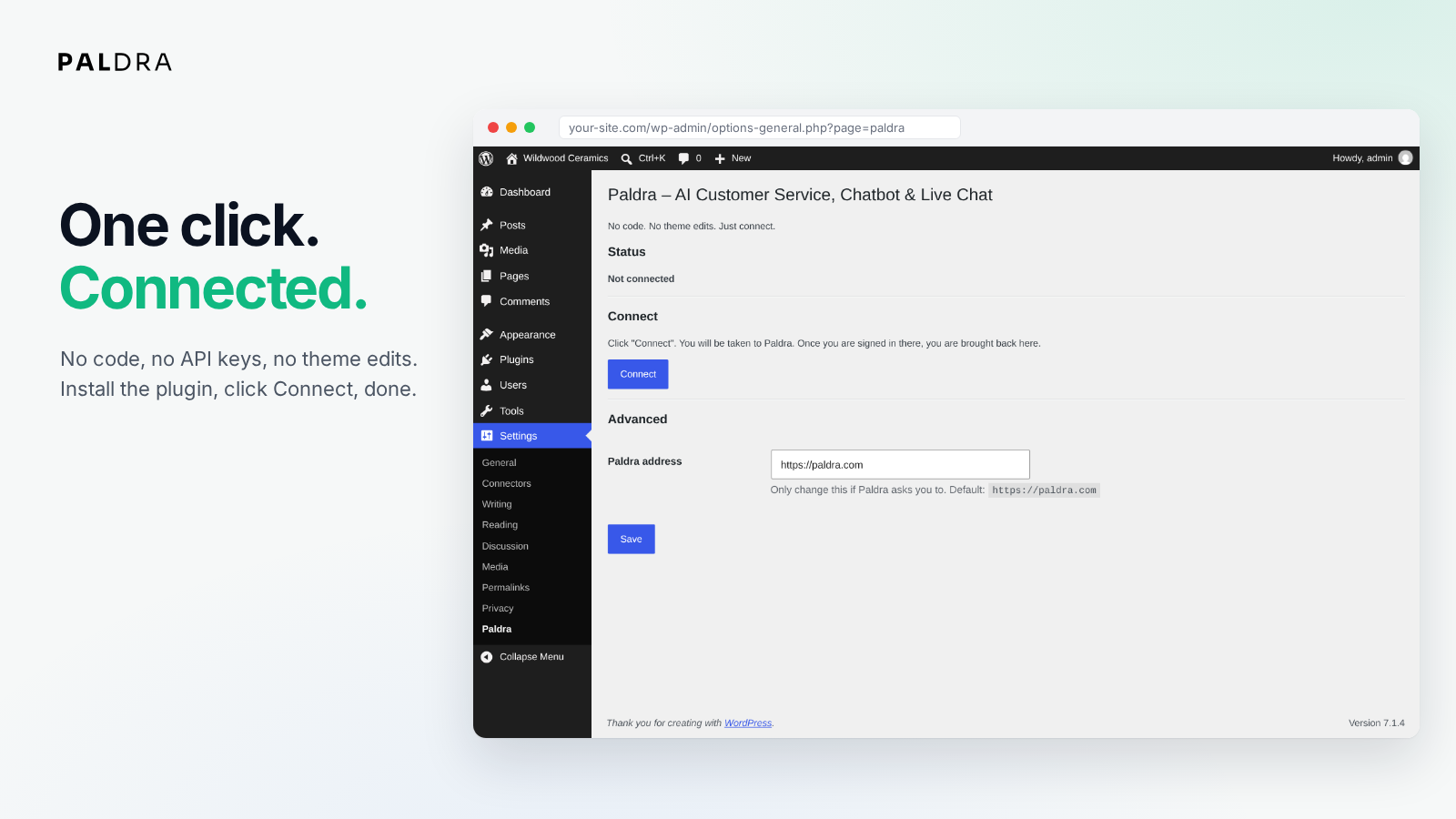
- When you connect (once: right after you activate the plugin as an administrator, or when you click “Connect” under Settings -> Paldra): you are redirected to paldra.com. After you sign in, an approval page on paldra.com shows your site address and everything Paldra may do: show the chat widget on your site and, only if WooCommerce is active, read products, prices and stock (read only) and answer order status questions. Nothing is connected and nothing else is sent until you click “Connect” on that page; “Cancel” takes you back without connecting. The redirect sends your site address, a one-time callback token, the plugin version and, only if WooCommerce is active, the requested permission
order_read. After you approve and return, the plugin exchanges a one-time code for a plugin token in a server-to-server request tohttps://paldra.com/api/integrations/wordpress/exchange(sent: the one-time code and your site address). - WooCommerce (only if WooCommerce is active): after you approved the connection on the approval page, the plugin creates a WooCommerce REST API key with read-only permission in your own store and sends it, together with your shop ID and site address, to
https://paldra.com/api/integrations/woocommerce/plugin/connect. Paldra uses it to read products, prices and stock so the chatbot can answer questions about them. “Disconnect” and uninstalling delete this key again. - Catalog changes (only if WooCommerce is connected): when a product is created, updated, trashed or deleted, the plugin sends a short signal (shop ID, site address, the word “product”) to
https://paldra.com/api/integrations/woocommerce/plugin/changed, at most once per minute. No product data is sent with it. - Shipping email copy (only if you set it up in the Paldra dashboard): the plugin asks Paldra for your copy address at most every 12 hours (sent: shop ID, site address, the sender address of your WooCommerce emails) and adds it as BCC to the WooCommerce “Completed order” email. That copy contains what the email contains, for example the order number, the customer’s email address and the tracking number. Without this setup nothing is sent.
- Order status (only if WooCommerce is active, and only with your consent): the plugin registers its order status endpoint only after you agreed to it, either by clicking “Connect” on the approval page on paldra.com (which lists “Answer order status”) or by turning on “Order status in the chat” under Settings -> Paldra or in the admin notice. Updating the plugin never turns it on: after an update from 1.4.0 nothing new is sent automatically, a dismissible notice only offers the choice. When you agree, it registers its order status endpoint with Paldra at
https://paldra.com/api/integrations/woocommerce/plugin/bestellabfrage(sent: shop ID, site address, the endpoint address and the read-only permissionorder_read) and receives a secret key that only your site and Paldra know. When a customer asks about an order in the chat or by email, Paldra calls the endpoint/wp-json/paldra/v1/order-statuson your site with the order number and the email address (or phone number) the customer gave. The plugin checks them in your store. Only if they match the order does it return: order number, status, order date, item names and quantities, carrier and tracking number (if a tracking plugin stores them) and, only for orders that still need payment (pending or failed), WooCommerce’s “Pay now” link. It never returns addresses, names, prices or other customer data. If the details do not match, or the order does not exist, the answer is just “not found”. Every request is signed with the secret key (HMAC-SHA256), expires after 5 minutes and can be used only once; requests are rate-limited. Turning the switch off, “Disconnect” or deactivating the plugin unregisters the endpoint at Paldra. - On your public pages: the chat widget script is loaded from
https://paldra.com/public/widget.jswithwp_enqueue_script. It is the only code the plugin loads from outside, and it runs in the visitor’s browser, not on your server. Loading it sends the usual browser request data (IP address, user agent, page URL) to paldra.com. Only when a visitor opens the chat and writes a message are the message and technical details (conversation ID, page URL, language) sent to Paldra to create the answer.
No chat content is sent while nobody uses the chat. The plugin never executes code received from the service; responses from Paldra are only read as data (tokens, status, copy address, secret key).
- Service provider: Paldra – https://paldra.com
- Terms of service: https://paldra.com/en/terms
- Privacy policy: https://paldra.com/en/privacy
- Data processing agreement: https://paldra.com/avv