
PageApprove
v1.0.4pageapprove · 2026年6月25日 上架
Client website feedback and sign-off without the chaos.
- 正在使用
- 10 以下
- 评分
- 暂无
- 累计下载
- 317
- 最近更新
- 2026年6月25日
贡献者
 pageapprove
截图


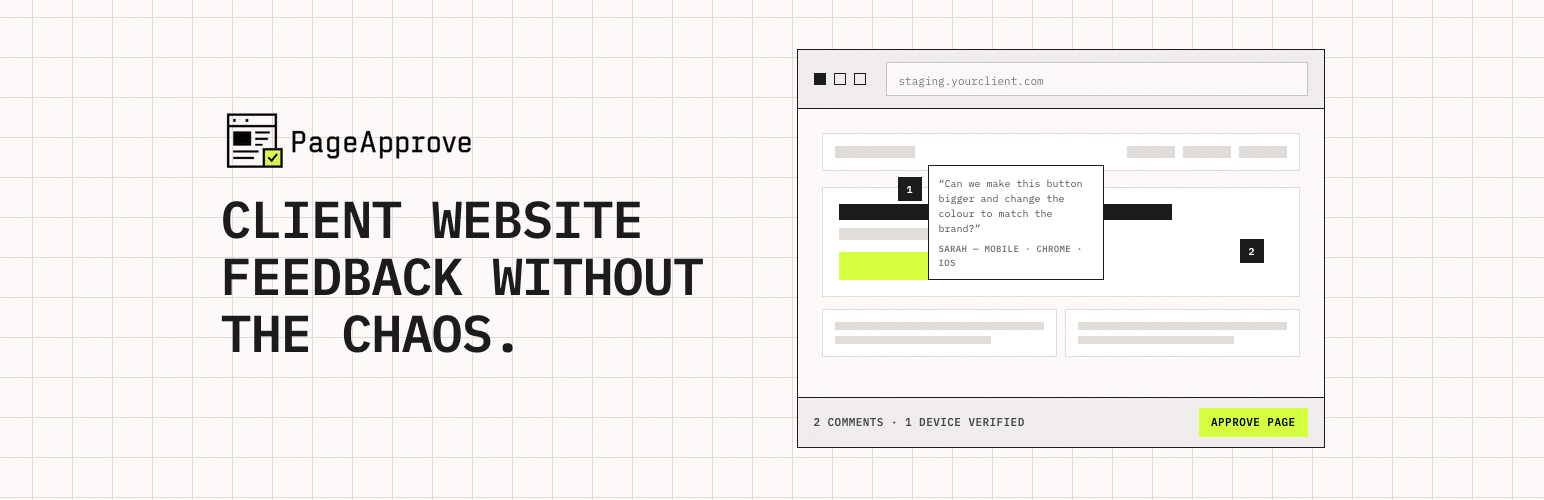
PageApprove adds a feedback widget to your WordPress staging site so clients can:
- Click directly on any page element to leave a contextual comment
- Have their device, browser, OS, and viewport automatically recorded
- Review on the devices you require (mobile, tablet, desktop)
- Formally sign off each page before launch
Stop managing feedback through email chains, WhatsApp screenshots, and Slack messages. PageApprove gives every web project a structured review and approval workflow in one link.
External service
This plugin loads the PageApprove widget script from https://pageapprove.com after you configure a Project Public Key and Review Token. The widget connects reviewed pages to your PageApprove project so visitors with the review link can leave feedback and approve pages.
By configuring the plugin, you agree to send the configured project identifiers and front-end review activity to PageApprove. See the PageApprove privacy policy and terms at https://pageapprove.com.
Setup
- Install and activate the plugin.
- Go to Settings PageApprove.
- Enter your Project Public Key and Review Token — found in your PageApprove dashboard.
- Save. The widget will appear on your site’s front-end immediately.
Key Features
- Visual click-to-comment on any live staging page
- Automatic device verification (mobile / tablet / desktop)
- Formal 1-click client sign-off with timestamped approval record
- No client account required — share a single link
- Enable/disable widget without deactivating the plugin