

Out of Stock Affiliate Redirect
v1.1.3Local Site Builder · 2025年12月3日 上架
Recover lost sales! Automatically adds a "Buy on Amazon" (or any affiliate link) button to WooCommerce products when they go out of stock.
- 正在使用
- 10 以下
- 评分
- 暂无
- 累计下载
- 568
- 最近更新
- 2025年12月7日
 Local Site Builder
截图
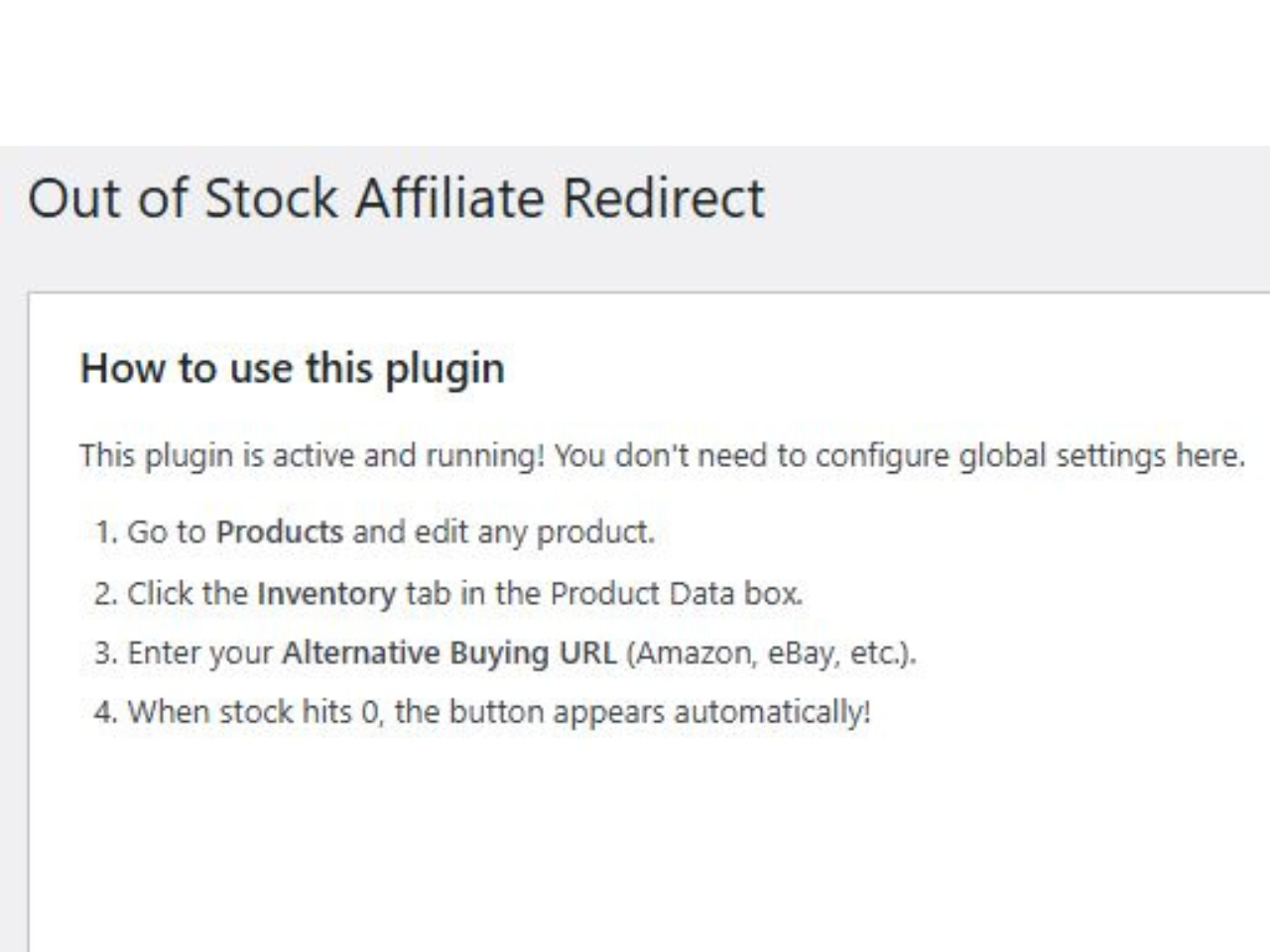
Don’t let “Out of Stock” be a dead end for your customers.
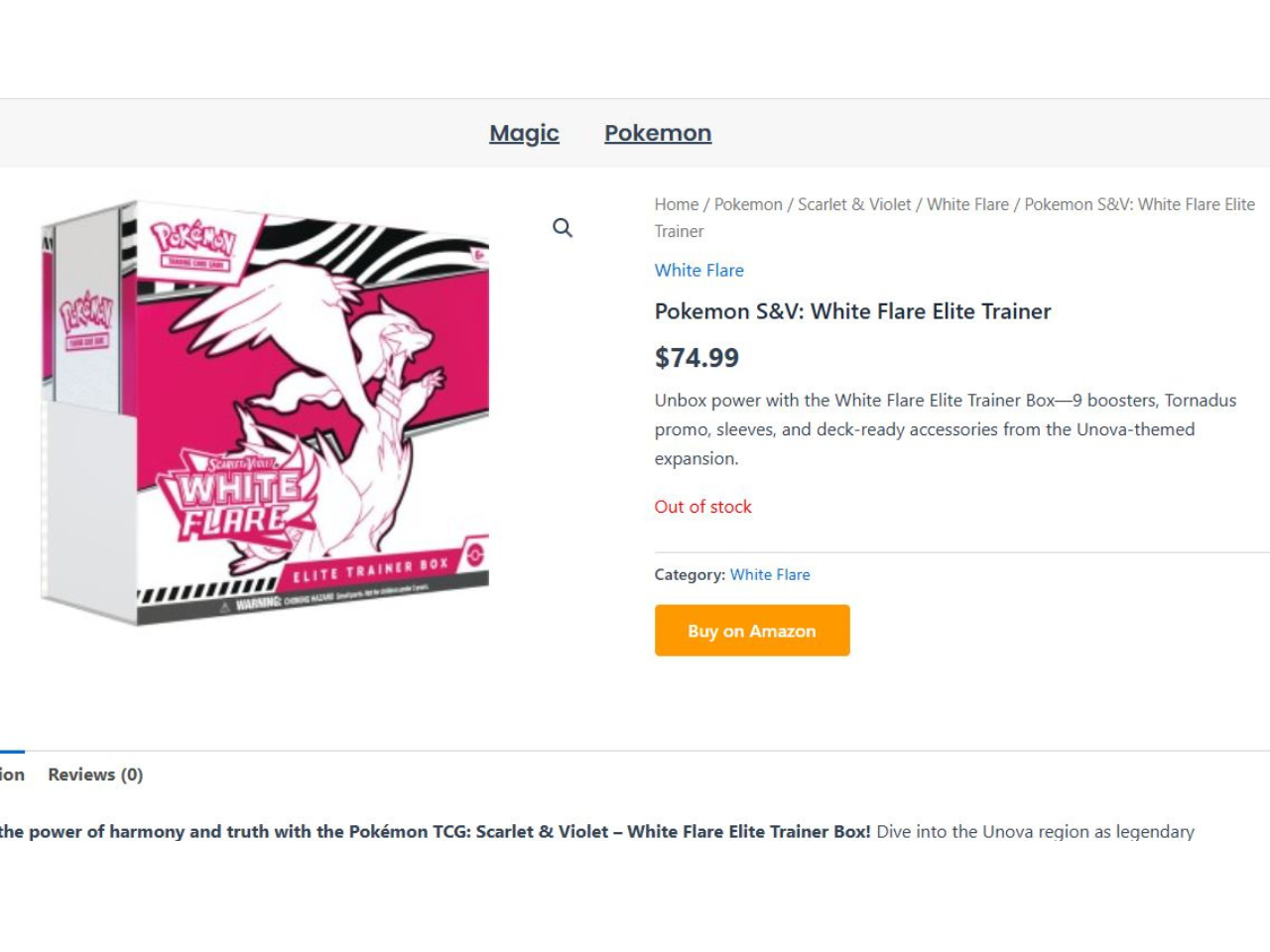
When you run out of inventory, you usually lose the customer. With Out of Stock Affiliate Redirect, you can save that sale by sending the customer to an external source (like Amazon, eBay, or a partner site) where they can still buy the item—and you can earn an affiliate commission.
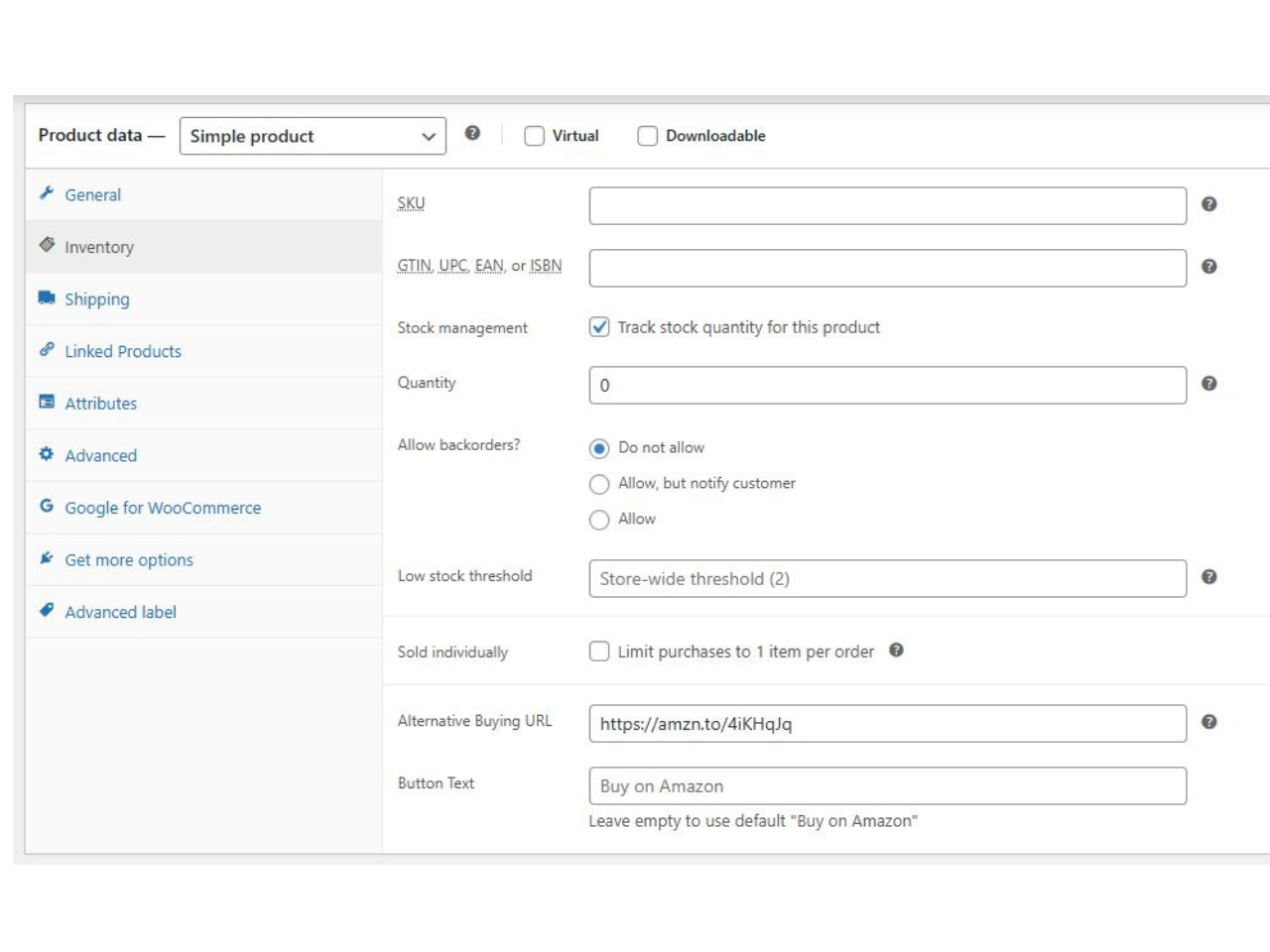
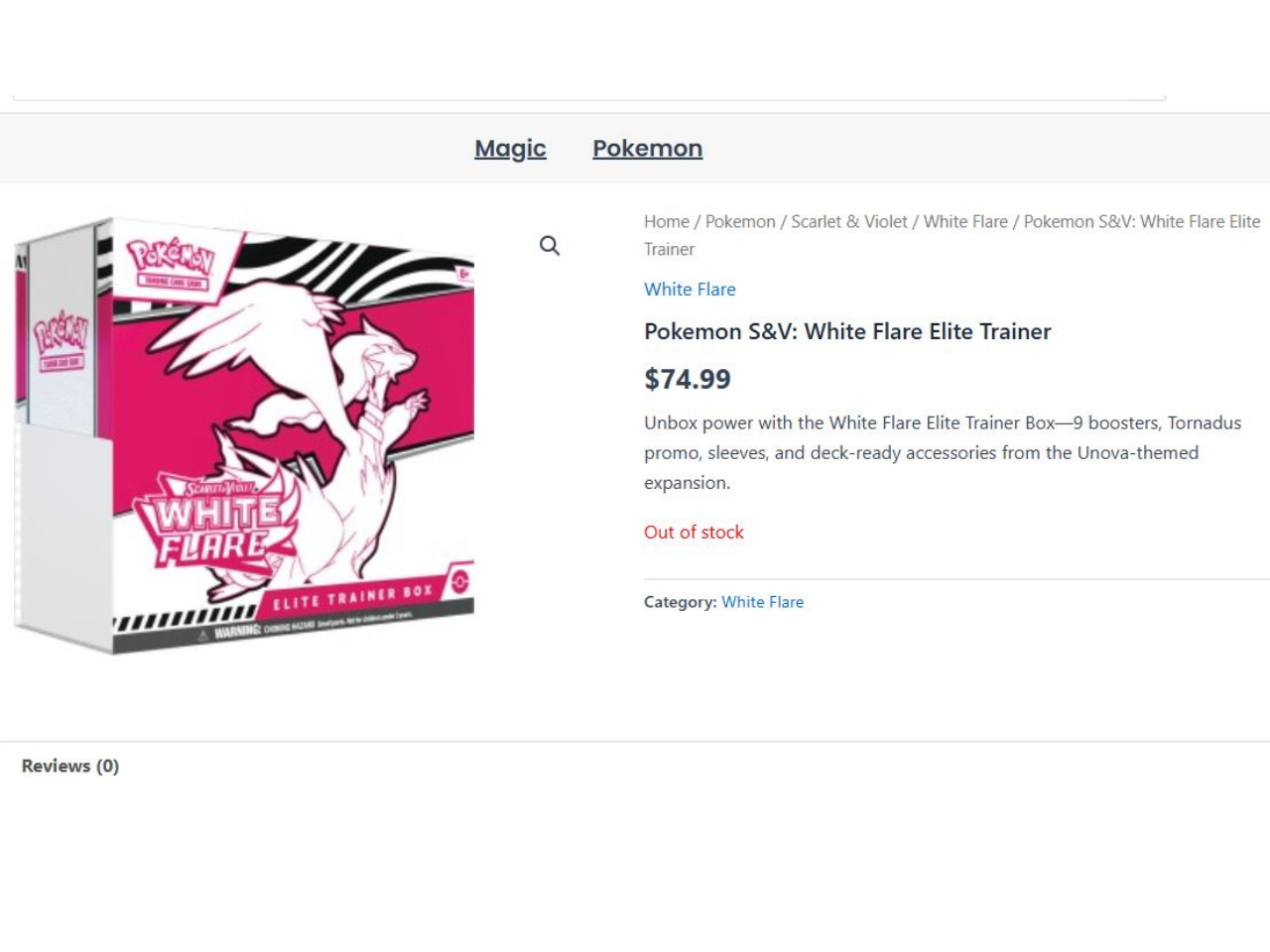
This lightweight plugin adds a simple field to your WooCommerce “Inventory” tab. If the product stock reaches 0, the “Add to Cart” button disappears (standard WooCommerce behavior), and our plugin inserts a call-to-action button linking to your backup source.
Features
- Simple Setup: Adds a URL field directly to the WooCommerce Product Data “Inventory” tab.
- Automatic Trigger: The button only appears when the product status is “Out of Stock.”
- Custom Button Text: Change “Buy on Amazon” to “Buy on eBay,” “Check Partner Stock,” or anything else per product.
- Affiliate Friendly: Great for Amazon Associates or other affiliate programs to monetize out-of-stock traffic.
- Theme Compatible: Uses standard WooCommerce hooks (
woocommerce_single_product_summary) to display correctly on most themes.
How it Works
- Edit a Product in WooCommerce.
- Click the Inventory tab.
- Enter a URL in the Alternative Buying URL field.
- (Optional) Enter custom text for the button (Default is “Buy on Amazon”).
- When your stock hits 0, the button appears automatically!