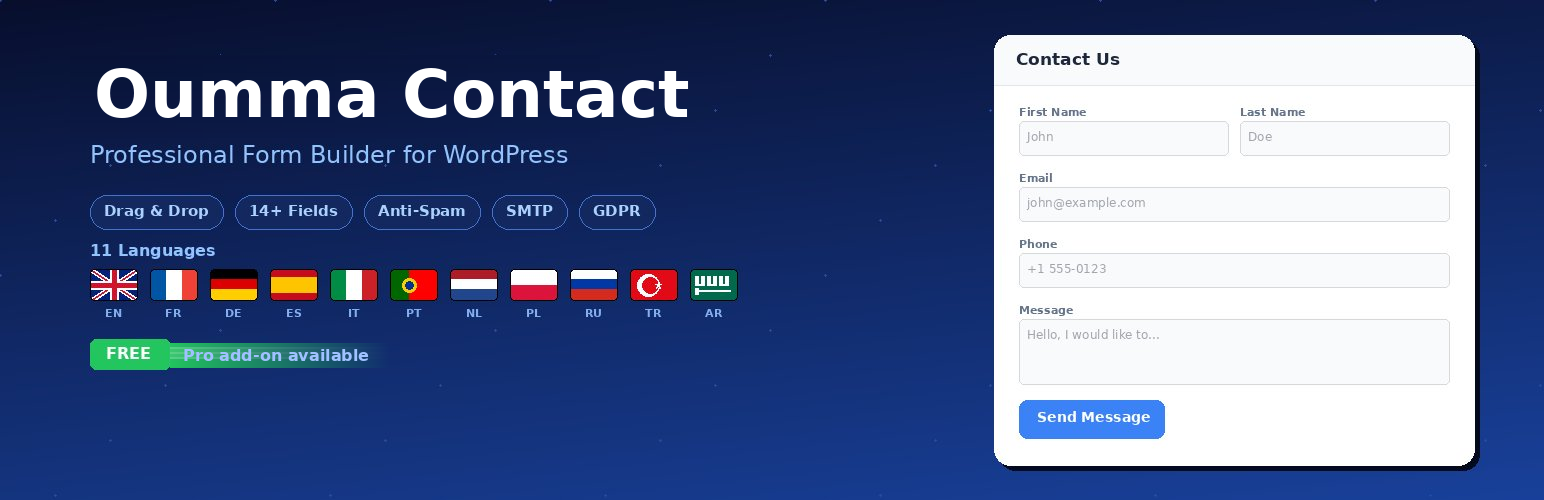

Oumma Contact – Drag & Drop Contact Form Builder
v10.1.5oummapro · 2026年2月26日 上架
Lightweight contact form plugin with drag & drop form builder. Anti-spam, beautiful design, 30+ field types, 11 languages. Fast & easy.
- 正在使用
- 10 以下
- 评分
- 5.0 / 5
- 累计下载
- 952
- 最近更新
- 2026年3月17日
贡献者
 oummapro
截图
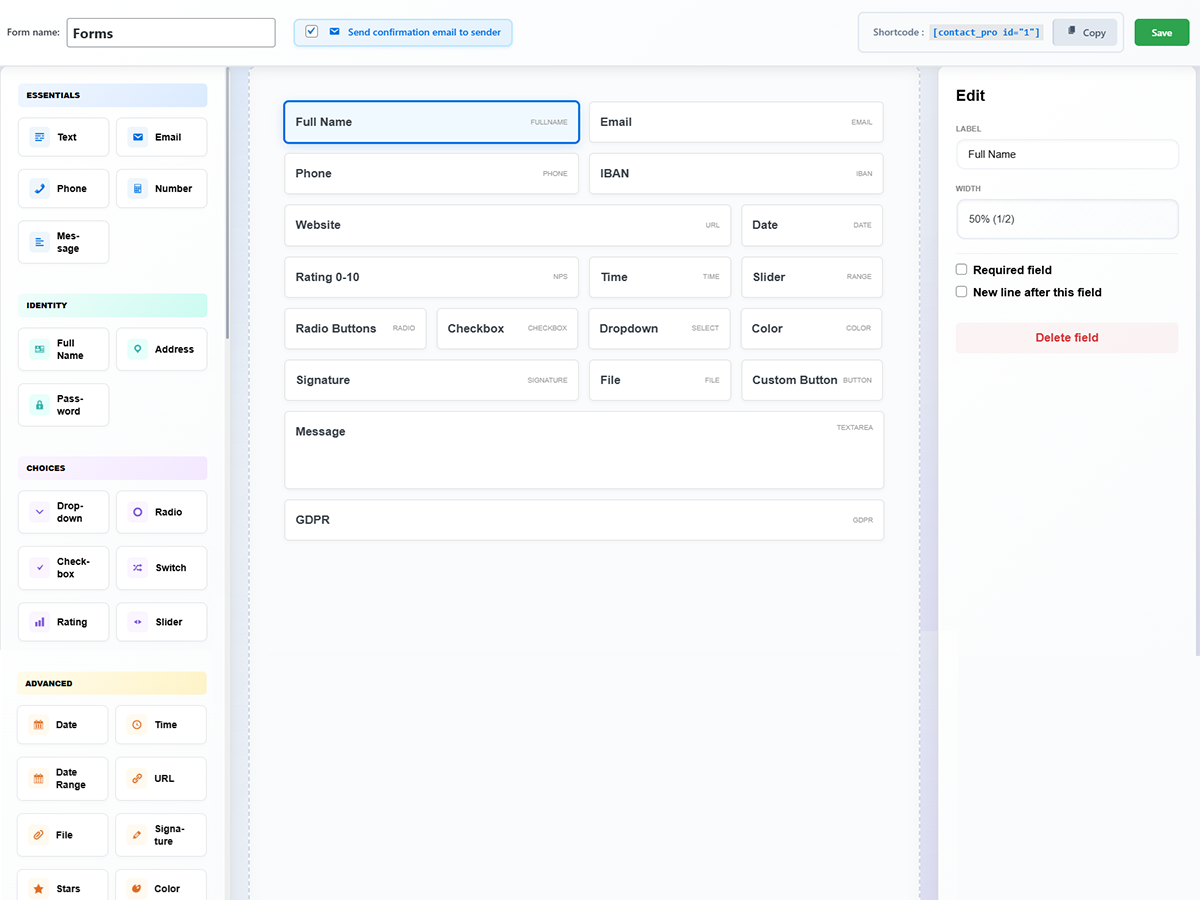
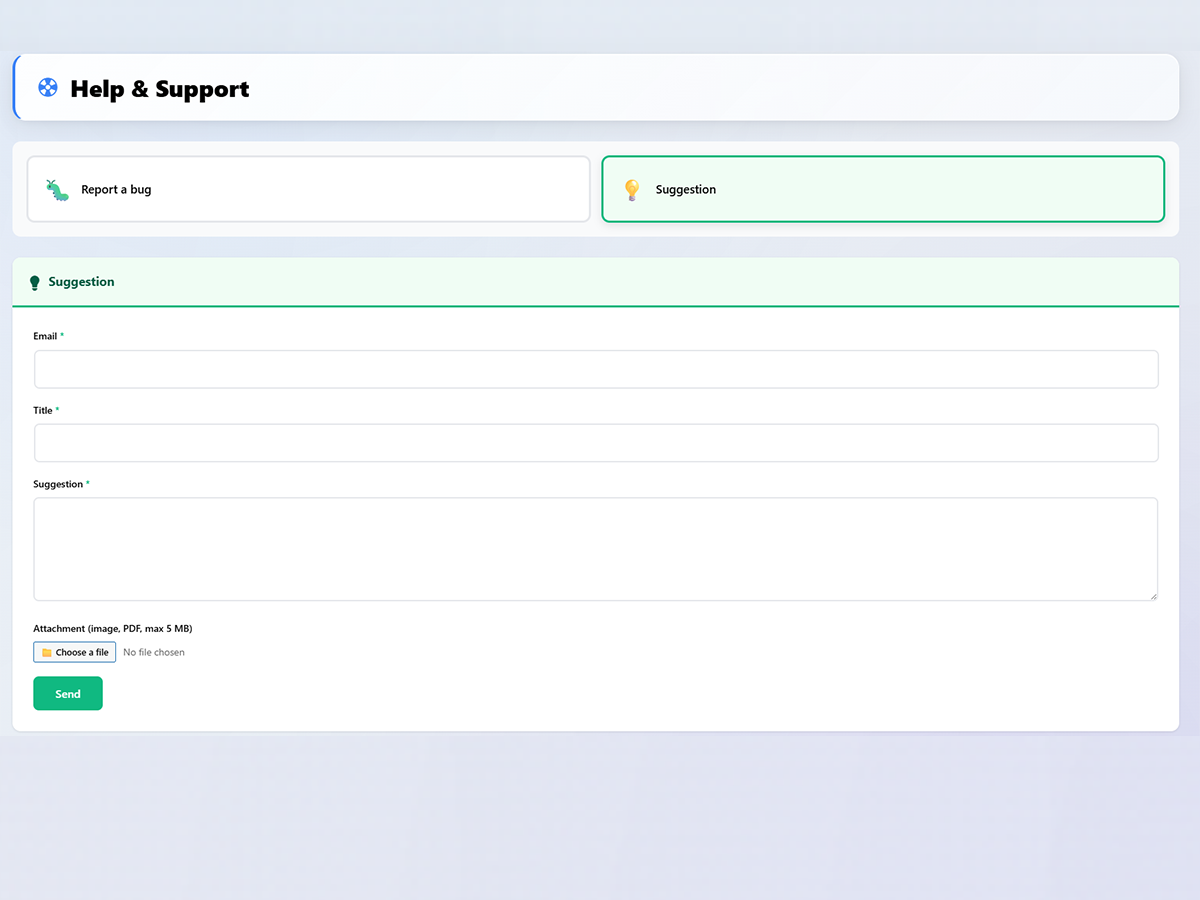
Oumma Contact is a professional form builder for WordPress that combines simplicity with power. Create beautiful, responsive contact forms in minutes with an intuitive drag-and-drop builder — no coding required.
Whether you need a simple contact form, a feedback form, a booking request, or a multi-field application form, Oumma Contact gives you everything out of the box. Built for speed and accessibility, it works with any theme and loads only when needed.
✨ Key Features (Free)
- Drag-and-Drop Form Builder – Create and customize forms visually with an easy-to-use interface
- 30+ Field Types – Text, email, phone, textarea, select, radio, checkbox, number, full name, date, time, file upload, signature, rating, NPS, address, URL, range slider, switch, color picker, IBAN, GDPR consent, and more
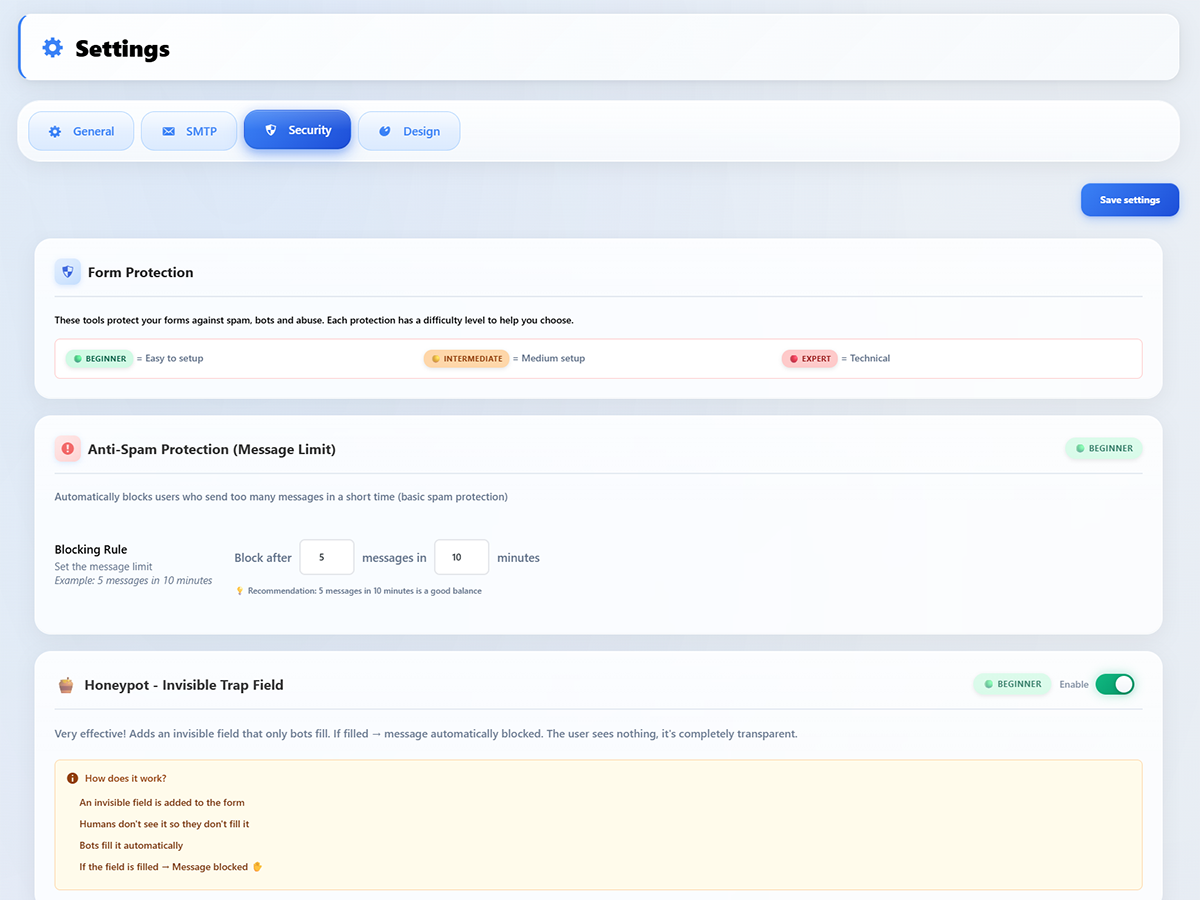
- Anti-Spam Protection – Time-based verification, honeypot trap, reCAPTCHA v2/v3, IP/email/word blacklists, and rate limiting per IP
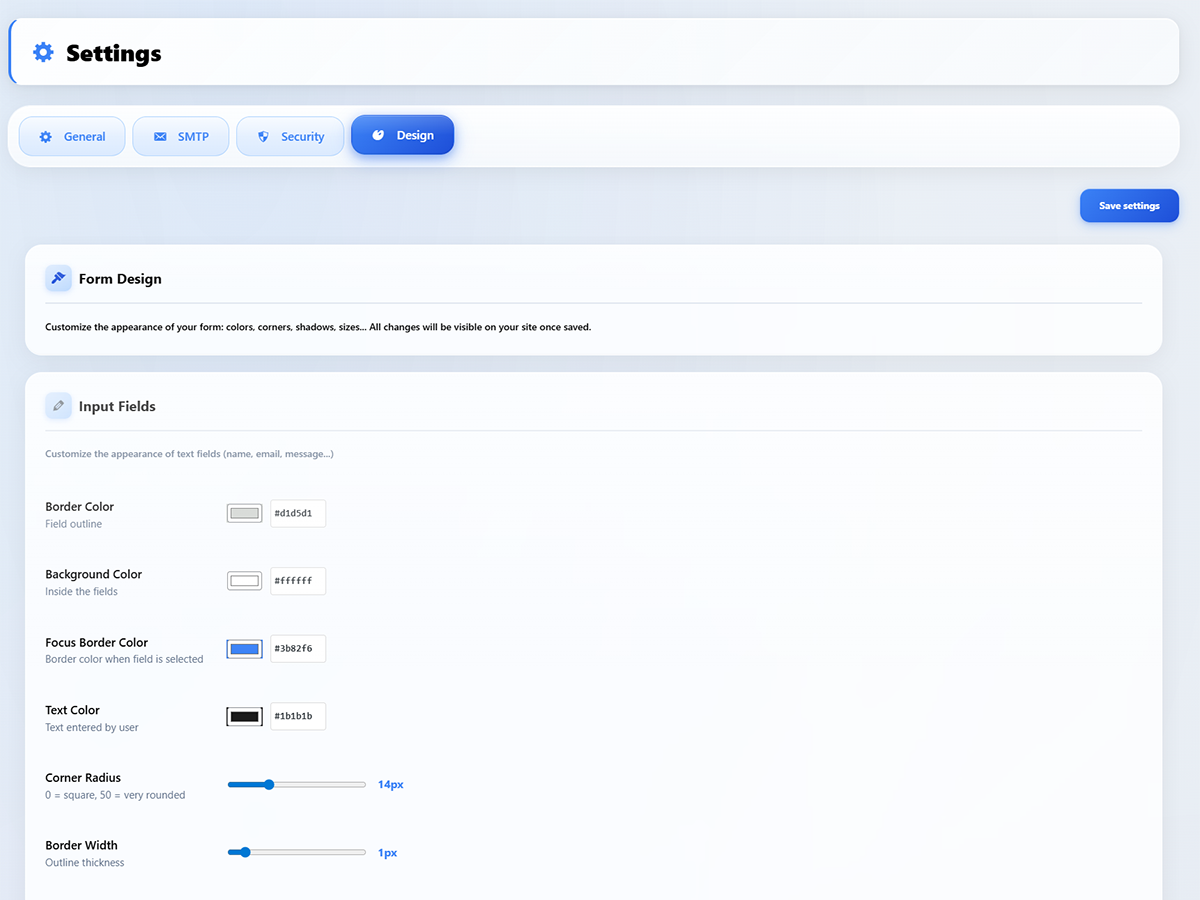
- Beautiful Form Design – Modern, mobile-responsive forms with customizable colors, borders, shadows, corner radius, and fonts
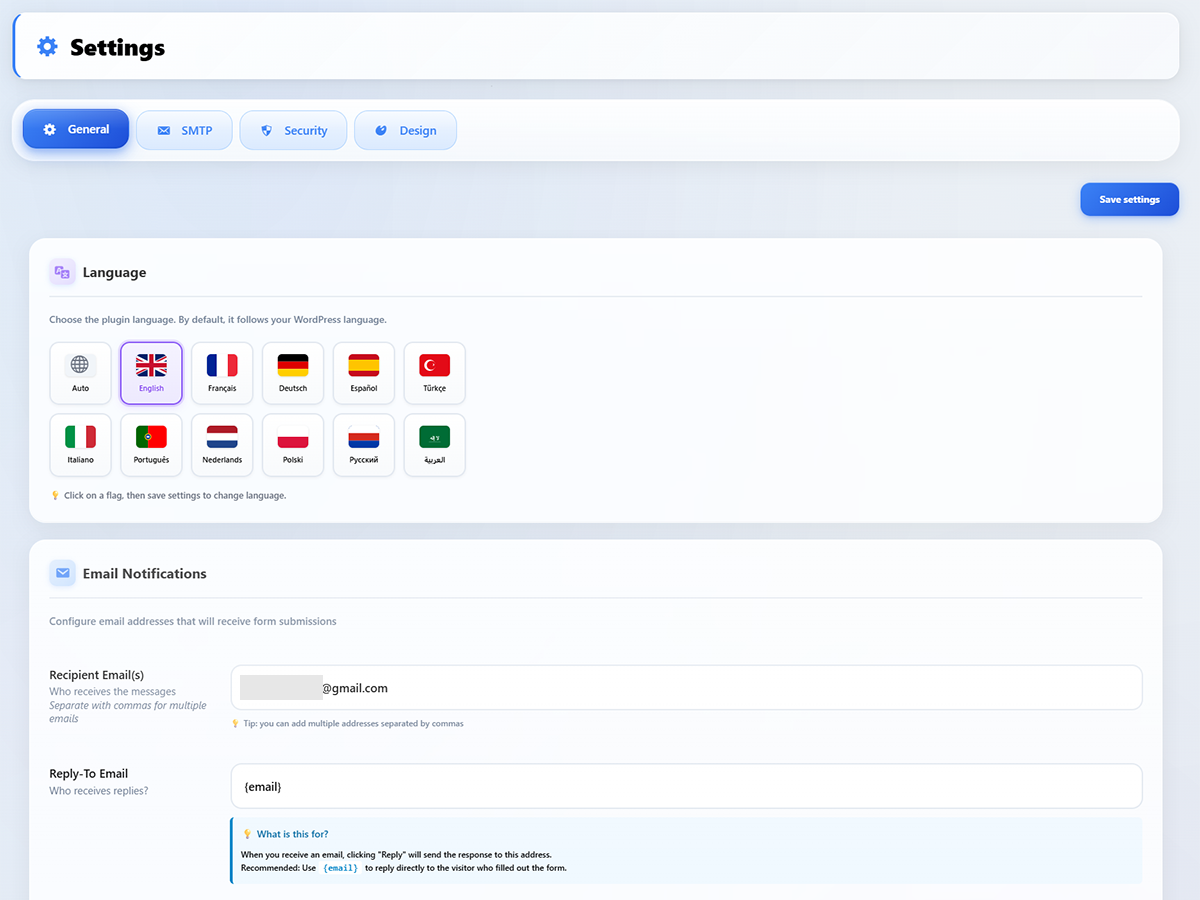
- Multi-Language Support – Fully translated in 11 languages including RTL (EN, FR, DE, ES, IT, PT, NL, PL, RU, TR, AR)
- Email Notifications – Receive submissions via beautifully formatted HTML emails
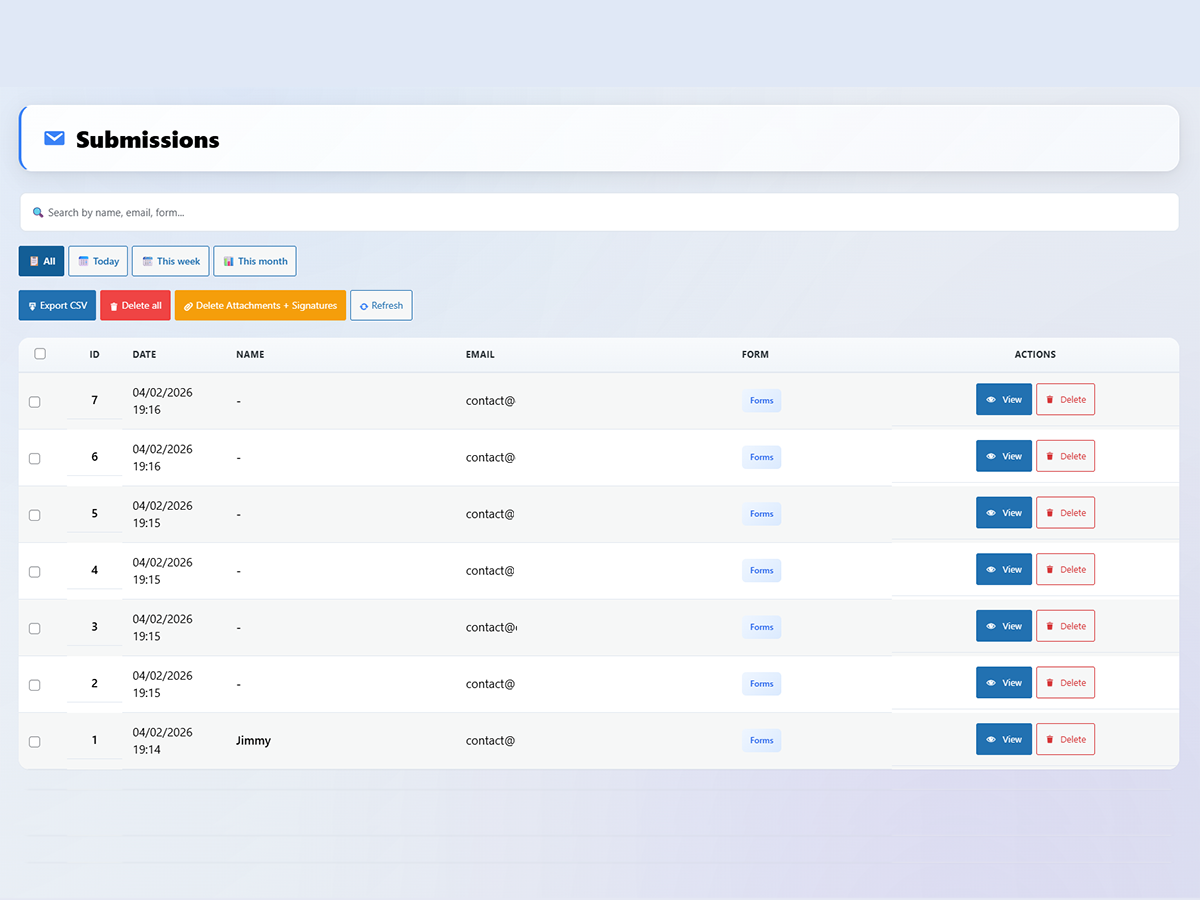
- Submission Management – View, filter, search, and export all entries from your dashboard
- Shortcode Integration – Embed anywhere with
[oumma-contact id="X"] - Elementor Widget – Native Elementor integration for drag-and-drop embedding
- Gutenberg Compatible – Works seamlessly with the block editor
- Unlimited Forms & Submissions – No limits whatsoever
- GDPR Ready – Built-in consent checkbox with customizable privacy policy link
- Dashboard Widget – View recent submissions at a glance
- Lightweight & Fast – Minimal footprint, assets loaded only on pages with forms
🚀 Premium Add-on
A separate Premium add-on extends Oumma Contact with:
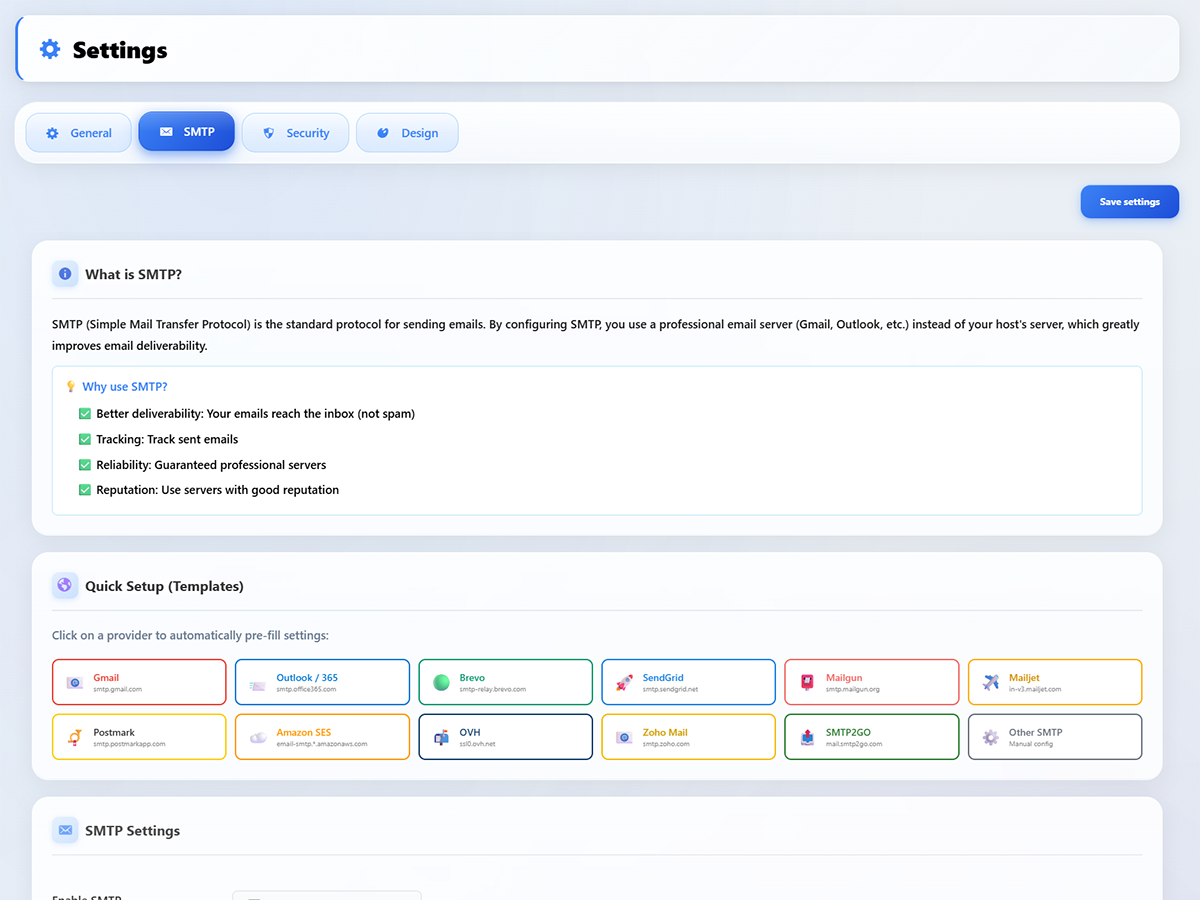
- SMTP configuration – Built-in SMTP setup with test tool for reliable email delivery
- Auto-reply emails – Automatic confirmation emails to form submitters
- CSV export – Export all submissions to CSV
- Form duplication – Duplicate forms with one click
- Advanced design options – Premium styling controls for inputs, labels, and buttons
The free plugin contains no premium code — the premium add-on adds all functionality via WordPress hooks.
🌍 Available Languages
Oumma Contact is fully translated in 11 languages:
- 🇬🇧 English
- 🇫🇷 Français
- 🇩🇪 Deutsch
- 🇪🇸 Español
- 🇮🇹 Italiano
- 🇵🇹 Português
- 🇳🇱 Nederlands
- 🇵🇱 Polski
- 🇷🇺 Русский
- 🇹🇷 Türkçe
- 🇸🇦 العربية (RTL supported)
External services
Google reCAPTCHA
This plugin optionally uses Google reCAPTCHA to protect forms against spam submissions.
When enabled by the site administrator, the plugin:
- Loads the reCAPTCHA JavaScript library from
https://www.google.com/recaptcha/api.js - Sends the user’s reCAPTCHA response token to
https://www.google.com/recaptcha/api/siteverifyfor server-side verification
Data sent to Google: reCAPTCHA response token, site key, user’s IP address, and browser user-agent.
This service is only active when the administrator configures reCAPTCHA keys in the plugin settings (Oumma Contact > Settings > Security).
- Google Terms of Service: https://policies.google.com/terms
- Google Privacy Policy: https://policies.google.com/privacy
SMTP Provider Documentation Links
The plugin settings page (admin only) displays informational links to third-party SMTP provider documentation to help administrators configure their email settings. These are standard hyperlinks displayed in the admin interface — no data is sent to these services by the plugin.
The following documentation links may be displayed depending on the selected SMTP provider:
- Gmail: https://support.google.com/accounts/answer/185833 — Google Privacy Policy
- Microsoft Outlook / 365: https://learn.microsoft.com/en-us/exchange/clients-and-mobile-in-exchange-online/authenticated-client-smtp-submission — Microsoft Privacy Policy
- Mailjet: https://app.mailjet.com/account/apikeys — Mailjet Privacy Policy
- Brevo (Sendinblue): https://app.brevo.com/settings/keys/smtp — Brevo Privacy Policy
- SendGrid: https://app.sendgrid.com/settings/api_keys — SendGrid Privacy Policy
- Mailgun: https://app.mailgun.com/app/sending/domains — Mailgun Privacy Policy
- Postmark: https://account.postmarkapp.com/servers — Postmark Privacy Policy
- OVH: https://help.ovhcloud.com/csm/en-emails-configure-email-address — OVH Privacy Policy
- Zoho Mail: https://www.zoho.com/mail/help/zoho-smtp.html — Zoho Privacy Policy
- SMTP2GO: https://app.smtp2go.com/settings/users/ — SMTP2GO Privacy Policy
When the administrator configures SMTP, the plugin sends emails through the configured SMTP server using the credentials provided by the administrator. The plugin itself does not communicate with any of these providers’ APIs — it only uses standard SMTP protocol to relay emails.
Oumma Pro License API
The optional Premium add-on communicates with the Oumma Pro license server at https://oumma-pro.com/wp-json/cplm/v1/ to verify and activate license keys.
Data sent: license key and site URL. This communication occurs during license activation, periodic license verification, and update checks.
This service is only active when the Premium add-on is installed and a license key is entered.
- Terms of Service: https://oumma-pro.com/cgu/
- Privacy Policy: https://oumma-pro.com/politique-de-confidentialite/