
Osom Multi Theme Switcher
v1.2.2Osom Studio WordPress and WooCommerce Agency · 2026年2月10日 上架
Use different themes for specific pages, posts, or URLs while keeping your main theme active site-wide.
- 正在使用
- 90+
- 评分
- 5.0 / 5
- 累计下载
- 1,153
- 最近更新
- 2026年2月23日
 Osom Studio WordPress and WooCommerce Agency
 bartosznowak
 tomziel
 kamiljanq
 rainkom
截图
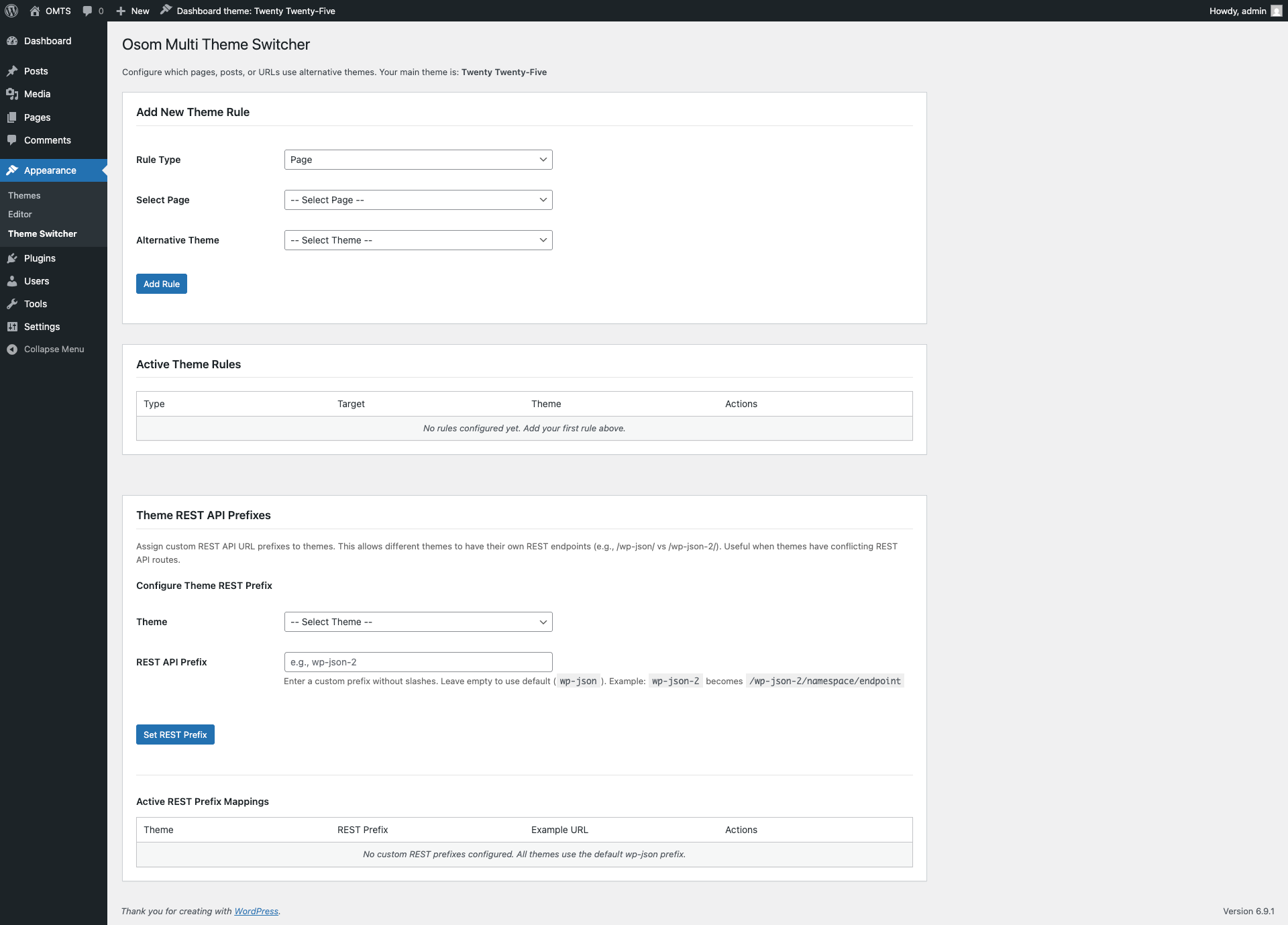
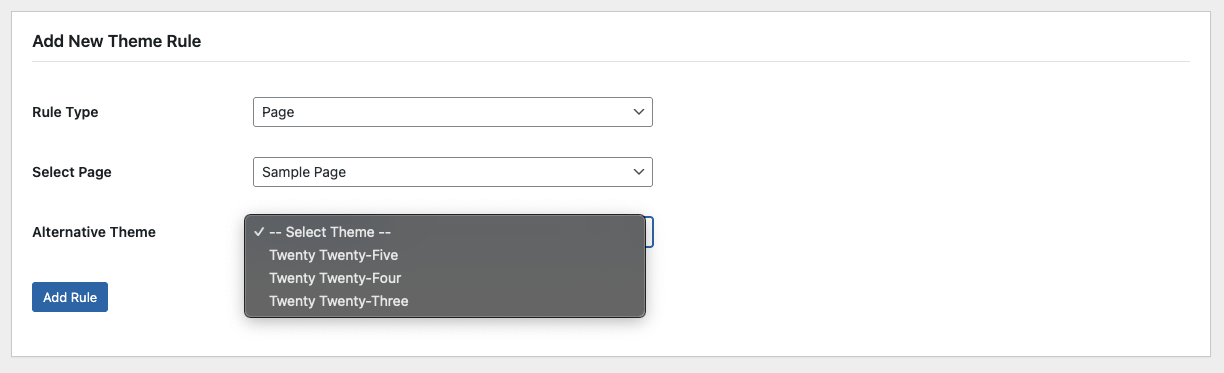
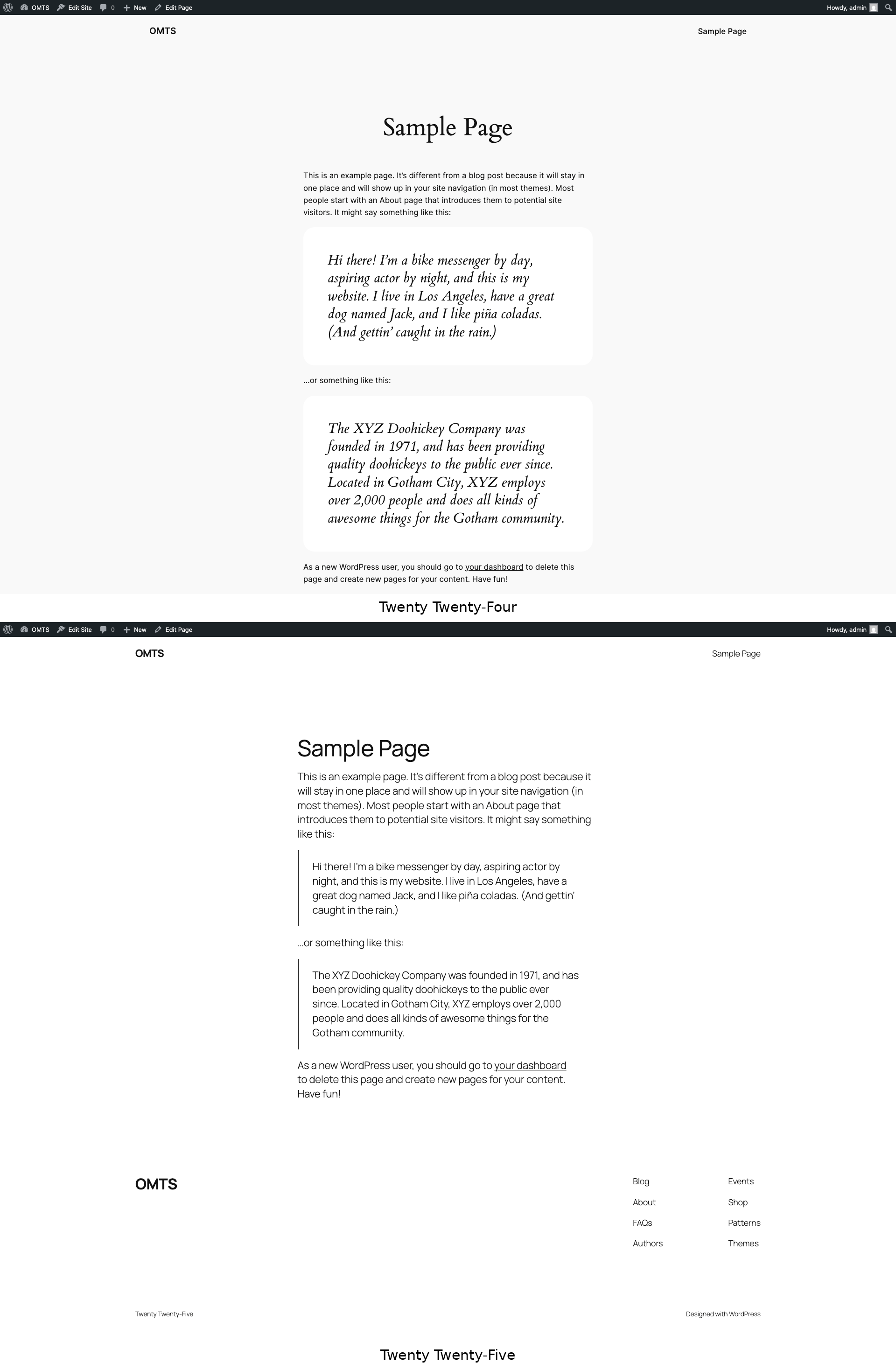
Osom Multi Theme Switcher lets you run multiple WordPress themes on a single site — assigning different themes to specific pages, posts, post types, categories, tags, or custom URLs.
Built by Osom Studio, a WordPress & WooCommerce agency with 10+ years of experience managing complex multi-theme setups for clients.
We built this plugin because we kept solving the same problem for clients: one WordPress installation, multiple designs. Landing pages that need a completely different look. A WooCommerce store that runs a separate theme from the corporate site. A membership area with its own design system.
Instead of hacking theme conditionals into functions.php every time, we packaged our solution into a plugin.
When you need this
- Landing pages with a unique design — without touching your main theme
- WooCommerce stores running a dedicated shop theme alongside a corporate theme
- Membership or gated sections with a separate visual identity
- Theme testing — preview a new theme on specific pages before switching site-wide
- Agencies managing multi-brand WordPress installations from a single dashboard
Key features
- Flexible rules — assign themes by page, post, post type, custom URL, category, or tag
- Full theme loading — the alternative theme’s functions.php loads completely, so page builders (Elementor, Divi, Beaver Builder) and custom functionality work as expected
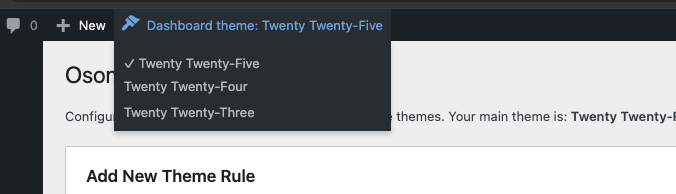
- Admin theme switcher — access settings for any installed theme directly from the admin bar
- Per-user admin theme — each administrator can use their preferred dashboard theme independently
- Draft & scheduled support — apply themes to unpublished content for preview and staging
- REST API support — configure custom REST API prefixes per theme
- ACF compatible — loads Advanced Custom Fields JSON from all active theme directories
- No code required — set up everything through the WordPress admin panel
How it works
- Install and activate the plugin
- Go to Appearance > Theme Switcher
- Select a rule type (Page, Post, Post Type, Category, Tag, or Custom URL)
- Choose the content to target
- Pick the alternative theme
- Click Add Rule — changes apply immediately
The plugin hooks into WordPress on the setup_theme action, before any theme code runs. This ensures full compatibility with theme features, widgets, customizer settings, and page builders.