
Ordered Thumbnails
v1.0Stephen Mekosh · 2009年6月23日 上架
Display a thumbnail based on post images with no additional uploads. For multiple image posts, thumbnail respects Gallery sort order.
- 正在使用
- 10+
- 评分
- 暂无
- 累计下载
- 5,087
- 最近更新
- 2009年12月18日
贡献者
 Stephen Mekosh
截图
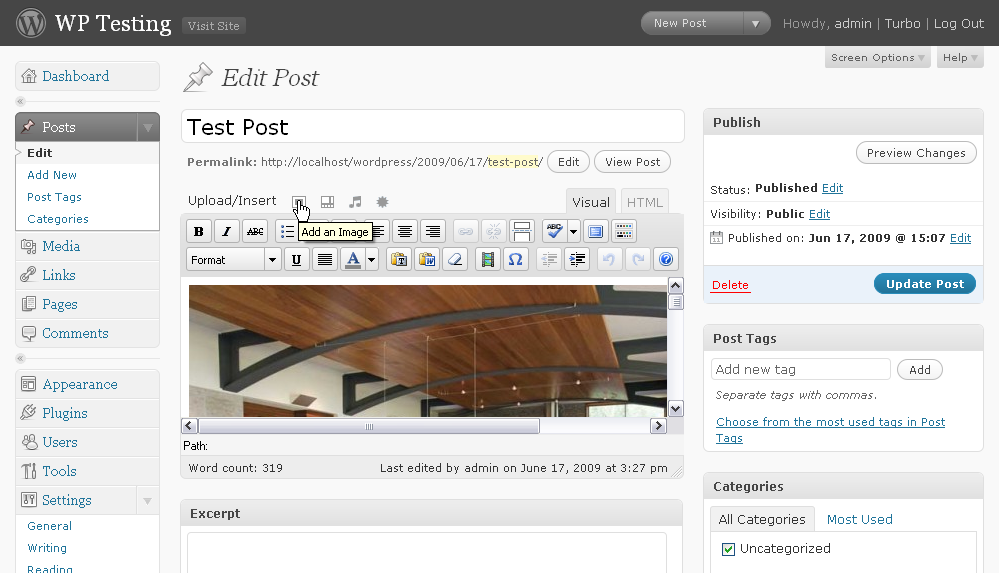

Ordered Thumbnails is a WordPress plugin that allows you to display thumbnails based on images that have been attached to a post. This plugin also allows you to specify which thumbnail appears next to a post with multiple images by ordering the thumbnails in the Gallery tab of the WordPress “Add Images” lightbox and placing the thumbnail desired in the first position.
To style how the thumbnail appears on your page, you may pass optional CSS class names to the plugin, which will then be applied to the <img> tag returned. Alternately, by setting the display parameter to “false”, Ordered Thumbnails will return the thumbnail URL, height, and width as a PHP array to be used however you see fit. If no images have been attached to a post, the plugin fails gracefully and returns “false”. This plugin will work anywhere the WordPress posts loop is used and works particularly nice in combination with the_excerpt for archive pages.