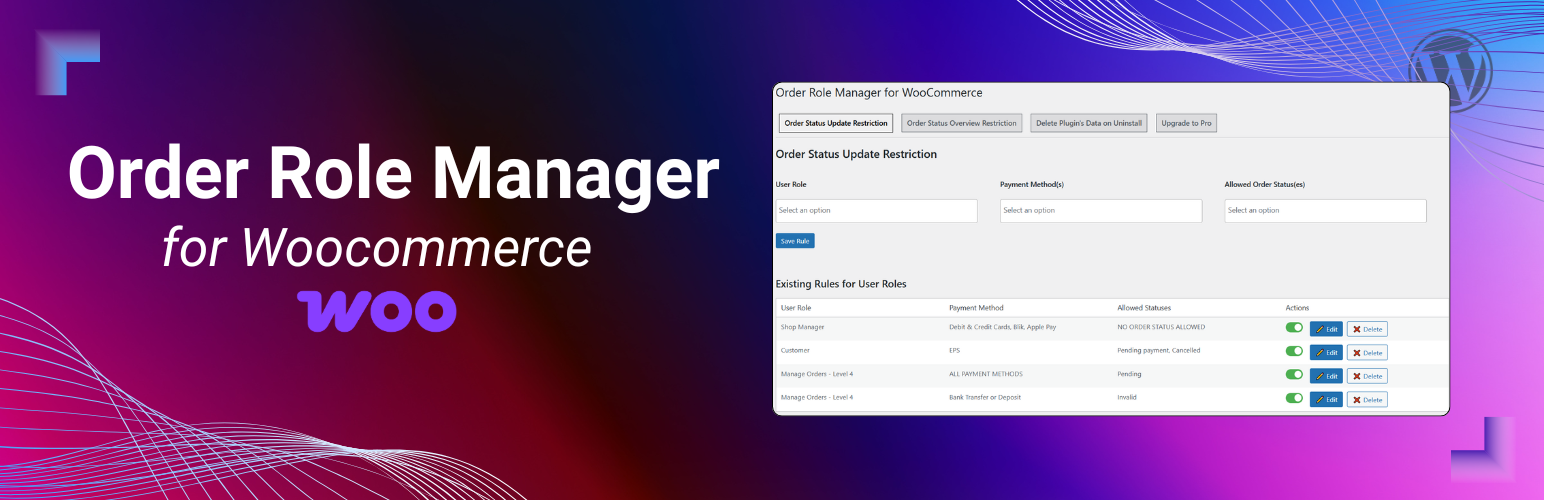

Order Role Manager for WooCommerce
v8.2.0JAD Plugins · 2025年11月3日 上架
Restrict WooCommerce order editing by user role and username. Limit order status changes and order status overview visibility.
- 正在使用
- 10 以下
- 评分
- 暂无
- 累计下载
- 571
- 最近更新
- 2026年9月5日
贡献者
 JAD Plugins
截图


Order Role Manager for WooCommerce gives you powerful control over who can do what on your WooCommerce Orders.
How It Works
The plugin provides a tab-based admin interface under WooCommerce Order Role Manager, allowing you to restrict order actions based on user roles (and individual usernames in Pro).
The plugin uses whitelisting based on user role + payment method. You define rules that say “this role may change an order to these specific statuses, but only when the order was paid with this payment method.” For example: if you allow Shop Managers to move an order to Completed only when the payment method is Bank Transfer, then for Bank Transfer orders a Shop Manager will only be able to change the status to Completed—all other statuses are blocked. If a status isn’t explicitly allowed by a matching rule, the change is prevented.
These same restrictions are enforced in the UI. In the Orders list Actions column, any quick actions that would lead to a non-allowed status are hidden/blocked for that user role. In Bulk actions, disallowed bulk status changes are removed/blocked as well, so restricted users can’t mass-update orders to statuses they’re not allowed to use. This keeps both single-order actions and bulk workflows aligned with your role/payment-based rules.
License
This plugin is licensed under the GPLv2 or later. See license.txt for details.