

Optimazz – Website Optimization and Speedup
v1.1.6Shipon Karmakar · 2026年7月21日 上架
Website optimization and speedup — page caching, JavaScript delay/defer, CSS optimization, lazy-load, WebP, font and database optimization.
- 正在使用
- 30+
- 评分
- 5.0 / 5
- 累计下载
- 3,302
- 最近更新
- 2026年11月19日
贡献者
 Shipon Karmakar
截图
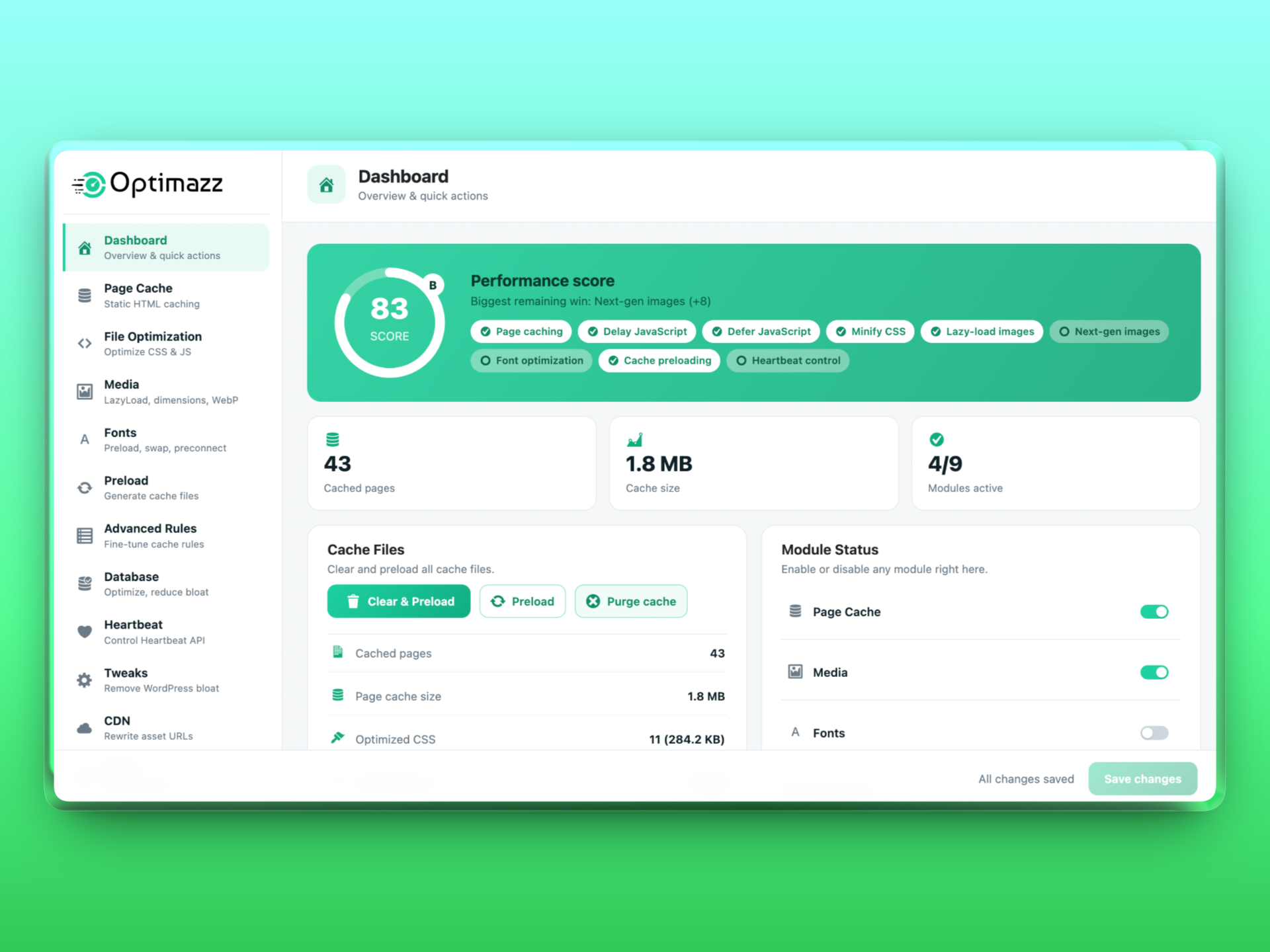
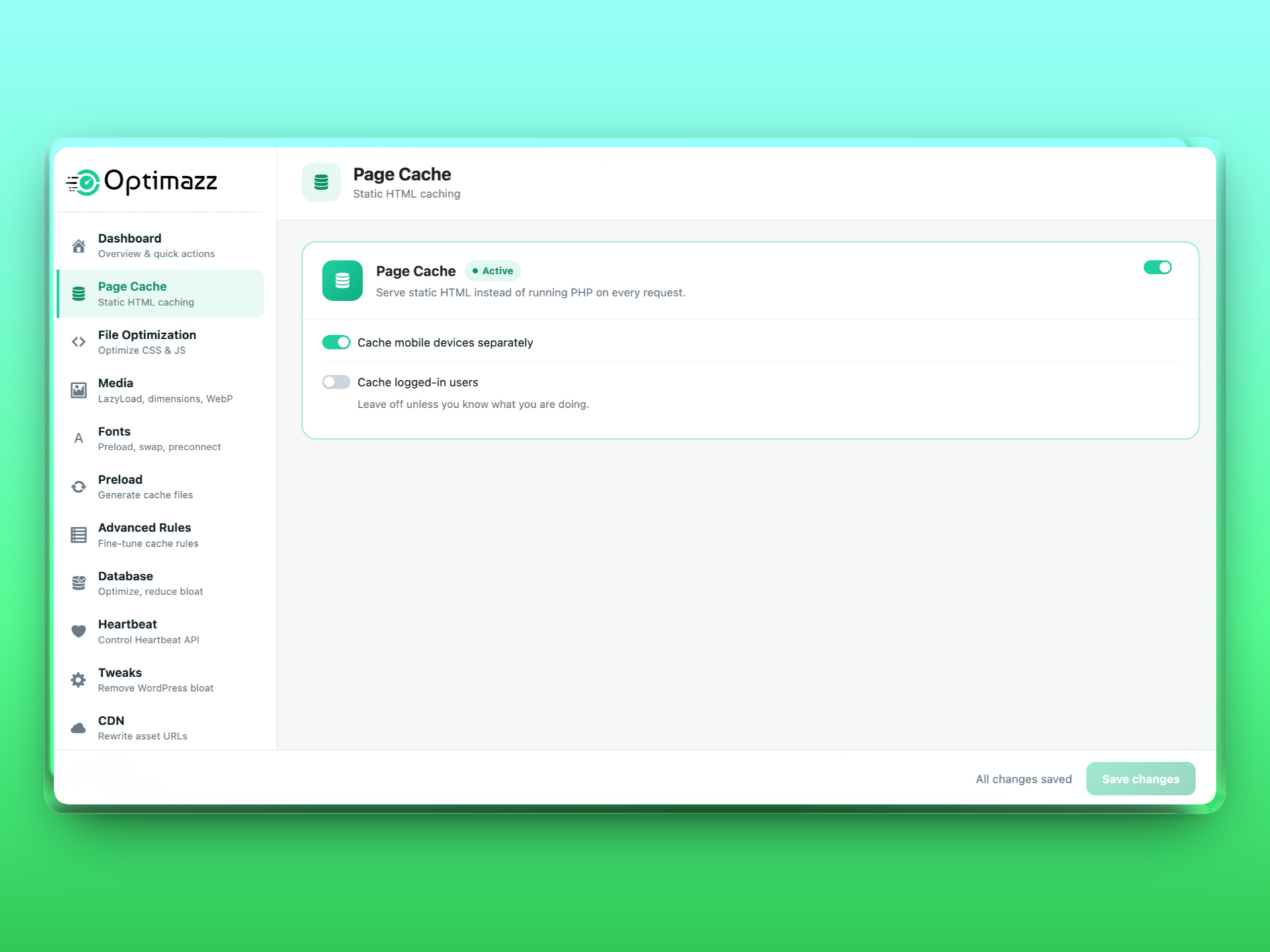
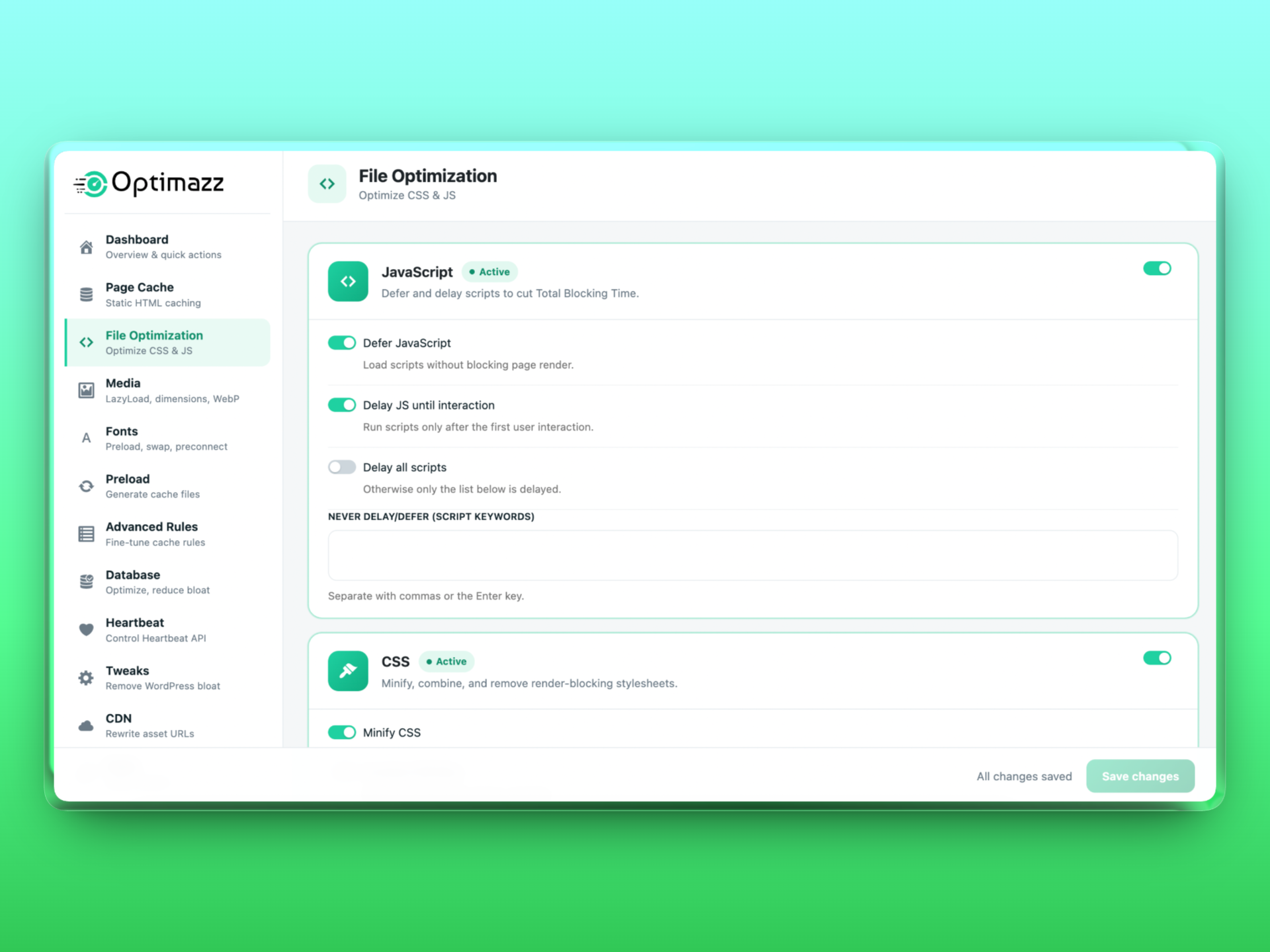
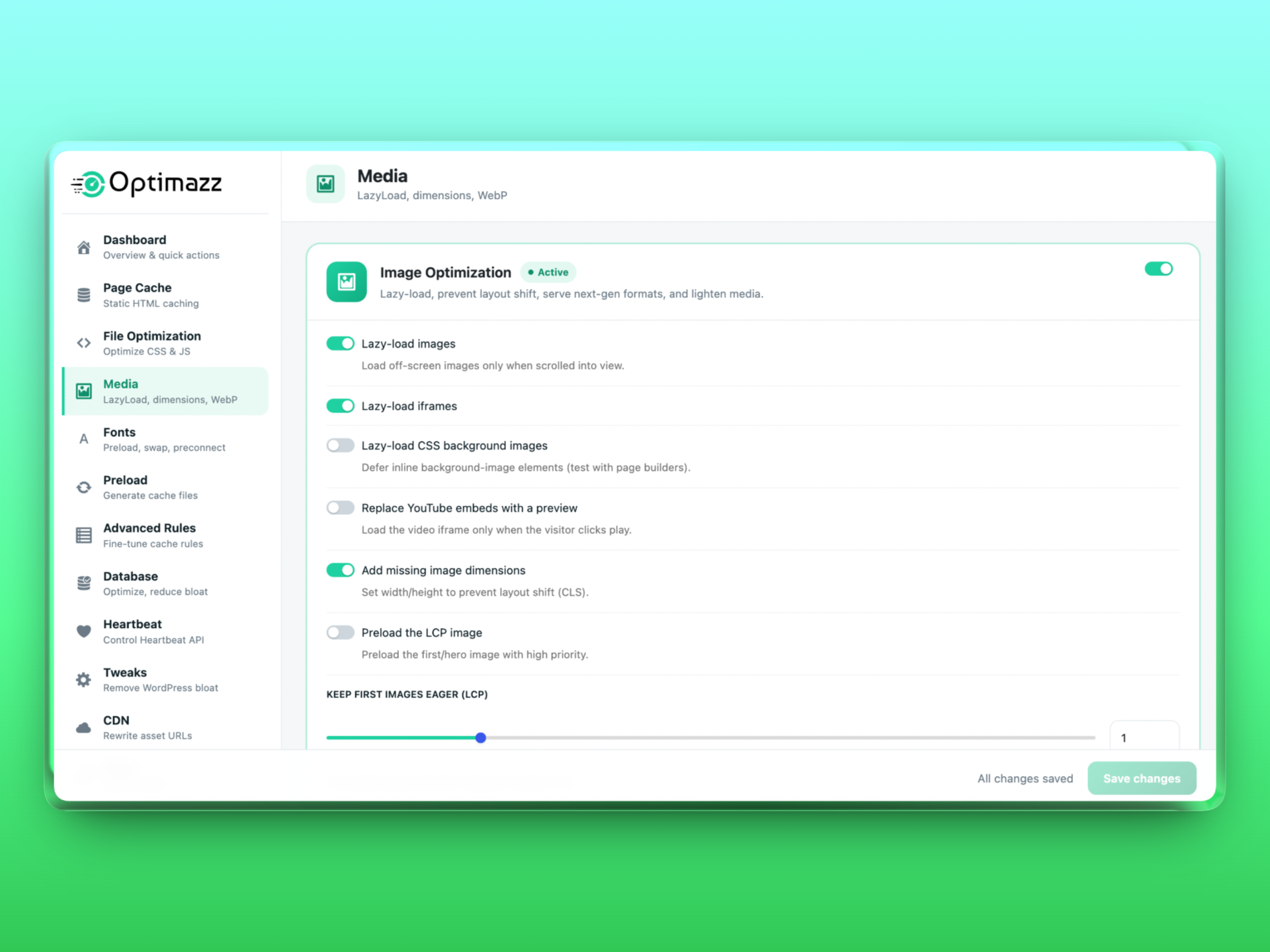
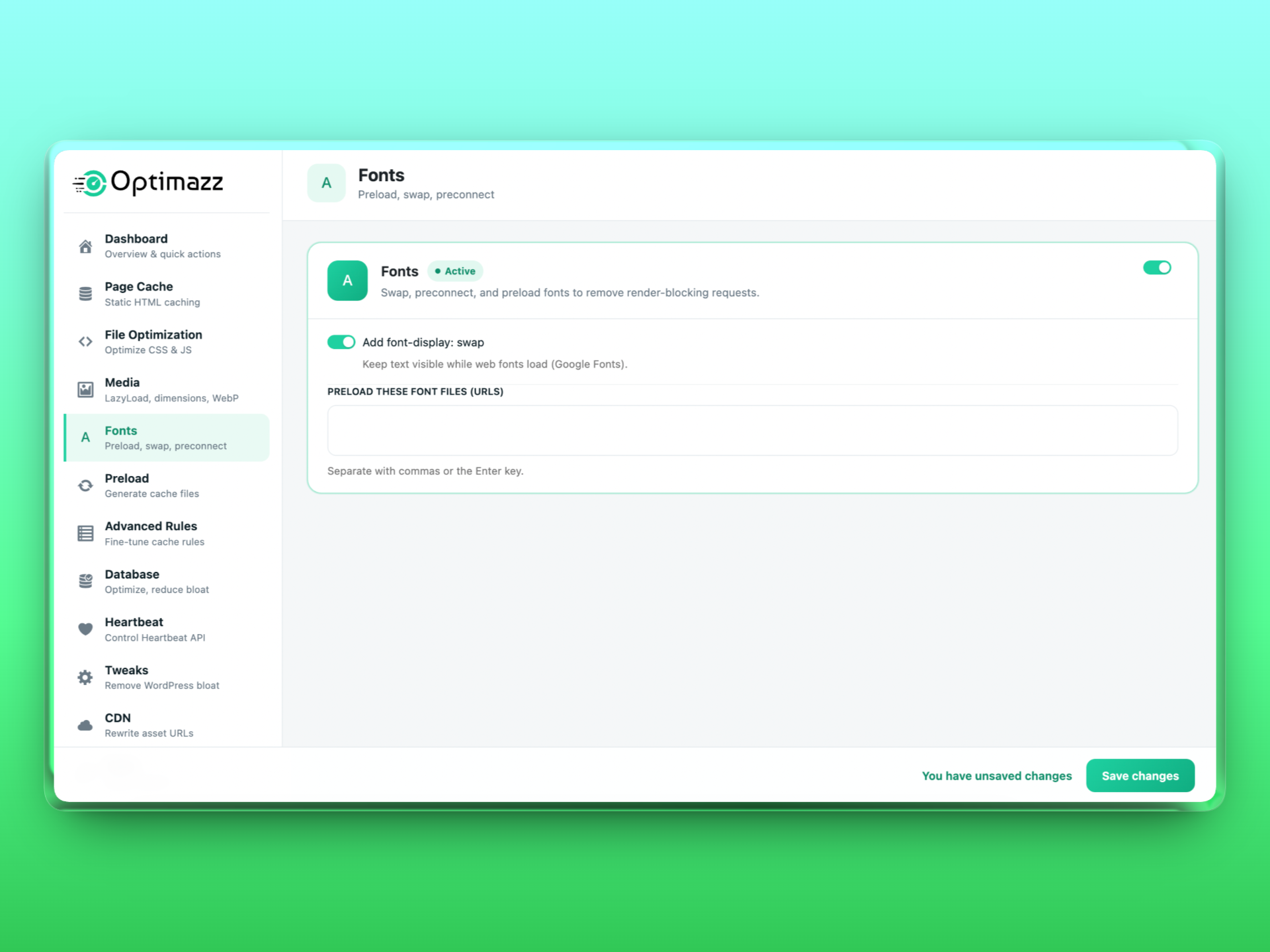
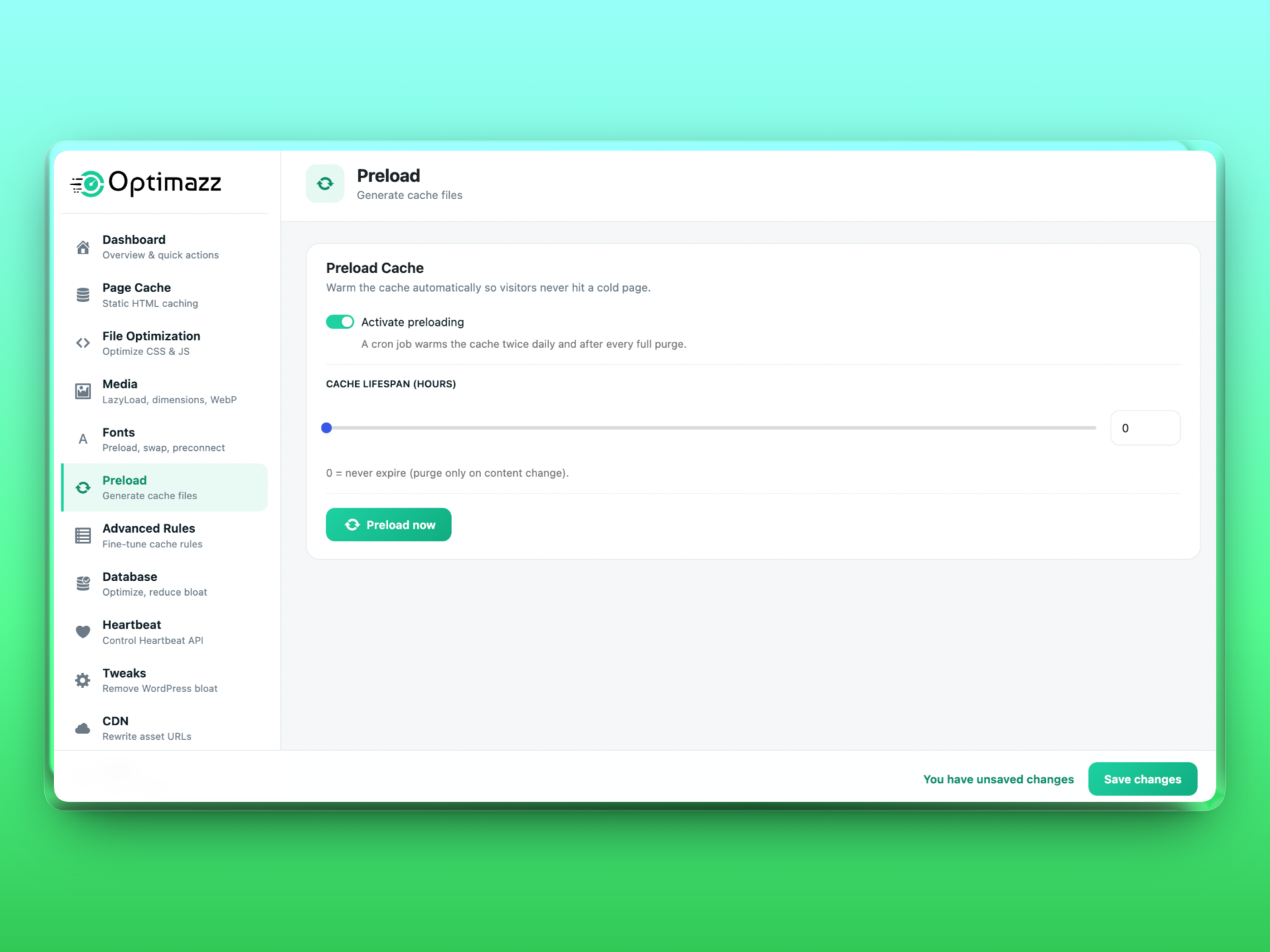
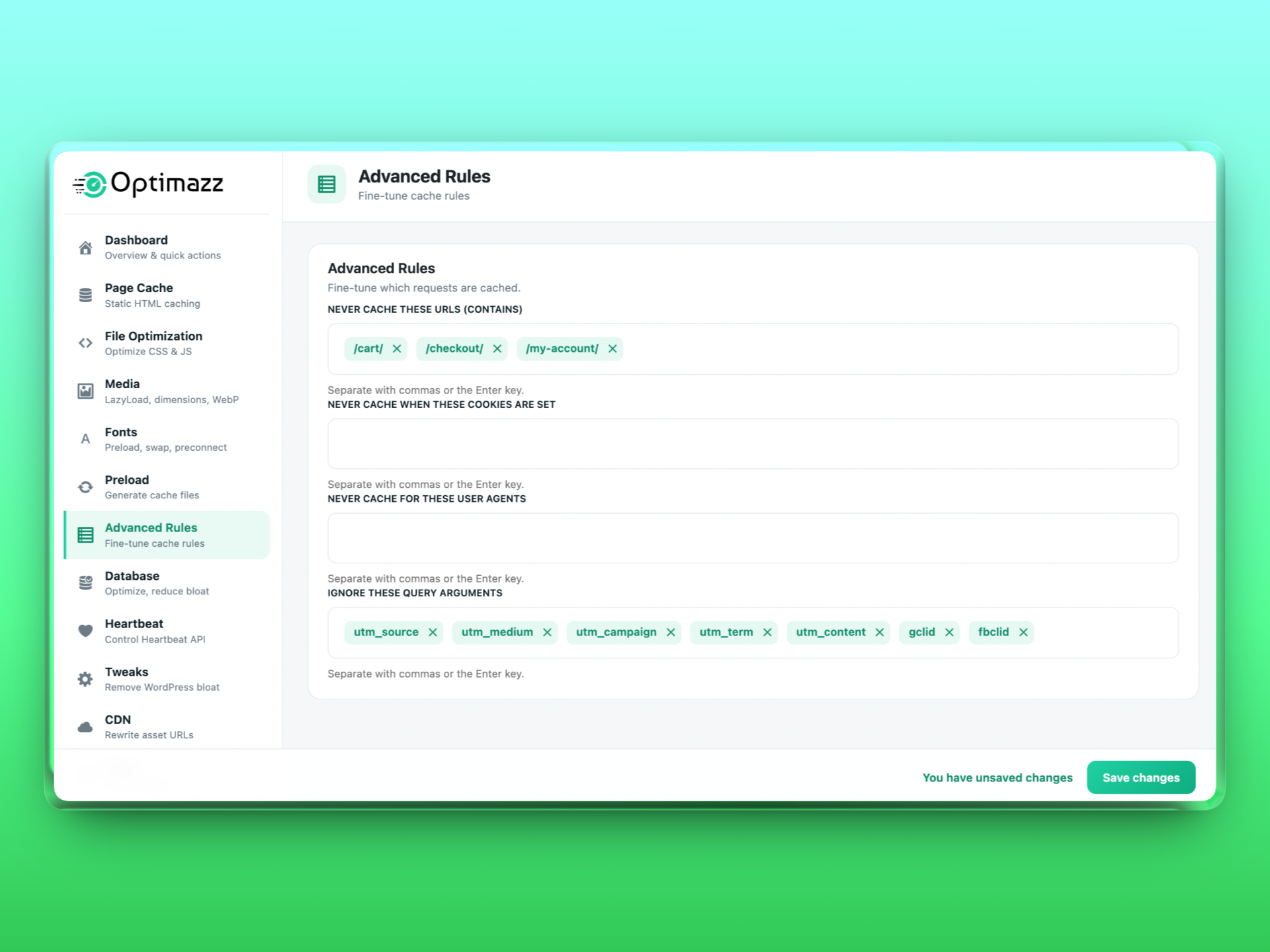
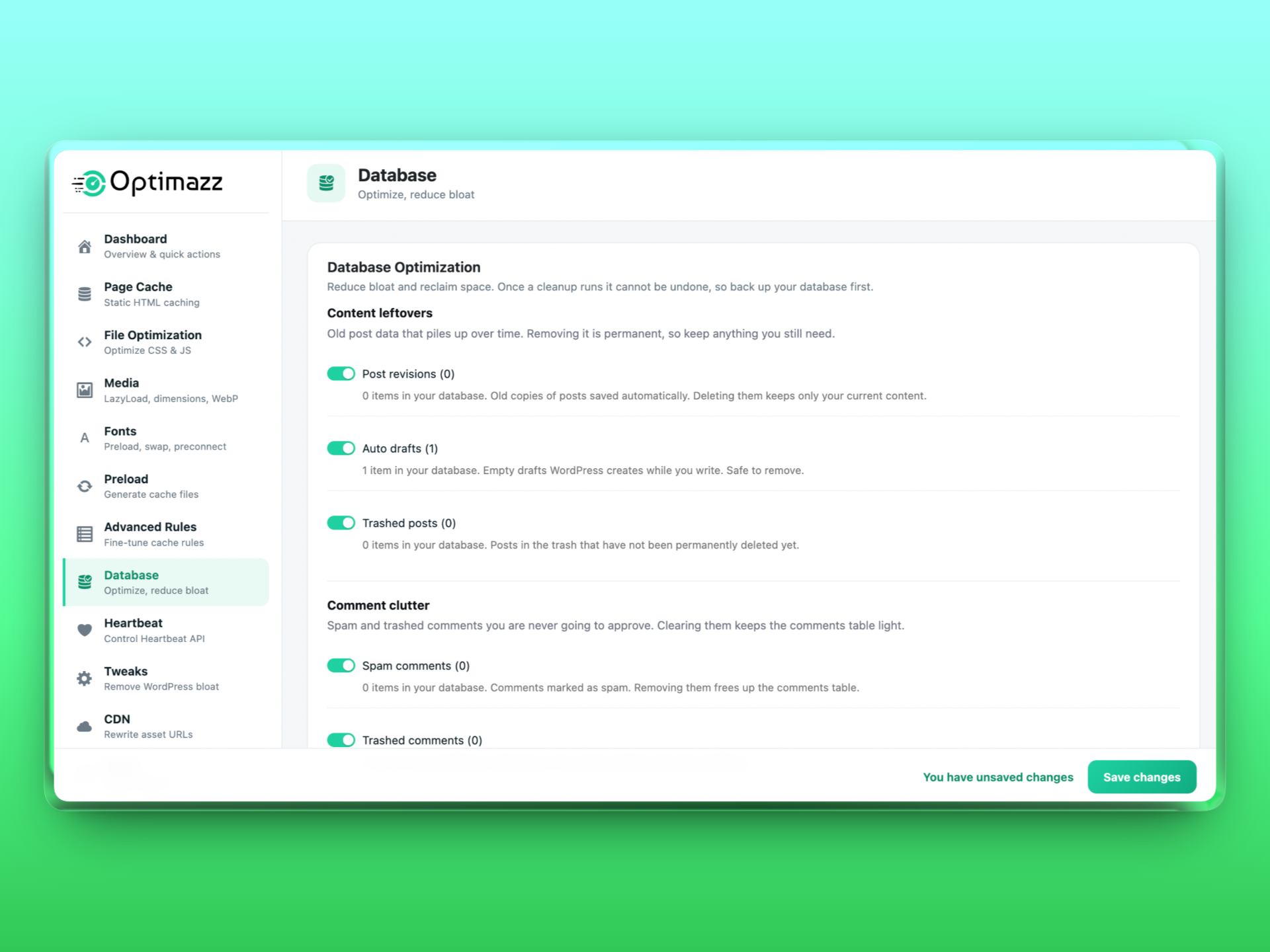
Optimazz is an all-in-one performance suite that applies the optimizations with the biggest impact on Core Web Vitals — automatically and safely. Every module is opt-in and reversible, and Optimazz never overwrites another caching plugin’s files. New here? Click Optimize in one click on the Dashboard to turn on everything we recommend for your site, and undo it with one click if you change your mind.
Modules included:
- Page Cache — serve static HTML instead of running PHP on every request, with smart exclusions (logged-in users, carts, query strings), automatic purging on content changes (visitors keep getting the old page while the new one is built), pre-compressed (gzip) cached pages, a separate cached copy per currency or language (cookie-based switchers), and a cron-based cache preloader so visitors never hit a cold page.
- JavaScript — defer scripts and delay them until the first user interaction to cut Total Blocking Time, with an exclusion list.
- CSS — minify, combine, and load CSS asynchronously to remove render-blocking stylesheets.
- HTML — minify the page HTML (extra whitespace and comments), without changing how it looks.
- Image Optimization — lazy-load images, iframes and videos, add missing dimensions to prevent layout shift, generate and serve WebP/AVIF, bulk-compress your existing library, convert opaque PNGs to JPEG, and replace YouTube embeds with a click-to-load preview.
- Fonts — add
font-display: swap, preconnect to font hosts, and preload font files. - Database — clean revisions, auto-drafts, trashed posts, spam/trashed comments and expired transients, optimize tables, schedule automatic cleanups, and find the large autoloaded options that slow down every page (switch them off in one click, undo anytime).
- Heartbeat — reduce or disable the WordPress Heartbeat API per context to lower server load.
- Tweaks — disable emojis, embeds, dashicons, query strings, XML-RPC and pingbacks, and add DNS-prefetch / preconnect hints.
- CDN — rewrite static asset URLs to your CDN hostname.
A live performance score on the dashboard shows which optimizations are active and your biggest remaining win.
No limits
Every feature works on every page, for every visitor, at no cost: no page-view cap, no “powered by” banner on your site, no account to create, and no cloud service. All optimization runs on your own server.
Compatibility
- Page builders — Elementor (and Elementor Pro, ElementsKit), Divi, Bricks, Beaver Builder, Oxygen and WPBakery. Their generated CSS is never minified or combined and their layout scripts are never delayed, so CSS and JavaScript optimization stay safe on builder sites. Swiper carousels and the Instagram Widget by WPZOOM are protected too.
- WooCommerce — cart, checkout and account pages are never cached, a visitor with items in the cart never gets a cached page, and checkout and payment scripts (Stripe, PayPal, Braintree, Square, Klarna, Razorpay) are never delayed. WooCommerce and Easy Digital Downloads styles can be loaded only on their own pages.
- Third-party scripts — Google Analytics, Tag Manager and AdSense, the Meta pixel, TikTok, X, LinkedIn, Snapchat and Pinterest pixels, Hotjar, Microsoft Clarity, Mixpanel, Matomo, HubSpot, OneSignal and chat widgets (Tawk.to, Crisp, Intercom, Tidio, LiveChat, Zendesk, Drift, Freshchat, JivoChat, Smartsupp, OpenWidget, Small Chat) are delayed until the visitor interacts, when JavaScript delay is on.
- Jetpack — WordPress core styles served by Jetpack’s Site Accelerator are minified and combined like local files.
- Multisite — subdirectory and subdomain networks, with a separate cache per site and network settings in Network Admin Optimazz.
- Multilingual and multi-currency sites — languages in the address (
/de/,de.example.com, WPML, Polylang, TranslatePress) are cached separately. If your language or currency switcher remembers the choice in a cookie instead, each value gets its own cached copy: the common WooCommerce currency switchers are set up already, and you can add other cookies under Advanced Rules “Cache a separate copy for each value of these cookies”. - Servers — the page cache works on Apache, LiteSpeed, OpenLiteSpeed and Nginx. Browser-cache rules are written to
.htaccess(Apache and LiteSpeed); on Nginx add them to your server configuration. Works behind Cloudflare and other proxies or load balancers. - Firewalls and security plugins — the cache preloader uses the user agent
Optimazz-CacheWarmer, which passes 6G/7G firewall rules (All-In-One Security, many hosts). If preloading reports 403 errors, allow-list that user agent in your firewall or Wordfence. - Other caching plugins — Optimazz detects WP Rocket, W3 Total Cache, WP Super Cache, LiteSpeed Cache, WP Fastest Cache, Breeze, Cache Enabler, Comet Cache, Surge, SiteGround Optimizer, Hummingbird, Swift Performance, Seraphinite Accelerator, FlyingPress, WP-Optimize and NitroPack, never overwrites their files, and warns you when one of them is blocking the Optimazz page cache. Use one page cache at a time.
- WP-CLI —
wp optimazzcommands (see the FAQ). - AI assistants (MCP) — on WordPress 6.9 or newer, AI tools such as Claude, Cursor or VS Code can check, configure and fix Optimazz through the free MCP Adapter plugin, including finding what broke a page and undoing it (see the FAQ). Off by default.
Build process and source code
The admin interface is a React application. The human-readable source lives in the src/ directory shipped inside the plugin (src/index.js and src/index.scss), and the compiled, minified output lives in build/.
To regenerate the compiled files from source:
- Install dependencies:
npm install - Build:
npm run build
This uses the official @wordpress/scripts (webpack) toolchain — no custom or hidden build configuration. All source and build tooling are included in the plugin; nothing is obfuscated.
External services
Optimazz does not require any external service to function, and it works entirely on your own server by default. Two optional, admin-controlled features can reference third-party hosts:
-
Google Fonts optimization (Fonts module). If — and only if — your theme or another plugin already loads Google Fonts, and you enable the Fonts module, Optimazz adds
preconnectresource hints tofonts.googleapis.comandfonts.gstatic.comand can adddisplay=swapto the existing font URL. Optimazz does not add Google Fonts to a site that isn’t already using them, and it does not send any personal or site data — apreconnectis only a browser hint to open a connection earlier. The fonts themselves are requested by the visitor’s browser from Google, exactly as they were before the plugin, under Google’s terms: https://policies.google.com/terms and privacy policy: https://policies.google.com/privacy -
CDN rewriting (CDN module). If you enable the CDN module and enter a CDN hostname, Optimazz rewrites the URLs of your own static assets (CSS, JS, images) to that hostname so visitors’ browsers load them from your CDN. The CDN is a service you choose and configure; Optimazz sends no data to it itself and is not affiliated with any CDN provider. Consult your chosen CDN’s own terms and privacy policy.
Both features are off by default and take effect only after you explicitly enable them.