
OpenStatus Badge
v1.0.1constantbourgois · 2026年6月28日 上架
Embed a live status badge from your OpenStatus status page on any WordPress site.
- 正在使用
- 10 以下
- 评分
- 暂无
- 累计下载
- 321
- 最近更新
- 2026年6月29日
需要 WordPress 6.1+已测试到 7.0.9PHP 7.4+
 thibaultleouay
 constantbourgois
截图
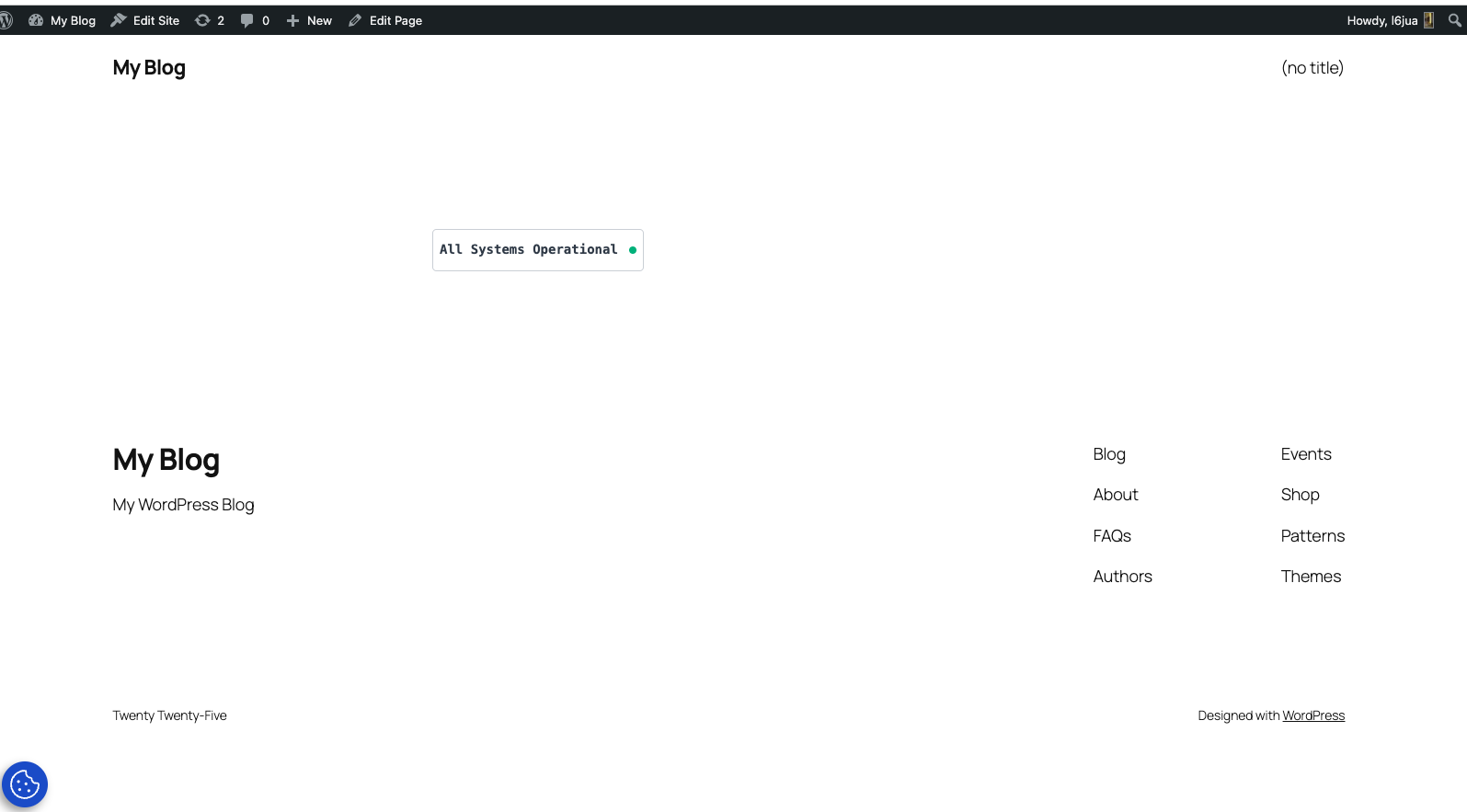
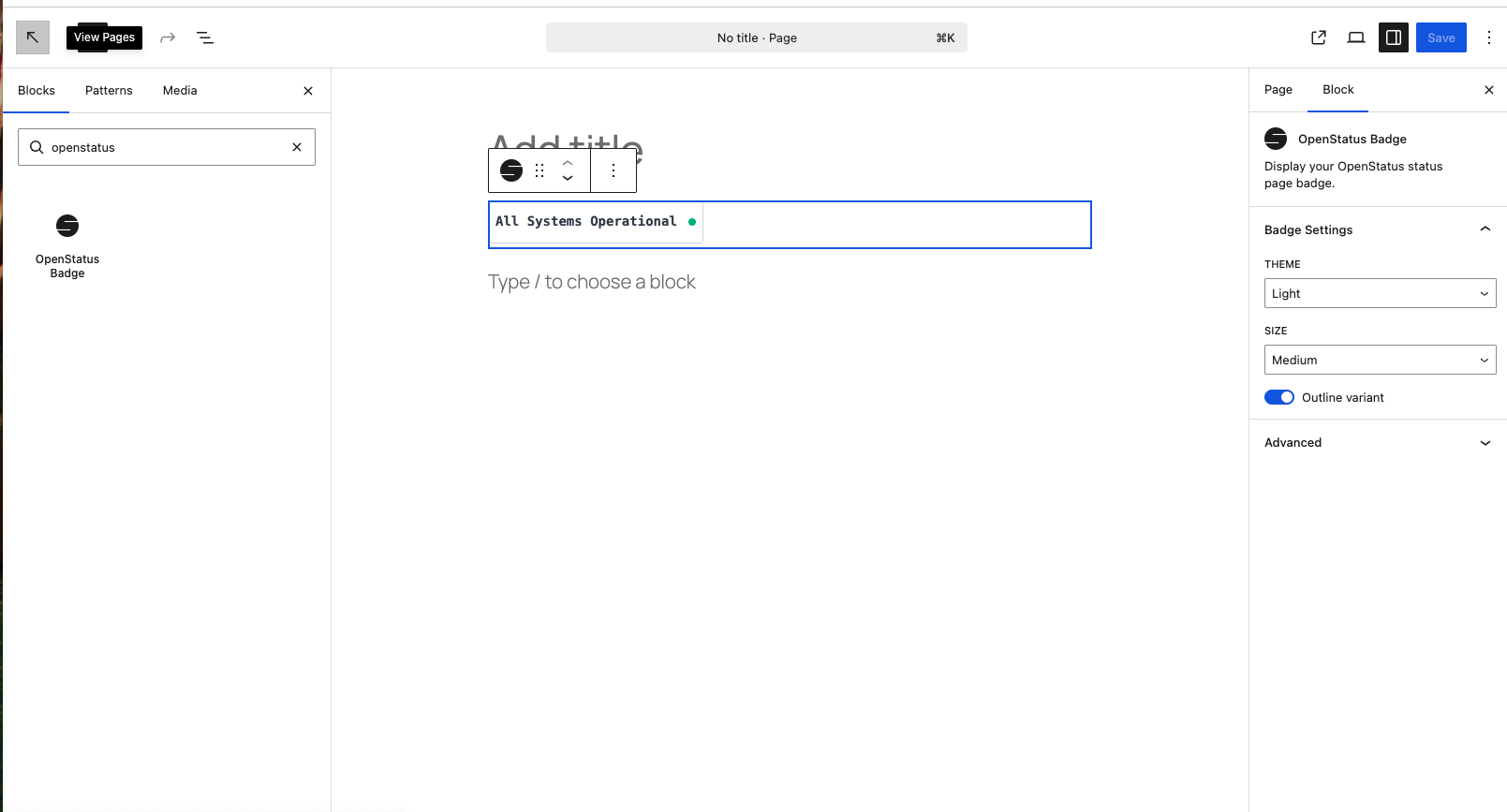
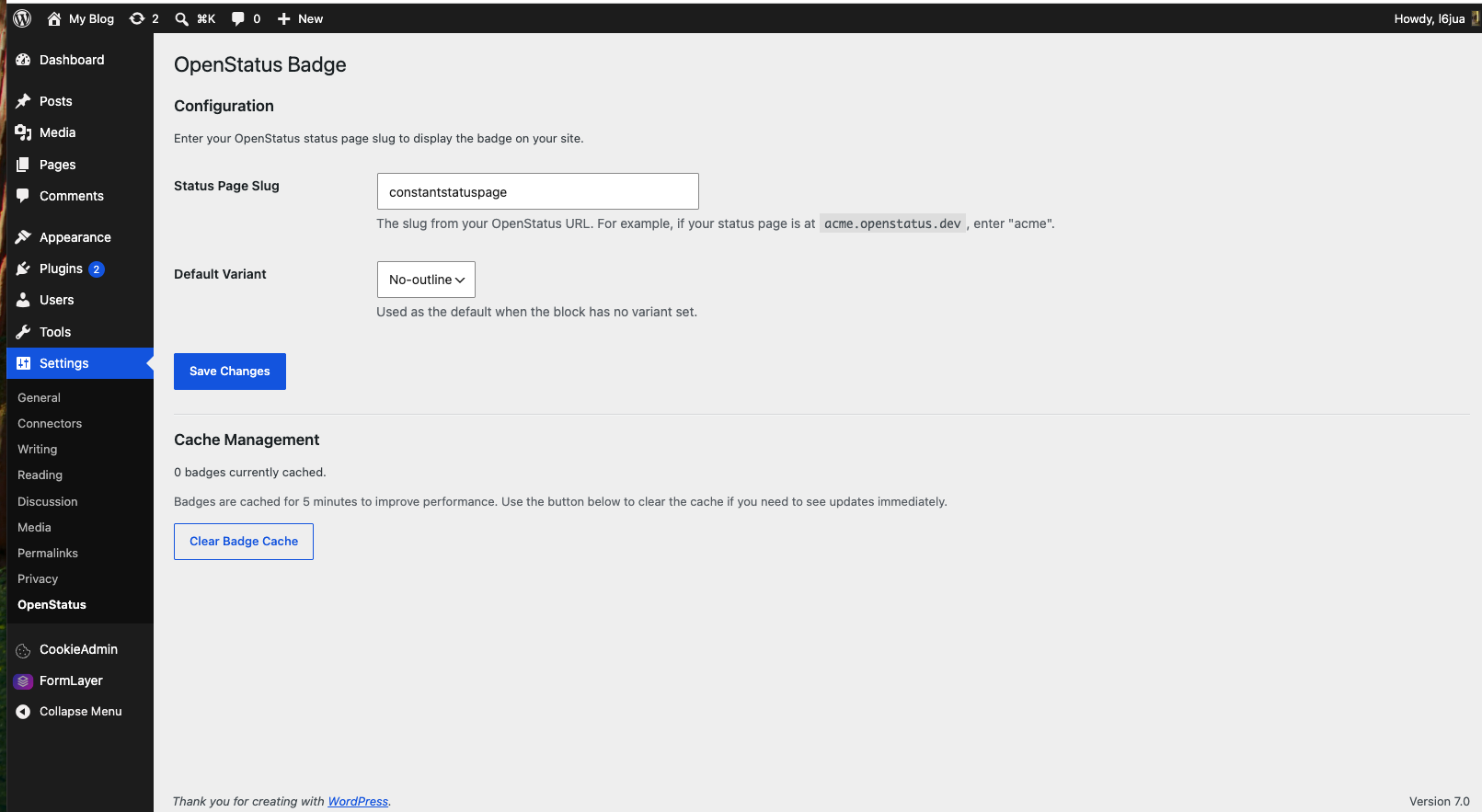
OpenStatus Badge allows you to easily embed your OpenStatus status page badge anywhere on your WordPress site using the block editor.
Features:
- Simple setup – just enter your status page slug
- Customizable appearance – choose theme (light/dark), size (sm/md/lg/xl), and variant (outline)
- Block editor integration – full preview in the editor with real-time attribute changes
- Lightweight – badge is loaded as a native
<img>tag, no inline SVG fetching
How it works:
- Configure your OpenStatus status page slug in Settings > OpenStatus
- Add the “OpenStatus Badge” block to any page or post
- Customize the badge appearance using the block settings
- The badge automatically links to your status page
Source Code
The source code for this plugin is publicly available on GitHub:
https://github.com/openstatusHQ/wordpress-status-widget-plugin
The src/ directory contains the uncompiled block source (JavaScript, SCSS). The build/ directory contains the compiled assets generated by @wordpress/scripts.
To rebuild from source:
- Clone the repository
- Run
npm install - Run
npm run build