

OmniMigrate – Advanced Migration & Automated Backup
v2.6.3davidshum98 · 2026年11月3日 上架
Back up, restore and move a whole WordPress site: database and files in one file, streamed, with no ZipArchive and no size limit.
- 正在使用
- 10+
- 评分
- 暂无
- 累计下载
- 444
- 最近更新
- 2026年11月3日
贡献者
 davidshum98
截图
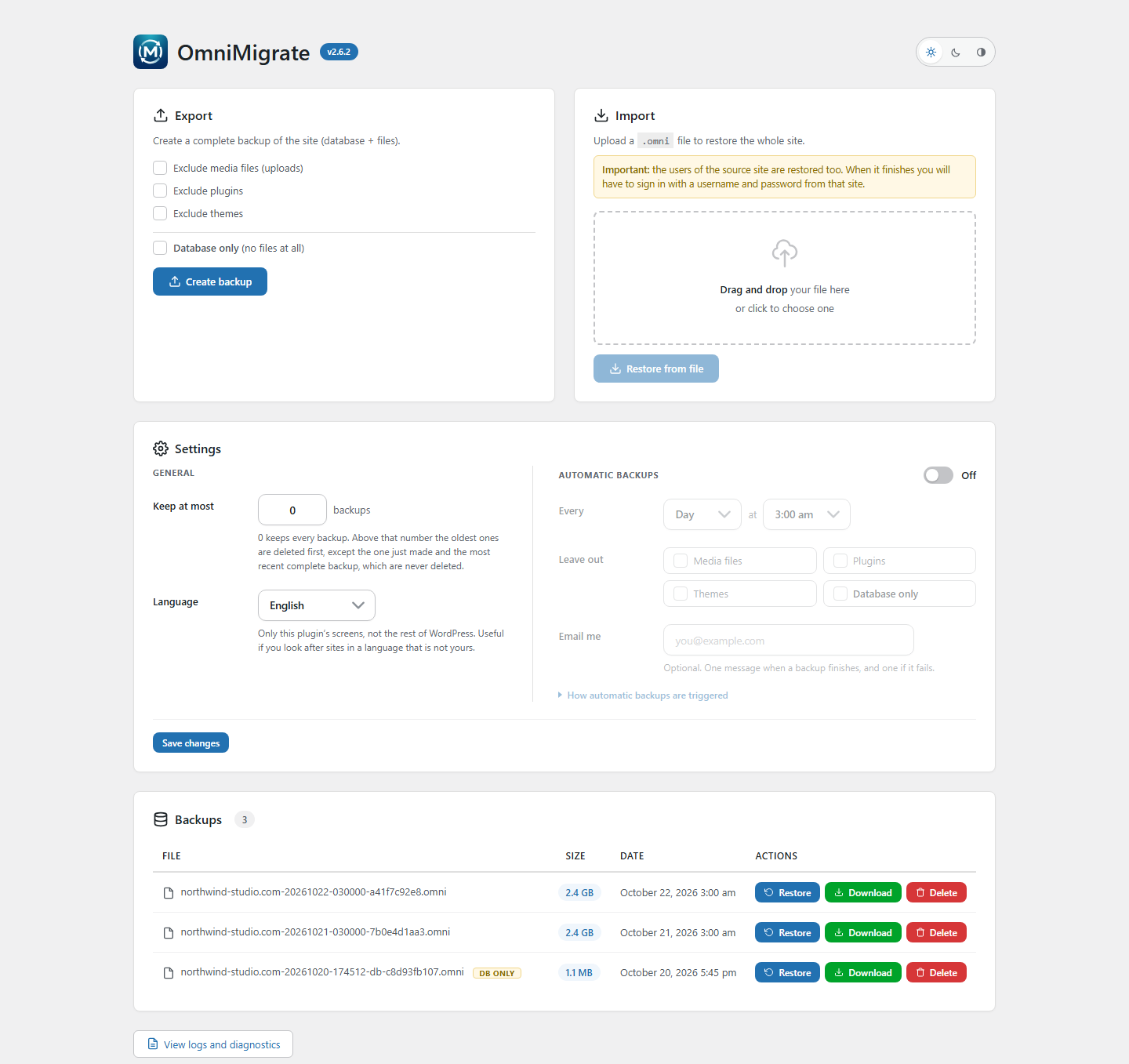


OmniMigrate copies your whole site — database and files — into a single .omni file, and puts it back on any other WordPress install. It was written for the sites that usually defeat a backup: several gigabytes, tens of thousands of files, shared hosting with short time limits and little memory.
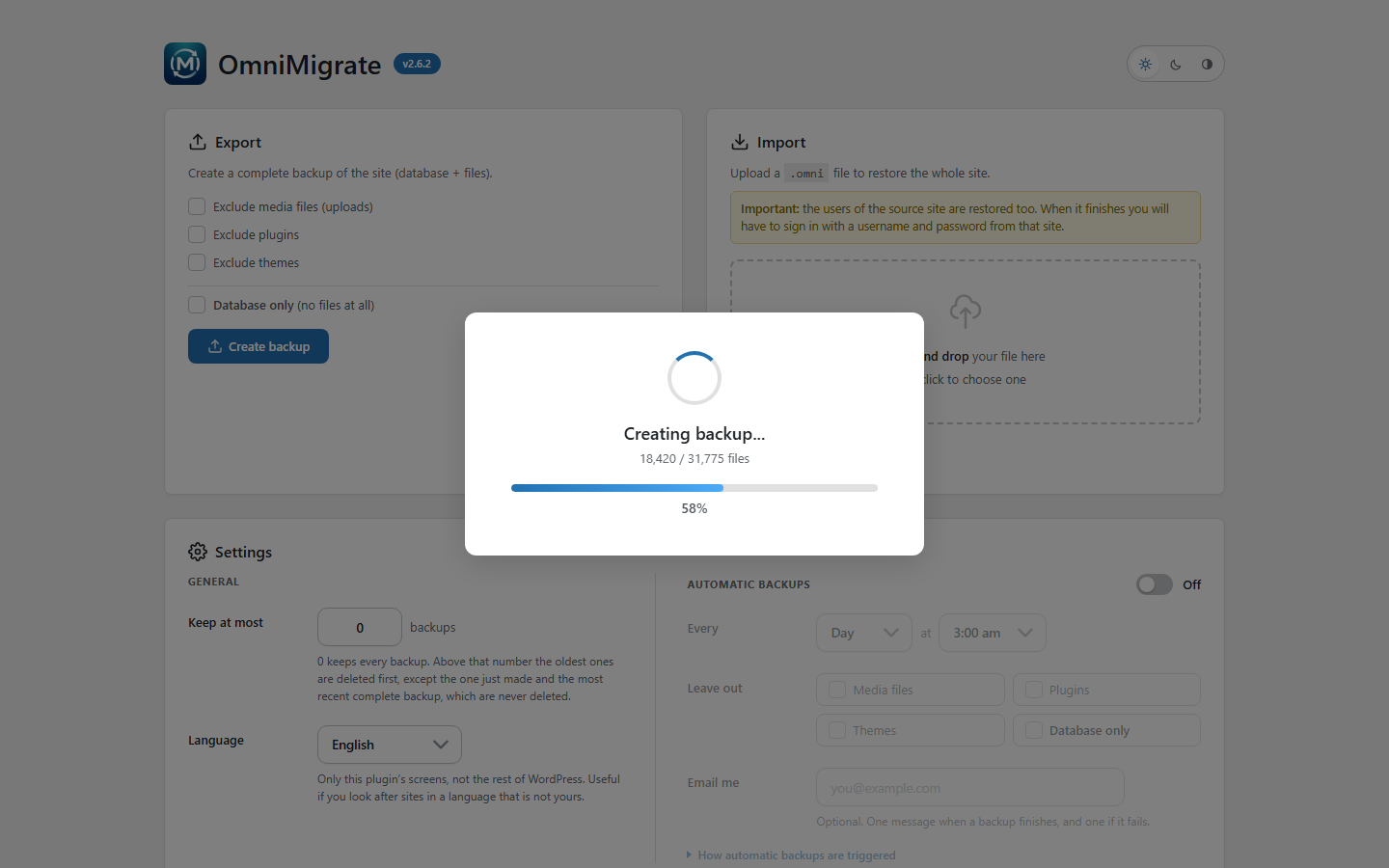
No ZipArchive, no temporary copy of your site. The .omni format is written as a stream, file after file, so memory use stays flat whether the site is 50 MB or 4 GB. Everything happens in batches: each batch works for a few seconds, saves where it got to, and the next one carries on. A timeout no longer means starting over.
What it does
- Full backup: database, plugins, themes, uploads and the rest of wp-content. You can leave out the media library, the plugins or the themes.
- Database only: a backup of just the database, which is a tiny fraction of the size, for frequent copies. Restoring one puts the database back and leaves your files alone.
- Restore: from a file on your computer or from a backup already on the server.
- Migration: restore a backup on a different domain and the URLs are rewritten everywhere, including inside serialized data, so widgets, theme options and page builders keep working.
- Scheduled backups: every day, or on the weekday you pick, at the hour you choose, with a switch to turn them on and off and an email when they finish or fail.
- Retention: keep only the last N backups and the older ones are deleted on their own.
- WP-CLI:
wp omni backup,wp omni list,wp omni deleteandwp omni schedule, so a real cron job or a deploy script can make backups without a browser. - Log and diagnostics: what happened, step by step, plus your server’s limits.
- Translatable, with a language picker of its own: the plugin’s screens can be in a different language from the rest of the site.
- Light, dark or automatic, chosen per user and only on this plugin’s screen.
Built for large sites
- Batches that resume: a cut connection, a proxy timeout or a full disk stop the job, they do not corrupt it.
- Uploads in chunks sized to your server’s real limit, so a big file does not die at
upload_max_filesize. - While the database is half written, visitors get a maintenance page (503) instead of a broken site, and nothing writes rows that would clash with the copy.
- If a restore is interrupted, the database copy taken before it started is kept, and the admin screen offers to put it back for up to 7 days.
- Only the tables of this site are touched: another WordPress sharing the same database is left alone.
Your data stays on your server
OmniMigrate does not connect to any external service. Backups are written to wp-content/omnimigrate, inside a folder with a random name, protected for Apache and IIS and not listable. There is no telemetry, no account and no remote storage: the file is yours and never leaves the server unless you download it.