

OmniForm
v1.3.4JR Tashjian · 2023年9月6日 上架
Easily create and manage custom forms with the block editor, customizable fields, and form submission management for your website.
- 正在使用
- 50+
- 评分
- 暂无
- 累计下载
- 5,121
- 最近更新
- 2026年7月7日
贡献者
 JR Tashjian
截图
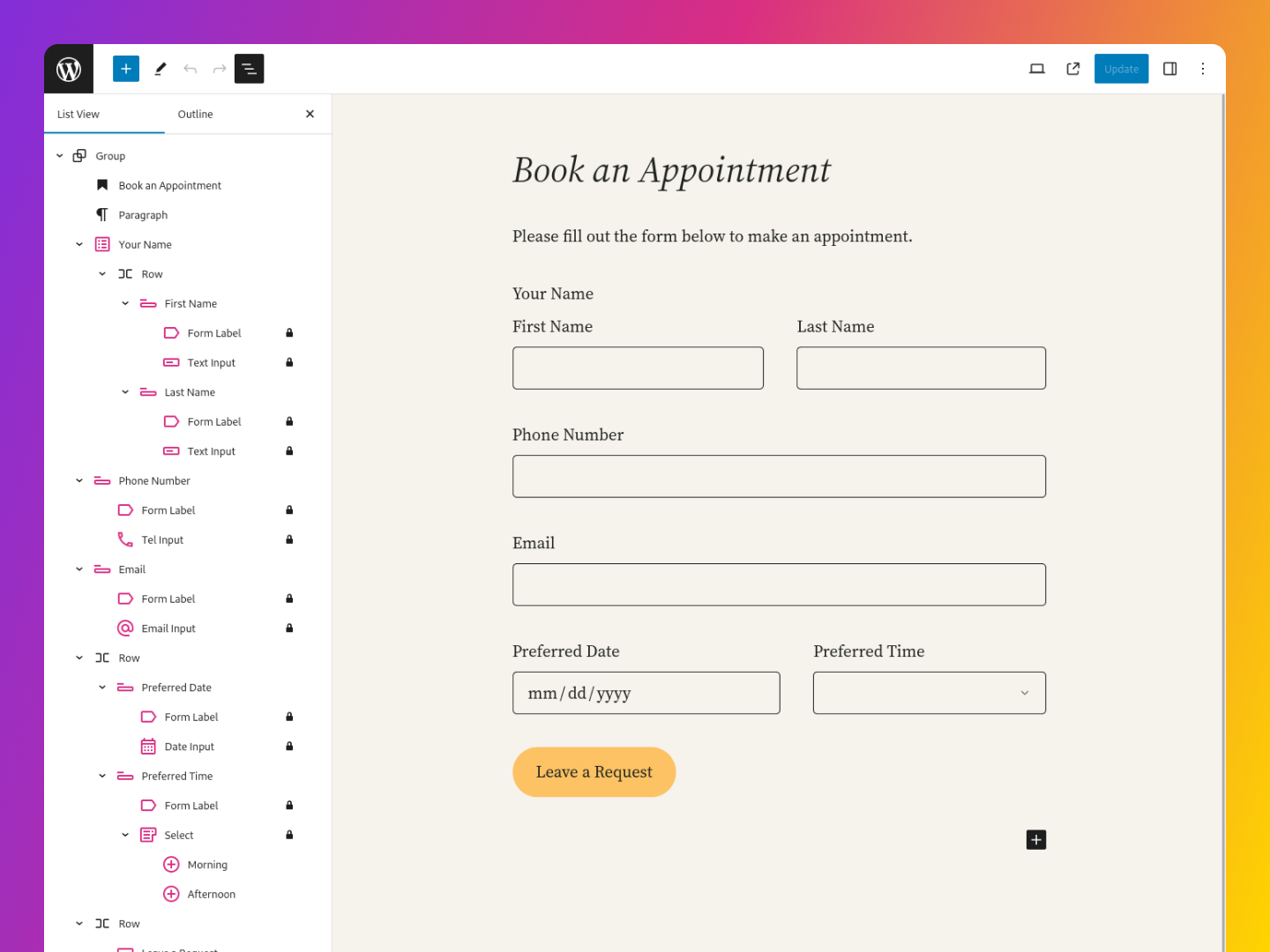


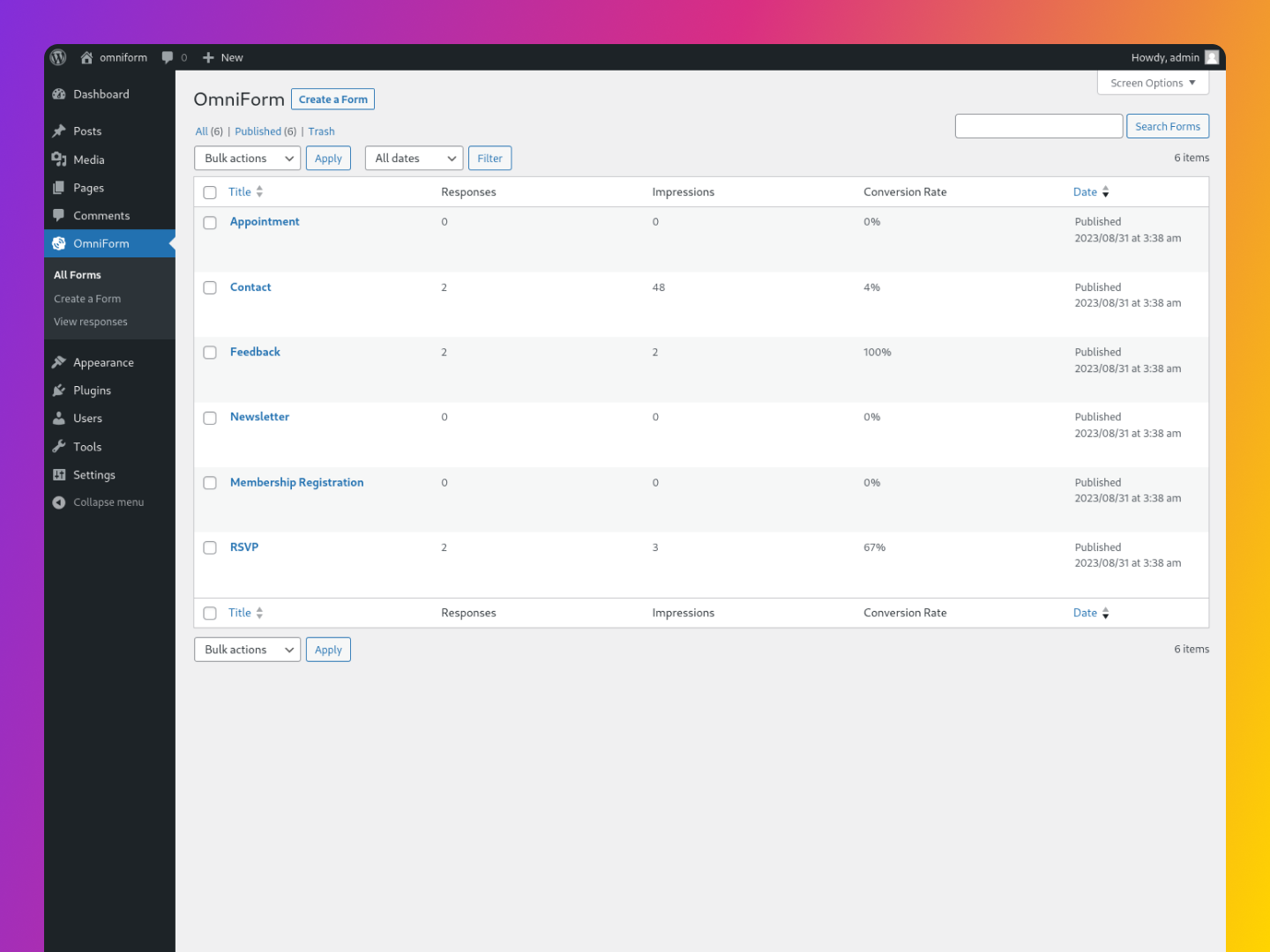
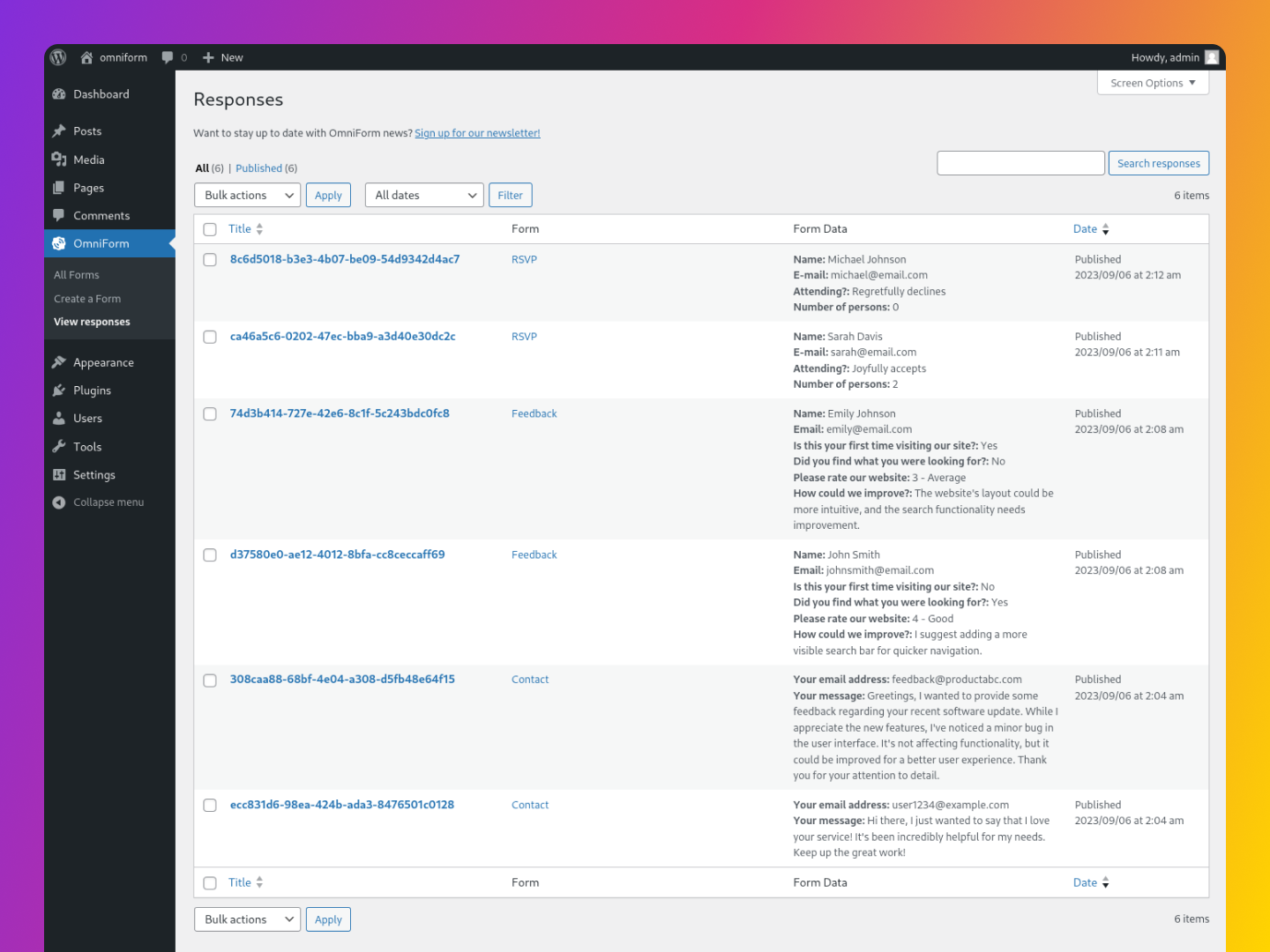
OmniForm is a powerful WordPress plugin that allows you to create and manage forms within your WordPress site. With OmniForm, you can easily create custom forms for your website, collect user data, and manage form submissions.
🌟 Features
- Complete and steadfast support for the block editor and block themes.
- Choose from 20+ form fields blocks, including text fields, checkboxes, radio buttons, and more
- Comprehensive analytics for tracking form impressions, submissions, and conversions.
- Choose from pre-built form templates or create your own from scratch
- Manage form submissions within the admin dashboard
- Email notifications for new form submissions
- Customize form styling to match your website’s design
- Spam protection with Cloudflare Turnstile, hCaptcha, and Google reCAPTCHA.
- Convert default WordPress blocks (like comments and search) into OmniForms for enhanced customization.
- Specific styling adjustments for various themes including Kanso, Twenty Twenty-Four, Twenty Twenty-Five, Ollie, and Rockbase.
🚀 Getting Started
To get started with OmniForm, simply install and activate the plugin on your WordPress site. Once activated, you can create new forms by navigating to the OmniForm menu in your WordPress dashboard.
From there, you can choose to create a new form from scratch or use one of the pre-built form templates. Once you’ve created your form, you can customize it to your liking using the block editor interface.
🙏 A Special Thanks from OmniForm
Whether you’re a first-time user or someone who’s considering giving OmniForm a try, thank you! Your interest is what fuels ongoing improvements and innovations.
Feel free to explore, provide feedback, or even contribute to the plugin’s development. Every bit of support counts and is highly appreciated.