

Notification Blocker
v1.1.0Hamdi Saidani · 2025年3月27日 上架
A lightweight yet powerful WordPress plugin that helps you hide, snooze, and manage admin notifications. Clean up your dashboard with just one click.
- 正在使用
- 90+
- 评分
- 5.0 / 5
- 累计下载
- 1,497
- 最近更新
- 2025年4月1日
5 条评价需要 WordPress 5.0+已测试到 6.7.12PHP 7.4+
贡献者
 Hamdi Saidani
截图
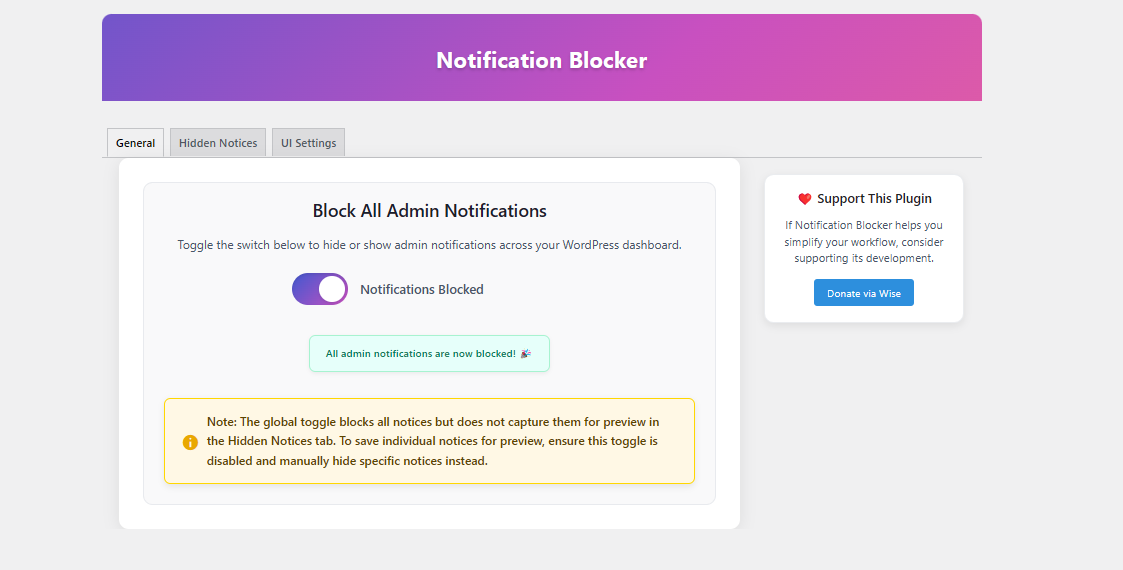
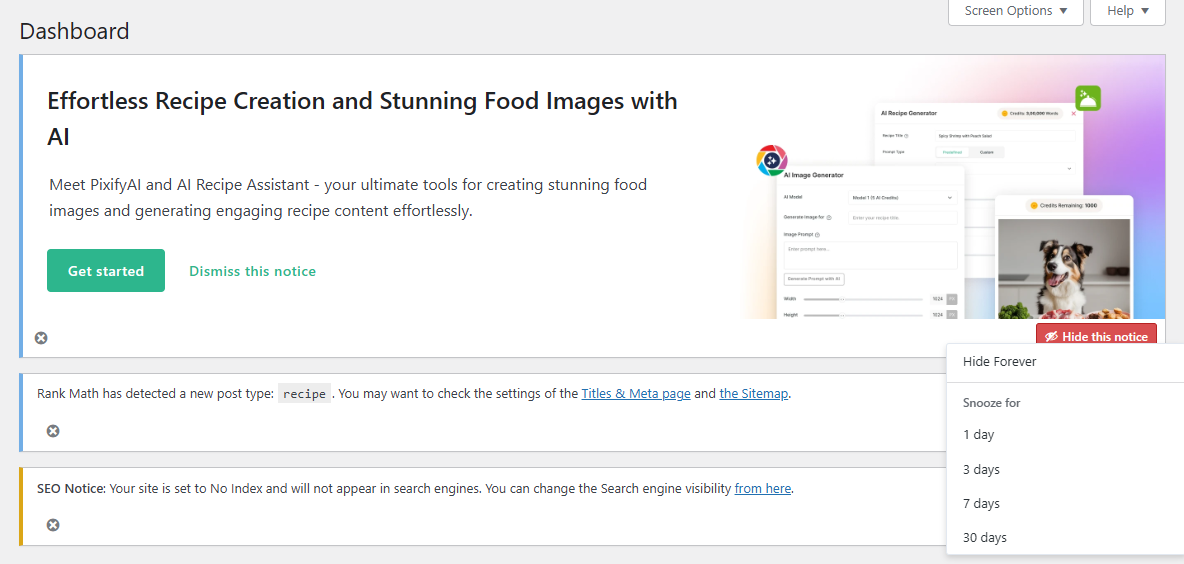
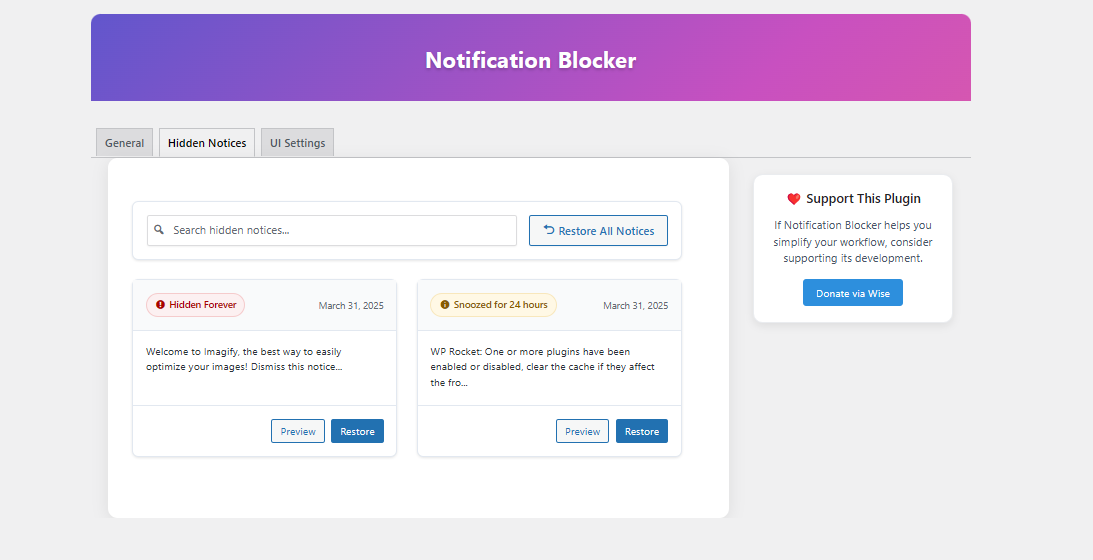
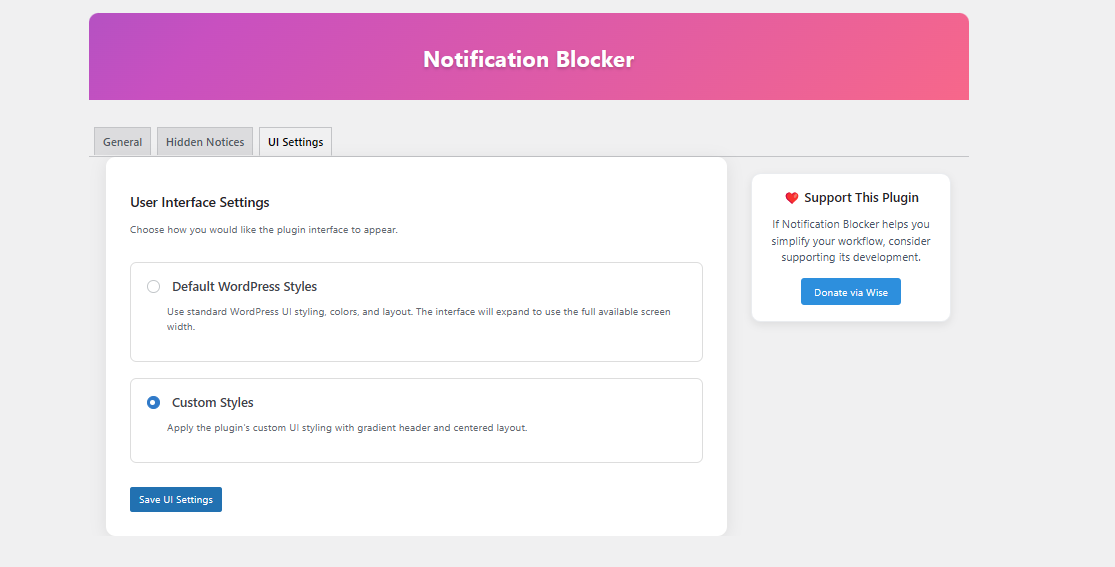
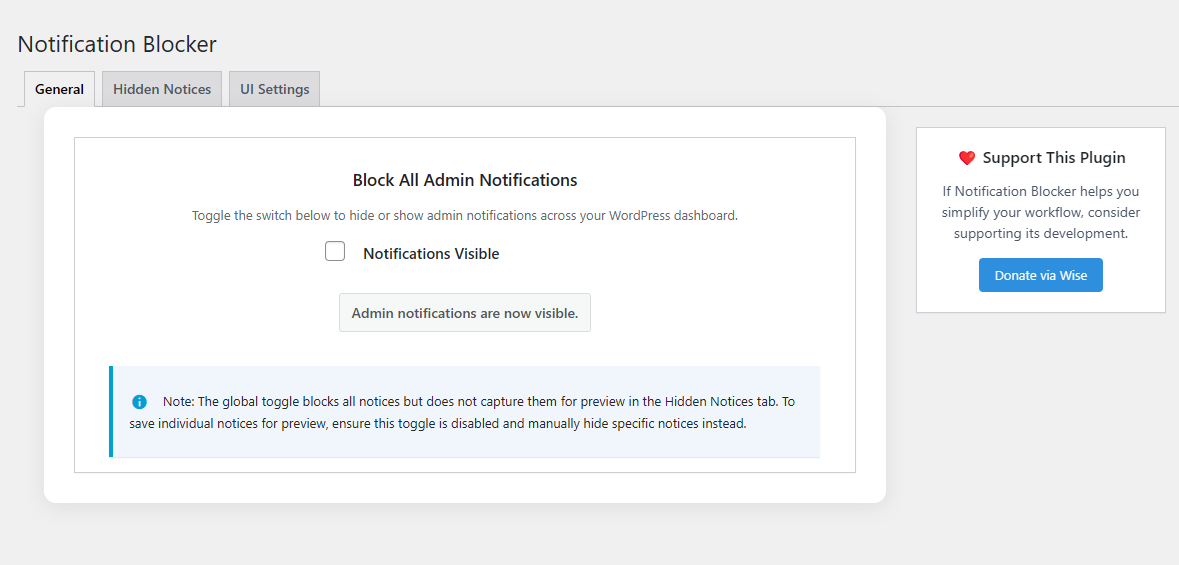
Notification Blocker gives you full control over WordPress admin notices. Whether you want to block all notifications with a single toggle or manage notices individually, this plugin has you covered — all with a clean, user-friendly interface.
Key Features
- Global Toggle – Block all admin notifications instantly with a single switch.
- Individual Notice Management – Hide or snooze notices with customizable timeframes (1, 3, 7, or 30 days).
- Hidden Notices Dashboard – View, search, and restore hidden notifications at any time.
- Preview Hidden Notices – Easily check what was hidden without restoring it.
- Flexible UI Options – Choose between WordPress default UI style or custom styled interface.
- Mobile-Friendly Design – Fully responsive layout that works on all device sizes.
- No Performance Impact – Lightweight implementation that won’t slow down your admin area.
- Multisite Compatible – Works perfectly in WordPress multisite environments.
How It Works
- Visit the plugin’s settings at Settings > Notification Blocker.
- Use the global toggle to hide/show all admin notifications.
- Or hide/snooze individual notices as they appear on your dashboard.
- Use the Hidden Notices tab to manage all your hidden notifications.
- Customize the UI appearance in the UI Settings tab.
Who Needs This Plugin?
- Site Administrators – Clean up cluttered dashboards and focus on what matters.
- Developers – Hide non-essential notices during development.
- Client Sites – Create a cleaner admin experience for your clients.
- Multisite Managers – Maintain a consistent admin experience across all sites.
License Notice
This plugin is available for free but is not open source. The codebase is proprietary and protected by copyright. You may use the plugin on your websites, but modification, distribution, or resale of the code is prohibited.