
NHR Core Contributions
v2.0.0Nazmul Hasan Robin · 2024年7月29日 上架
Show your WordPress contributions on your own site: core props, Gutenberg, release credits, profile badges, plugins and themes.
- 正在使用
- 10 以下
- 评分
- 暂无
- 累计下载
- 2,256
- 最近更新
- 2026年10月10日
 Nazmul Hasan Robin
截图
- 🚀 GitHub Repository: Found a bug or have a feature request? Let us know!
- 💬 Slack Community: Got questions or just want to chat? Come hang out with us on Slack!
You contribute to WordPress. NHR Core Contributions puts that record on your own website: enter a WordPress.org username and add the blocks you want. Everything is fetched for you and kept up to date.
<?php echo 'Shine a Light on Your WordPress Core Work!'; ?>
✨ Blocks
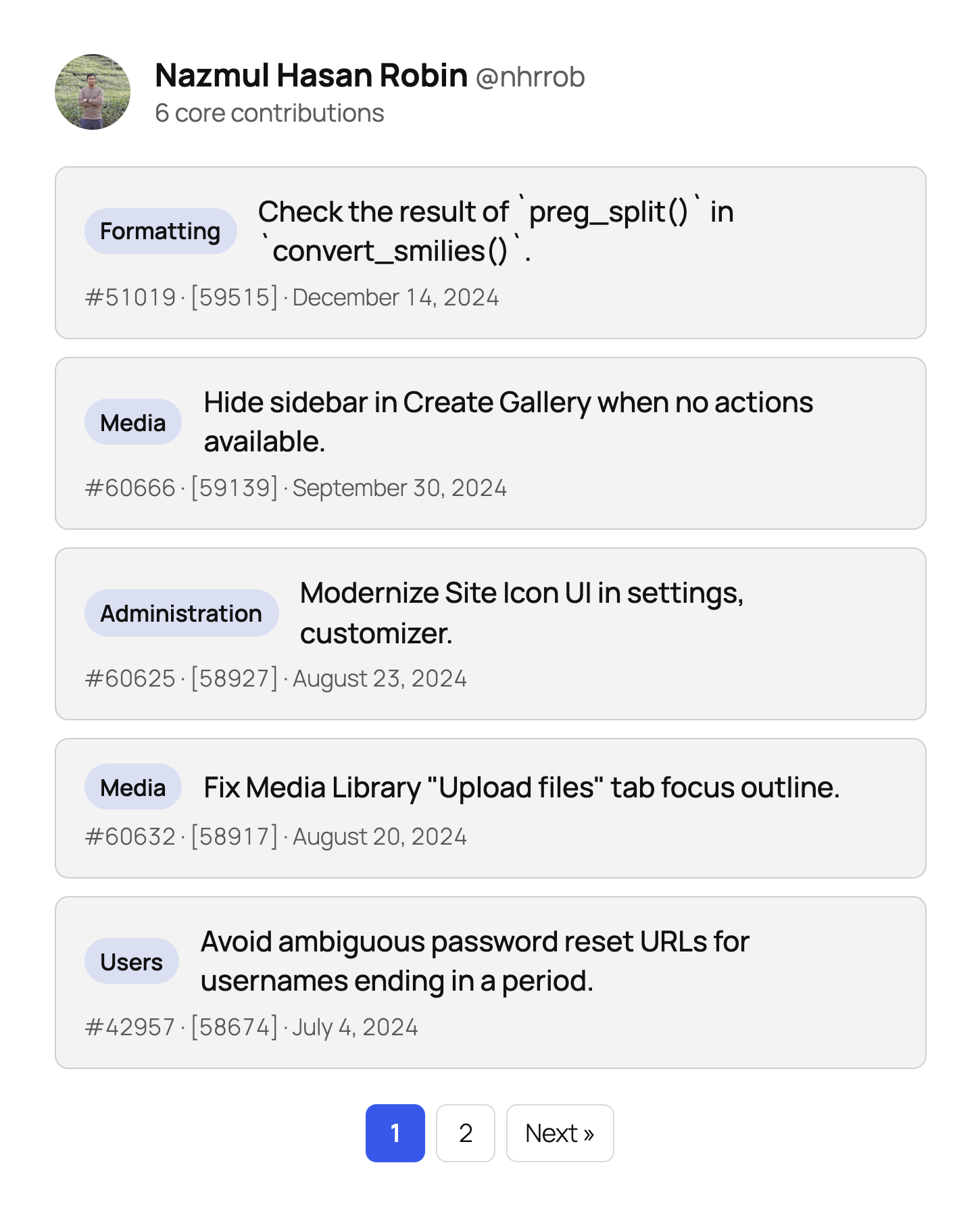
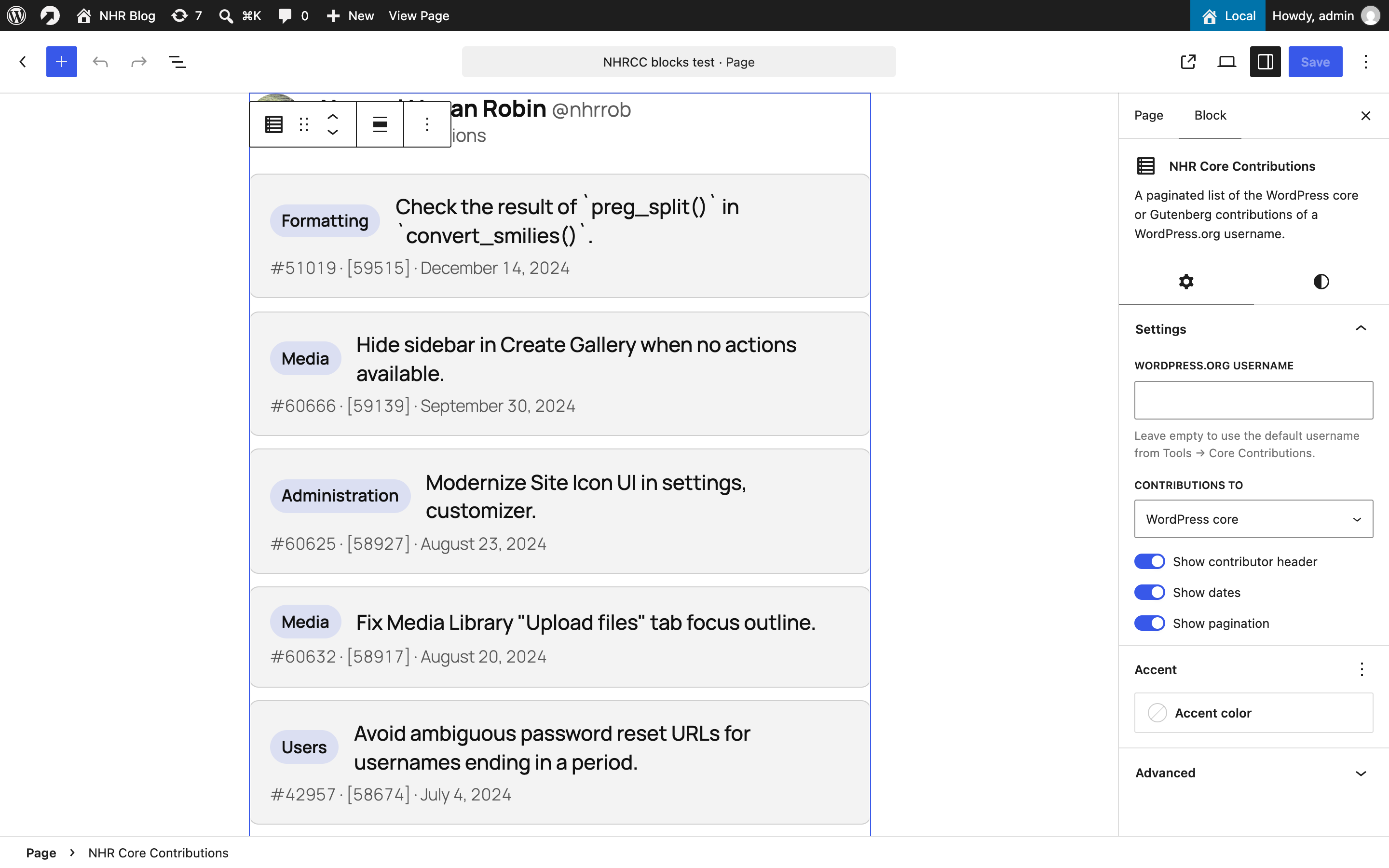
- NHR Core Contributions: a paginated list of every core changeset that gives you props, with component, ticket, changeset and date. Switch it to Gutenberg to list the Gutenberg commits that credit you. Three styles: Default, Minimal and Timeline.
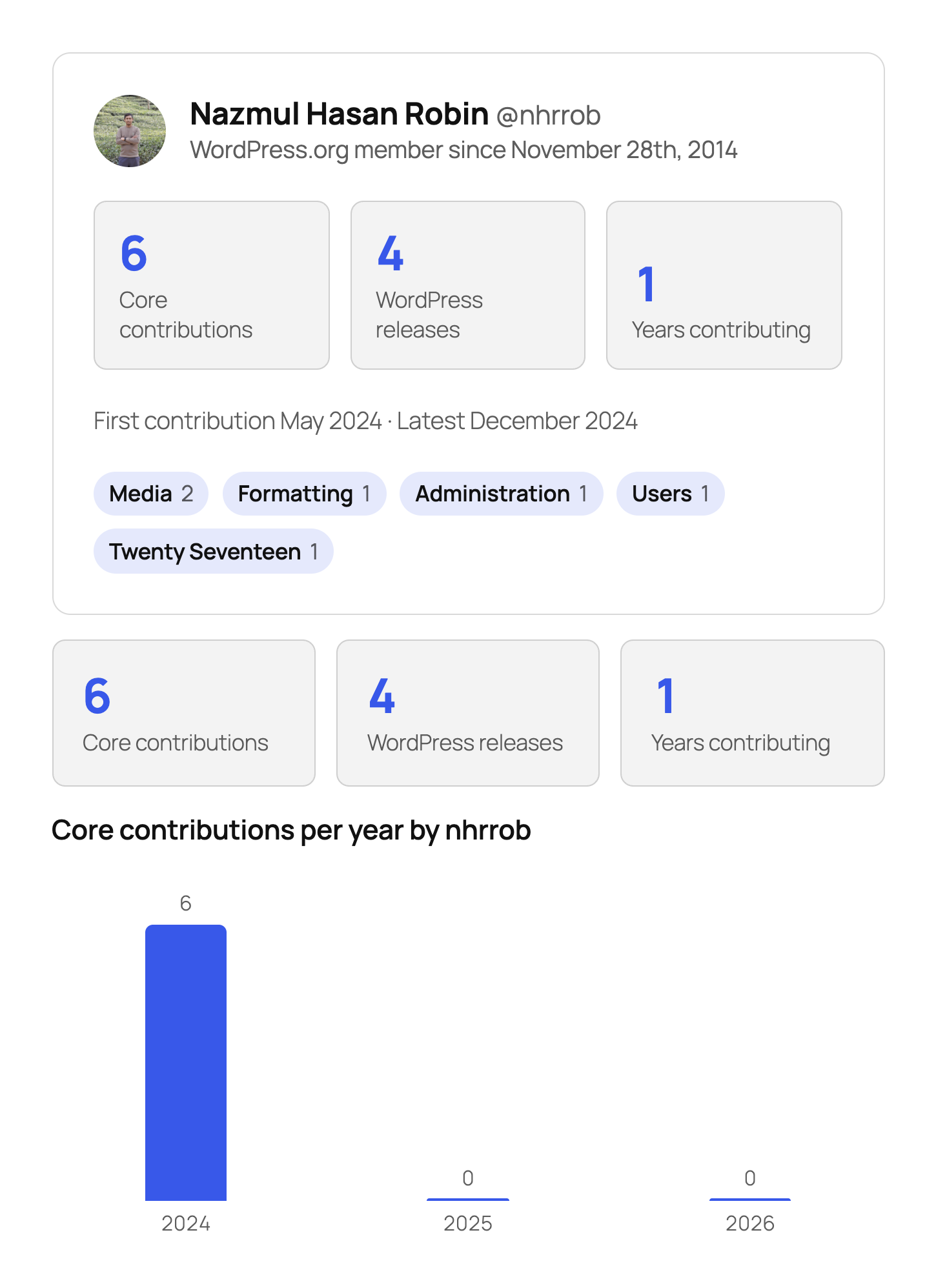
- Contributor Card: your name and avatar, headline numbers, first and latest contribution and your top core components.
- Contribution Stats: the headline numbers on their own.
- Contribution Activity: your core contributions per year as a bar chart.
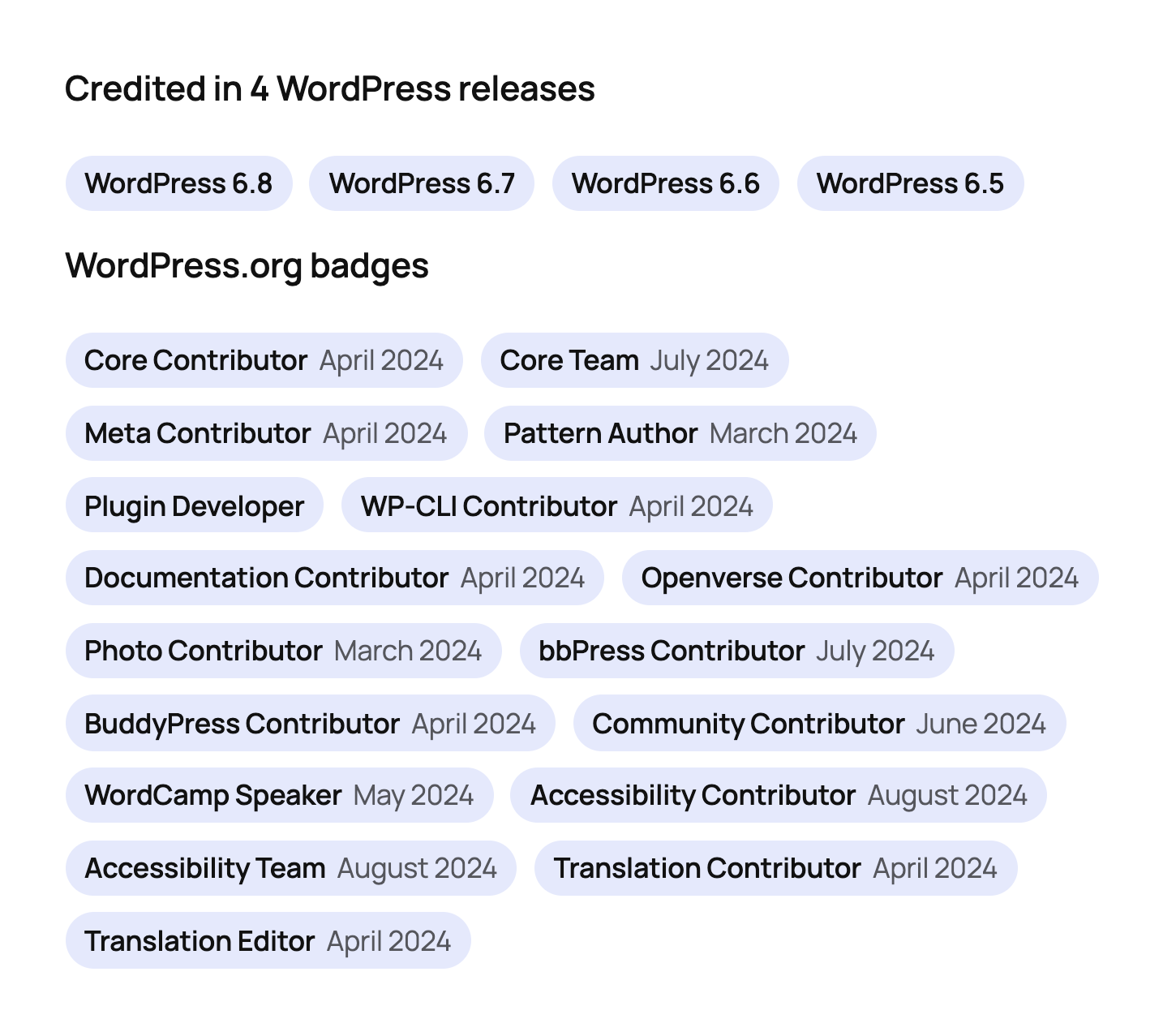
- Release Badges: every WordPress release whose credits include you.
- WordPress.org Badges: your profile badges, such as Core, Documentation, Polyglots (translation), Meta, Accessibility and WordCamp speaker or organizer.
- Plugins and Themes: the plugins or themes you have published on WordPress.org, with installs and rating.
🧩 Built to fit your site
- Blocks follow your theme’s colors and typography and work in light and dark designs. Pick one accent color per block if you want.
- No JavaScript and one small stylesheet on the front end.
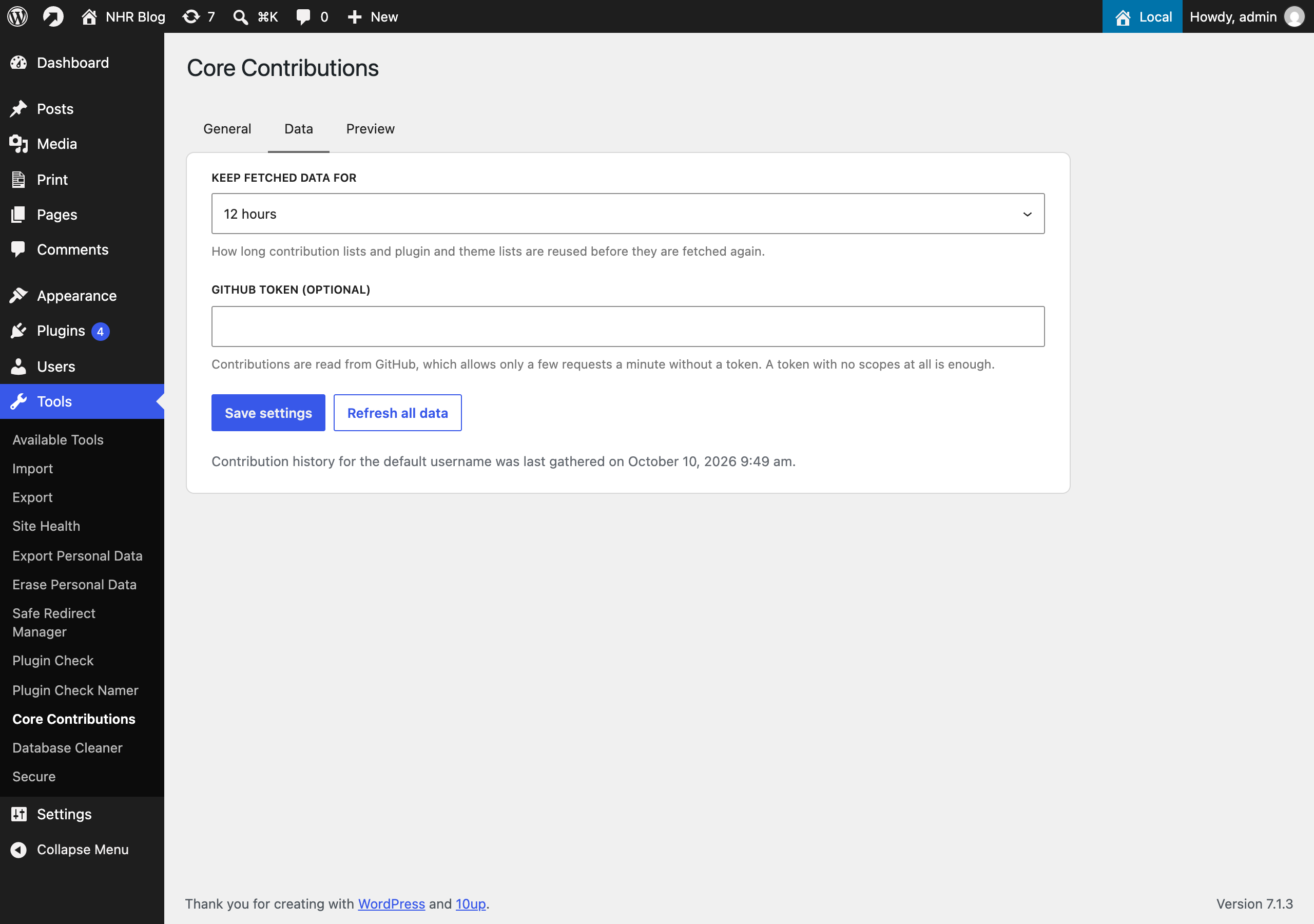
- A default username in Tools Core Contributions, or a different username per block.
- Data is cached. Per-year totals, top components and release credits are gathered in the background, never while a visitor waits.
- AI Agent & MCP Ready: on WordPress 6.9 and later, AI agents and MCP clients (through the WordPress MCP Adapter) can read the same data through five read-only abilities.
📦 Block Usage
- Open a post or page in the block editor.
- Add any of the blocks above. They are grouped under “NHR Core Contributions” in the block inserter, and searching for “nhr” or “contributor” finds all of them.
- Enter a WordPress.org username in the block settings, or leave it empty to use the default one.
- Publish.
External Services
The plugin fetches public contribution data for the WordPress.org username you enter. That username is the only data sent. Requests are made from your server when a block (or an AI ability) needs data that is not cached yet, and by a background task that gathers contribution history.
GitHub API (https://api.github.com/): lists the commits in the official WordPress core mirror (WordPress/wordpress-develop) and in WordPress/gutenberg that credit the username. If you save a GitHub token in the settings, it is sent to GitHub with these requests and to no one else.
– Terms of Service
– Privacy Policy
WordPress.org (https://api.wordpress.org/ and https://profiles.wordpress.org/): release credits, the plugins and themes published by the username, and the public profile page (display name, member-since date and badges). Plugin icons and theme screenshots are shown from WordPress.org servers (ps.w.org, ts.w.org), so a visitor’s browser requests them.
– Privacy Policy
Gravatar (https://secure.gravatar.com/): the contributor’s profile picture is shown from Gravatar, so a visitor’s browser requests it.
– Terms of Service
– Privacy Policy