

Naz Testimonial Carousel & Grid Block
v1.0.0Nazmul Huda · 2025年11月22日 上架
A customizable Gutenberg block to display testimonials in grid or carousel layout.
- 正在使用
- 10 以下
- 评分
- 暂无
- 累计下载
- 396
- 最近更新
- 2025年11月22日
贡献者
 Nazmul Huda
截图
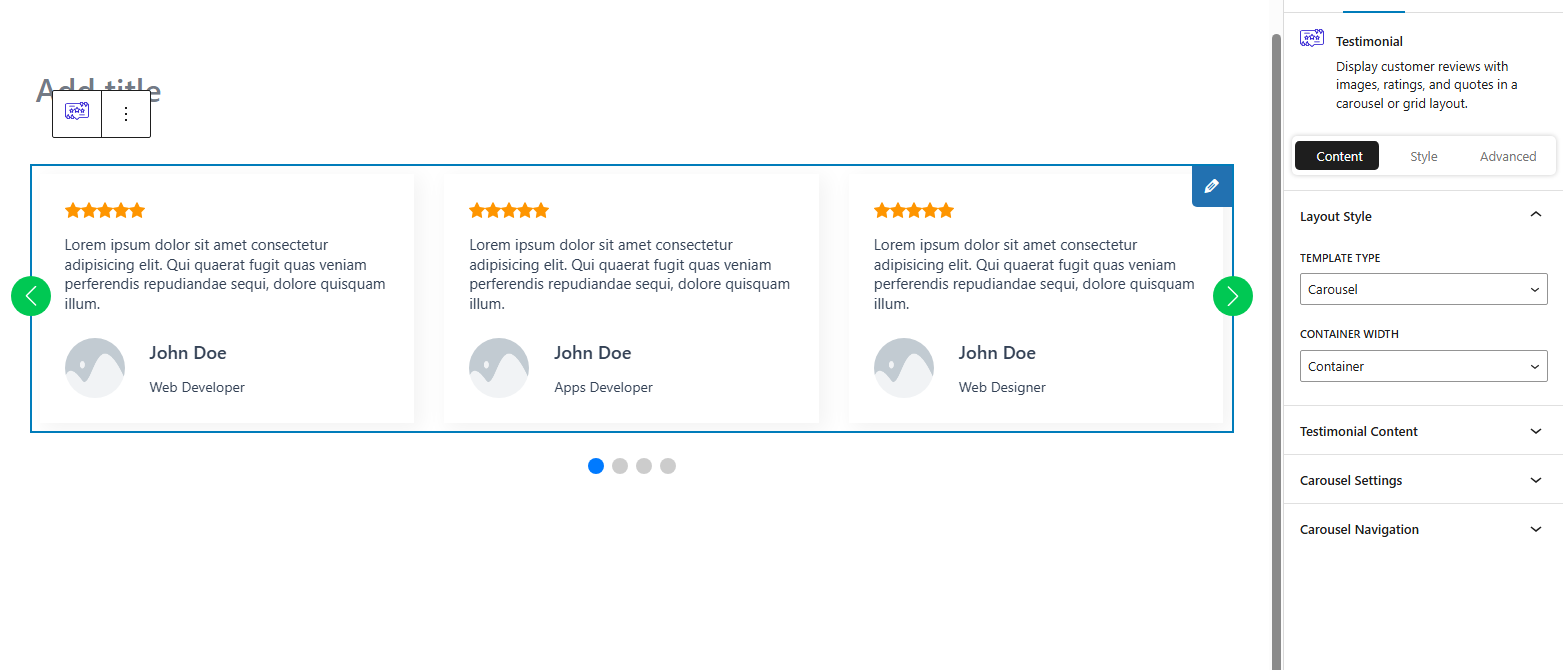
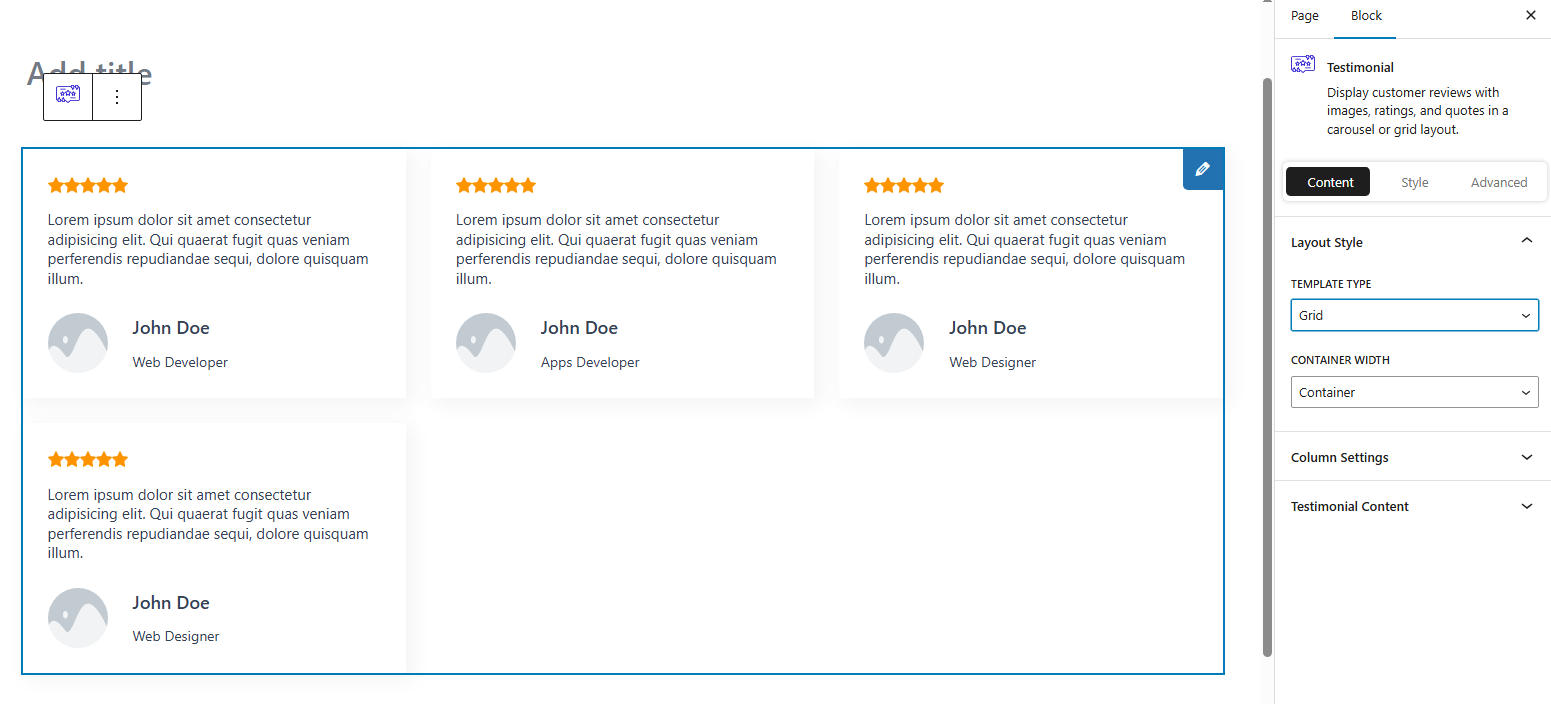
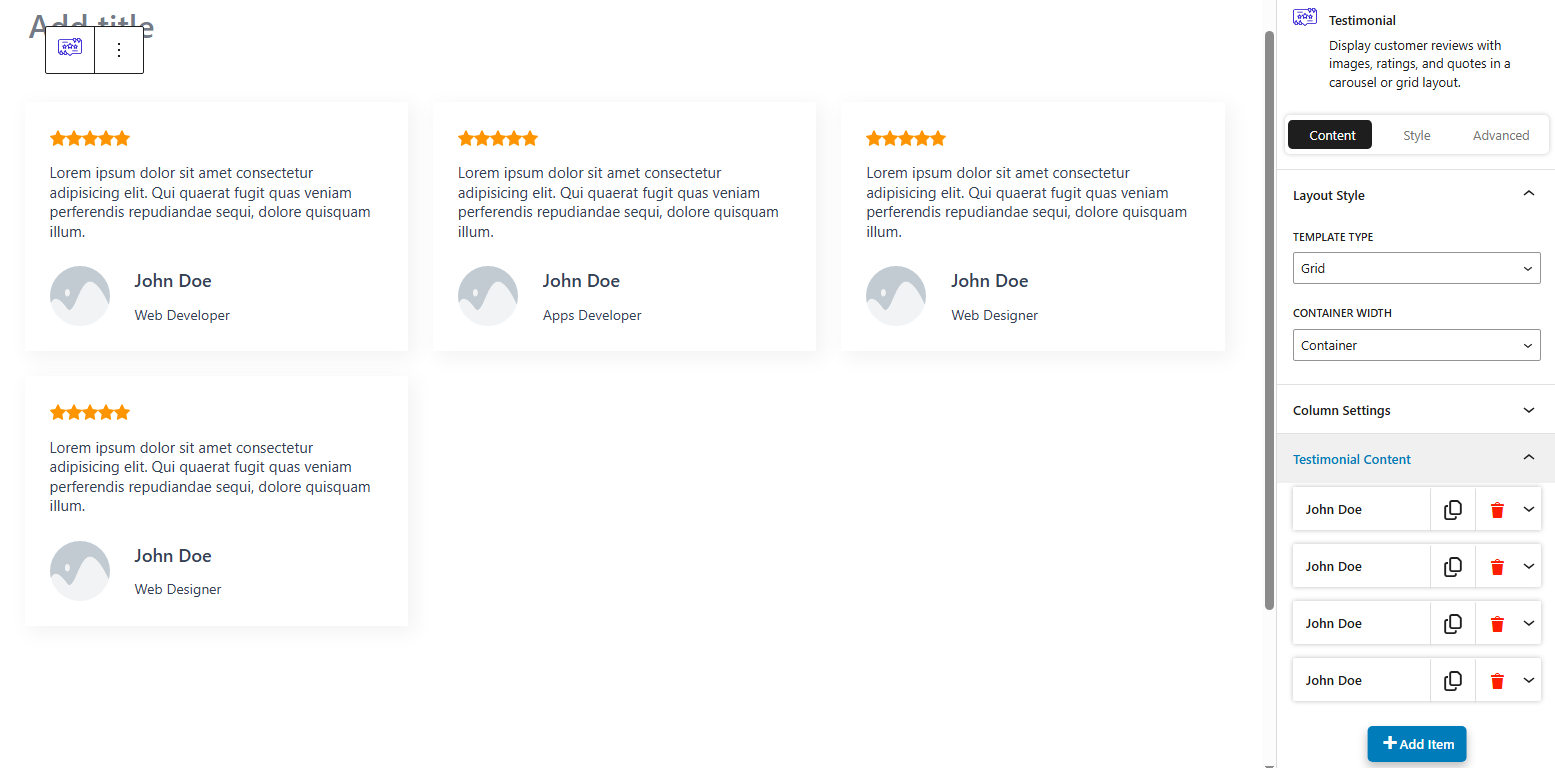
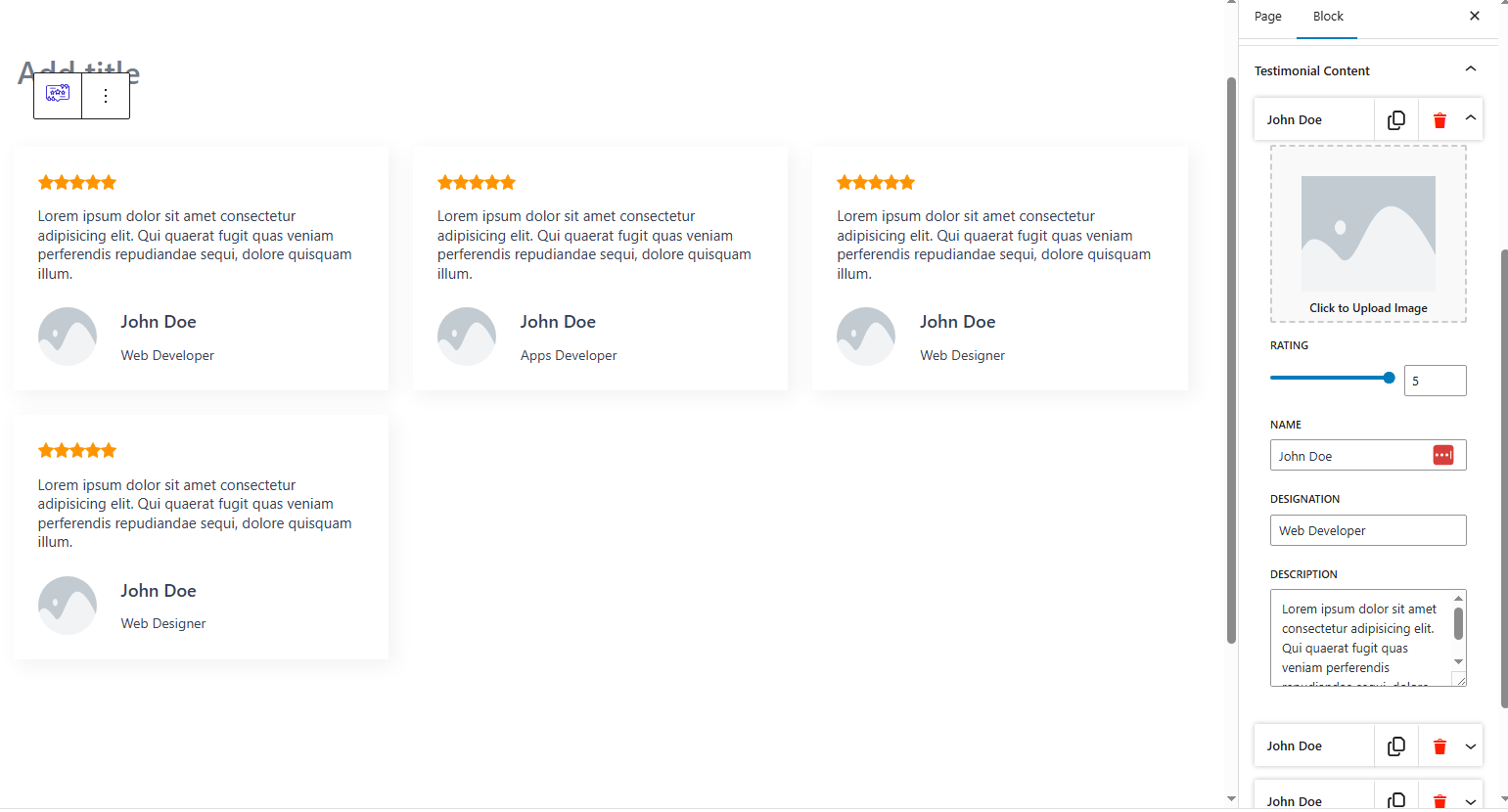
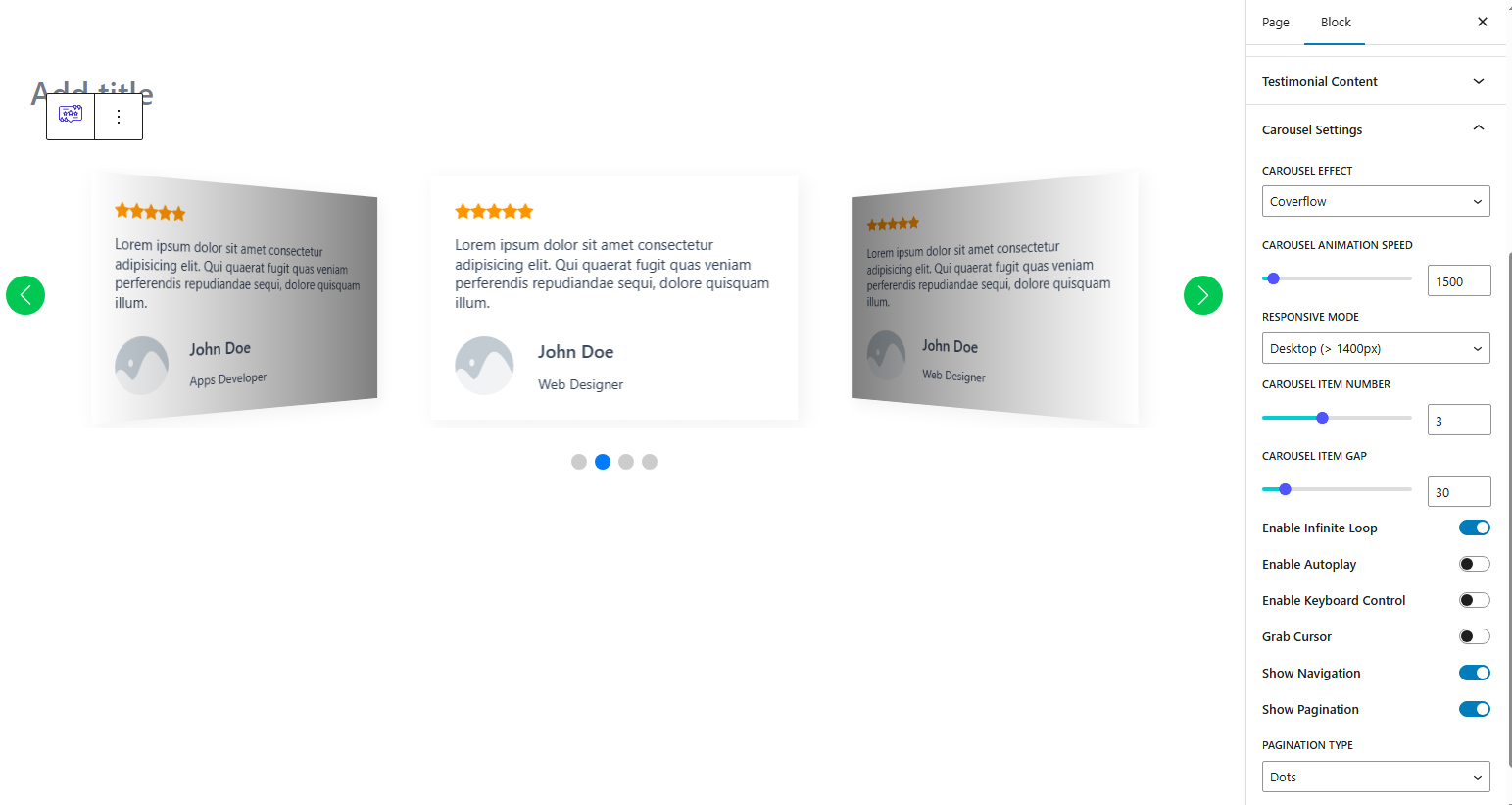
** Naz Testimonial Carousel Grid Block** is a lightweight and powerful Gutenberg plugin that lets you easily display your client testimonials. With fully customizable grid and carousel layouts, responsive controls, and flexible styling options, you can Carousel Grid your team and testimonials beautifully on any device.
Features
-
Layouts: This block is enriched with grid, carousel
-
Container Width: You can customize the custom container width for a responsive design.
-
Responsive Column: Get column number, column gap, row gap to customize.
-
Style: Customize all content styles with responsive options for padding, margin, and font size.
-
Responsive Control: Responsive control has been implemented to enhance flexibility.
-
Animation: Over 53+ animation effects have been integrated.
-
Custom Css: You have the option to include custom CSS.
-
Naz Testimonial Carousel Grid Block
Using Build Tools (npm and webpack)
To modify or rebuild the plugin using npm and webpack, follow these steps:
- Install Node.js and npm on your system if not already installed.
- Navigate to the plugin directory in your terminal.
- Run
npm installto install dependencies listed in package.json. - Make your desired modifications to the source code.
- Run
npm run buildto compile and bundle the code using webpack. - The compiled code will be available in the designated build directory for use.
Build directory
naz-testimonial-carousel-grid\build\blocks\index.js
From WordPress.org
- Download Testimonial Carousel Grid Blocks for Gutenberg
- Upload the ** Testimonial Carousel Grid Blocks** folder to the /wp-content/plugins/ directory
- Activate ** Testimonial Carousel Grid Blocks for Gutenberg** plugin from your plugins page