

Name Directory
v1.34.3Jeroen Peters · 2013年11月8日 上架
Name directory (glossary) with many options like multiple directories, integrated search, non-latin characters, recaptcha, HTML editor and many more.
- 正在使用
- 2,000+
- 评分
- 4.9 / 5
- 累计下载
- 17 万
- 最近更新
- 2026年11月4日
贡献者
 Jeroen Peters
截图


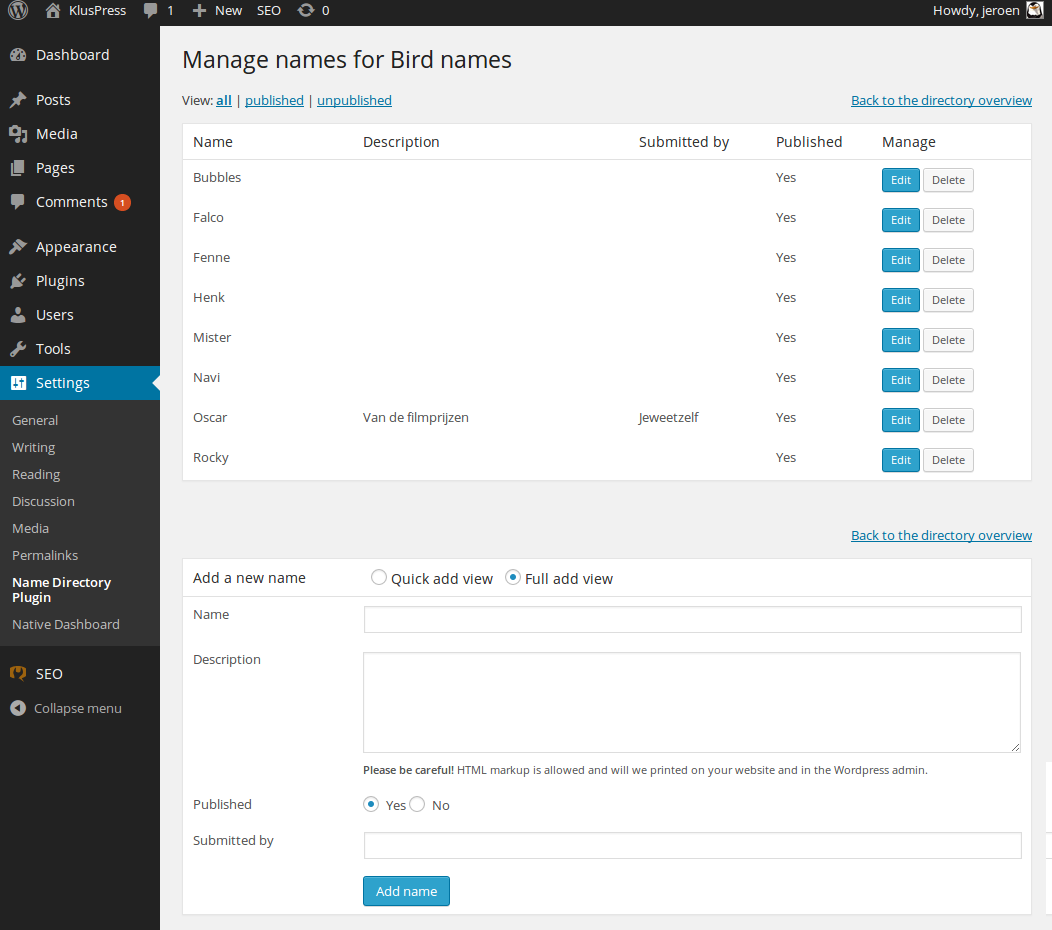
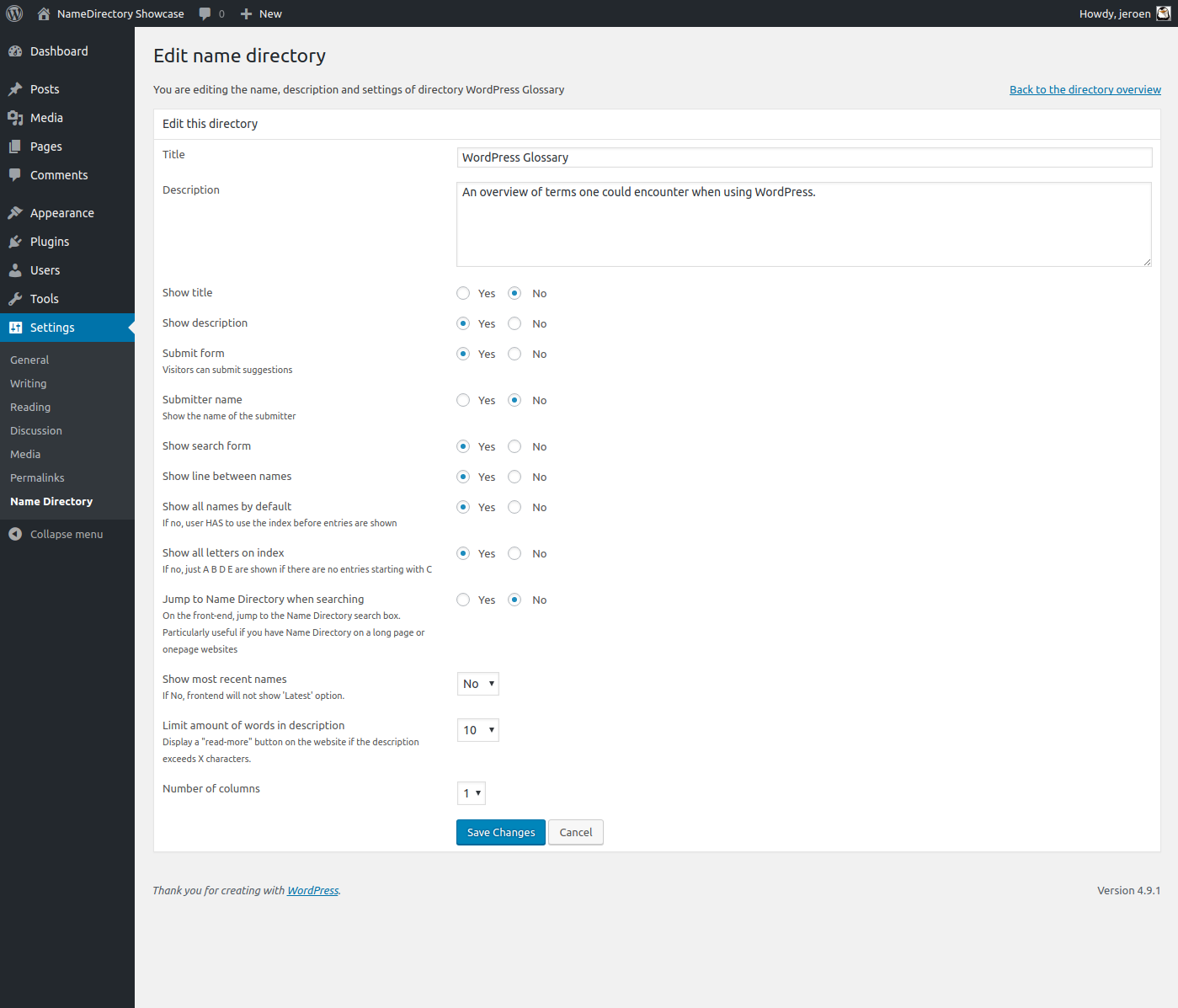
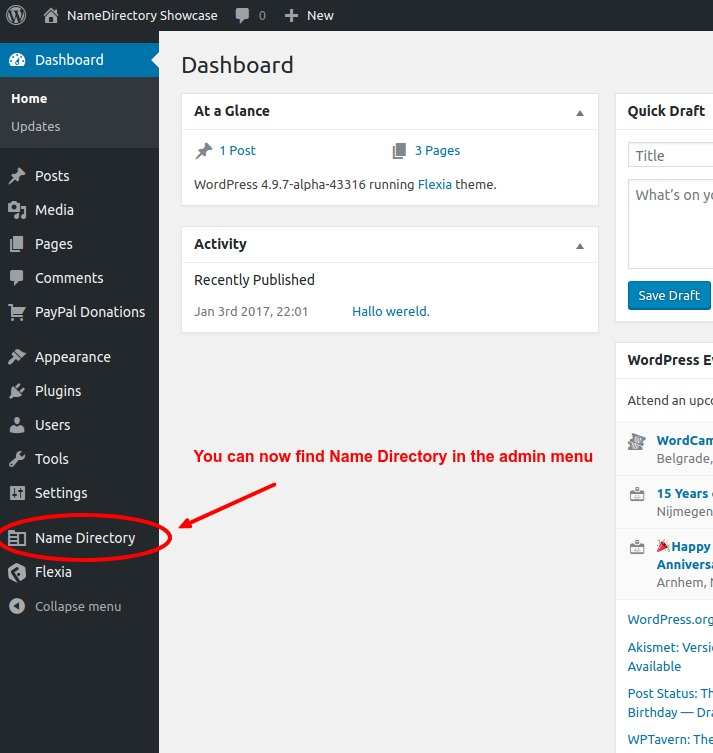
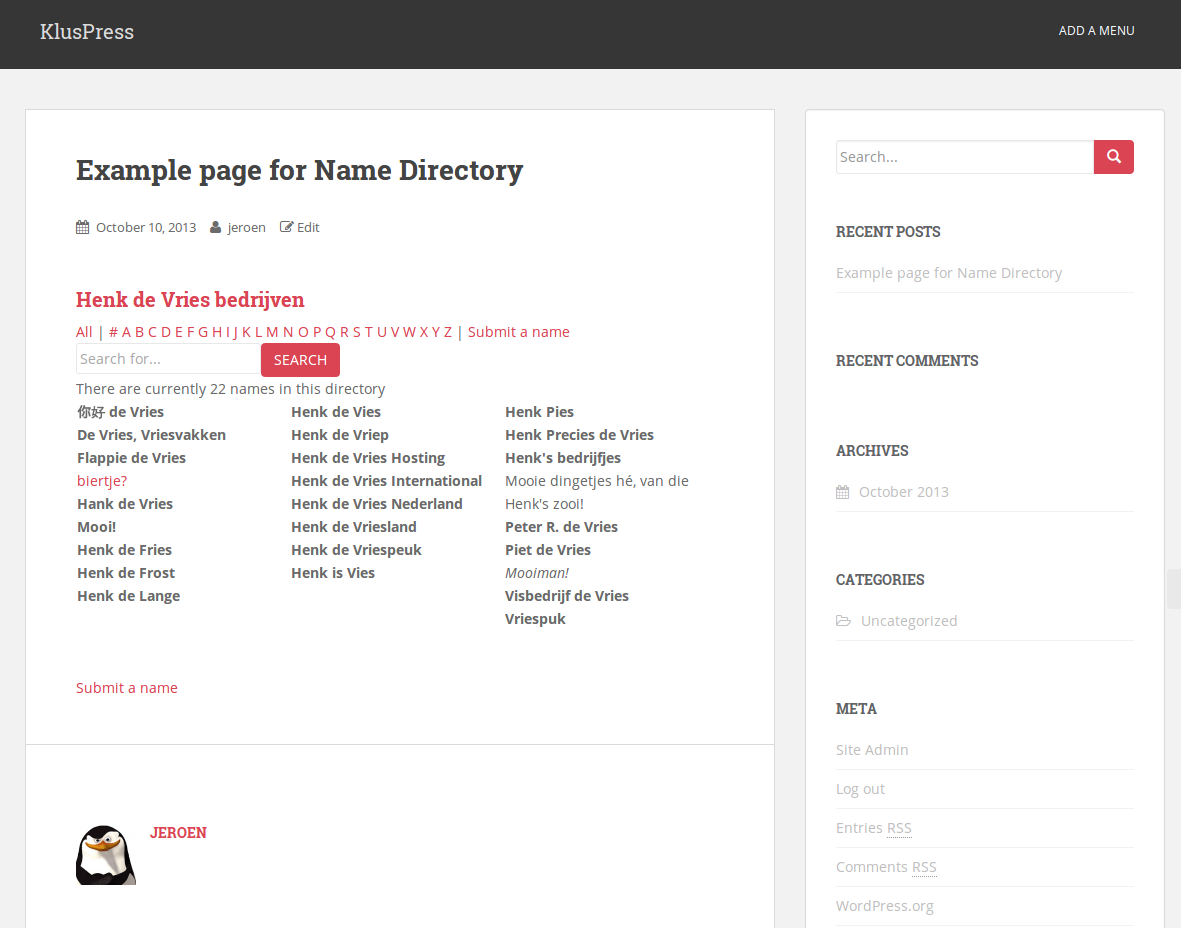

Name Directory: Build your own glossary!
This plugin adds name/term directories (glossaries) to your WordPress installation.
The output on your website is like a glossary/index, including a search function.
This plugin supports multiple directories in one WordPress installation.
I recommend you to take a look at the screenshots, they illustrate more than words.
The Name Directory plugin was originally developed for ParkietenVilla.nl to show a directory of names to name your budgies.
Create multiple directories and customize them!
You can create multiple directories with this plugin.
Every directory can be embedded with a very simple shortcode which you can just copy-and-paste
in your own pages and posts. Every directory has a few configuration options that customize
the layout and functionality of the directory:
- Show/Hide title
- Show/Hide description
- Enter the subject of the directory (i.e.: movies, birds, countries, names)
- Show/Hide suggestion form
- Show/Hide submitter name
- Show/Hide search function (searches names/titles and description)
- Show/Hide a horizontal rule between the entries
- Show/Hide all entries when the user has not chosen an index-letter yet
- Show/Hide the newest entries (and choose an amount of newest entries to show)
- Choose the amount of columns to display
- Whether to jump to the name directory when a visitor is using the search box (for onepage websites)
- When you embed a directory, you can configure it to start with a letter of your choosing. E.g.: start on letter J.
- You can limit the amount of words in the description (and display a “Read more” link which reveals the rest of the text
The administration view of this plugin has the familiar look and feel of (the rest of) the WordPress Administration panel.
I have done my best to enable some AJAX-features in the administration panel, so you can work efficiently while adding new entries.
Since v1.7 and v1.8, simple import and export functionality is also supported through .csv-files.
This plugin is also tested compatible with:
* the popular Members plugin which makes role permissions easy
* Relevanssi plugin, the better search plugin
Try the plugin without installing it yourself.
Do you want to try Name Directory instantly? Thanks to TasteWP, you can start with an empty demo-site, just for you!
Also, it’s free.
Click here to create the instant demo-website with Name Directory installed.
Embed the directory in the WordPress default search engine
When you go to the General Settings of the plugin, you can enable WordPress search compatibility.
This will include the pages who have a matching entry of Name Directory in the search results
Language support
Do you want Name Directory to be available in your language?
Please help us translate!
You can translate directly by going to https://translate.wordpress.org/projects/wp-plugins/name-directory,
login with your WordPress account and click Select your language and click ‘Contribute Translation’.
Support
If you like this plugin and want to support and/or thank me, please buy me a coffee.
References
We are proud to be featured on:
– WordPress tutorials
– Kinsta: The best Directory plugins (no. 7)
– WPBeginner: Best Directory plugins (no. 5)
– QuadLayers: Best Directory Plugins (no. 3)
– ThemeGrill: Business Directory Plugins (no. 6)
– WP Wax: Best Directory plugins
Thank you
Thank you to the few who have donated to me already, or bought a custom version of Name Directory.