Chatics – AI Chatbot Widget for WordPress (n8n Powered)
v1.0.3Apselo · 2025年8月26日 上架
Add a customizable AI chatbot widget to WordPress that connects to any n8n webhook. Build AI support, lead capture, and automation chat with no code.
- 正在使用
- 200+
- 评分
- 5.0 / 5
- 累计下载
- 5,549
- 最近更新
- 2026年6月22日
贡献者
 Apselo
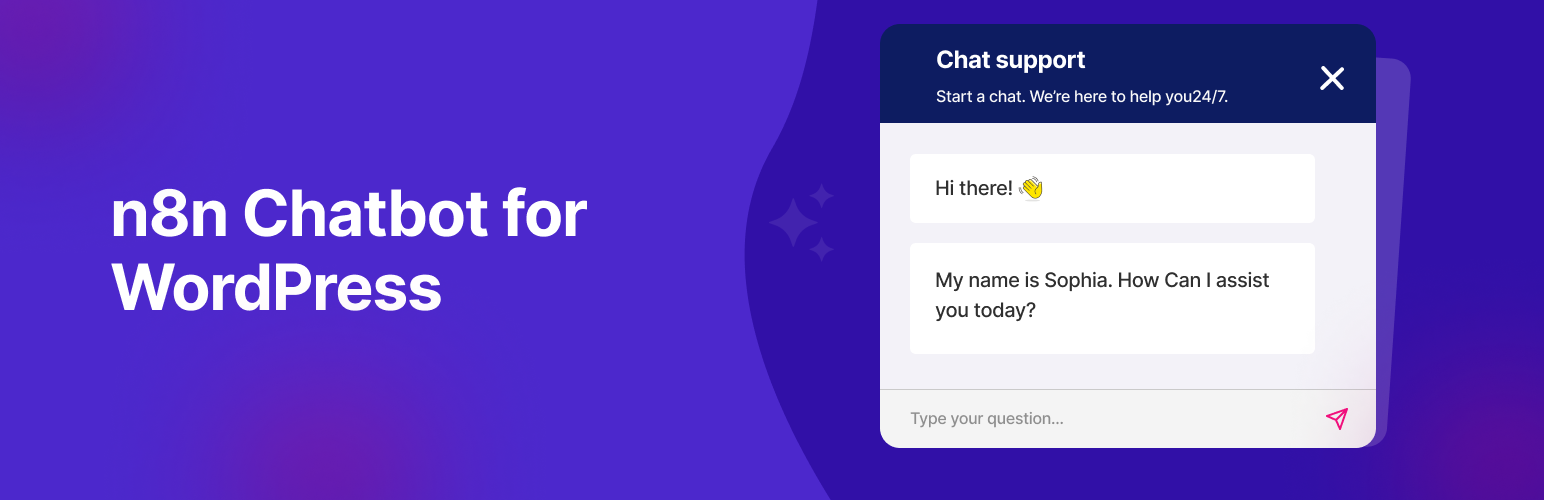
Chatics is a free WordPress plugin that adds a customizable AI chatbot widget to your website and connects it to your n8n workflows through a public webhook. With Chatics you can launch an AI-powered chat assistant, customer support bot, or lead-capture widget in minutes without writing a single line of code.
The chat widget floats on every page and talks directly to the conversational logic you build in n8n, so you stay in full control of your AI agent, data, and integrations.
View the Chatics homepage » | Get support »
What can you build with Chatics?
- AI customer support chat: answer questions 24/7 using OpenAI/GPT agents via n8n
- Lead capture & CRM bots: push leads to FluentCRM, Pabbly, HubSpot, or Google Sheets
- Booking & appointment assistants: let AI handle scheduling
- Automation-driven assistants: trigger emails, webhooks, and external APIs from chat
- Workflow orchestration: connect chat to any tool n8n supports
Why choose Chatics?
Most chatbot plugins lock you into one AI provider or a paid SaaS backend. Chatics is different: it is a lightweight, open bridge between WordPress and your own n8n workflow, so you decide which AI model runs, where your data goes, and how the conversation behaves. It is free, translation-ready, and built to stay out of your way.
✨ Key Features
- Embed any public n8n webhook into your site
- Upload a custom SVG or PNG chat icon
- Choose button position (left or right)
- Set your own chat title and widget color
- Adjust the zoom level of the chat iframe
- Full-screen mode for an immersive chat experience
- Show or hide the chat header
- Use the WordPress media uploader for icon selection
- Default fallback icon included
- Display the chatbot only on selected days and working hours
- Clean, fast, and easy to configure
- Translation-ready (.pot file included)
How to Get Your n8n Chat URL
- Set up a workflow in n8n using the Chat Trigger node.
- Connect it to an AI agent or OpenAI/GPT node.
- Enable “Make Chat Publicly Available” in the trigger node.
- Set the mode to “Hosted Chat” (recommended).
- Copy the Webhook URL and paste it into the plugin settings.