
My Account navigation to menu
v1.0.0.0MohammadJafar Khajeh · 2026年7月10日 上架
Edit the items shown on the WooCommerce My Account page using a regular WordPress navigation menu.
- 正在使用
- 10 以下
- 评分
- 暂无
- 累计下载
- 306
- 最近更新
- 2026年7月11日
 MohammadJafar Khajeh
截图
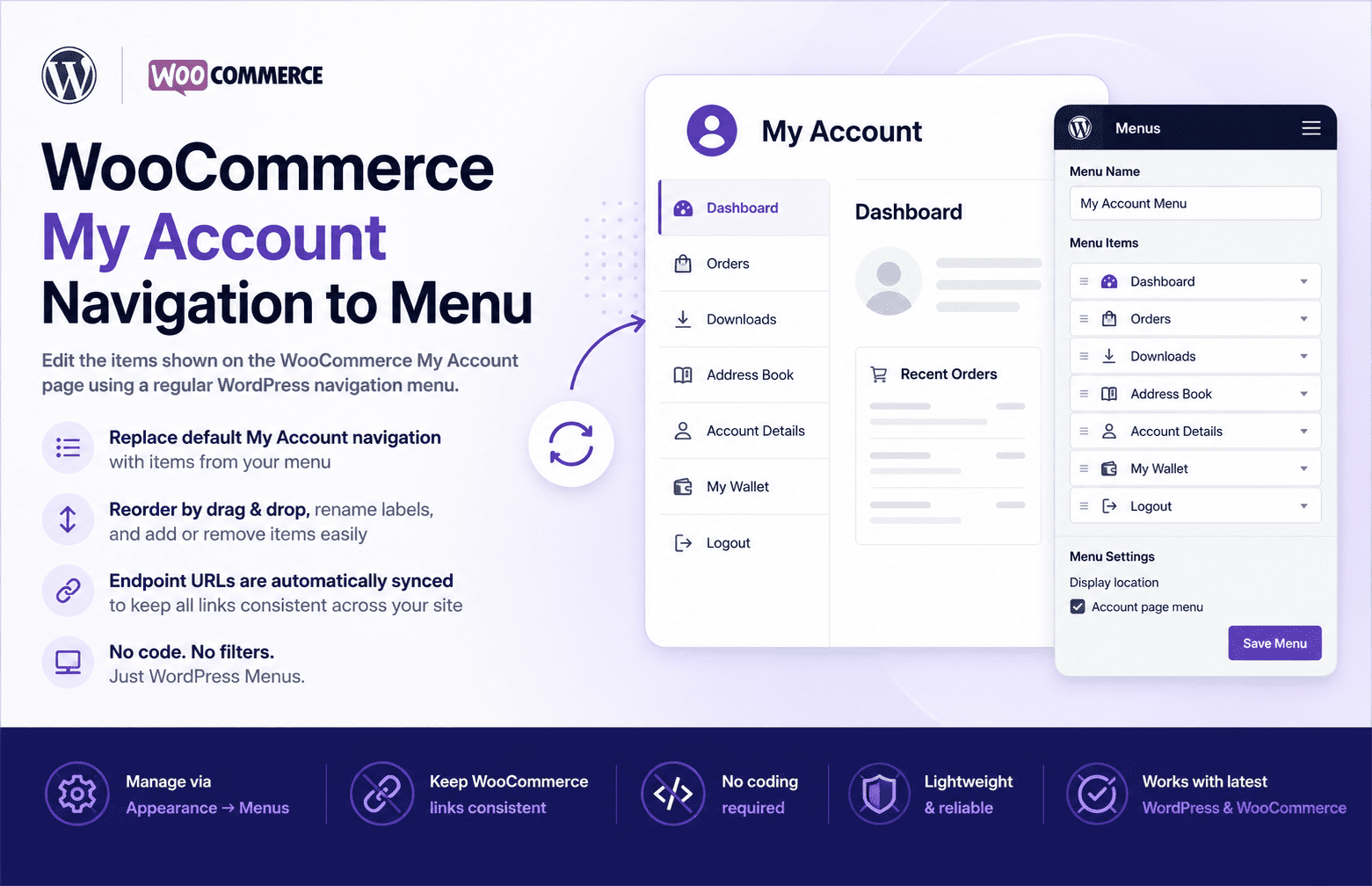
By default, WooCommerce builds the My Account page navigation (Orders, Downloads, Addresses, Account details, Logout, etc.) from its own internal list, and customizing it normally means writing PHP filters.
This plugin registers a dedicated WordPress menu location called Account page menu. Once you assign a menu to that location, the plugin:
- Replaces the default My Account navigation items with the items from your menu (using the menu item’s title and URL).
- Rewrites WooCommerce’s internal endpoint URLs so they match the URLs defined in your menu.
This means you can manage the My Account navigation the same way you manage any other menu on your site — via Appearance Menus — including reordering items by drag-and-drop, renaming labels, and adding or removing entries.
If no menu is assigned to the Account page menu location, the plugin has no effect and WooCommerce’s default My Account navigation is used as-is.
Requirements
- WordPress 5.8 or later
- PHP 7.4 or later
- WooCommerce (active)