

Multiple Range Slider For Gravity Form
v1.0silverplugins217 · 2022年9月30日 上架
Add beautiful, customizable range slider fields to your Gravity Forms — single, double edge, and custom label sliders included.
- 正在使用
- 80+
- 评分
- 5.0 / 5
- 累计下载
- 3,545
- 最近更新
- 2026年6月29日
贡献者
 silverplugins217
截图


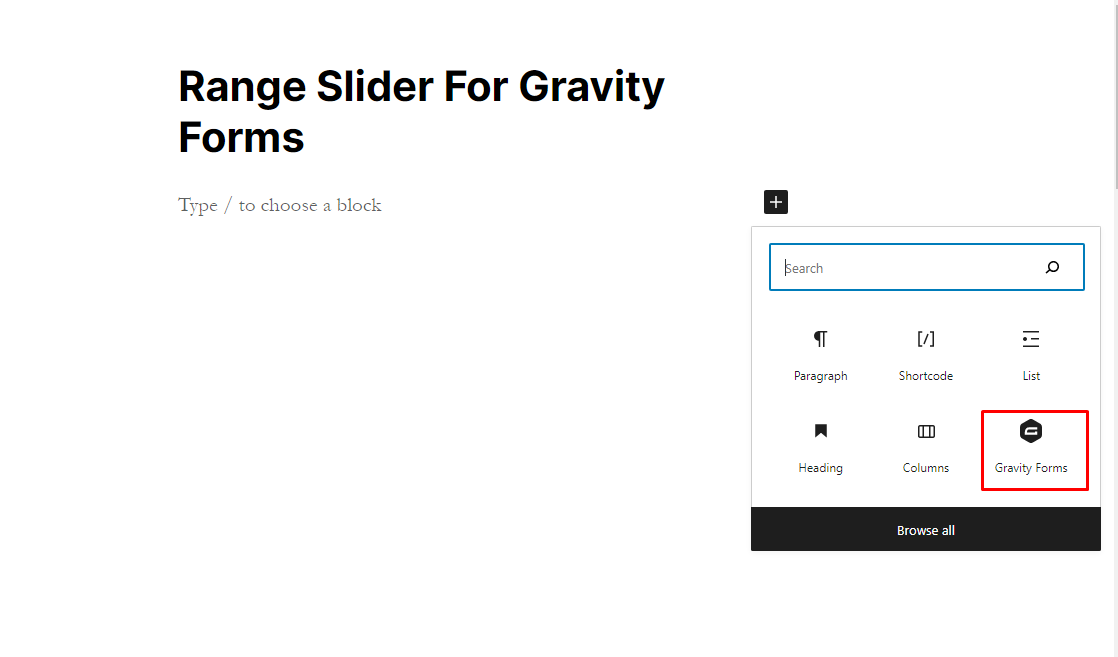

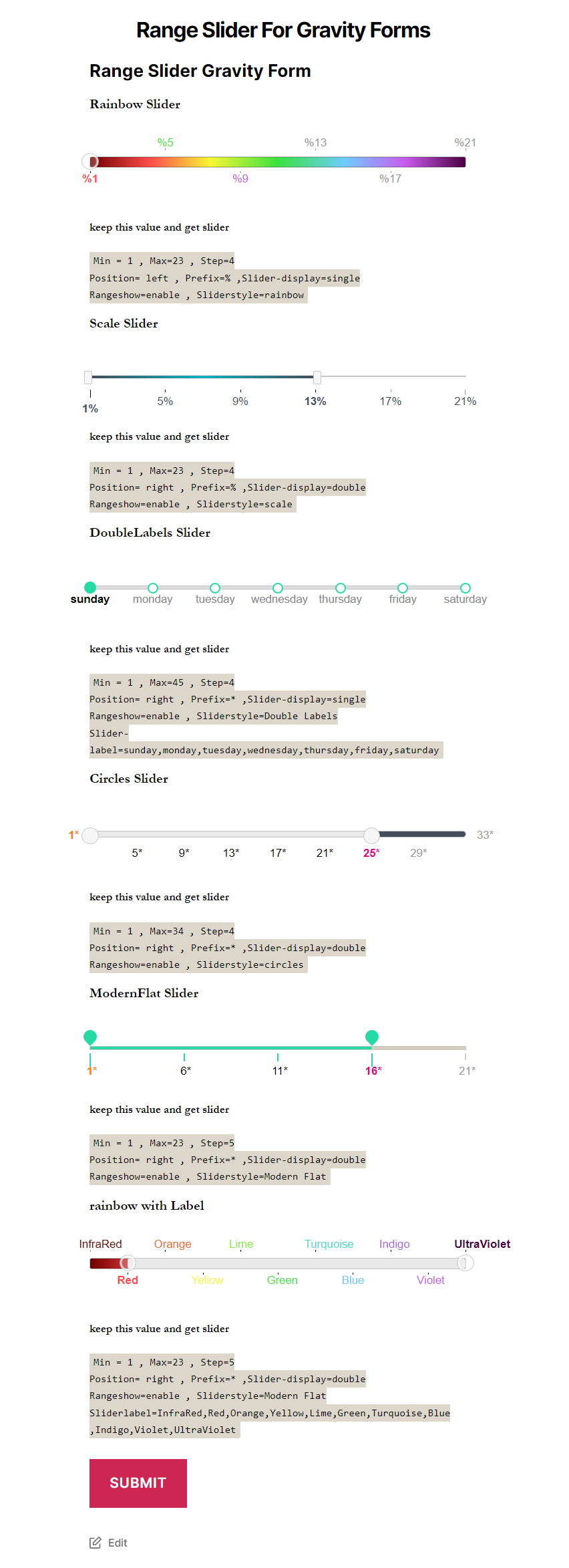
Multiple Range Slider for Gravity Form adds a powerful and flexible range slider field type to Gravity Forms. It’s perfect for letting users select a price range, budget, age, quantity, date range, or any other numeric value — all with a smooth, interactive slider instead of a plain text input.
The plugin adds new slider field types directly inside the Gravity Forms editor, so setup is quick and familiar. You can configure minimum and maximum values, step increments, tooltip positions, prefix labels, and custom slider styles — all without writing a single line of code.
Common use cases include price range filters, budget selectors, age or year range pickers, satisfaction rating scales, and quantity selectors.
Free Features
- Easy to Use — Slider fields are added directly inside the Gravity Forms field editor, just like any other field.
- Single Edge Slider — Let users select a single numeric value with a draggable handle.
- Double Edge Slider — Let users select a range between two values (e.g. min price to max price).
- Custom Label Slider — Replace numeric values with custom labels (e.g. Sunday, Monday, Tuesday).
- Step Control — Set the increment step size for the slider (e.g. steps of 10, 50, 100).
- Min & Max Values — Define the minimum and maximum allowed values for single and double edge sliders.
- Prefix on Values — Add a prefix to displayed values (e.g. $ or €).
- Multiple Slider Styles — Choose from several visual slider styles to match your site design.
- Multiple Tooltip Positions — Control where the value tooltip appears relative to the slider handle.
- Cross-Browser Compatible — Works correctly in all major browsers including Chrome, Firefox, Safari, and Edge.
- WPML Compatible — Fully compatible with WPML for multilingual WordPress sites.
Pro Features
Upgrade to the Pro version for additional customization options:
- Prefix Position — Choose whether the prefix appears on the left or right side of the value.
- Enable / Disable Slider Range — Programmatically enable or disable the slider range display.
🌟 Get Pro | 🌟 Documentation | 🌟 Demo | 🌟 Support
Requirements
- WordPress 5.5 or higher
- Gravity Forms plugin (installed and active)